
230-0012-01-0
mini-max
Model
4K presentation and streaming in a single device
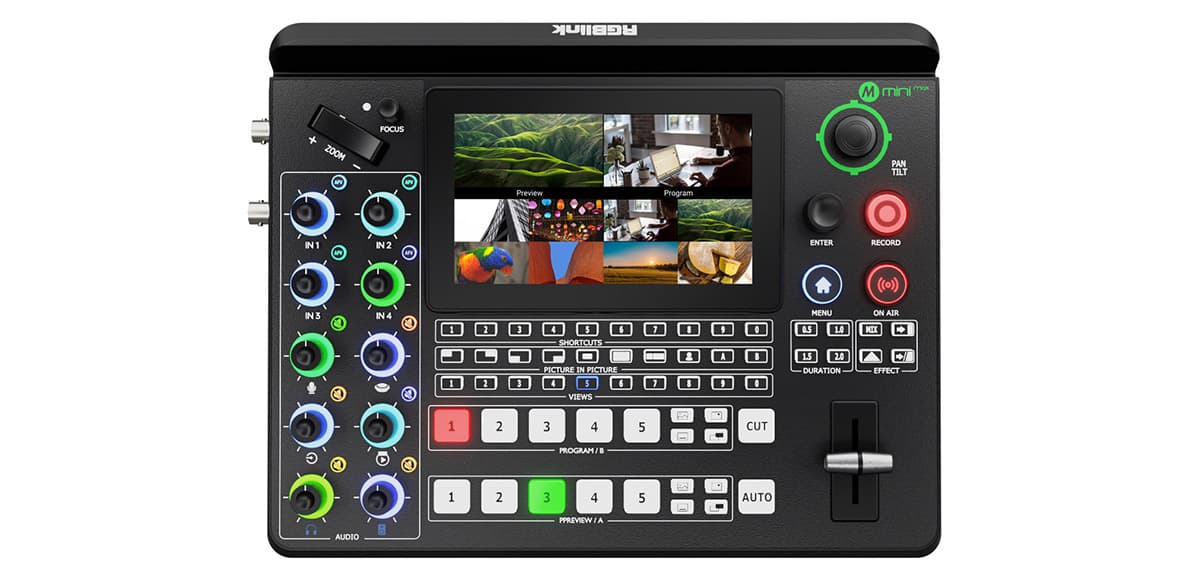
Product Overview
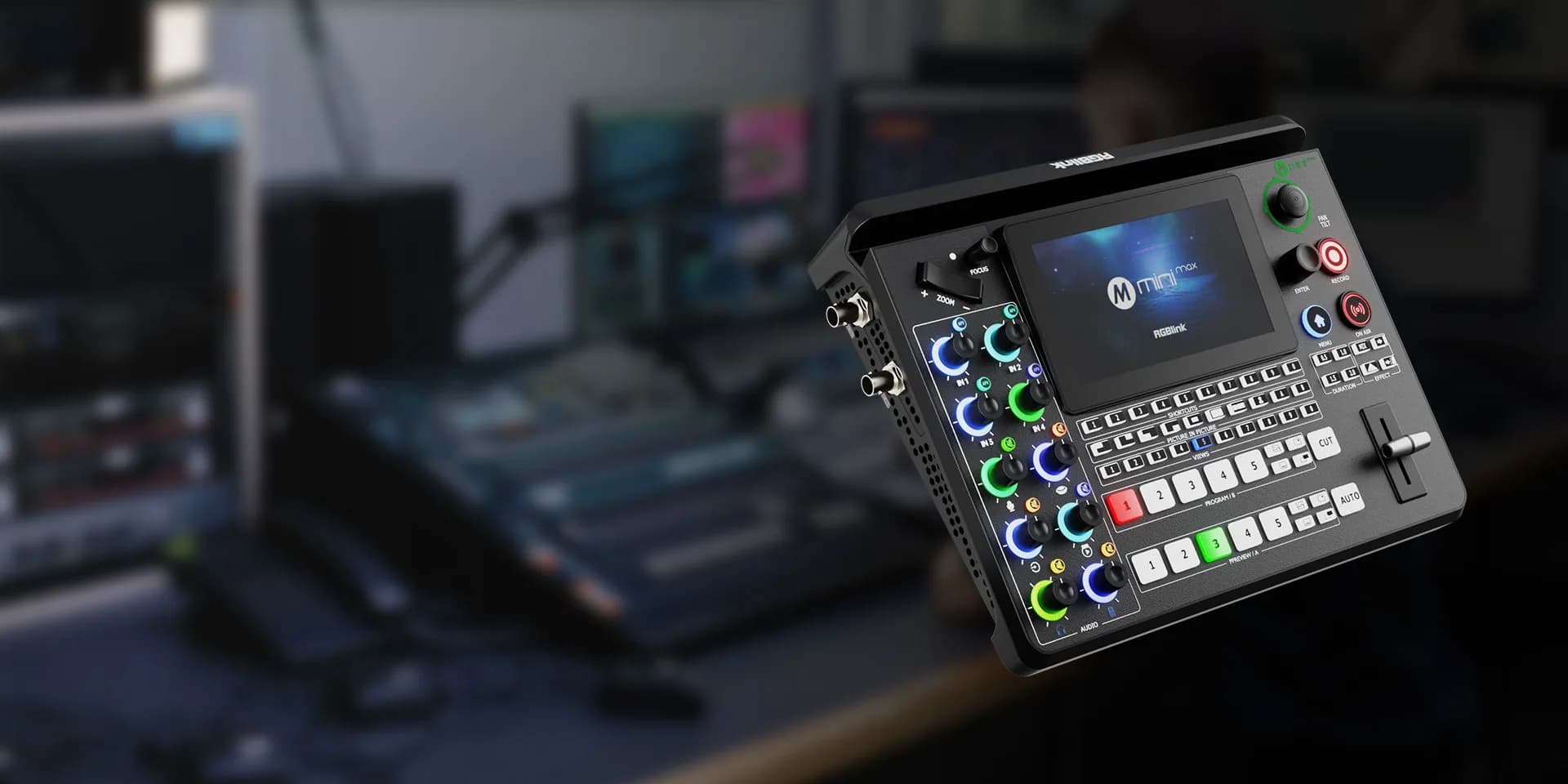
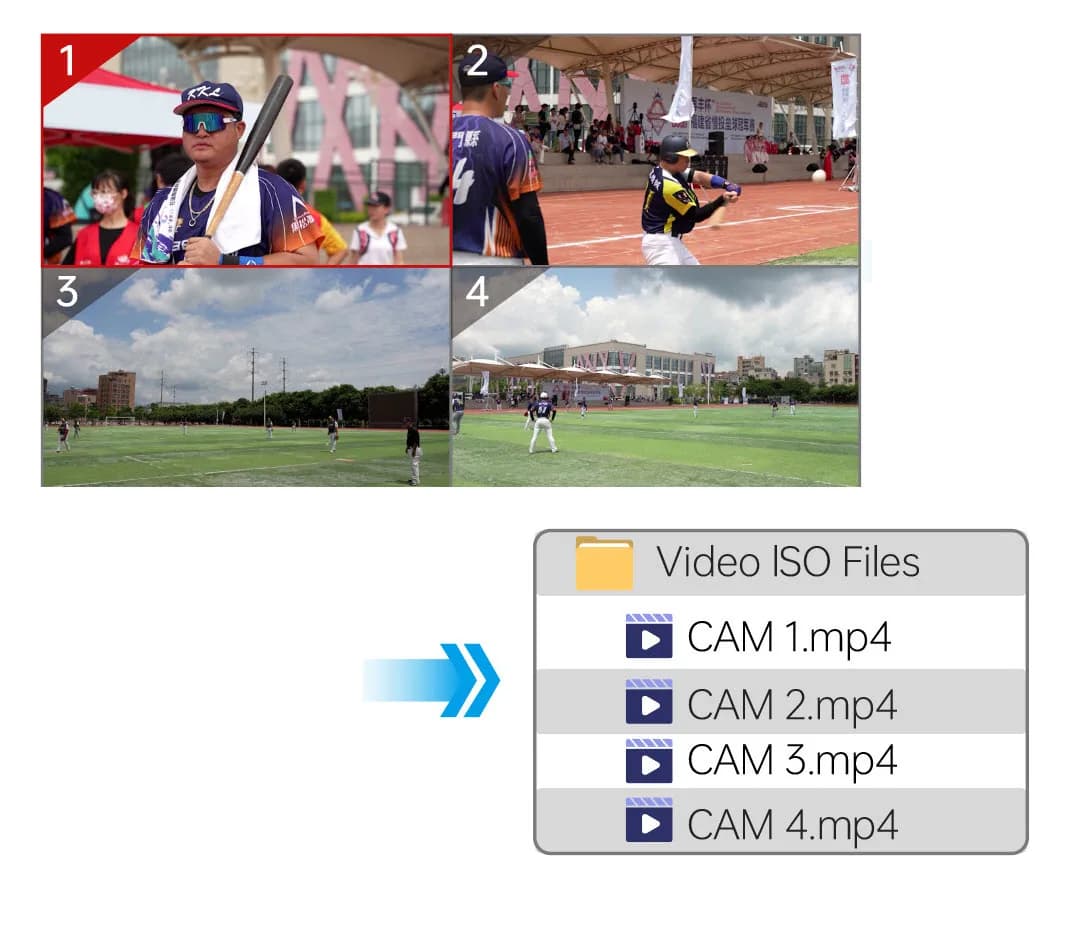
Record up to four 2K60 signals, 2 4K30 signals or a single 4K60 signal*
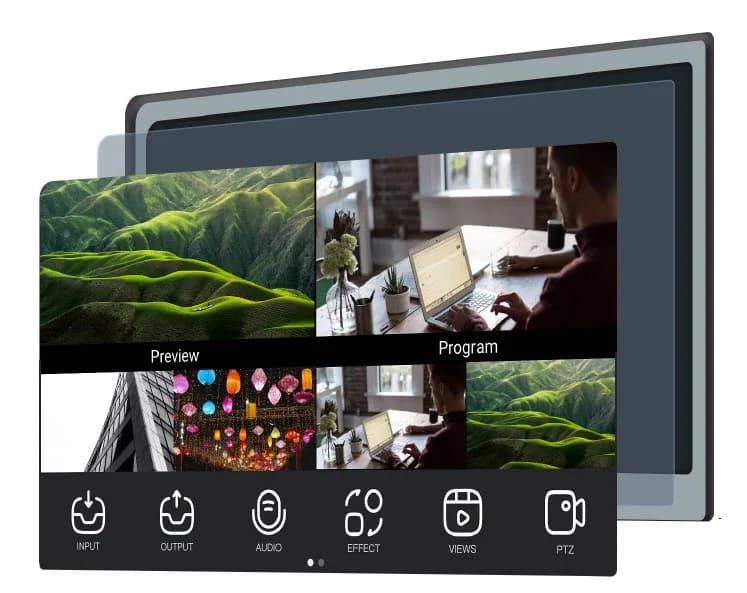
Preview interactively from the onboard touch screen. Choose video sources and layer overlays, and build presets directly from the front panel. Go big and see the PVW via a monitor connected to the multi-view 2K HDMI port
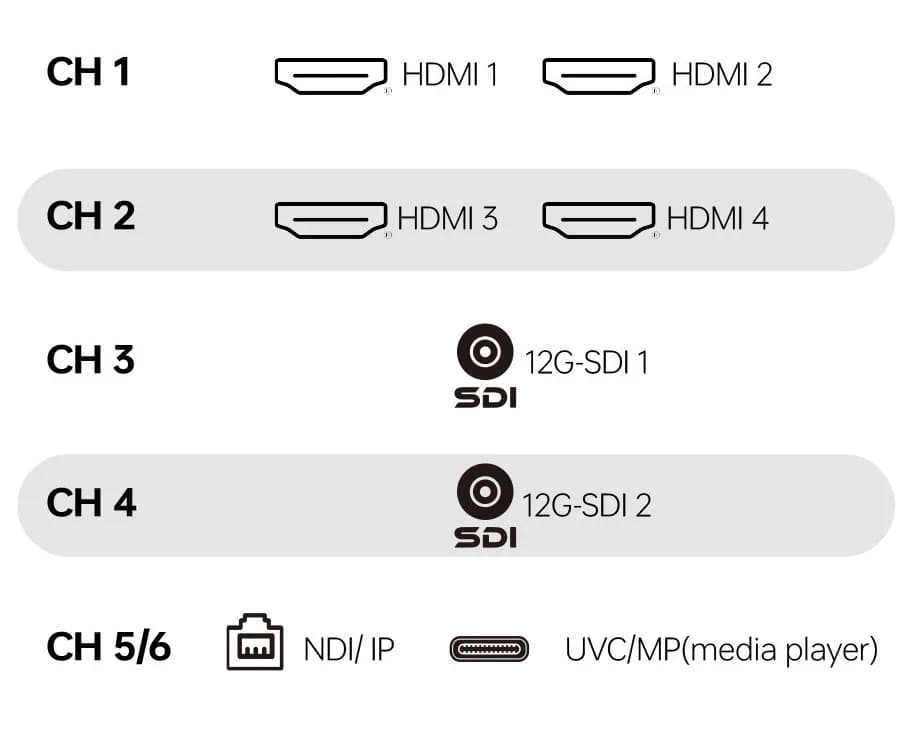
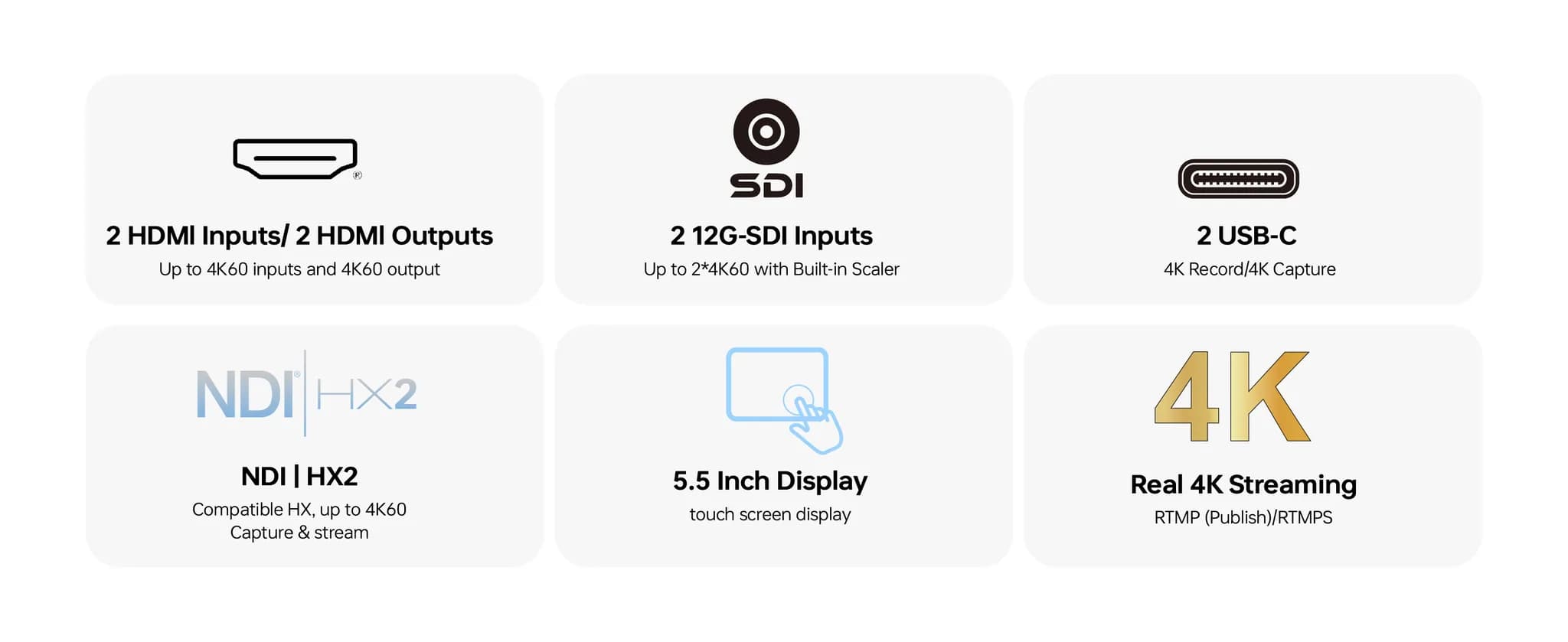
mini-mx embraces sources from across the spectrum. With HDMI 2.0, 12G-SDI, NDI HX as well as UVC/MP4 video all able to be utilized. Bring a UVC source such as USB webcams/meeting room camera directly into the visual workflow. Have pre-recorded media, play that back on the same device with all the controls of a pro presentation switch.
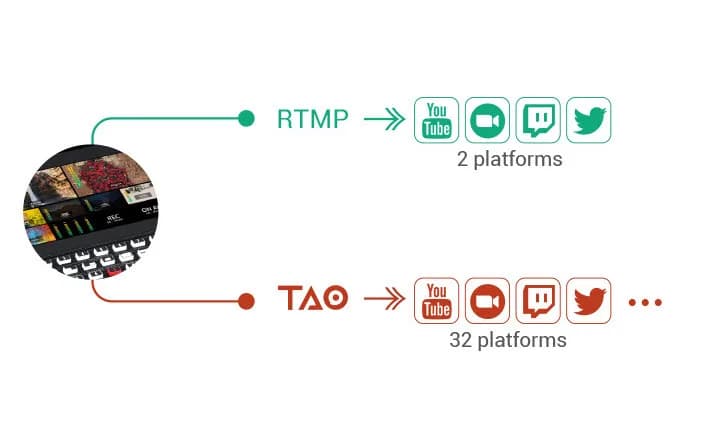
Enter a stream-key & url to stream RTMP/RTMPS to any popular service. IP stream in 4K directly from mini-max to any two services. Need to stream to many more services? Take advantage of RGBlink TAO Cloud for reStream to up to 32 services simultaneously
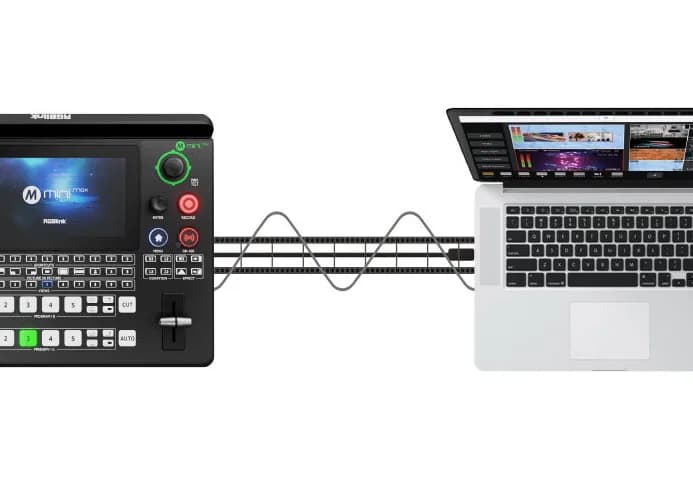
Connect mini-max to any computer by USB-C, and mini-max instantly is a native webcam source. Capture mini-max video and audio output with OBS, vMix and any create app, simply select the 'RGBLINK' webcam. Make mini-max the source for multi-source presentations in Teams, Zoom, Bitrix24 Sync or any online meetings platform. Let mini-max take care of differing input source resolutions to deliver a consistent and constant resolution as the UVC streaming device being captured at a laptop or desktop computer, whether Windows, macOS or Linux.
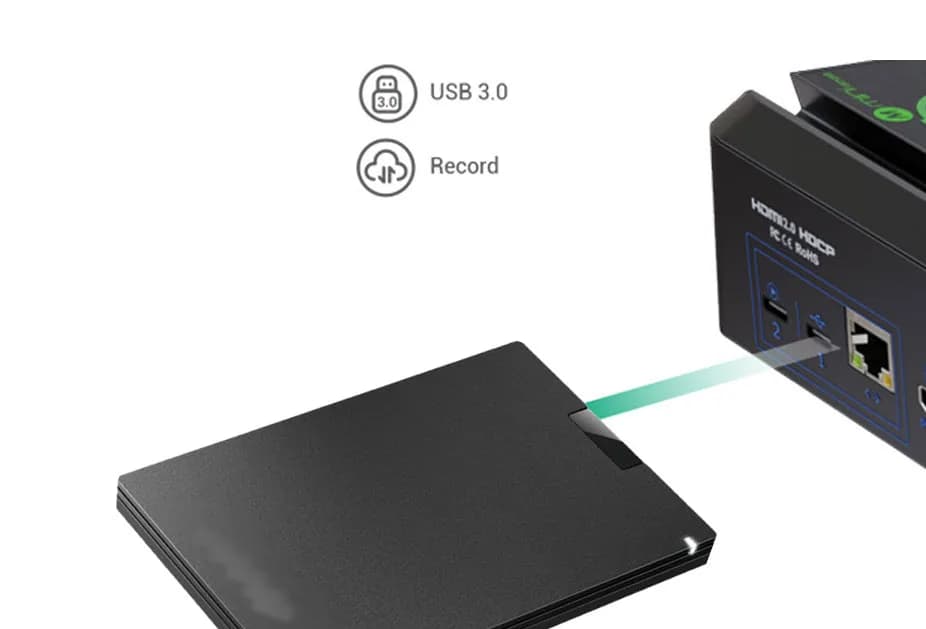
Connect portable drive via USB to both playback pre-recorded media as well as record multiple video signals simultaneously.
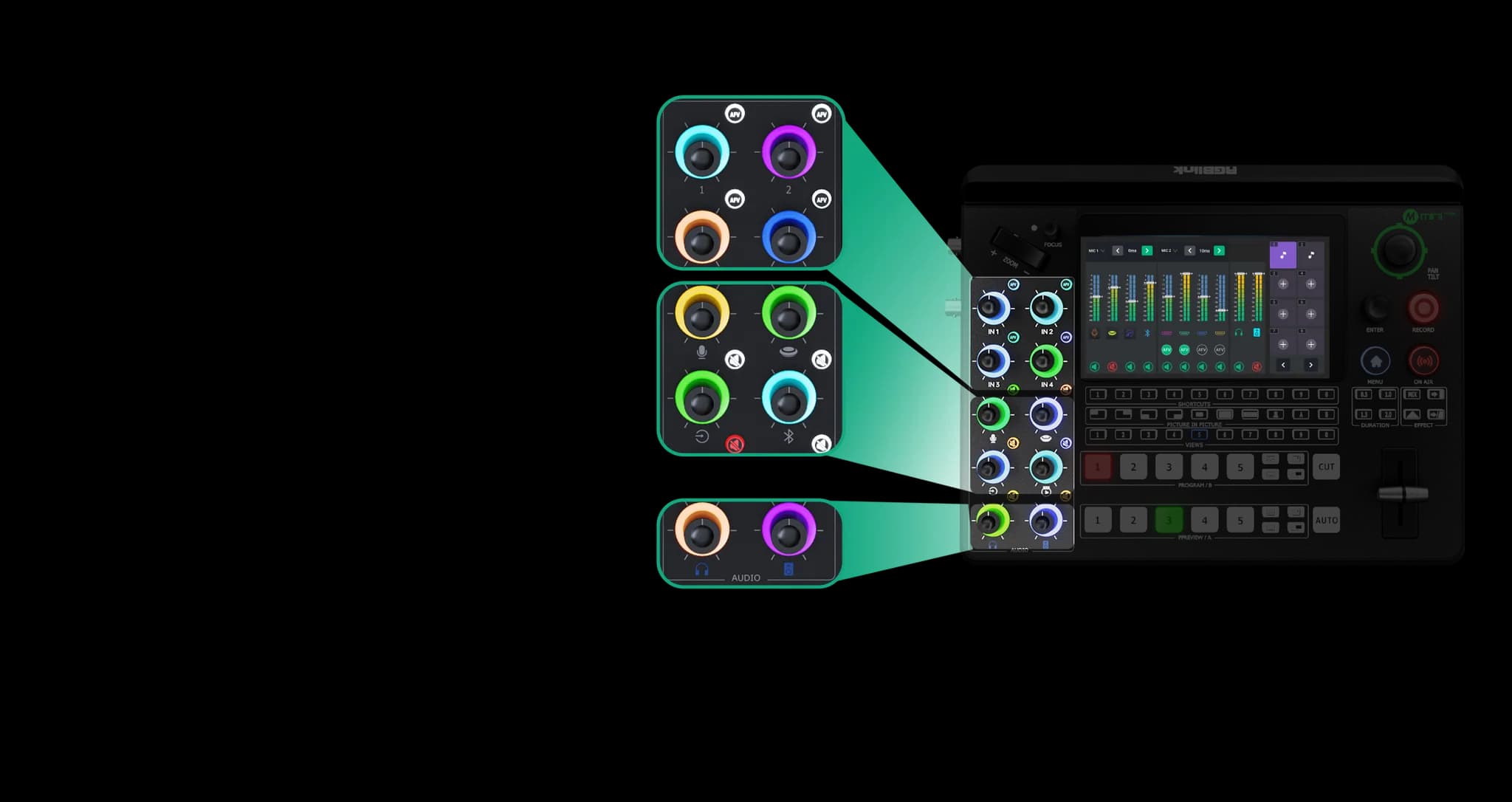
Audio level pots directly on the surface, including for embedded HDMI video sources. Control also insert / external audio levels with dedicated mute buttons available too. Overall output audio levels for both program and monitor at close at hand, while the touch LCD display provides a full view across audio levels and gain.
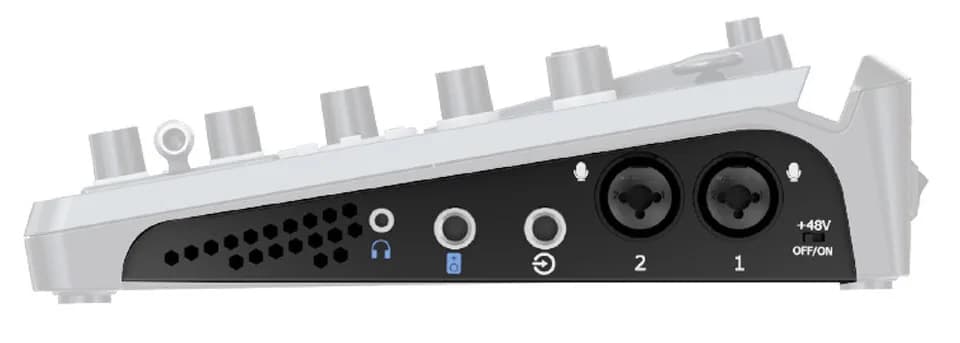
mini-max has wide support for external audio devices to be ingest/inserted. These include two balanced mic inputs (one of those with phantom power support) as XLR or ¼in jack. Plus, there is a balanced Line In jack, a UAC (USB audio) channel and a Bluetooth audio channel. With UAC, connect any USB mic including lavalier mics with USB receiver hubs. Bluetooth audio devices, including phones can be connected wirelessly with mini-max being a Bluetooth Receiver
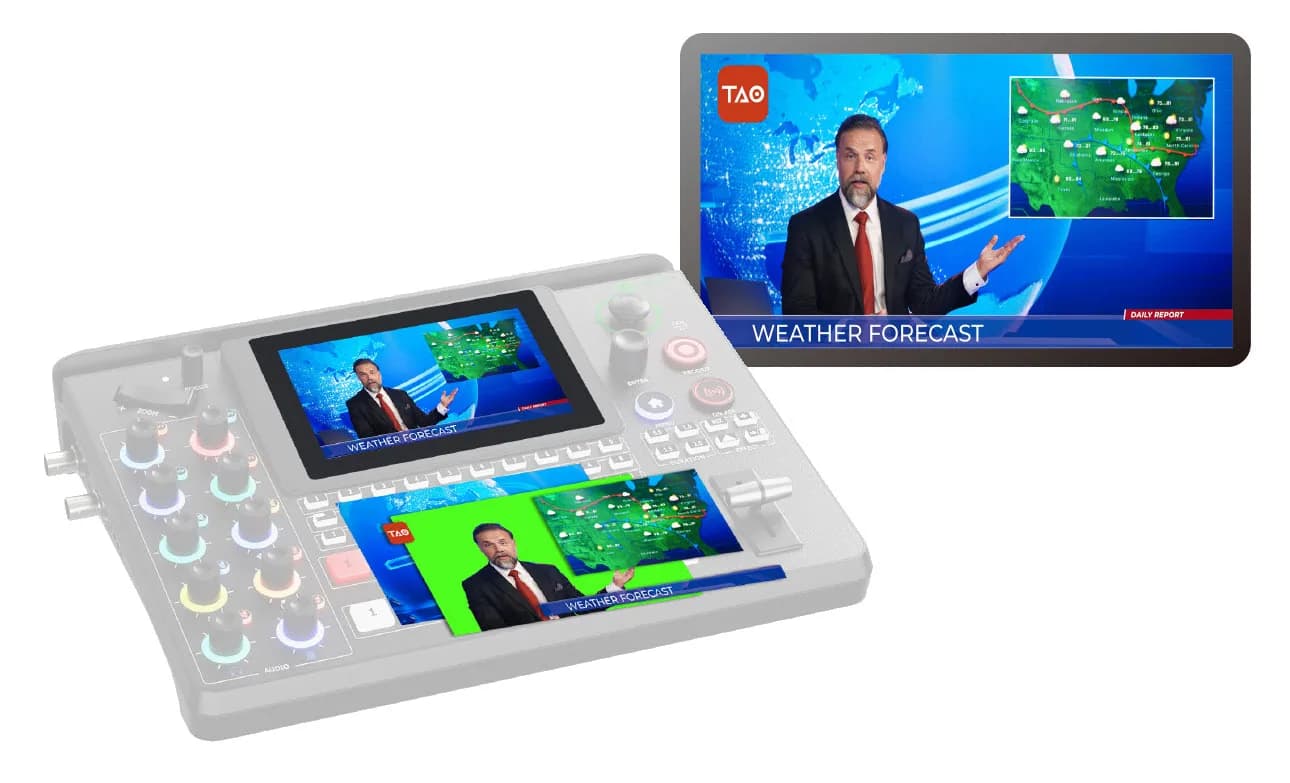
Create sophisticated video presentations with multiple layers or windows. Take advantage of two full scalable video layers, plus additional layers for graphic background and overlays to add further effect. These features as well as ChromaKey can be configured as presets directly from the mini-max without the need for a laptop, for true live operation and easy of use.
SKU and Configuration
230-0012-01-0
mini-max
Model
Resources and Documents