Online Manual
mini-max ISO User Manual

1.1 In the Box
1.1.1 Package Content
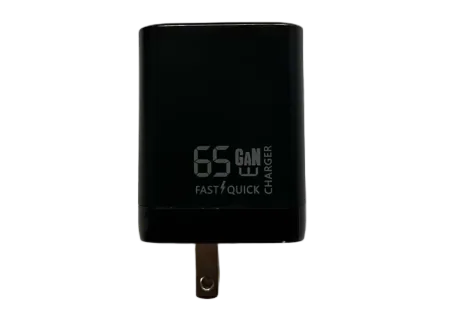
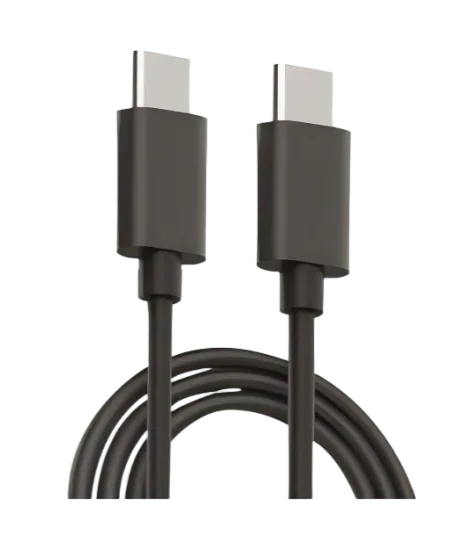
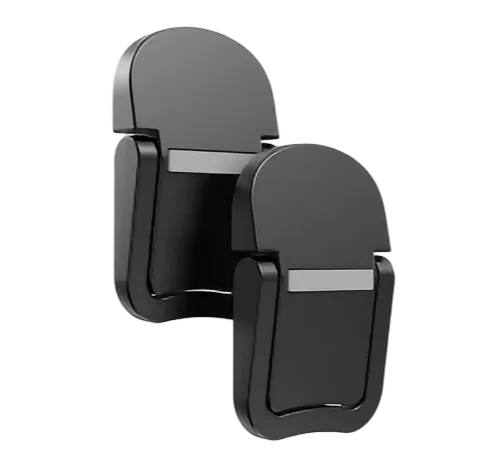
| 1 x Power Adapter (PD 65W/67W) | 1 x USB-C Cable | 2 x Mounting Foot |
|---|---|---|
 |  |  |
1.1.2 Installation Guide
Power Supply
The supplied power adapter is intended exclusively for powering the mini-max ISO.
Do not use it to power additional devices simultaneously. Any system instability resulting from powering external devices with the supplied adapter is the responsibility of the user.
Desktop Installation
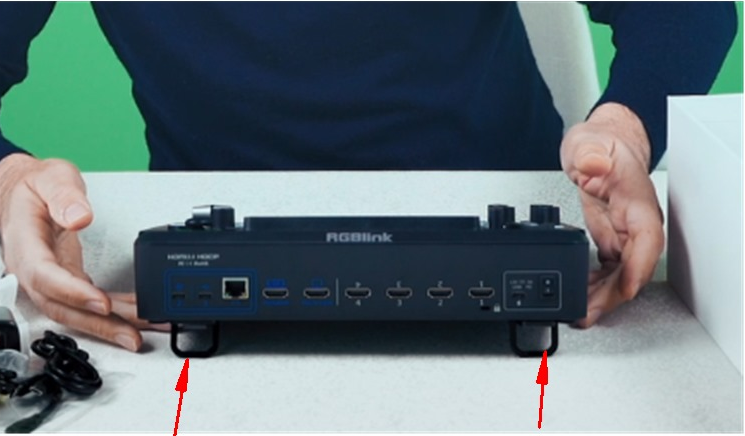
For improved heat dissipation and stable placement, the included mounting feet are recommended. Installation steps:
- Remove the white protective film from the adhesive backing.
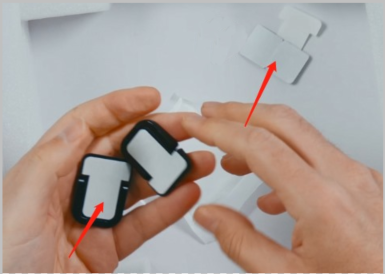
- Attach the mounting feet to the bottom of the device.
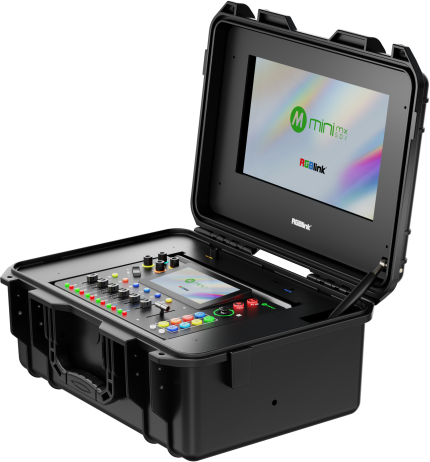
For applications requiring enhanced stability, we recommend the mini-EFP ultra-secure mounting solution. When used with mini-max ISO, it provides a more stable operating environment with improved vibration resistance and portability, making it ideal for field production scenarios such as music festivals, outdoor weddings, and sporting events.
Non-Desktop Installation
For non-desktop installation requirements, please contact your sales representative for recommendations based on your specific installation environment.