Online Manual
D8e User Manual

16 Install Your Product
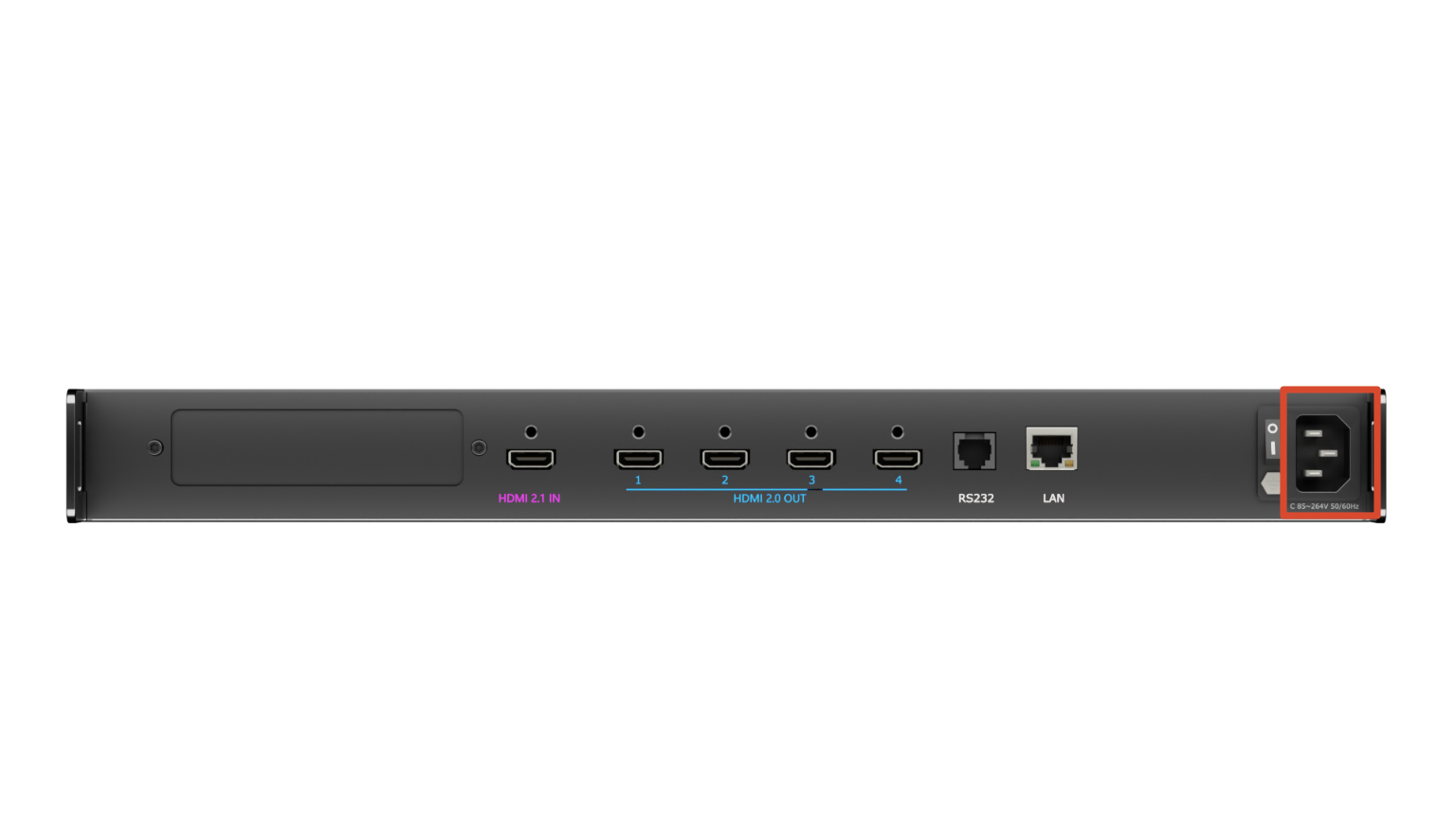
Connecting Power
Use the supplied power cable to connect the D8 to an AC power outlet.
Connecting Video Sources
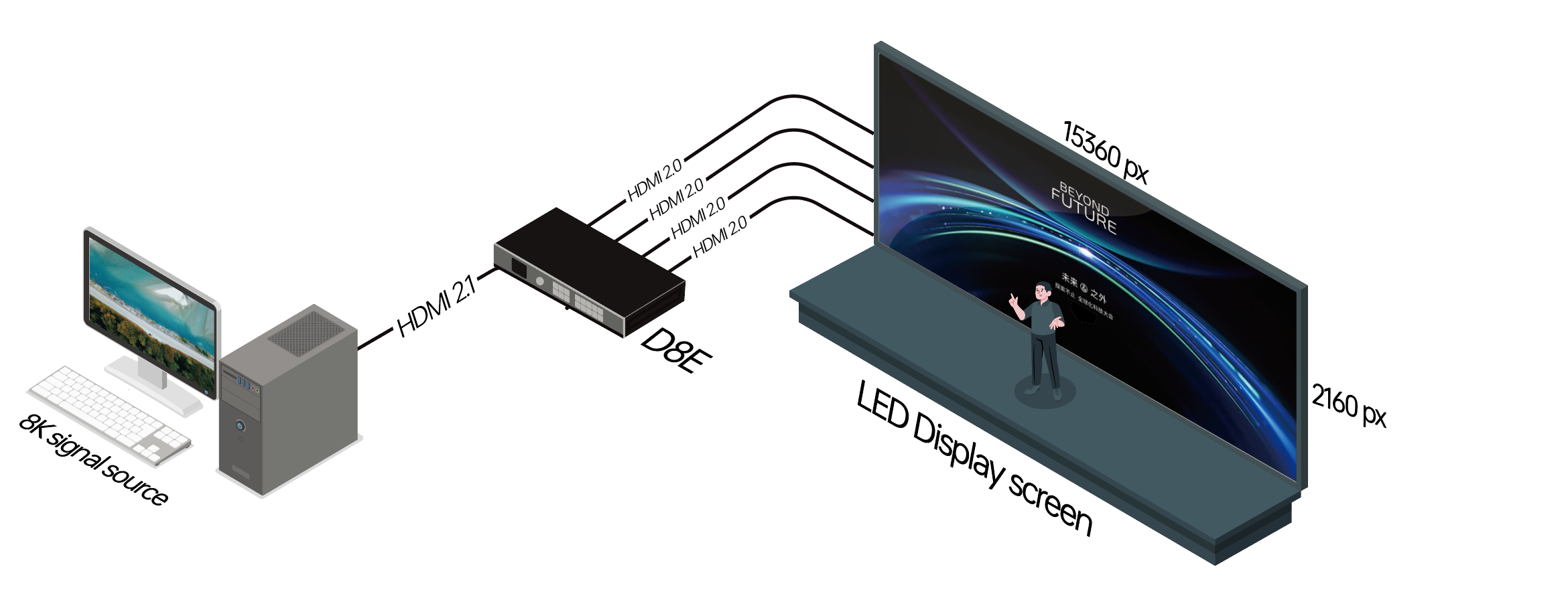
D8 features two HDMI 2.1 inputs and four HDMI 2.0 outputs.
- Connect video sources to the HDMI input ports.
- Connect display devices to the HDMI output ports.
📢  Important

Ensure all cables are securely connected.
Connecting a Control Device
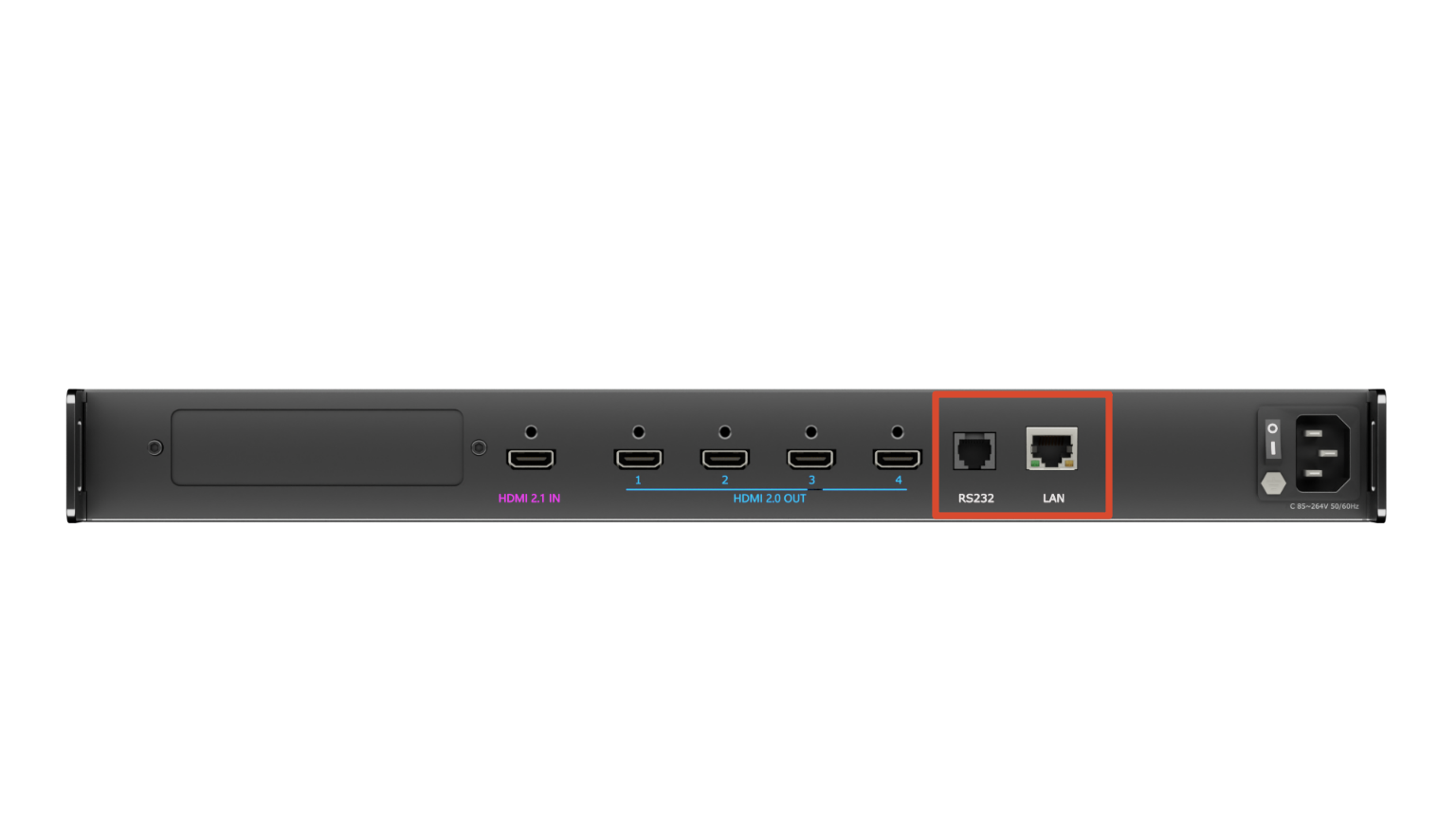
D8 supports serial and network communication. You can manage and remotely control the device by running XPOSE 2.0 on a computer. For details, see the XPOSE 2.0 manual.
- Serial Communication: Connect RS232 port to the computer using a serial cable.
- Network Communication: Connect LAN port to the computer using an Ethernet cable.
Powering On
After all connections are complete:
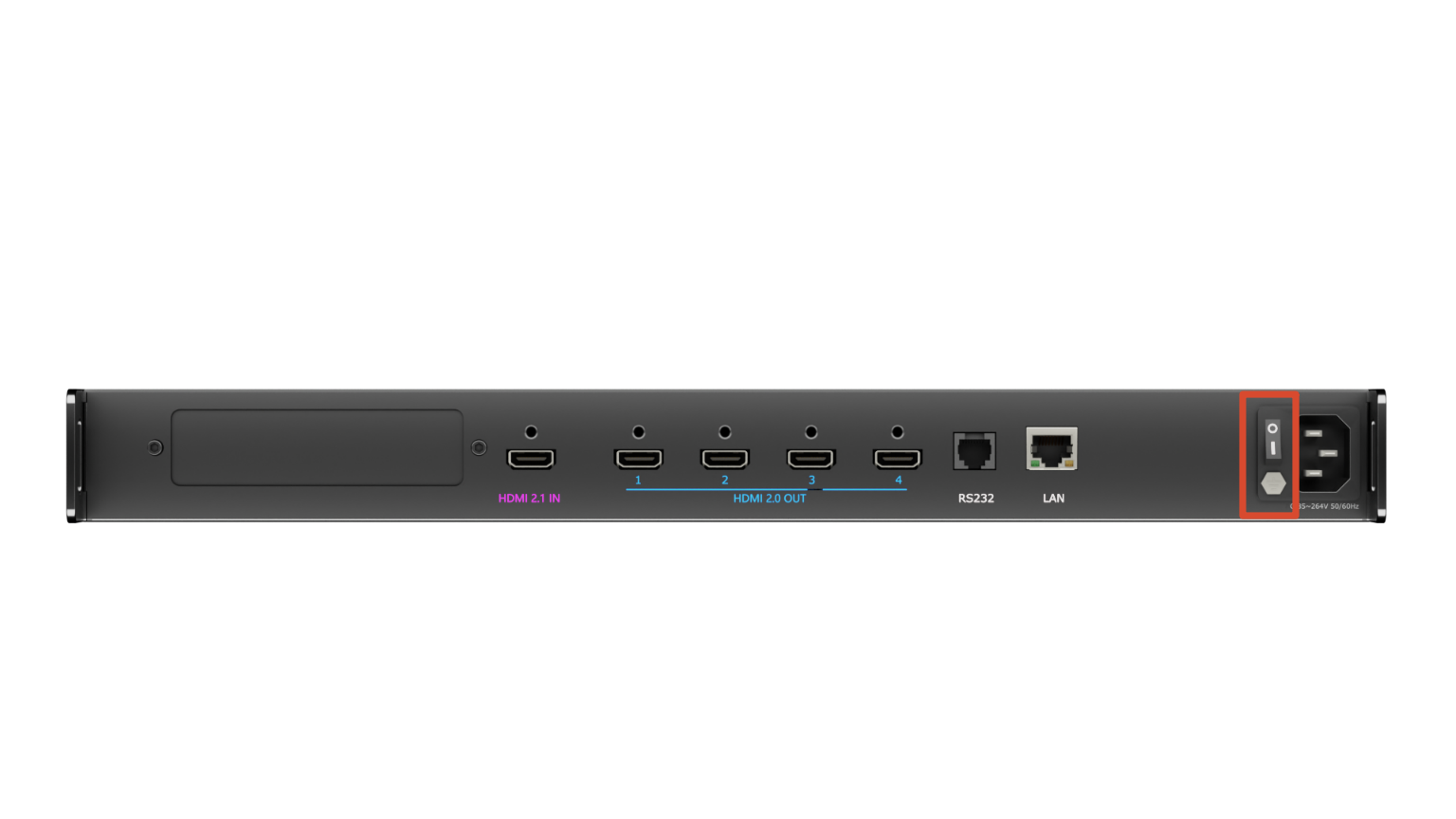
- Set the rear-panel power switch to ON.
- Wait for the device to start up.
- The home screen displays.