Online Manual
FLEX-16pro

3.2 Install Your Product
Connecting Signal Sources
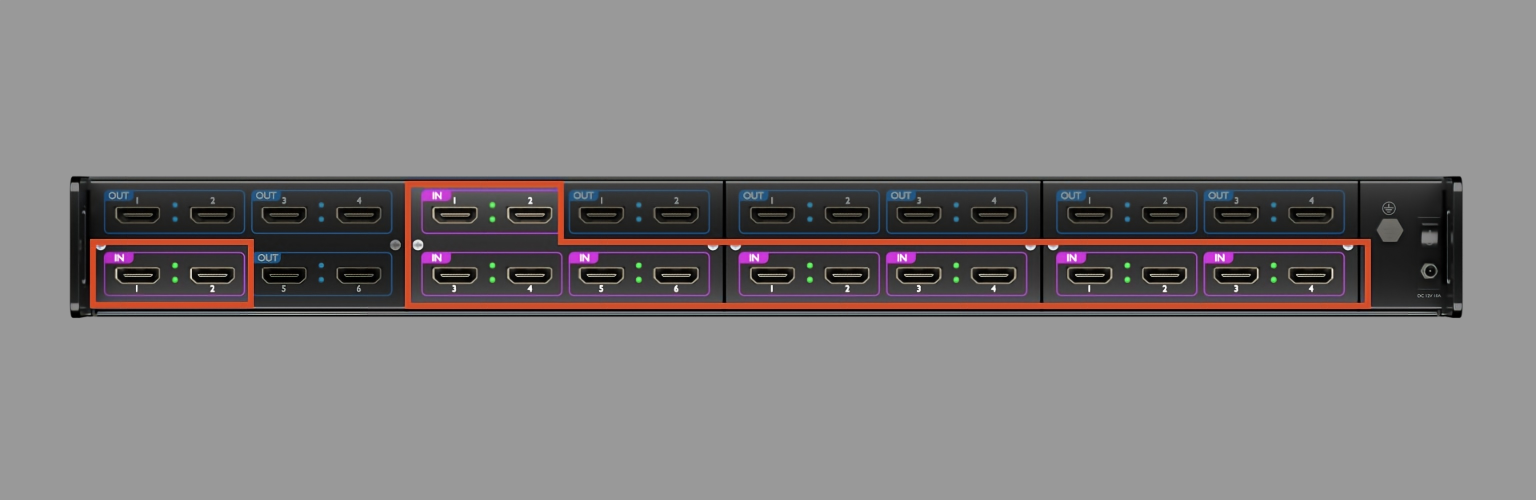
Use an HDMI cable to connect the module's HDMI-IN port to an input source, such as a PTZ camera. Tighten the connector securely.
📢  Important

Disconnect the power before connecting any signal cables.
Connecting Power Supply
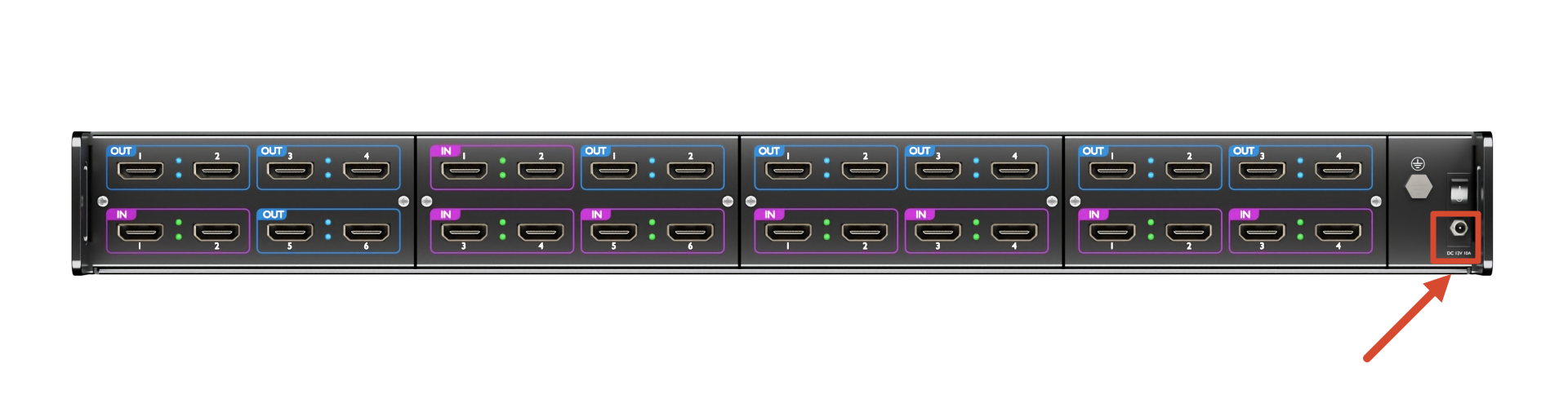
Use the supplied power adapter and a compatible power cable to connect the device to an AC power source.
Connect one end of the power cable to the device's power input and the other end to a power outlet. Then turn on the power outlet.
Connecting Monitors
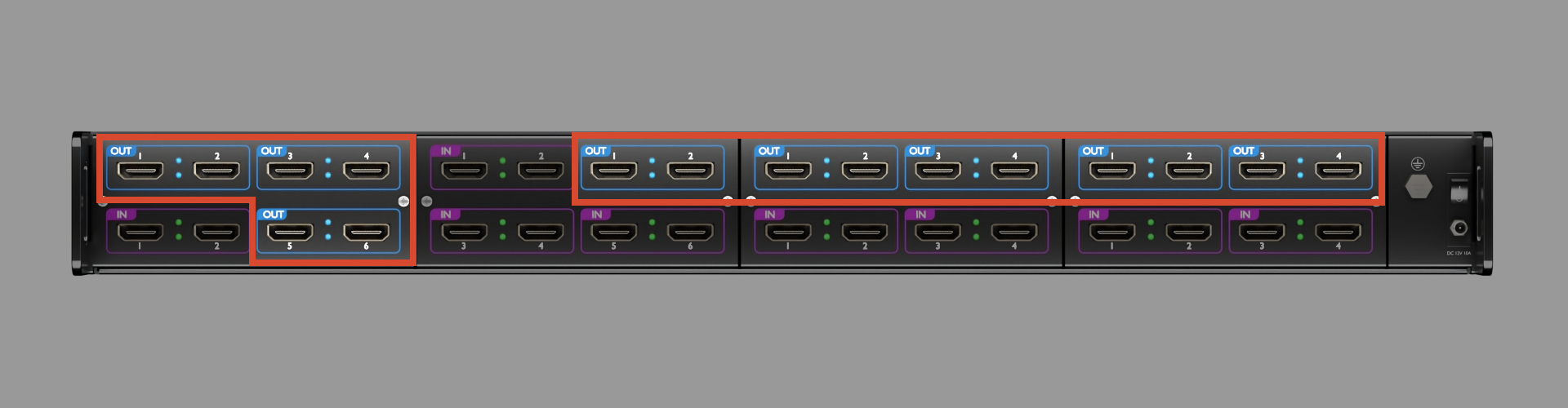
Use an HDMI cable to connect the module's HDMI-OUT port to a display, such as an LCD monitor.
Powering On
After connecting the power supply, input sources, and output devices:
-
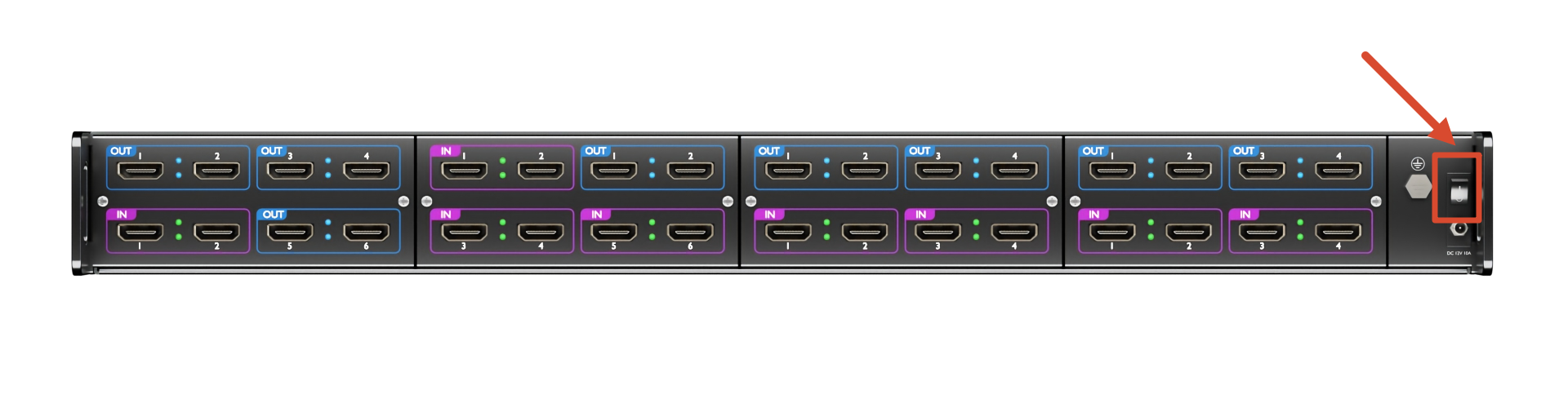
Set the power switch on the rear panel to ON.
-
Wait for the device to complete startup.
-
Once startup is complete, the home screen appears on the device's display.
Connecting the Device to a Computer
Use a CAT5 Ethernet cable to connect the Ethernet port on the device's front panel to the computer's Ethernet port.
Check the device's IP address on the front-panel LCD screen and configure the computer's IP address to be on the same subnet.

📢  Notes

The computer and device must have different IP addresses to avoid an IP address conflict.