Online Manual
FLEX-16pro

3.3.3 Web Control
Web Login
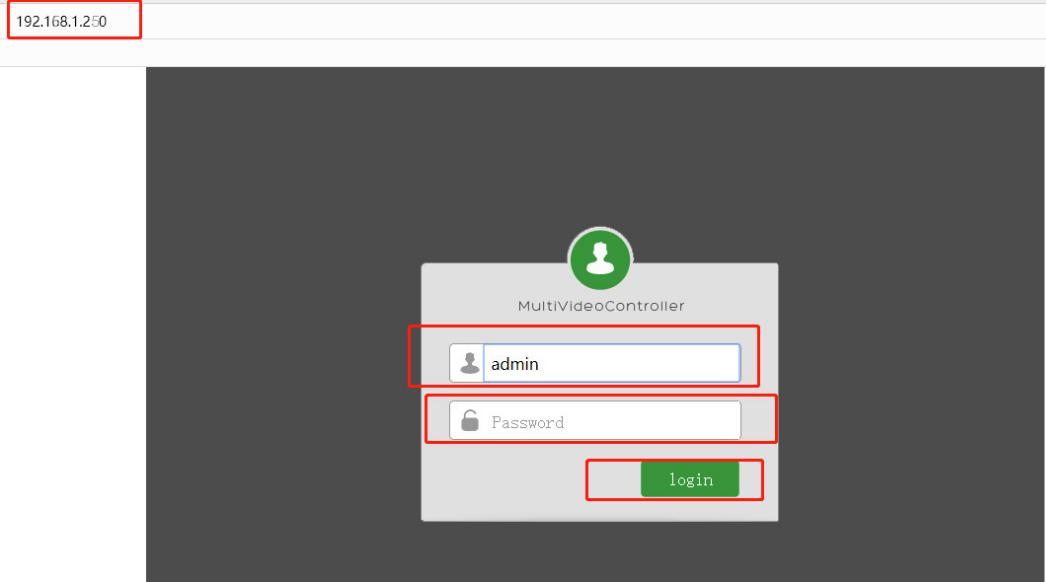
Open a browser and enter the processor's IP address in the address bar (factory default IP: 192.168.1.250). The Web login page will appear. Enter the account and password to log in. Default account: admin, password: (empty by default); as shown below:
Web Operation
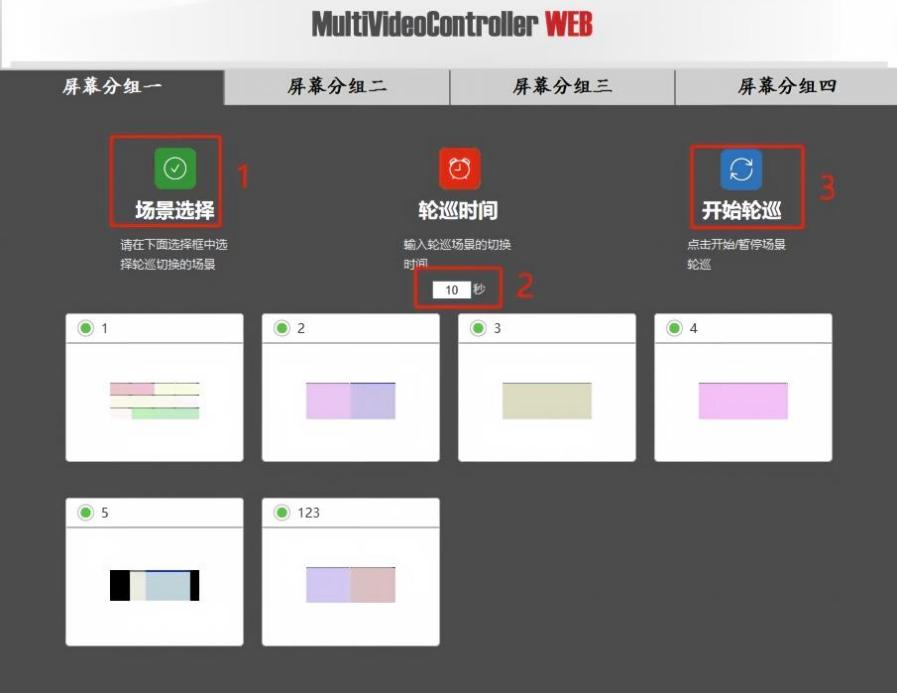
After successful login, click the desired scene to recall it. You can also set automatic scene rotation. As shown below: