
General / TAO Cloud / TAO Cloud Getting Started
TAO Cloud Getting Started
📢  Notes
The interfaces, images, and illustrations in this chapter are for reference only. Actual displays may vary by version.
Please refer to the actual interface.
System Requirements
Hardware Requirements
| Item | Specification |
|---|---|
| CPU | 8-core processor |
| Memory | 16 GB RAM |
| Operating System | CentOS 7.9 |
| Bandwidth | 18 Mbps bandwidth |
| Storage | 270 GB or above SSD storage |
Software Requirements
| Item | Version |
|---|---|
| Nginx | V1.22.1 |
| Database | MySQL V5.6Redis V6.2Elasticsearch V7.1 |
Register and Log in
Visit TAO to access the TAO Cloud platform.
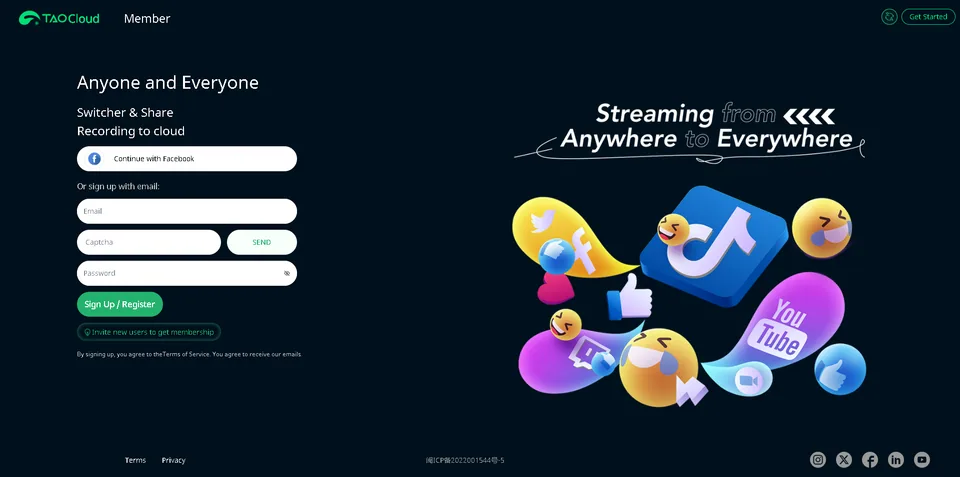
Click the language icon in the upper-right corner to switch between 中文 and English.
Click Get Started icon in the upper-right corner to watch introduction video or register an account.
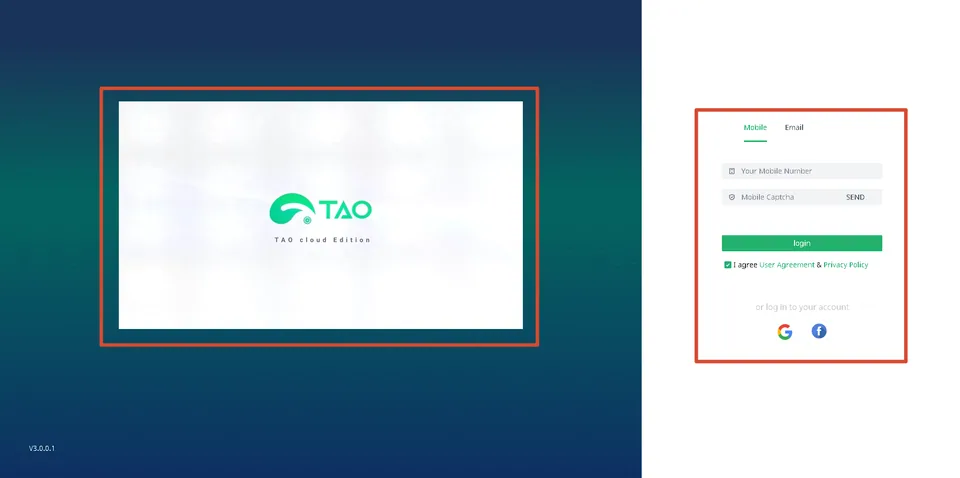
TAO Cloud provides two login methods:
- Login with a mobile phone number
- Login with an e-mail address
If you do not have a TAO Cloud account, register an account first.
- Register with a Mobile Phone Number
- Enter your mobile phone number on the login page.
- Click SEND to send verification code.
- Enter the received verification code.
- Click Login to complete registration and enter the TAO Cloud homepage.
- Register with an e-mail Address
- Click Register at the bottom of the email login page.
- Enter your email address and click SEND to send verification code.
- Enter the verification code and set a password.
- Click Register to complete registration and enter the TAO Cloud homepage.