Online Manual
MSP 325N User Manual

3.9.4 Using VLC to Monitor Live Streams
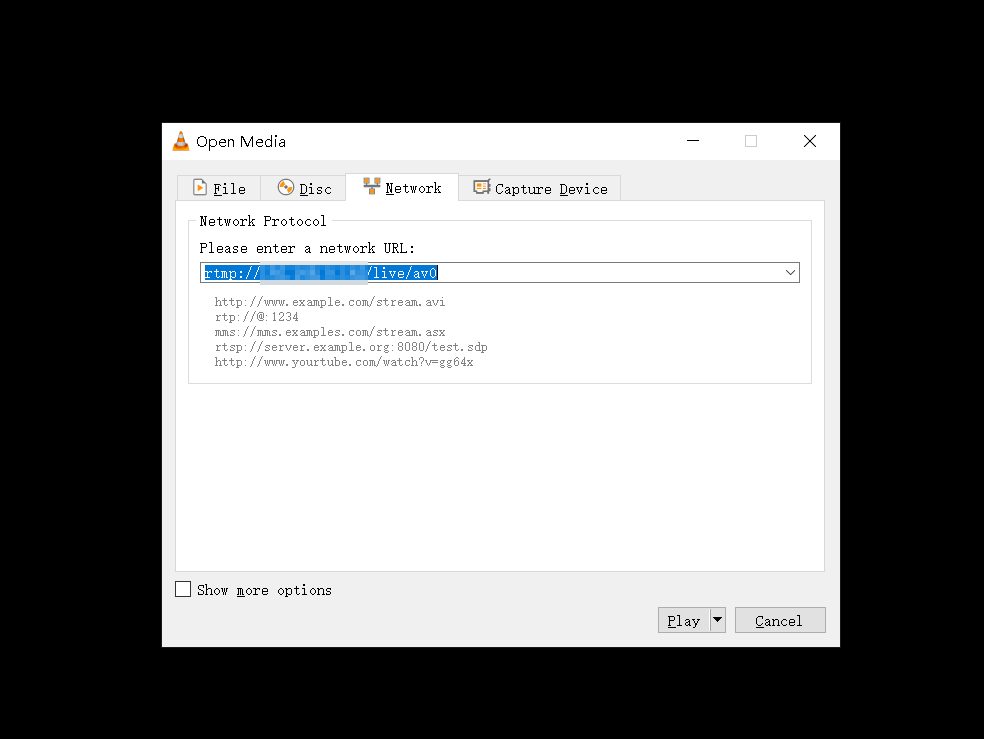
You can also choose other software like VLC Media Player or PotPlayer to view the live content. Download VLC software (https://soft.ljdwl.cn/vlc/bFqbx37.html) and open it:
- Check the MAC address (Media Access Control address) in **Network Port **under Options on the MSP 325N V2.
Example: 809d65020e28 (remove the colons between characters). - Open VLC Media Player, click **Media ** > Open Network Stream , then enter the network URL and click "Play" to view. The network URL input format is:
https://play.tao1.info/809d65020e28.flv
The website format remains unchanged; enter the MAC code provided by your network in the middle.