Online Manual
MSP 325N User Manual

3.6.2 Using NDI Tools to Output NDI Source
- Download URL:https://www.newtek.com/ndi/tools/
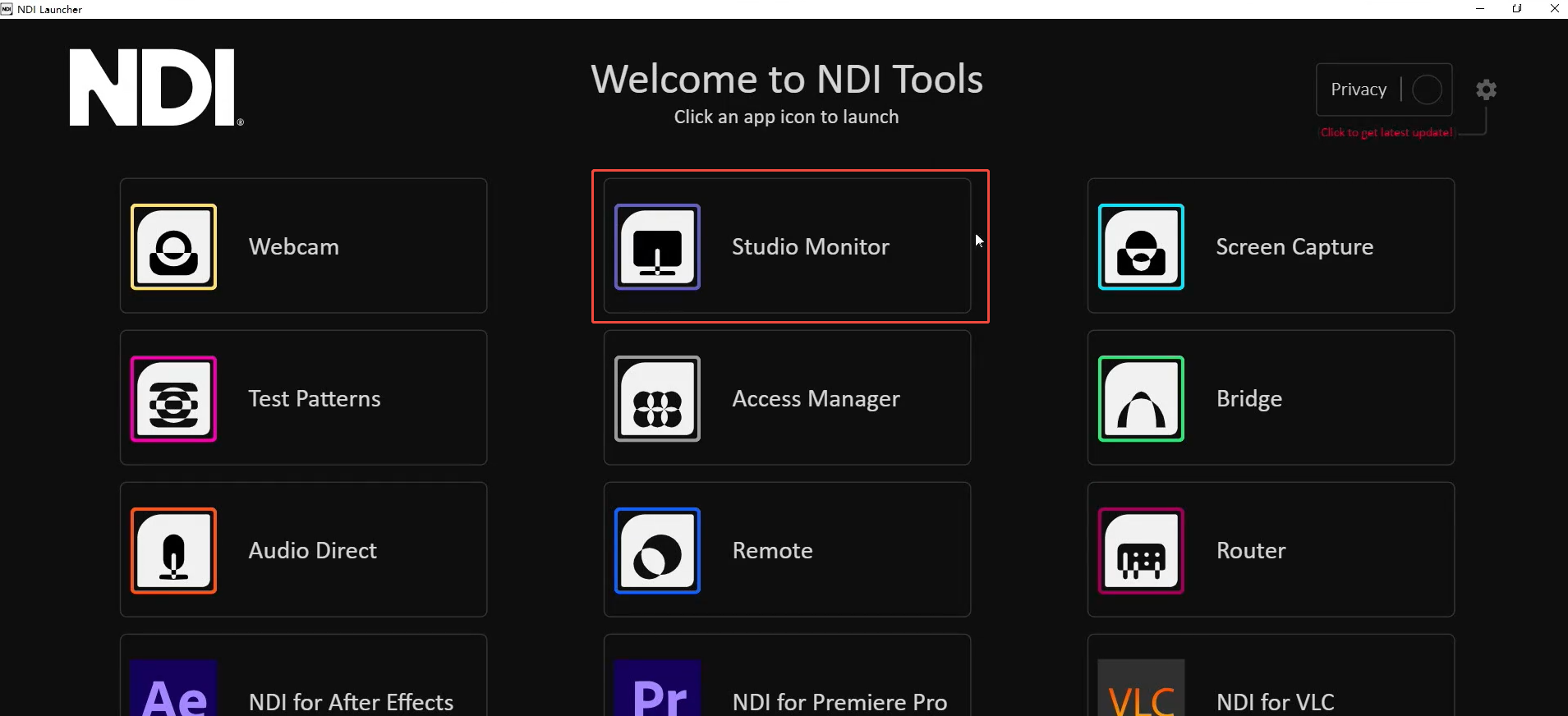
- Open NewTek's Studio Monitor software.
- Click the icon in the upper left corner to display the list of device names discovered by the Monitor software. Directly select the device you need to connect to, and it will pull and play the currently selected video stream. After successfully pulling the video stream, you can click on the blank area of the device to view the NDI resolution.