Online Manual
mini-max User Manual

3.2 Main Interface and Menu
The main interface is the default operating screen of mini-max. It uses a multiview layout to display input sources, Preview, Program, audio status, recording status, and streaming status in real time.
Press MENU to display the menu bar at the bottom of the screen. Swipe left or right on the menu bar to switch between function pages. Press MENU again to hide the menu bar.
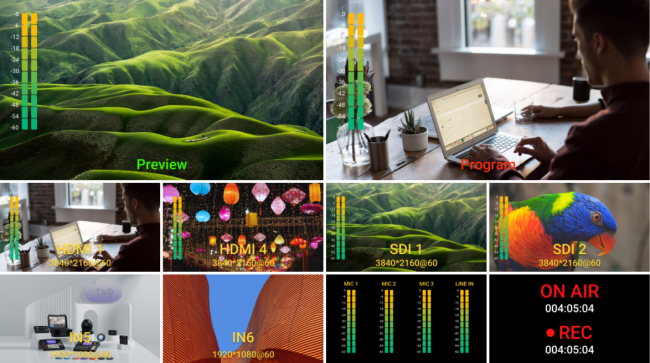 | 👉 | 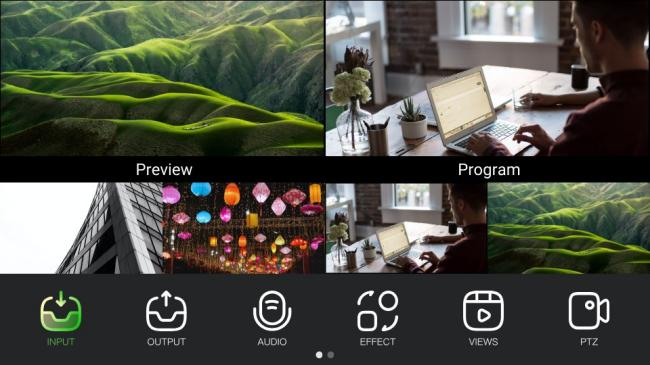 |
|---|
Main Interface Overview
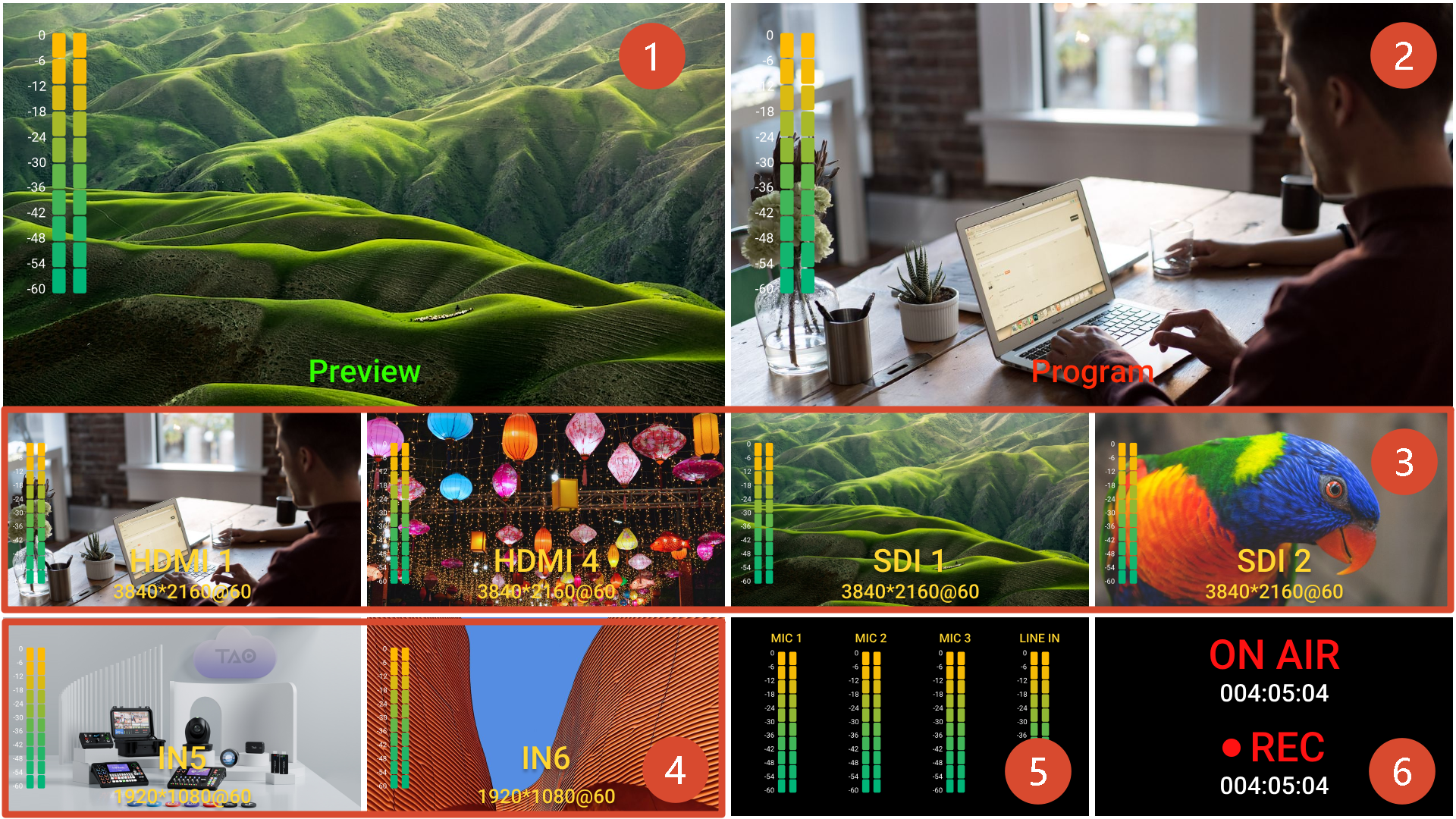
| Area | Description |
|---|---|
| ❶ Preview | Displays the current Preview image and audio meters. Used for program preview and effect preparation. Transitions, audio mixing, overlays, and other settings can be adjusted before switching to Program. |
| ❷ Program | Displays the current Program output and audio meters. Program is the final output sent to recording, streaming, or external display devices. For switching Preview to Program, see 3.8 Switching Modes |
| ❸ HDMI/SDI Sources | Displays HDMI and SDI input sources and audio meters. For source assignment, see 3.3 Input |
| ❹ NDI/UVC Sources | Displays NDI decoded sources or USB camera sources. For source assignment, see 3.3 Input |
| ❺ Audio Status | Displays audio meters for microphone and Line-in inputs. |
| ❻ Recording and Streaming Status | Displays recording and streaming duration, as well as the current recording status. |