Online Manual
mini-max User Manual

3.4 Output
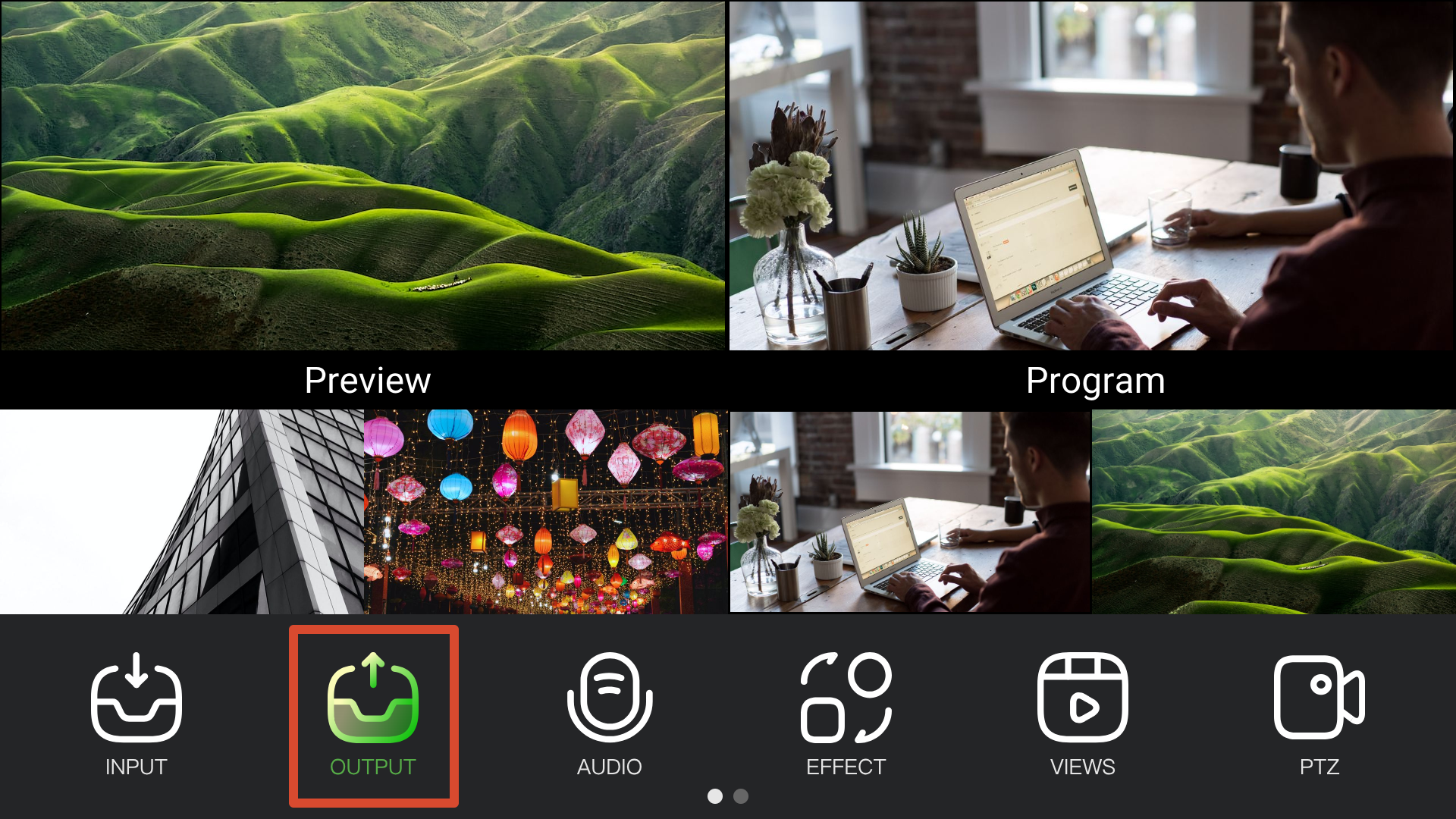
mini-max provides two output modes.
- Preview output for monitoring input sources and device status.
- Program output for display devices, recording devices, or streaming platforms, delivering the final program output.
3.4.1 Preview
Preview output is displayed on a monitor connected to the MULTI-VIEW port.
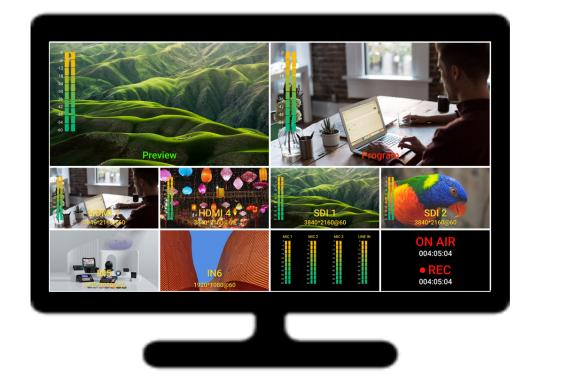
The MULTI-VIEW port outputs a fixed 10-window multiview layout at 1080P60.
The built-in 5.5-inch touchscreen displays the same multiview content.
📢  Notes

The MULTI-VIEW resolution is fixed at 1080P60 and cannot be changed.
3.4.2 Program
Program output is displayed on a monitor connected to the PROGRAM port.
You can also connect USB-C 2 to a computer using a USB cable. The computer will recognize mini-max as a USB camera source, allowing the program output to be used directly in third-party streaming and conferencing applications.
📢  Notes
The UVC output follows the PGM output and cannot be configured independently.
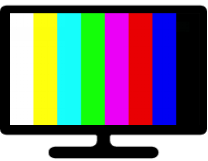
The Test Pattern function can be used to output color bars for connection verification.
Test Pattern
- Press MENU.
- Select OUTPUT > Test Pattern.
- Enable Color Bar.
3.4.3 Resolution
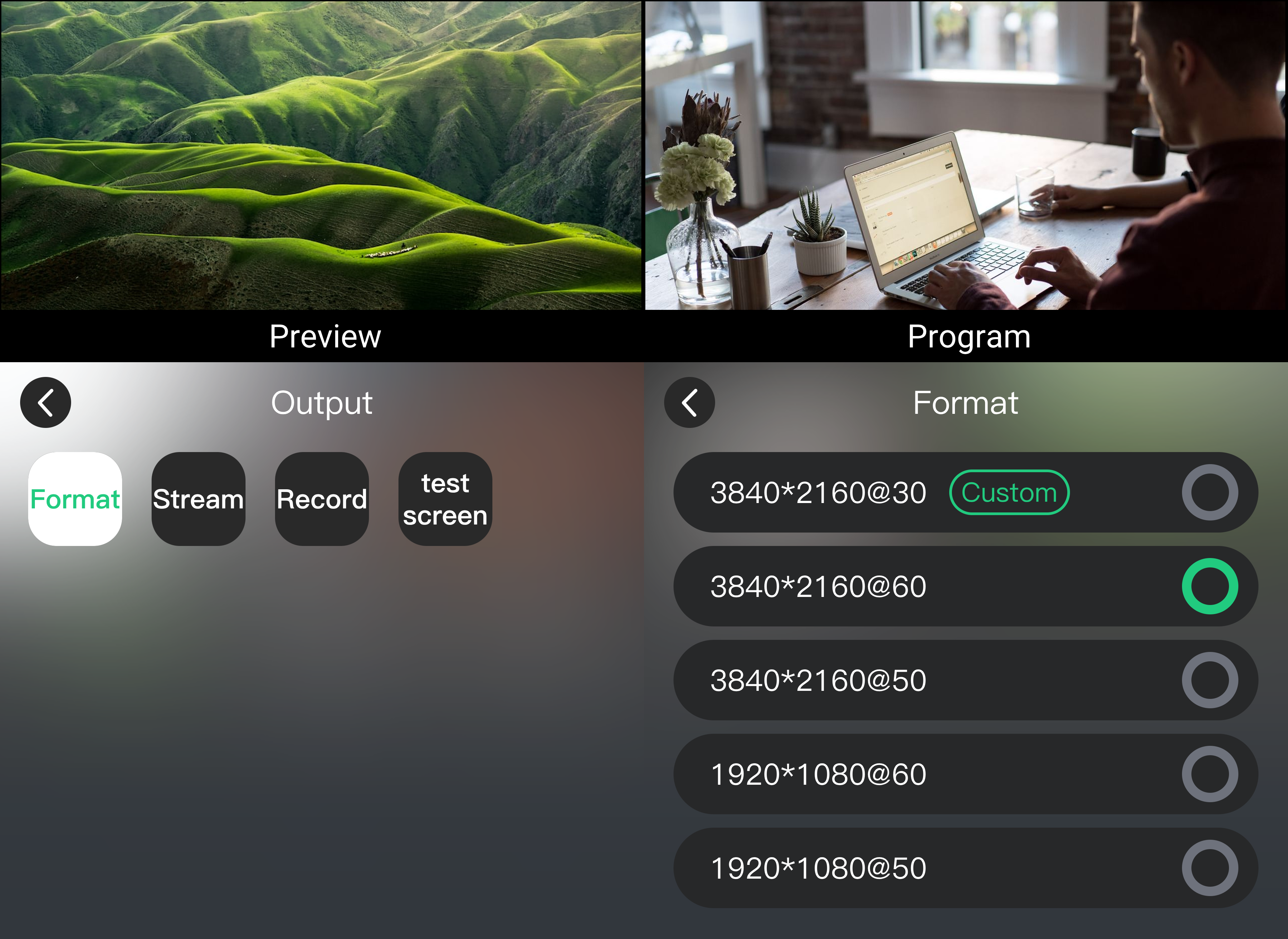
mini-max supports output resolutions up to 3840 × 2160@60 Hz.
The default output resolution is 3840 × 2160@60 Hz and is automatically compatible with lower-resolution display devices.
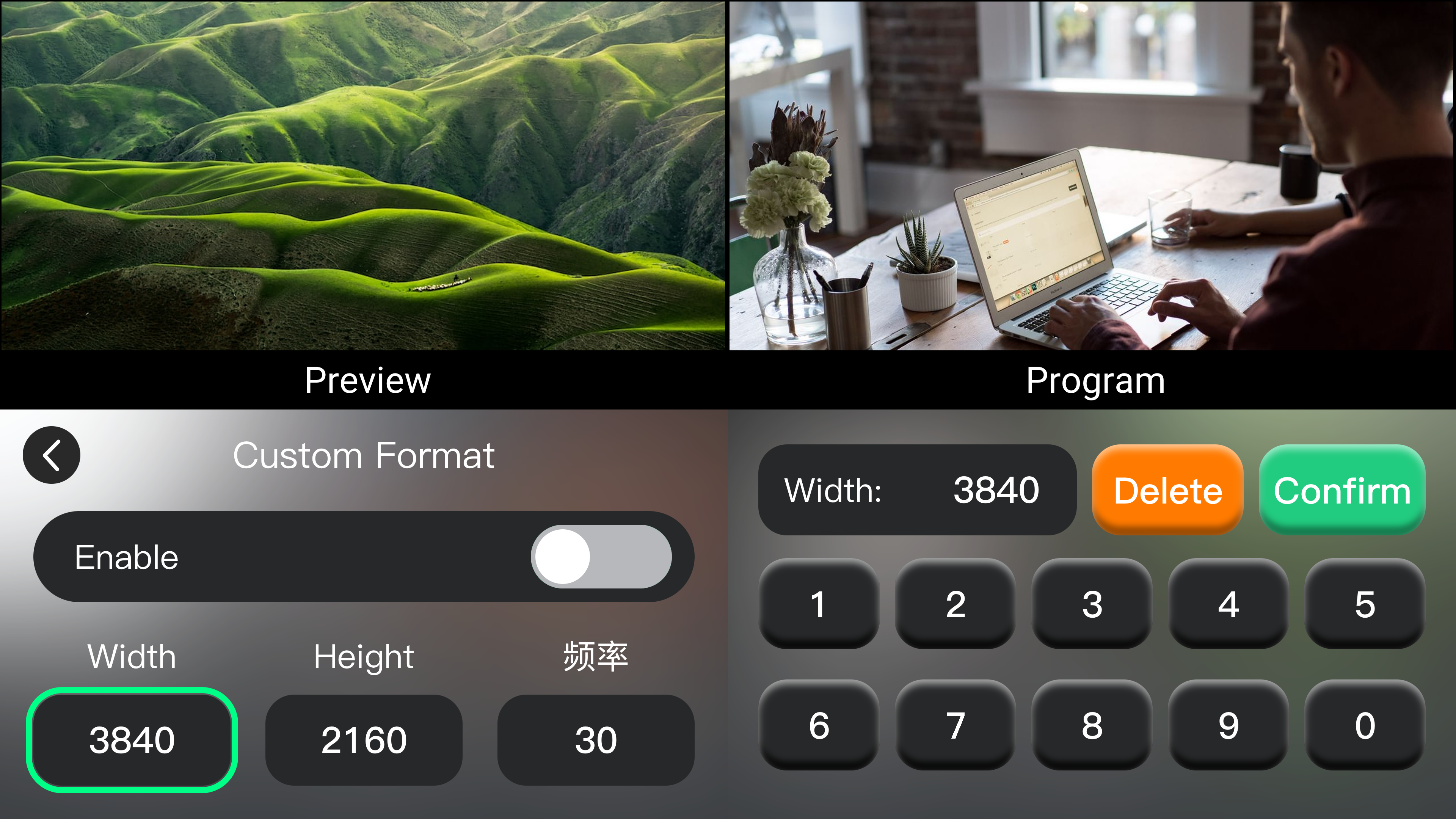
Custom output resolutions are also supported.
- Select MENU > Output > Format.
- Select the desired output resolution.
- Click Confirm.
 | 👉 |  |
|---|