Online Manual
tinyZ

3.3 2. Install Your Product
Mounting tinyZ
The bottom of tinyZ features a UNC 1/4"-20 threaded mount.
Before mounting, align the markings on the bottom of tinyZ with the corresponding mounting position.
Ensure that tinyZ is securely attached before connecting any cables.
Users can use a 1/4" mounting adapter to secure tinyZ to either the left or right 1/4" mounting screw on the streamZ unit.
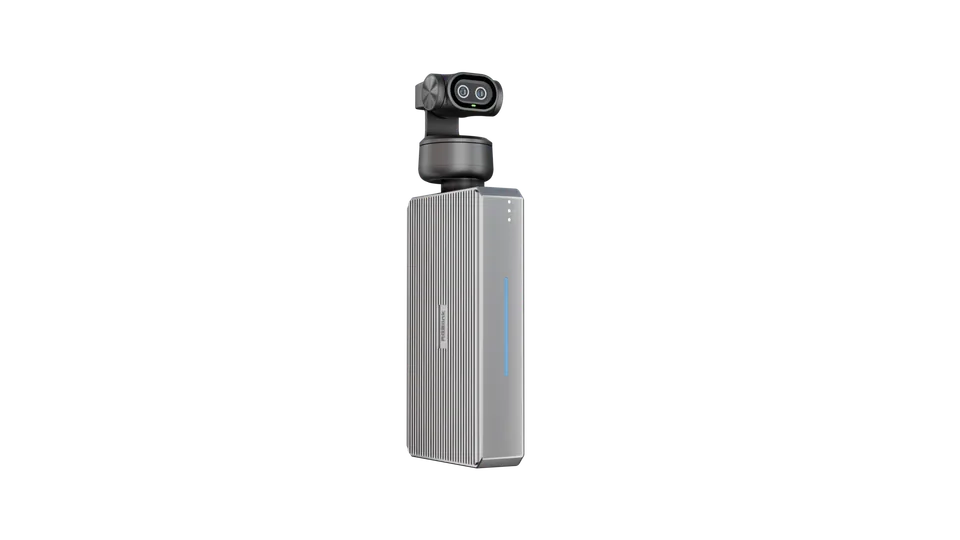 🔔 Learn more about streamZ
Visit streamZ product page on the official RGBlink website.
📢  Notes
tinyZ physically rotates during operation.
Ensure sufficient clearance around the camera for its full range of rotation to prevent collisions and potential damage.
Connecting the Cable
Use the supplied USB cable to connect the USB-C port on tinyZ to the USB-C port on a device such as streamZ or computer.
We recommend using a USB hub or docking station to avoid occupying a USB port on streamZ.
📢  Notes
Using a non-standard cable may cause compatibility issues.
📢  Notes
The camera may become slightly warm during extended operation. This is normal.