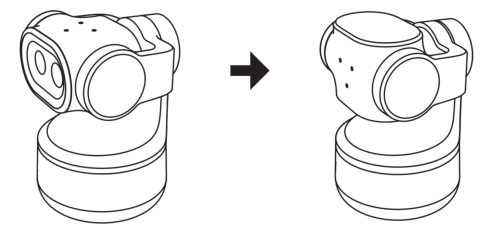
Online Manual
tinyZ

3.4.1 3.1 Operating Mode
tinyZ supports three operating modes: Standard Mode, Tracking Mode, and Privacy Mode.
3.1.1 Standard Mode
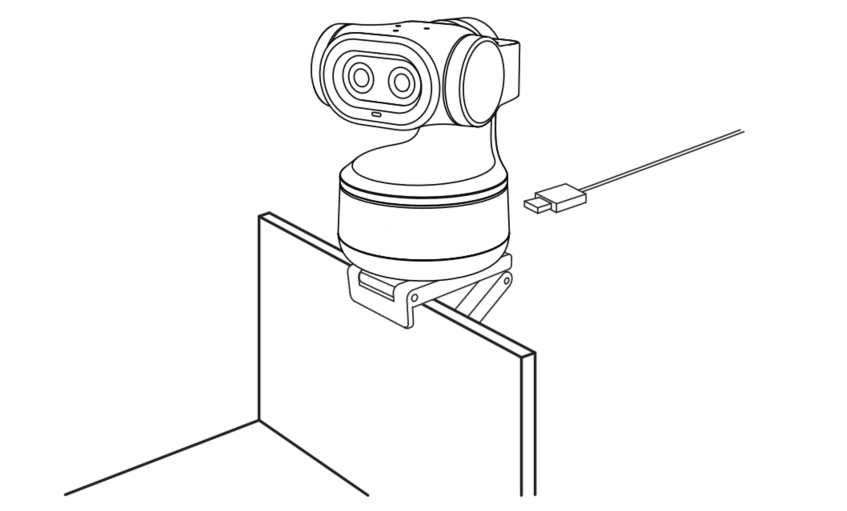
Place tinyZ on a flat, stable surface after connecting it to a computer/streamZ.
Alternatively, align the bracket with the bottom positioning marks, then secure it in place.
Refer to the illustration below.
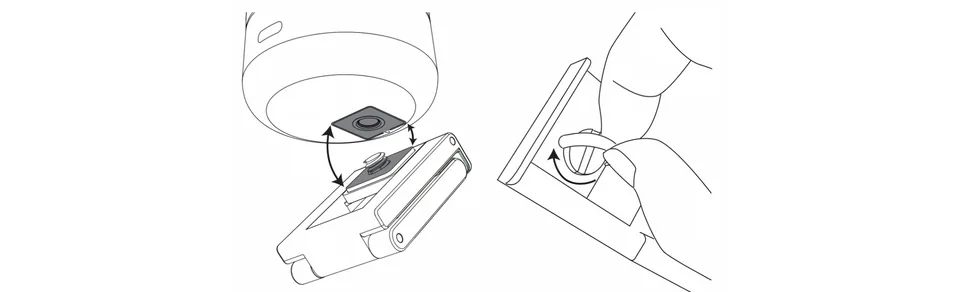
Then mount the camera on top of a monitor using a compatible bracket.
3.1.2 Tracking Mode
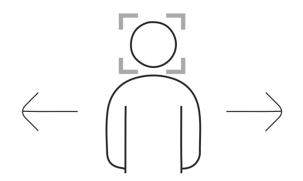
When gesture tracking is enabled, tinyZ automatically follows the subject's movements to keep the subject in frame.
Refer to chapter 3.2 Gesture Control for instructions on enabling or exiting Tracking Mode.
3.1.3 Privacy Mode
Manually tilt the gimbal downward until the indicator light turns off.
tinyZ then enters Privacy Mode.