Online Manual
tinyZ

3.4.3 3.3 Shooting Mode
tinyZ supports landscape, portrait, and ceiling-mounted orientations.
Select the appropriate mounting method according to your shooting setup.
Landscape Mode
Install the camera in its standard upright position.
Use the camera normally after completing installation.

Portrait Mode
Mount the camera horizontally using a compatible external accessory to enable portrait orientation.
Ensure that the camera is securely mounted before use.
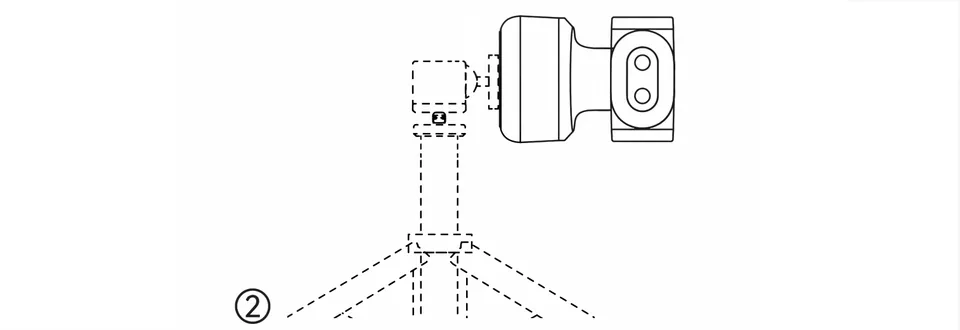
Ceiling Mount Mode
tinyZ supports upside-down mounting.
The image automatically adjusts to the inverted mounting orientation, allowing the camera to capture video when installed upside down.