Online Manual
Q16pro-Gen2-manual

3.4.1 XTOOL_Installation
Launch the Installer
Double-click the installer on the desktop.
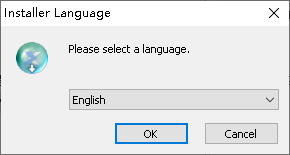
When the language selection dialog appears, choose the desired language and click OK.
Start Installation
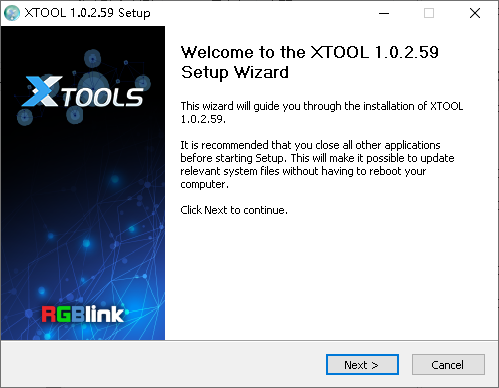
When the Setup Wizard opens, click Next> to continue.
Select the Installation Location
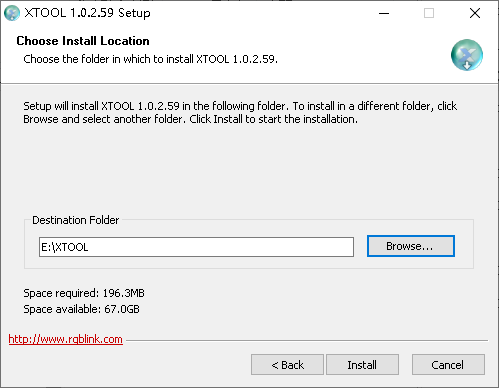
Click Browse... to choose the installation directory, then click Install.
📢  Important

On Windows 7 or later, administrator privileges are required when installing to the system drive (C:).
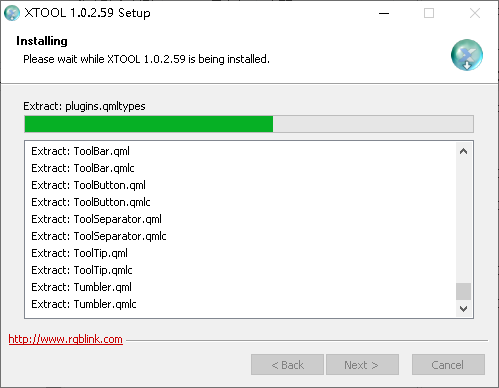
Install the Virtual Com Port Driver
During installation, the Virtual Com port driver installer opens automatically.
- Click Next >.
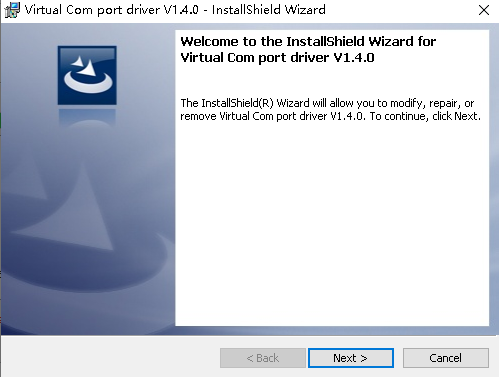
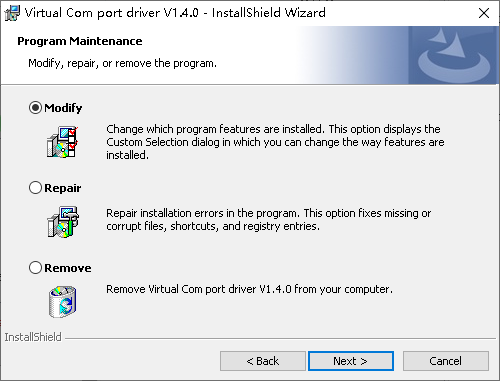
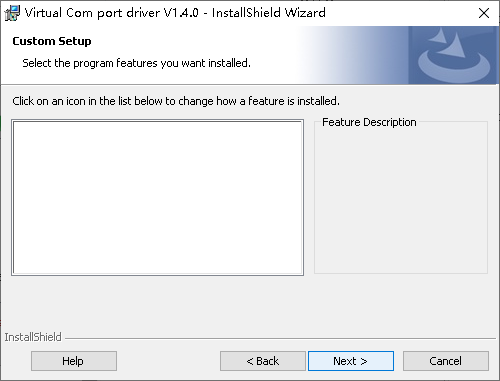
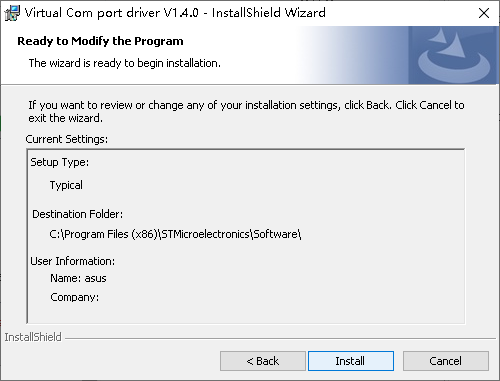
- Review the installation settings, then click Install.
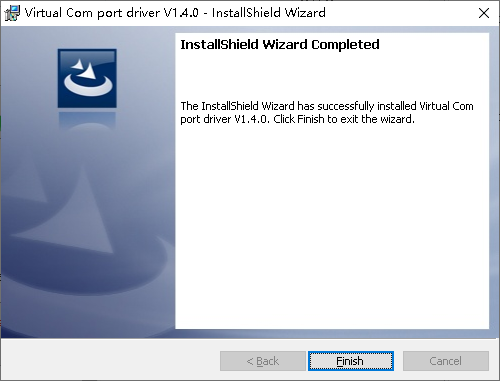
- When installation is complete, click Finish.
Complete the Installation
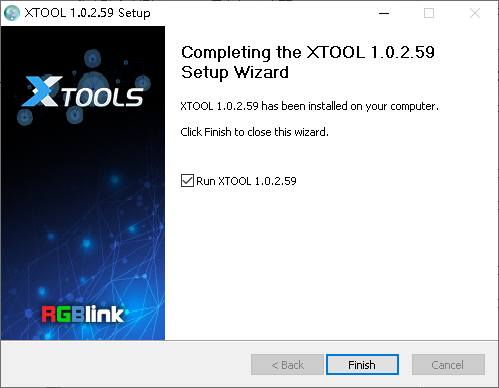
After the multimedia components are installed, the XTOOL Setup Wizard resumes.
Click Finish to complete the installation.