Online Manual
streamZ User Guide

3.5 Status Indicators
Status Indicator Lights
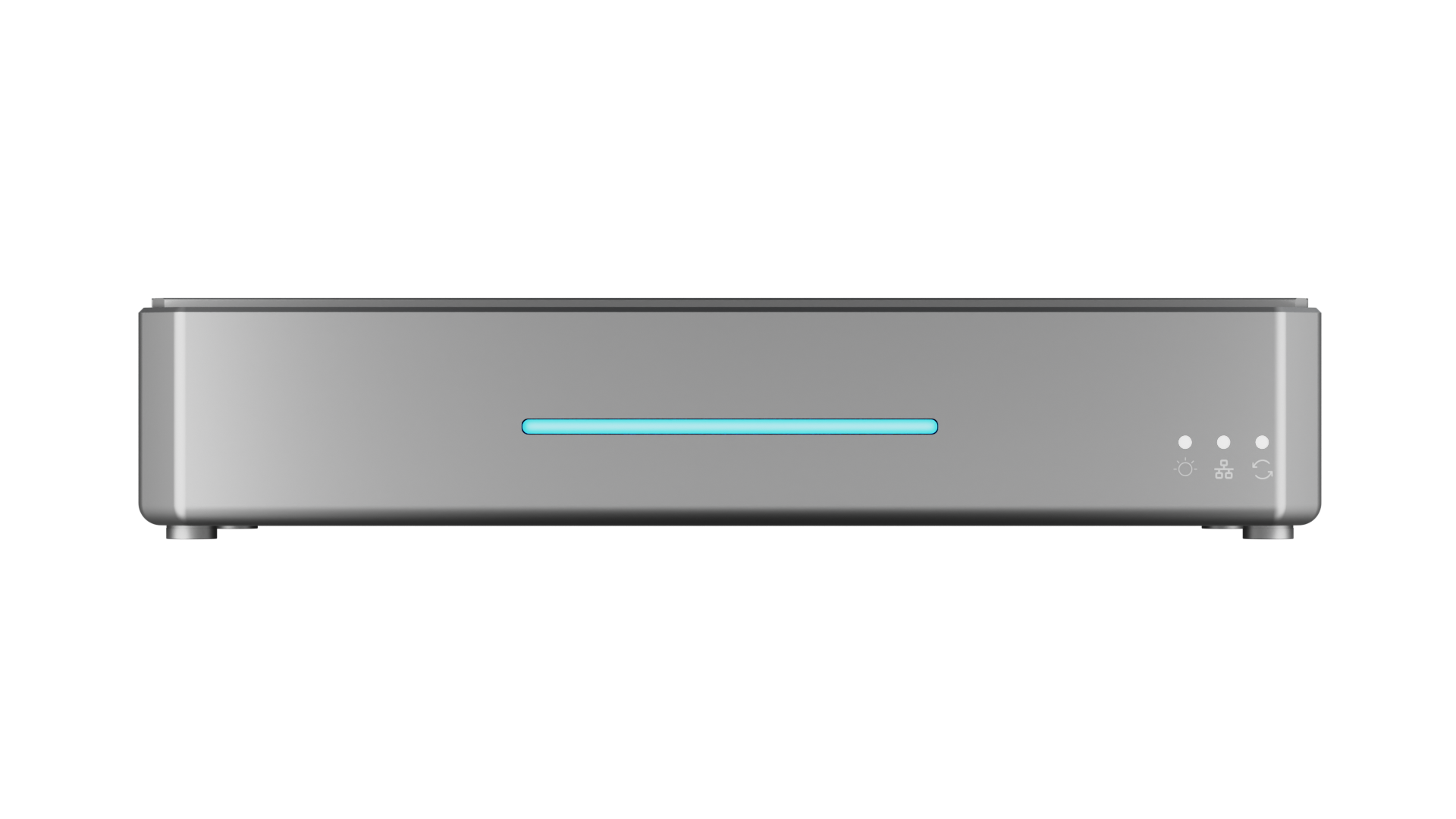
| Indicator | Color | Status | Desc. | |
|---|---|---|---|---|
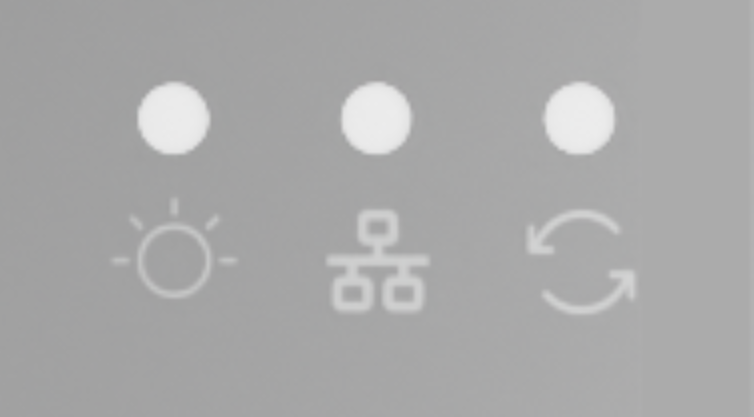 | Power | White | Solid | Device is powered on and operating normally. |
| Blink | Power fault detected. | |||
| Off | No power or hardware failure. | |||
| Network | White | Fast Blink | Device is online and connected. |
| Slow Blink | Network error or resetting (Operator light blinks). | |||
| Off | Device is offline or disconnected | |||
| Operation | White | Solid | System Ready. |
| Blink | Syetem Resetting (Network light blinks). | |||
| Off | System error or not started. | |||
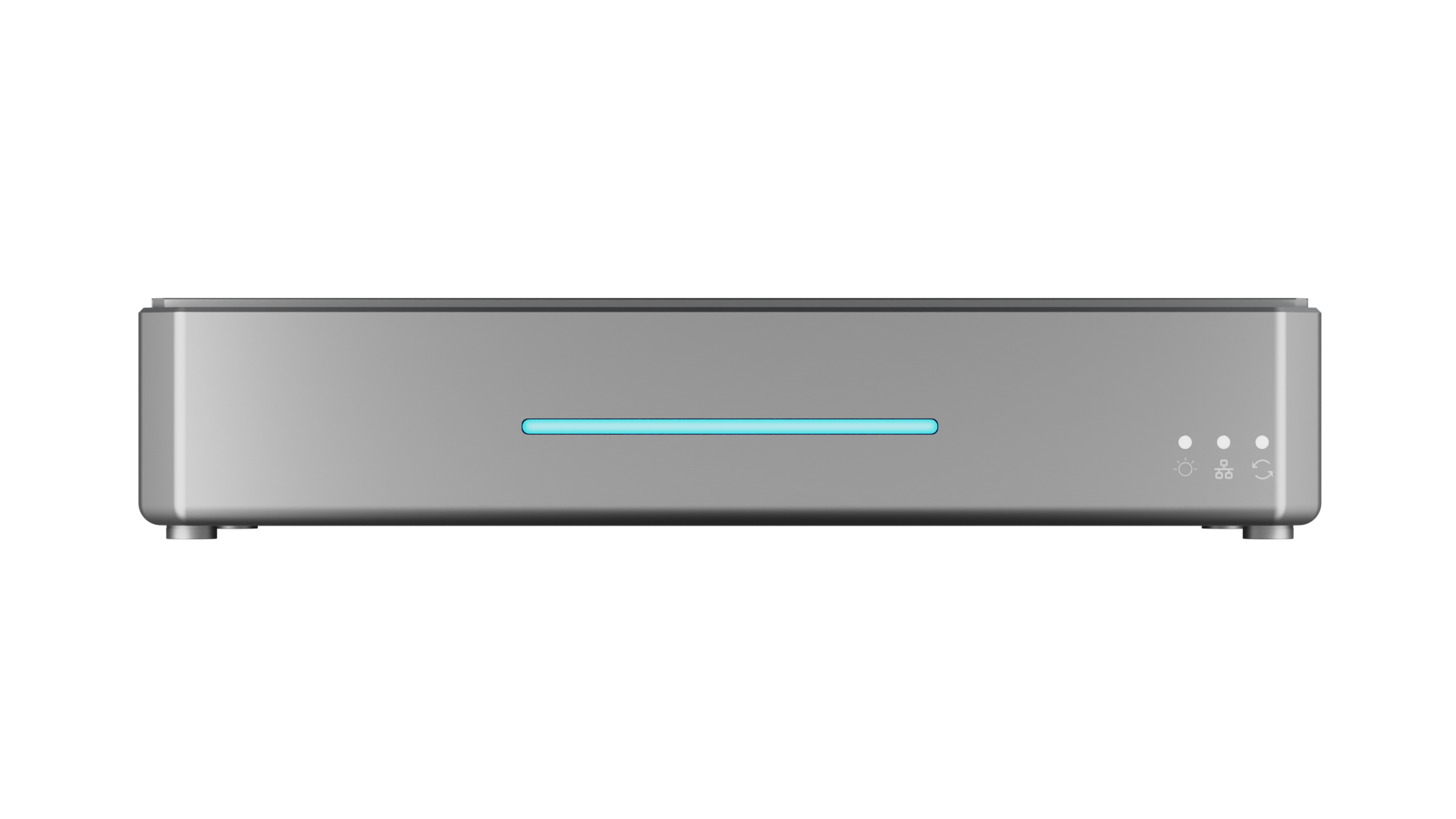 | Light Bar | Red | Solid | No HDMI/UVC signal. |
| Green | Solid | HDMI/UVC signal active. |
📢 Note

streamZ retains network settings.

If the app shows "disconnected", check the Network indicator:

- Fast blink: Device is reconnecting.
- Slow blink: Network error or resetting.