Online Manual
streamZ User Guide

3.3.1.2 Streaming via Other Devices
Visual
| Connecting Your Device | |
|---|---|
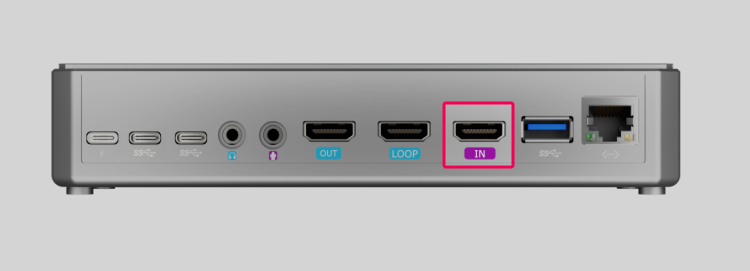 | Connect your camera, game console, or other video source to the HDMI IN port on streamZ using an HDMI cable. |
| When a Monitor is Connected | |
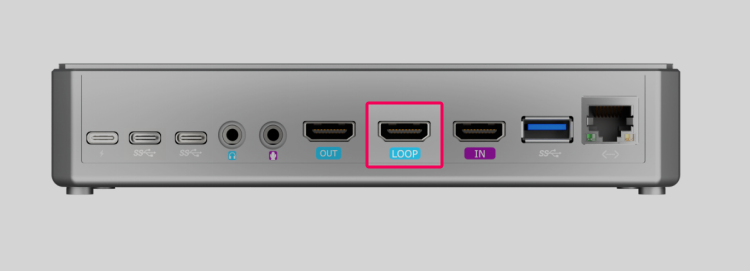 | HDMI LOOP Port: Monitors the original input source. |
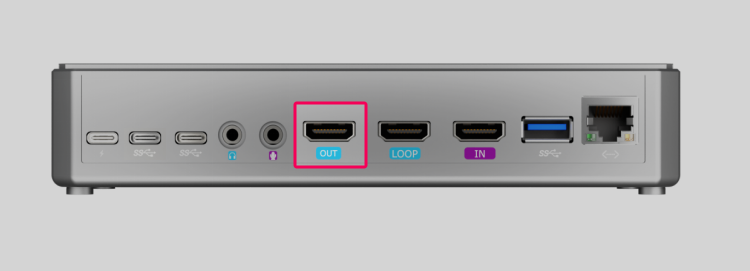 | HDMI OUT Port: Previews the final live broadcast feed. |
Audio
streamZ includes a built-in microphone. For higher-quality audio, connect external microphones such as lavalier or studio mics to the Audio Input port.
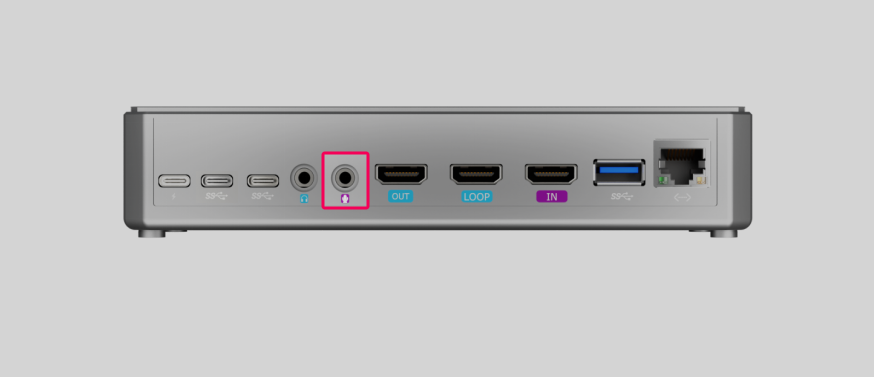
For detailed information on each port, see Section 2.1.1 Ports and Controls .
Source Connected

Device is successfully connected and ready for streaming.