Online Manual
stream-gO

2. Key Steps
Step 1: Download the TAO app
Option 1: Scan the QR code
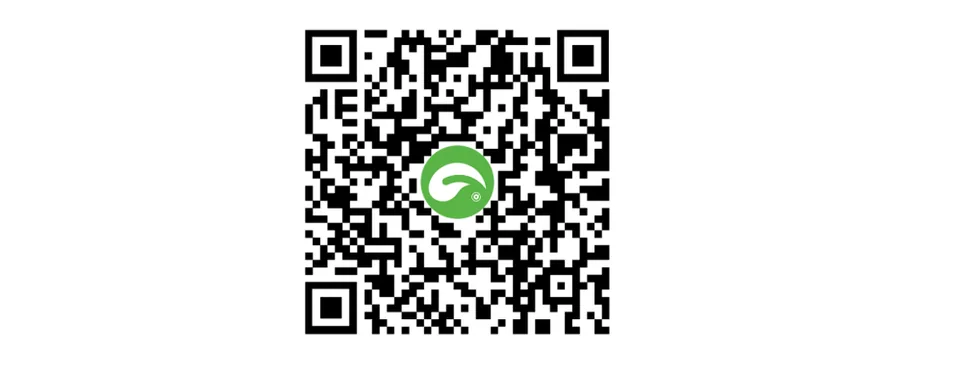
Option 2: Download from an app store
Search for TAO or TAO RGBlink in your app store.
- iOS: Search for TAO RGBlink in the App Store.
- Android: On Android devices, download TAO from an official app store.
| Mobile Phone | Official app store |
|---|---|
| Huawei | AppGallery |
| Xiaomi | GetApps |
| OPPO | OPPO App Market |
| VIVO | V-Appstore |
| HONOR | HONOR App Market |
| Google Pixel | Google Play |
| ... | ... |
📢 Note

If the TAO app cannot be found or installed, update your phone's operating system and try again.
Step 2: Sign Up and Log In
Step 3: Power Up
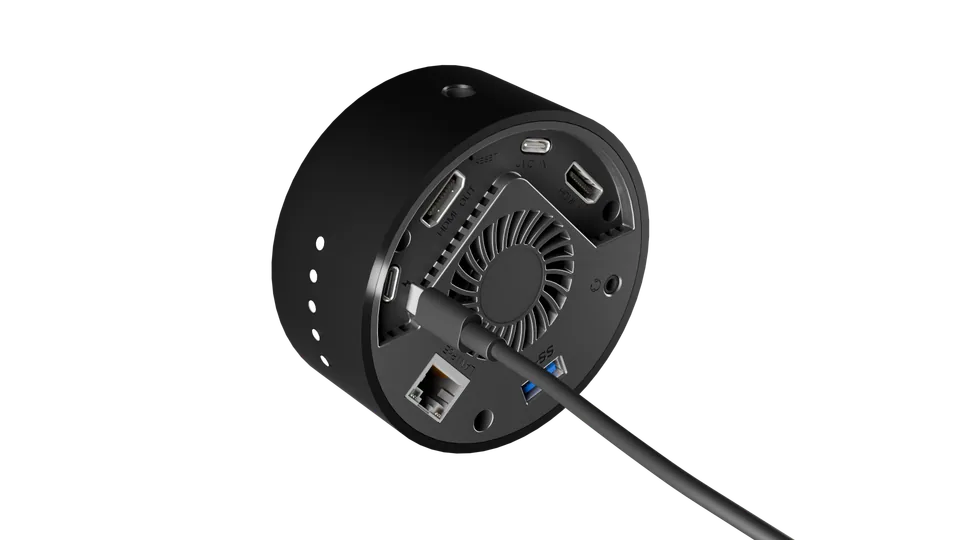
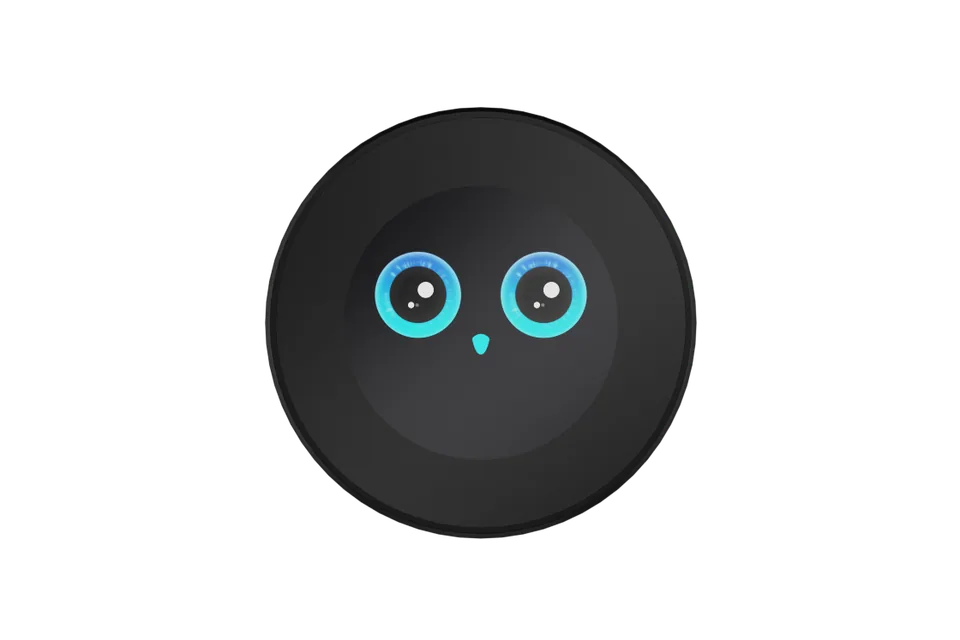
| stream gO powers on automatically when connected to power. Keep it powered during use | After startup, the touchscreen displays a startup animation. | |
|---|---|---|
 | 👉 |  |
Step 4: Scan and Bind
Open the TAO App and scan the QR code on the Settings > Device Info > Device QR Code.
Follow the on-screen instructions to bind the device.
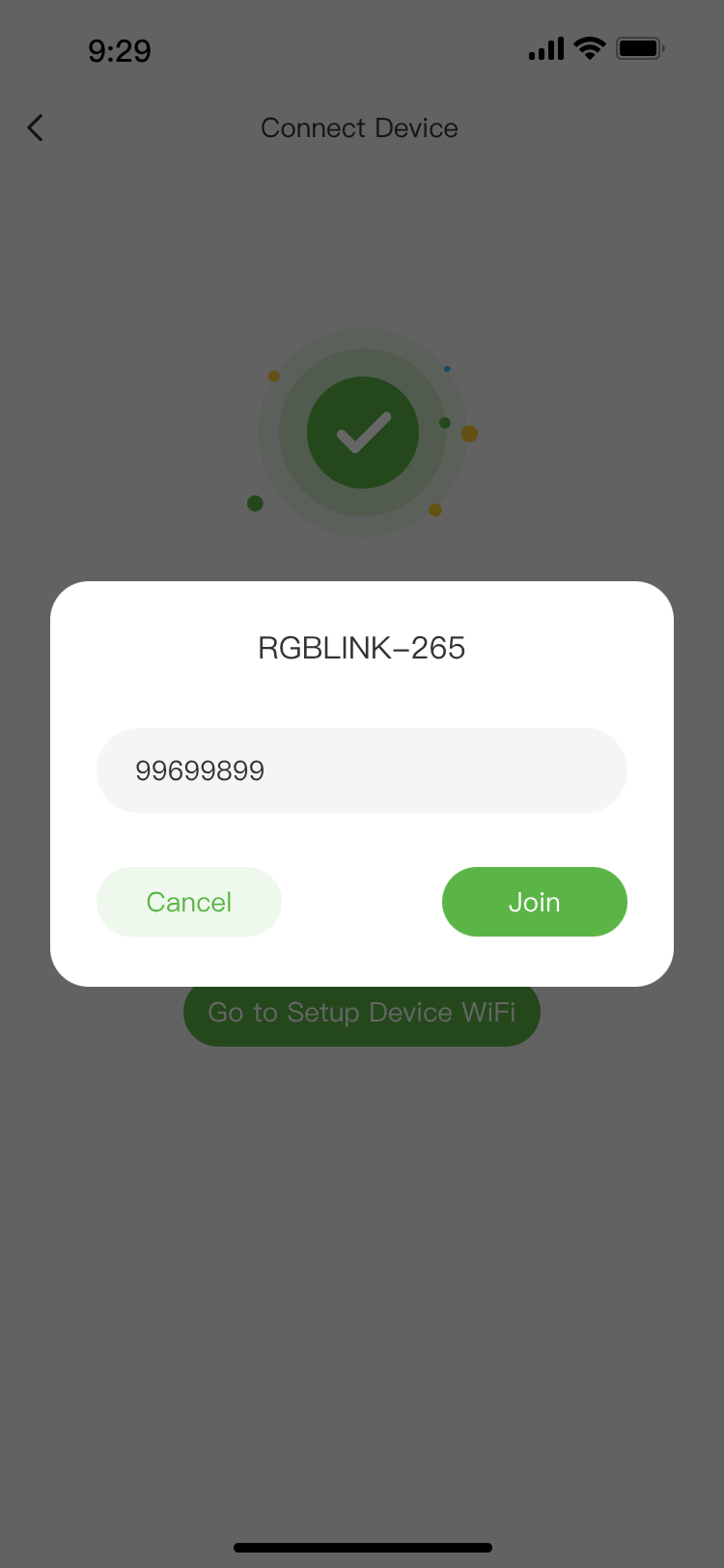
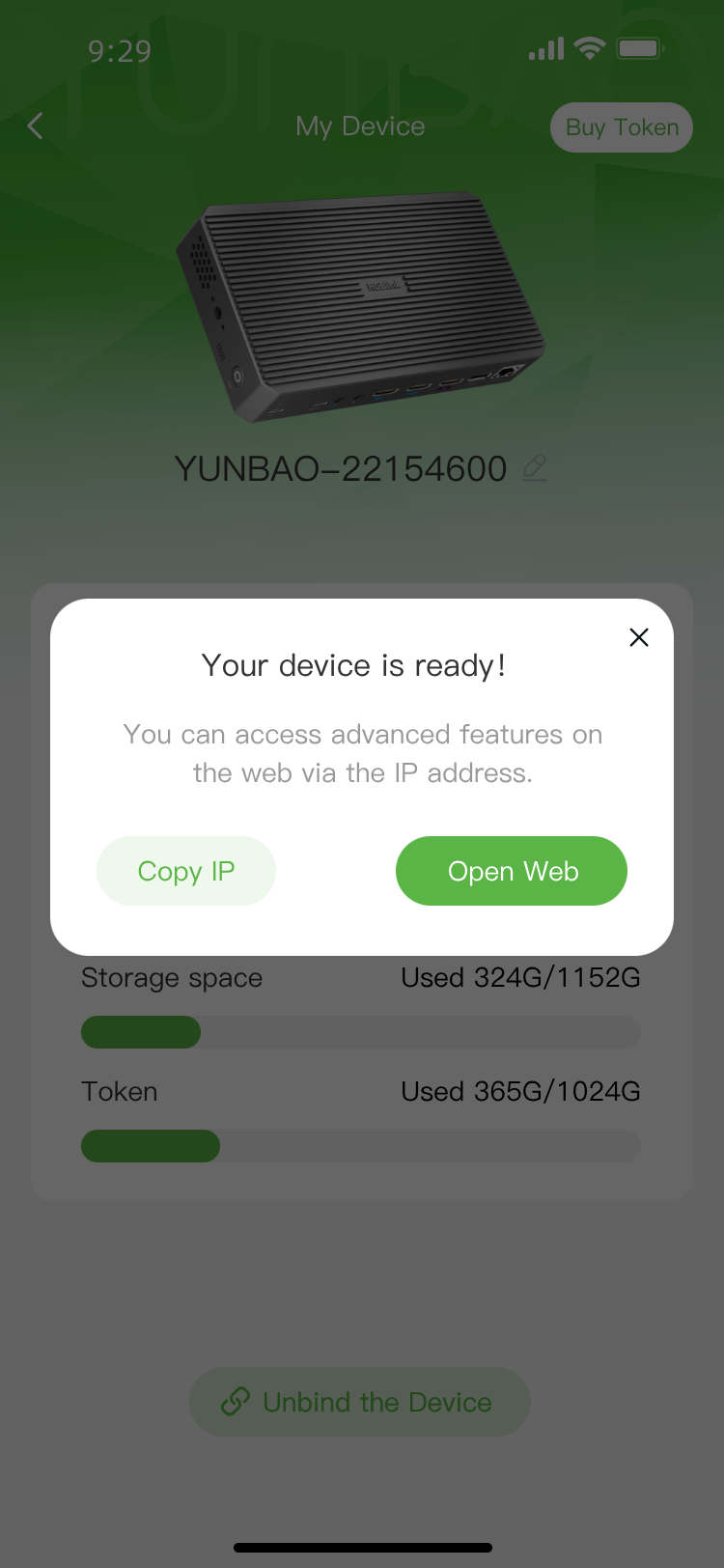
Step 5: Network Configuration and Web Login
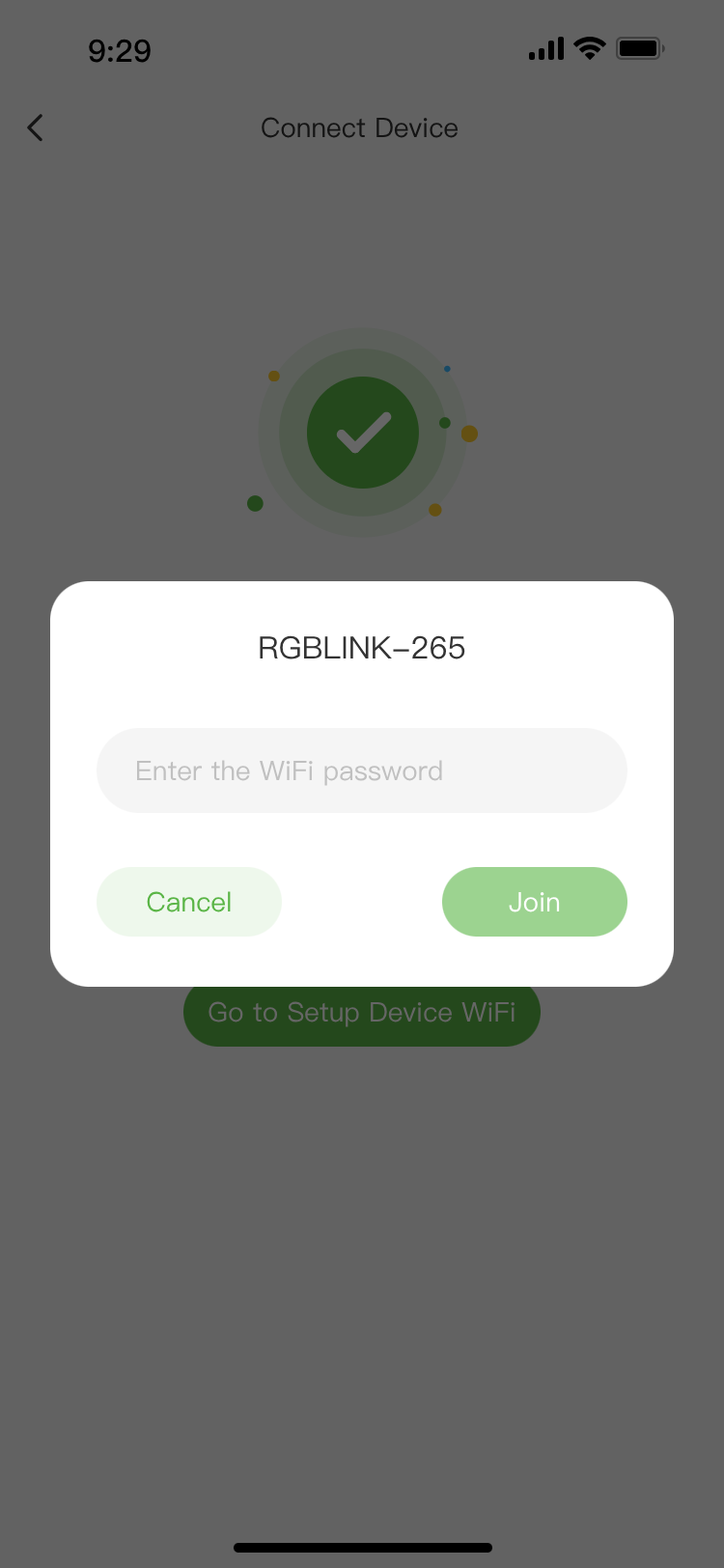
Follow the instructions in the app to configure the network.
After setup, obtain the device IP address and log in to the web console.
The IP address remains displayed on the screen for 1 minute after startup.
| Setup Process | ||
|---|---|---|
| Connect to Wi-Fi | Enter Password | Device Bound and Open Web |
 |  |  |
Using a Wired Connection Connect an Ethernet cable between the stream gO Ethernet port and the router LAN port.View IP details: Connect a monitor to the HDMI OUT port to see your status.You can access the web console using either IP address. Using a Mobile HotspotWith TAO APPV2.7.2( Android) or later, stream gO can also connect through a mobile hotspot.
Step 6: Update Your Credentials
Change the default username and password in the web settings.
Setup Completed Successfully.
📢 Important

-Network Requirement: Ensure your phone, stream gO, and the web console device are all connected to the same Wi-Fi network.
-Data Sync: Initial discrepancies between the app and the web console are normal. The system will auto-sync the moment you upload or place your first file.
-Wi-Fi Updates:If you change your router's name or password after setup, stream gO will go offline. Scan the QR code to re-bind.