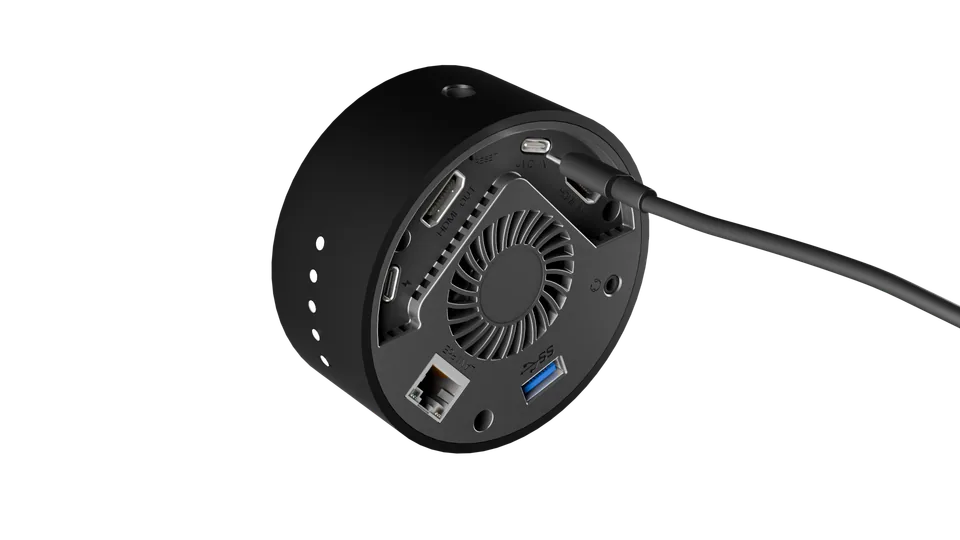
Online Manual
stream-gO

3.4.3.1.2 Streaming via Other Devices
Visual
| Connecting Your Device | |
|---|---|
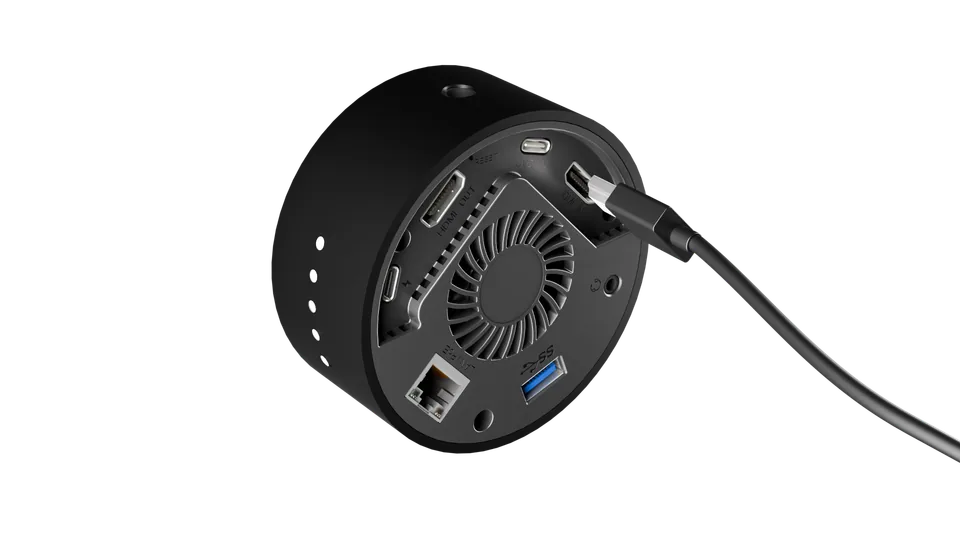 | Connect your camera, game console, or other video source to the HDMI IN port on stream gO using an HDMI cable. |
| When a Monitor is Connected | |
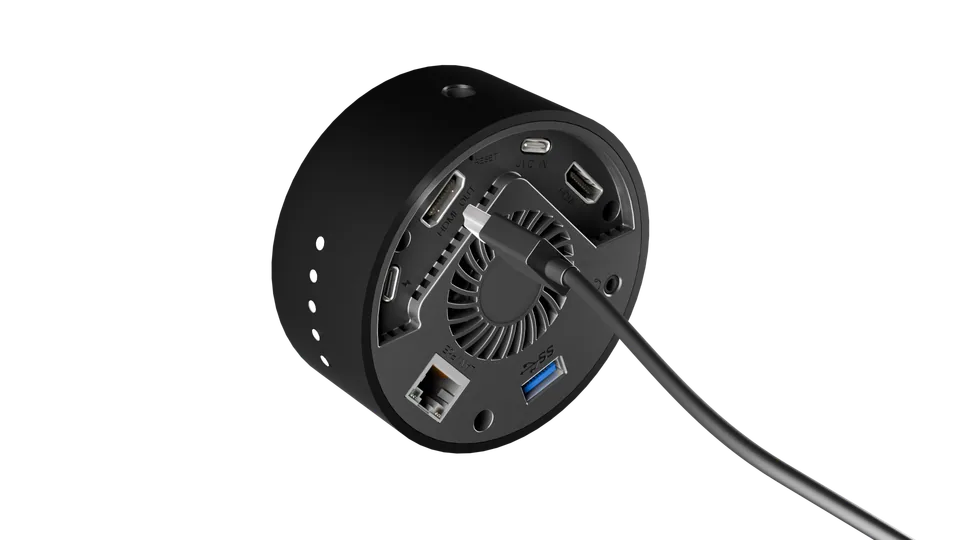 | HDMI OUT Port: Previews the final live broadcast feed. |
Audio
- Connect a lavalier microphone or external microphone via the 3.5 mm Line-in port. In the live scene setup, select Audio > Line In.
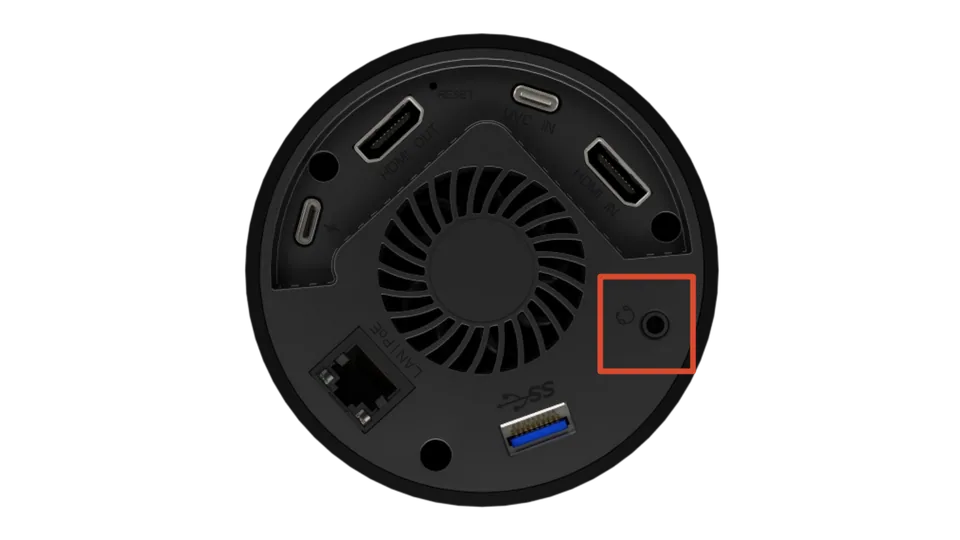
- Connect a professional condenser microphone via the USB-C port. In the live scene setup, select Audio > UAC.