Online Manual
TAO-1tiny-2

2.3.5 NDI Decoding
The TAO 1tiny 2 adds NDI decoding feature, converting the input NDI signal to an HDMI 2.0 output.
TAO 1tiny 2 NDI decoding specifications:
- Decoding format: NDI |HX,NDI |HX2,NDI | HX3
- Resolution: 3840 x 2160@60Hz
- Please Note that the current NDI decoding feature does not support FULL NDI.
📢 Important

NDI encoding and decoding cannot be performed simultaneously.

By default, the NDI encoding and decoding features are disabled.
Proceed as follows:
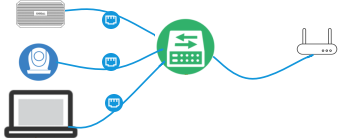
- Connect a switch and a router with an Ethernet cable. Then connect the TAO 1tiny 2, NDI camera, and computer to the switch, placing them on the same LAN.
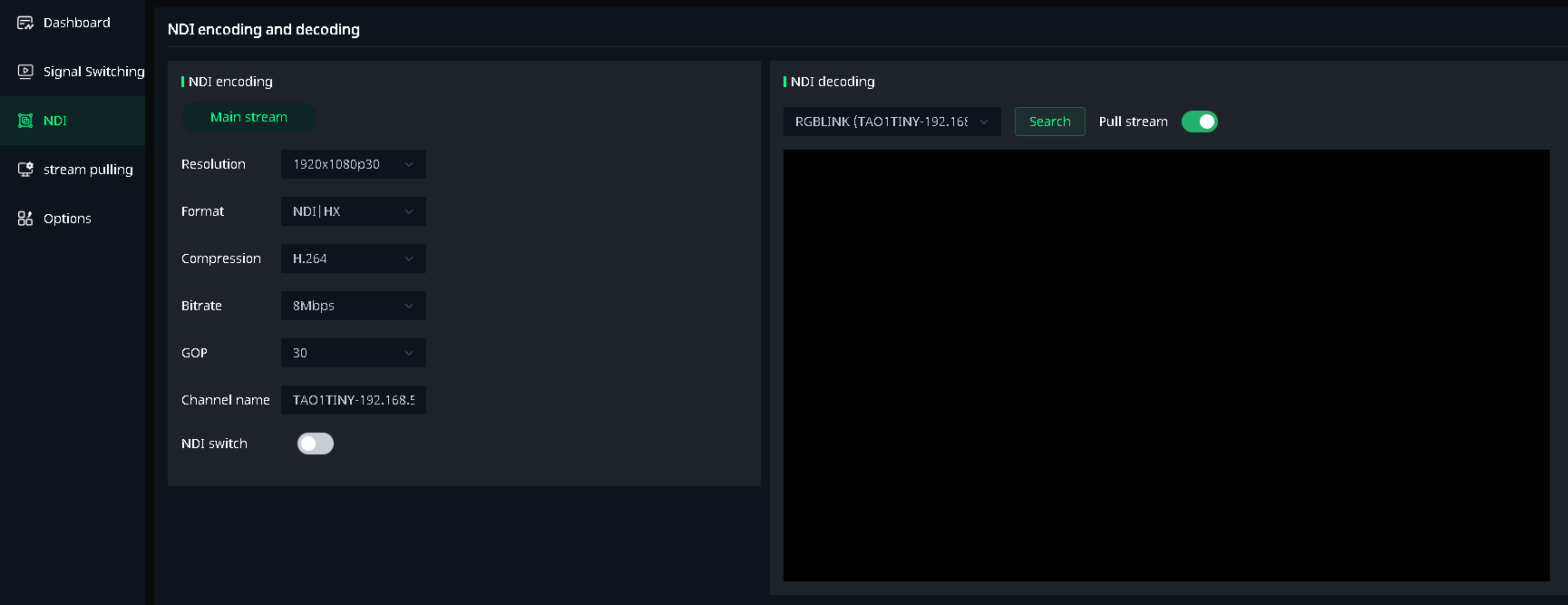
- On the NDI Encode/Decode page, under NDI Decode, click Search for NDI Source. Then click Pull Stream, and the preview window will display the NDI source video.
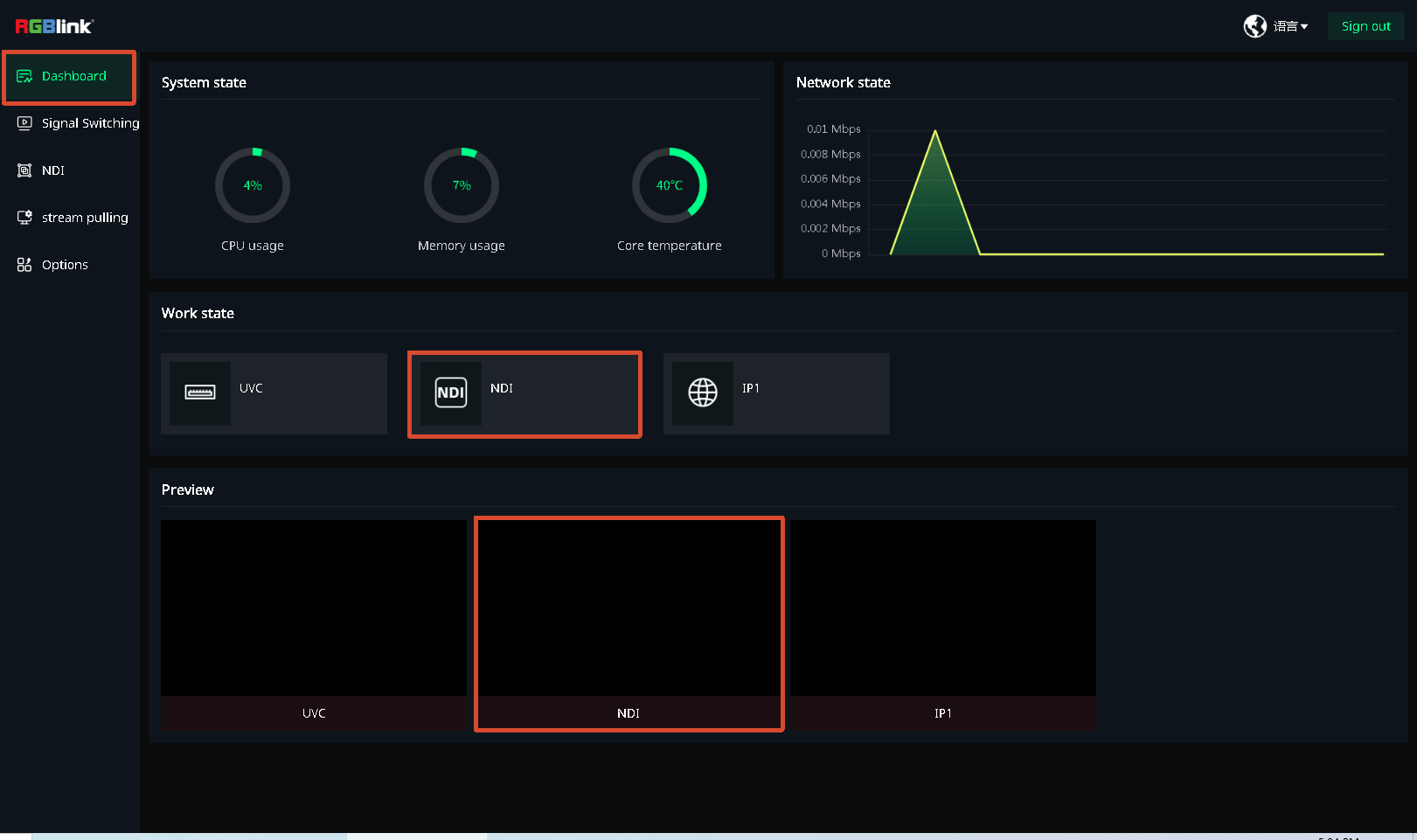
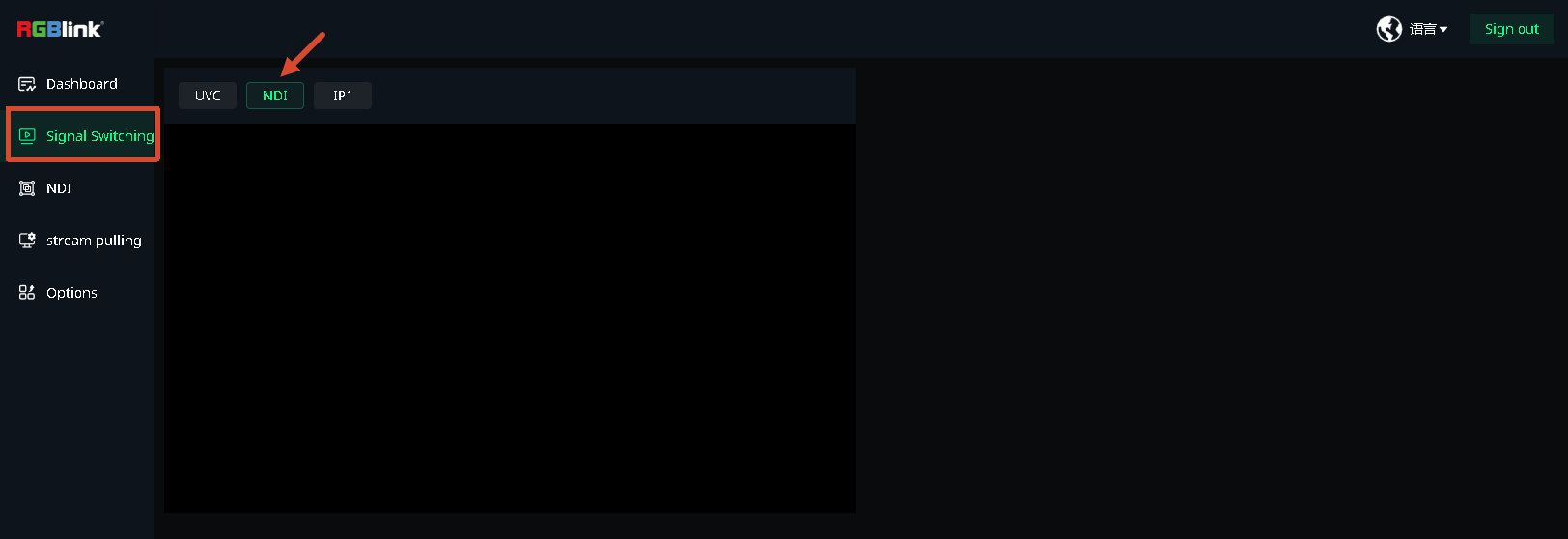
- The decoded NDI video now becomes an input source. You can switch the HDMI main output signal on the Signal Switching page.