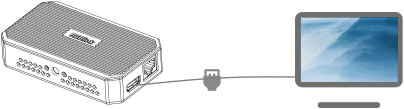
Online Manual
TAO-1tiny-2

3.2.3.6.1 PTZ Camera Stream
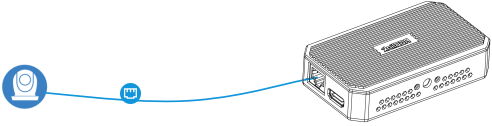
This example shows how to connect an IP-based PTZ camera.
The device and camera must be on the same network.
Using Static IP
- Connect the PTZ camera and TAO 1tiny 2 to the same network switch.
- Obtain the camera IP address from the manual or control panel.
- Go to the Options page and disable DHCP.
- Manually set the device IP. Make the first three segments identical to the PTZ camera IP to ensure both are on the same network.
- Click Save .
Adding a Stream URL
Ensure TAO 1tiny 2 and the PTZ camera are on the same network.
The device supports ingesting PTZ camera video via standard network protocols. A valid stream URL is required for connection.
-
Most stream URLs follow a common format, for example: rtsp://[ip_address]:[port]/[path]. Replace variables as follows.
a. IP address: static IP configured for the PTZ camera, or dynamic IP assigned by the router.
b. The username, password, and stream path: refer to the PTZ camera manual.
-
On the Streaming Pulling page, enter the channel name and stream URL.
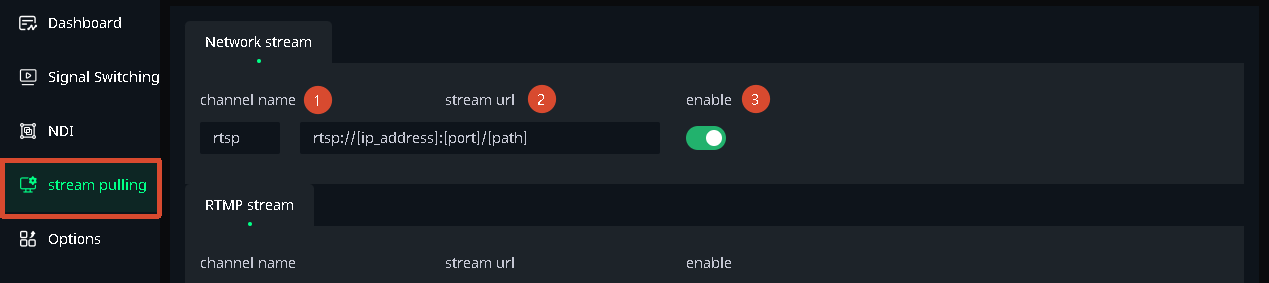
- Enable the switch for this stream URL, you can see the video feed in the preview area under the Dashboard page.
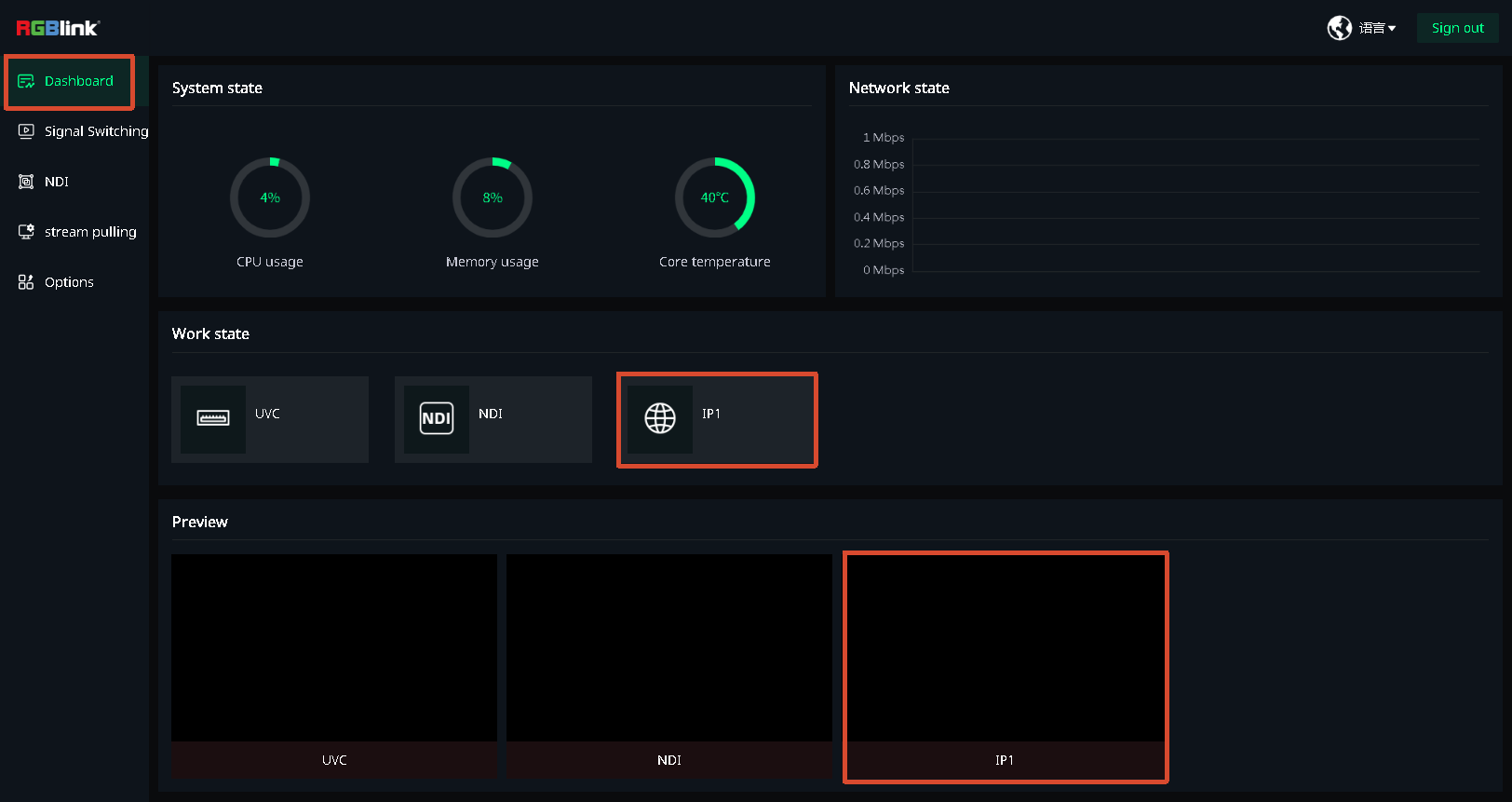
- On the Signal Switching page, select IP1.
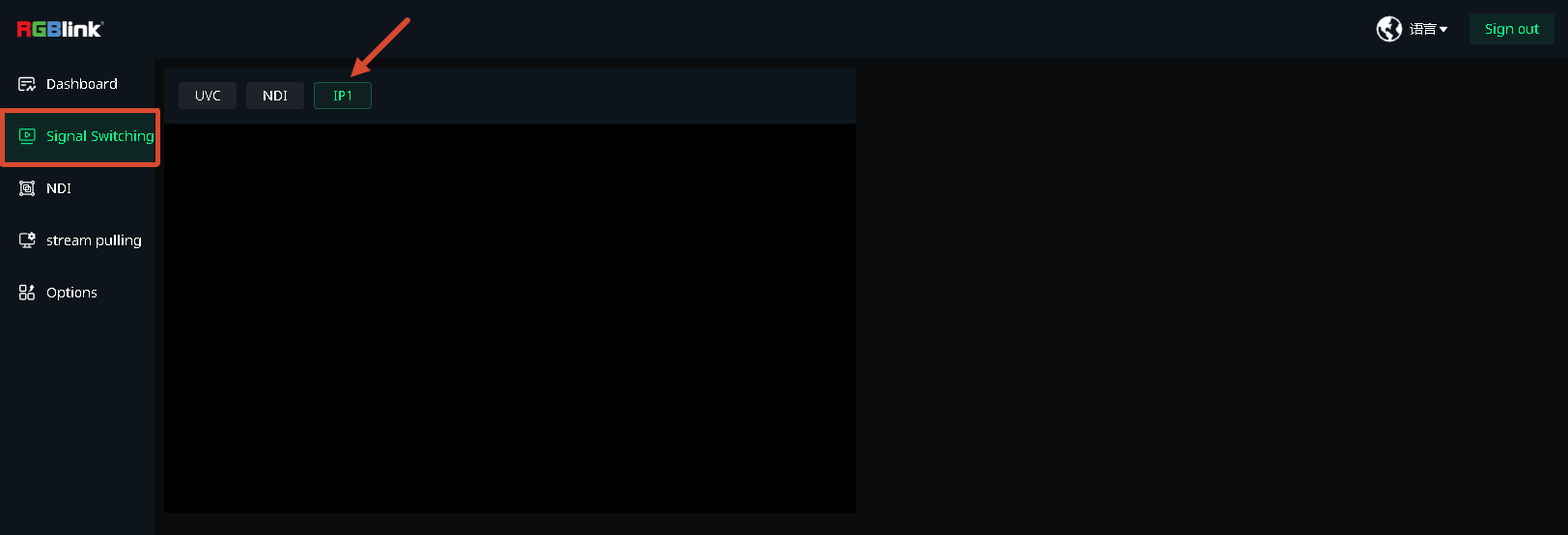
- The HDMI output will switch to the camera feed.