Online Manual
TAO-1tiny-2

3.2.3.6.2 Mobile Casting
Requirements
- Only Android devices are supported, and landscape mode is required.
- Install the TAO App (version 2.6.5 or later):
- Scan the QR code
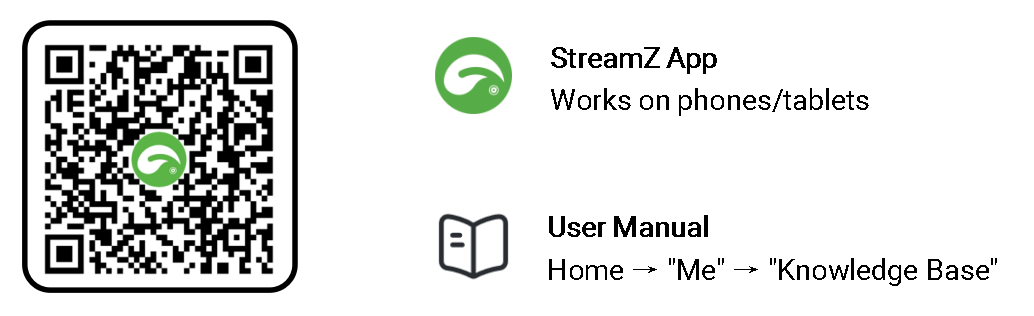
- Download from app stores (search TAO or TAO RGBlink)
- The device, mobile phone, and wireless router must be on the same network, with normal internet access.
Steps
- Power on TAO 1tiny 2 and log in to the web interface.
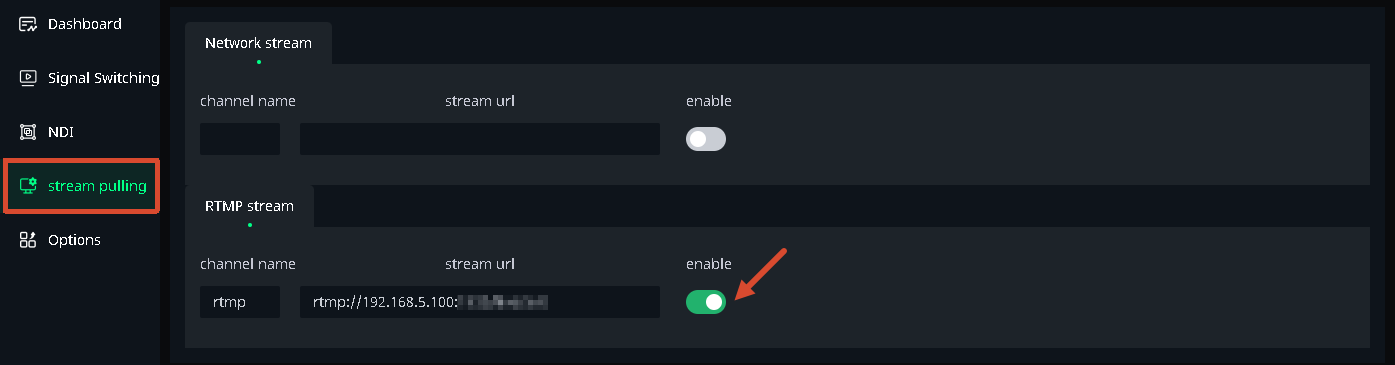
Go to Signal Switching page and select IP1. - Go to Stream Pulling, locate the RTMP URL (fixed and not editable), and enable the stream.
- On the mobile device:
- Install and open the TAO App
- Connect to the same Wi-Fi network as TAO 1tiny 2
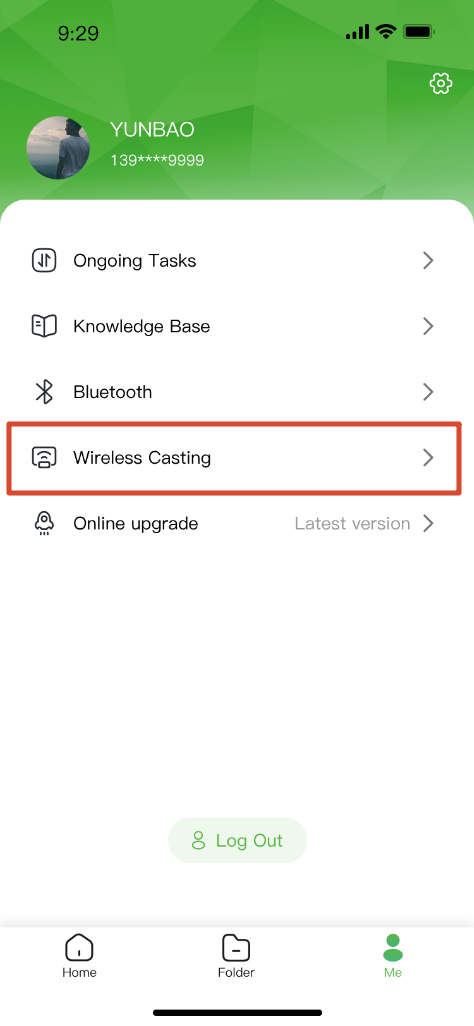
- Navigate to: Me > Wireless Casting
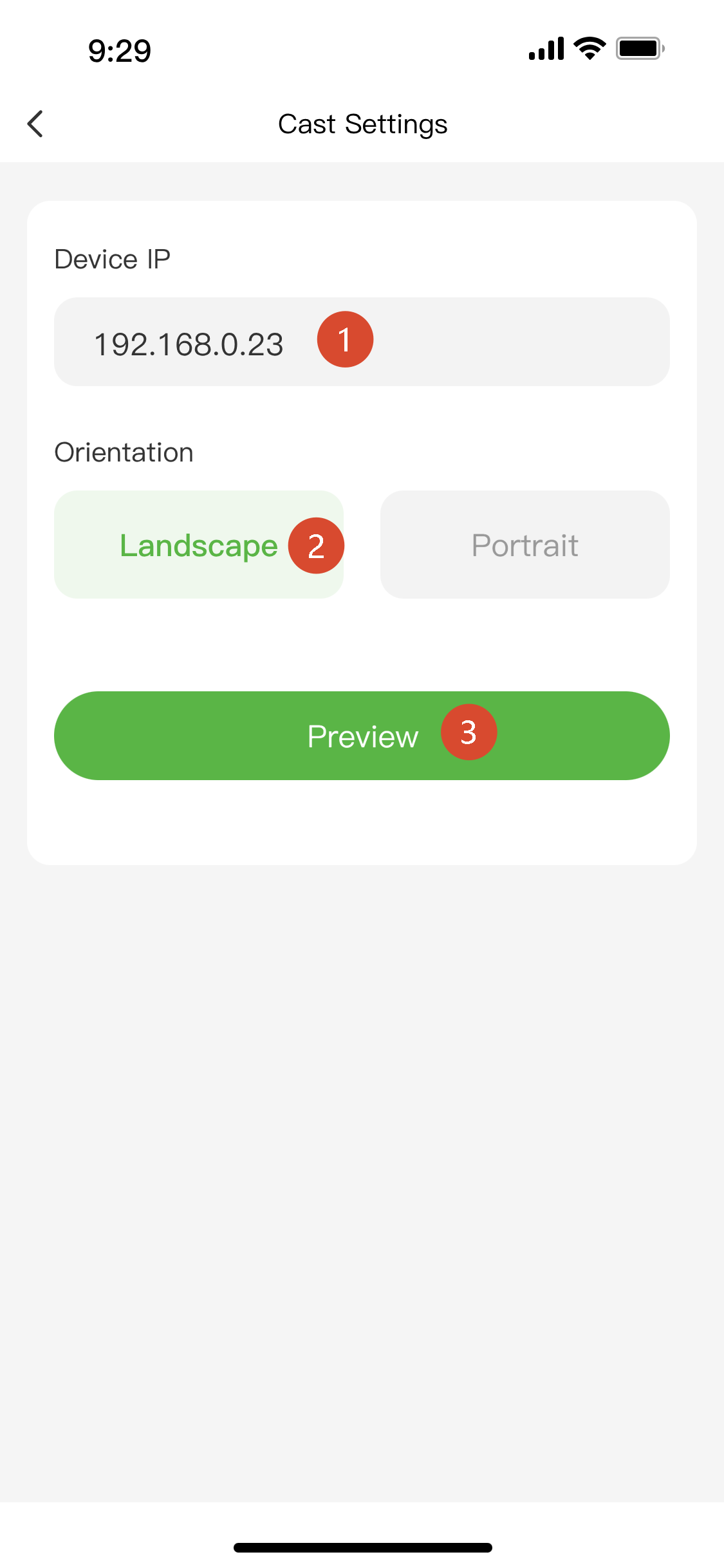
- Enter the device IP address
- Select Landscape mode and tap Preview
 |  |
|---|
-
In the preview screen:
a. Shows mobile camera feed
b. Tap the Play icon to start casting
Once casting starts, verify that the HDMI output matches the mobile camera feed.
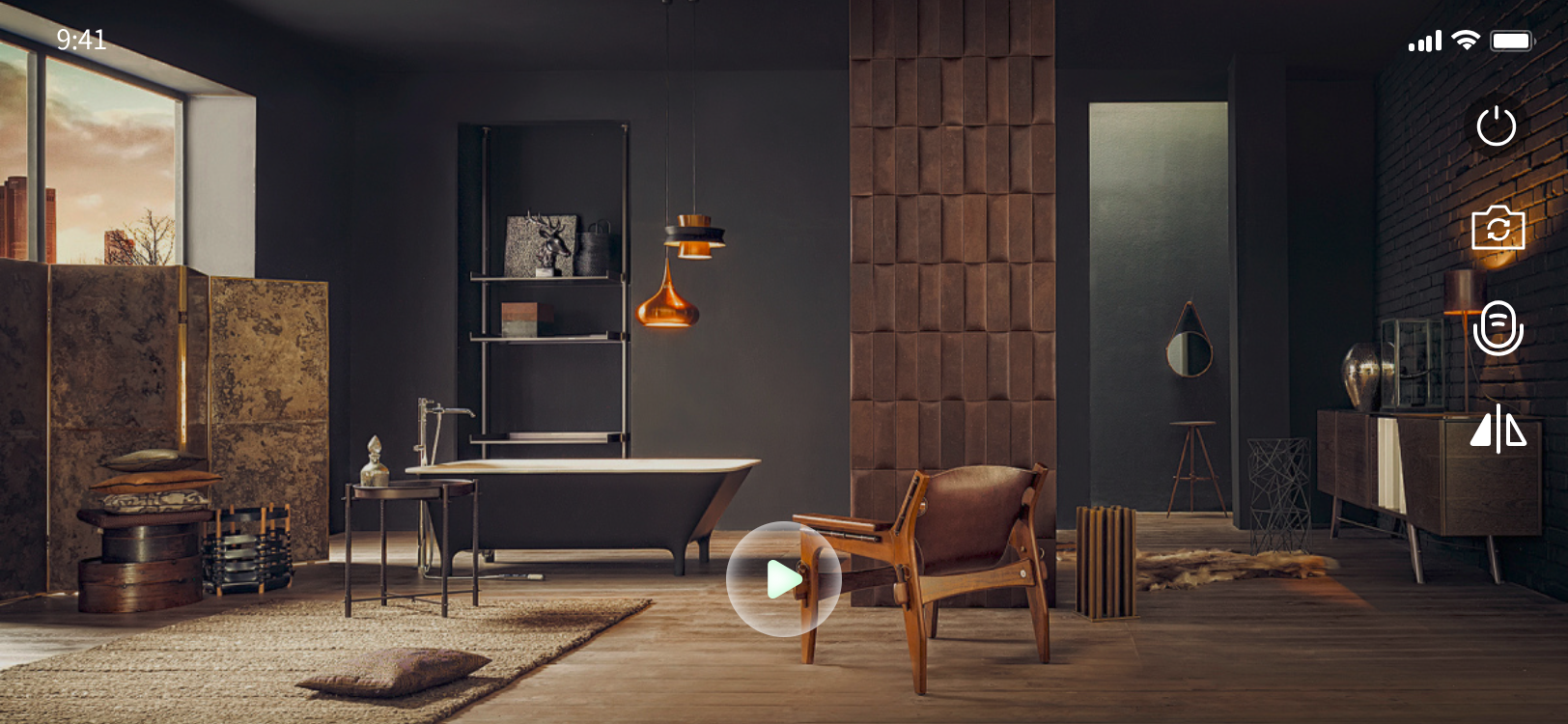
Interface Guide
| Icon | Function |
|---|---|
 | Play. |
 | Stop the current stream. |
 | Switch between front and rear cameras. |
 | Turn microphone on/off. |
 | Flip image horizontally. |