Online Manual
msp-325n-v2

2 Device Connection
Connect Power
Connect the power cable to turn on the device automatically.
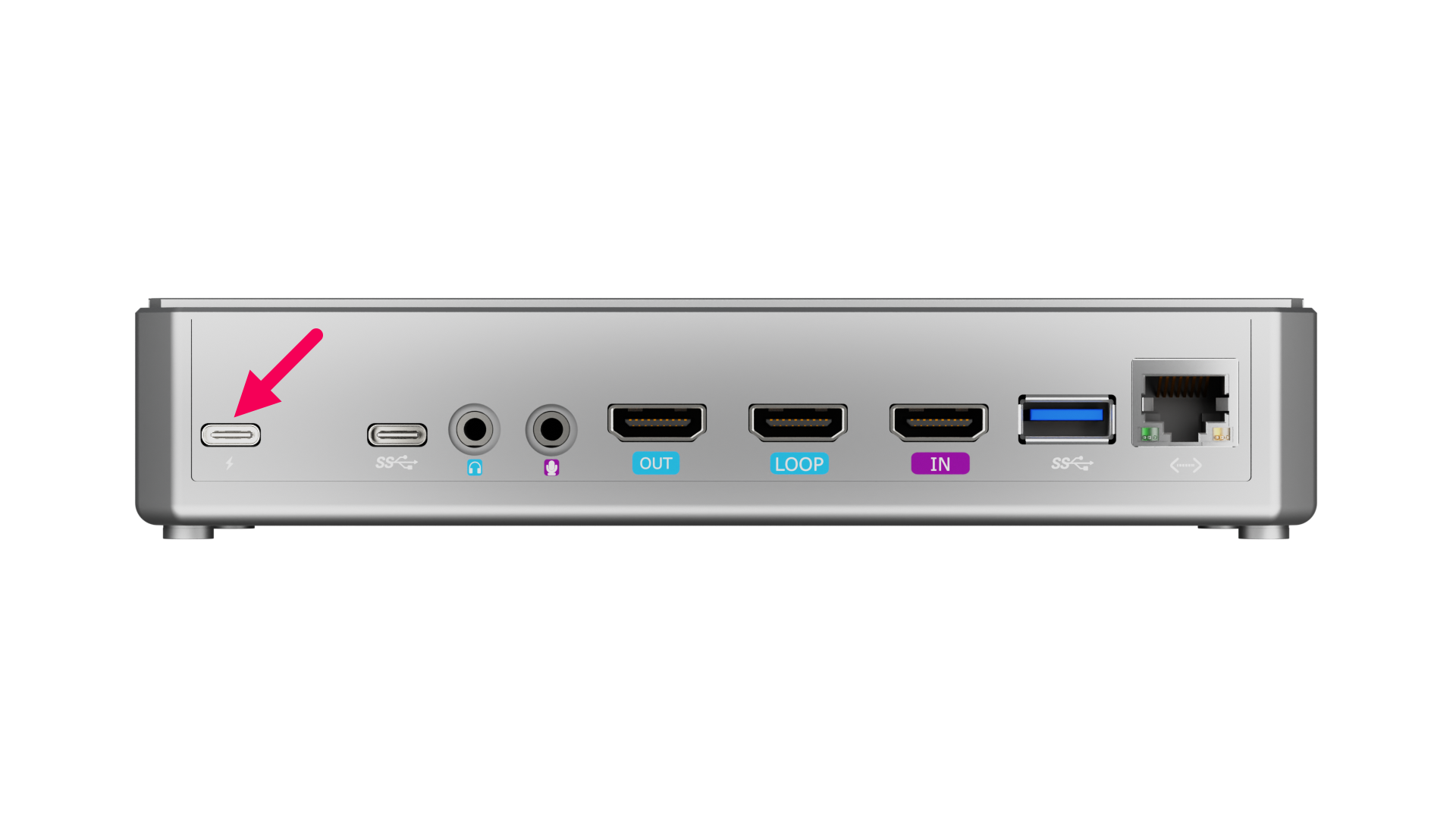 | 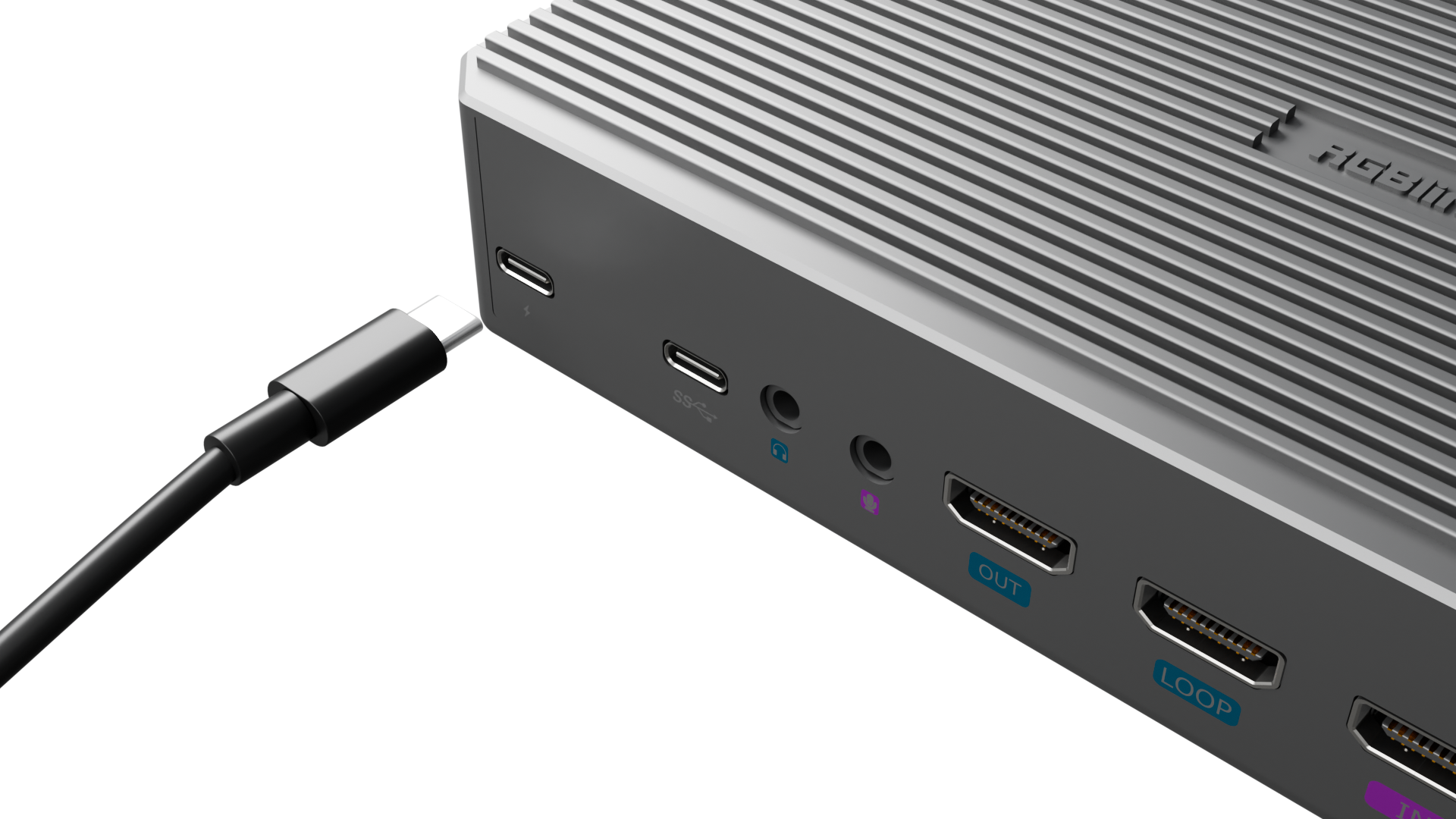 |
|---|
Connect HDMI Input Cable
Connect HD cameras, computers, and other input sources with HDMI interfaces.
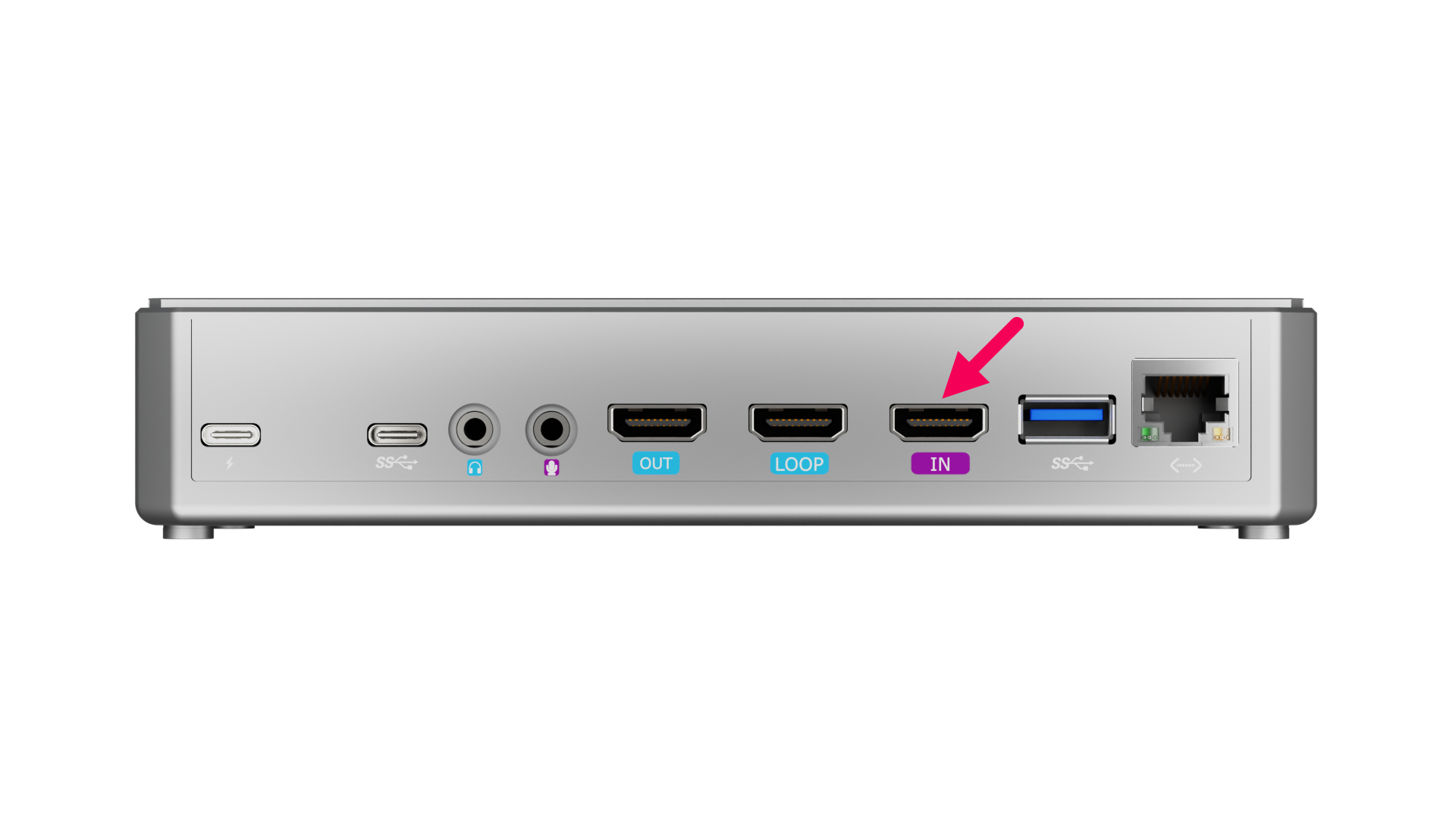 | 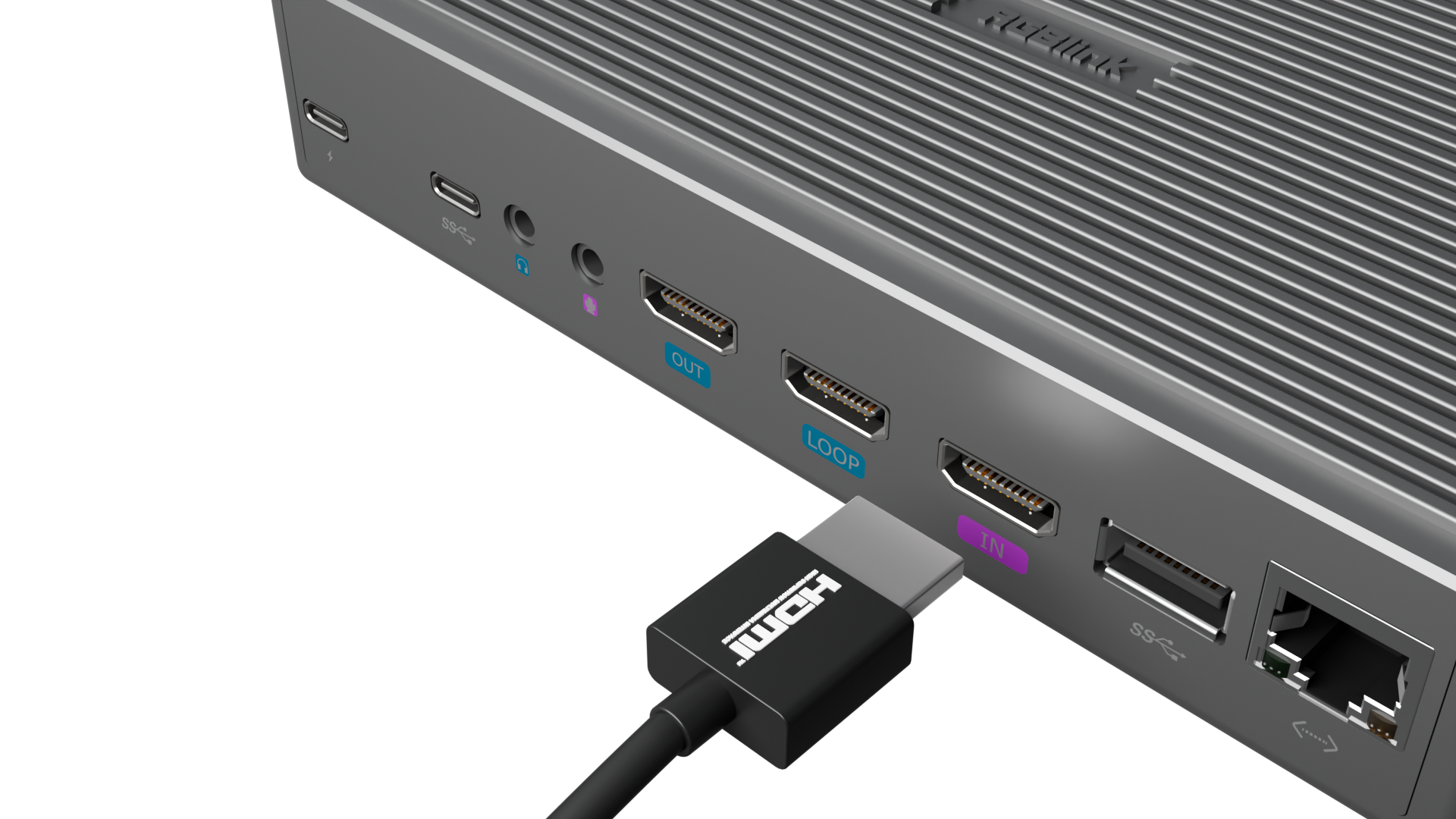 |
|---|
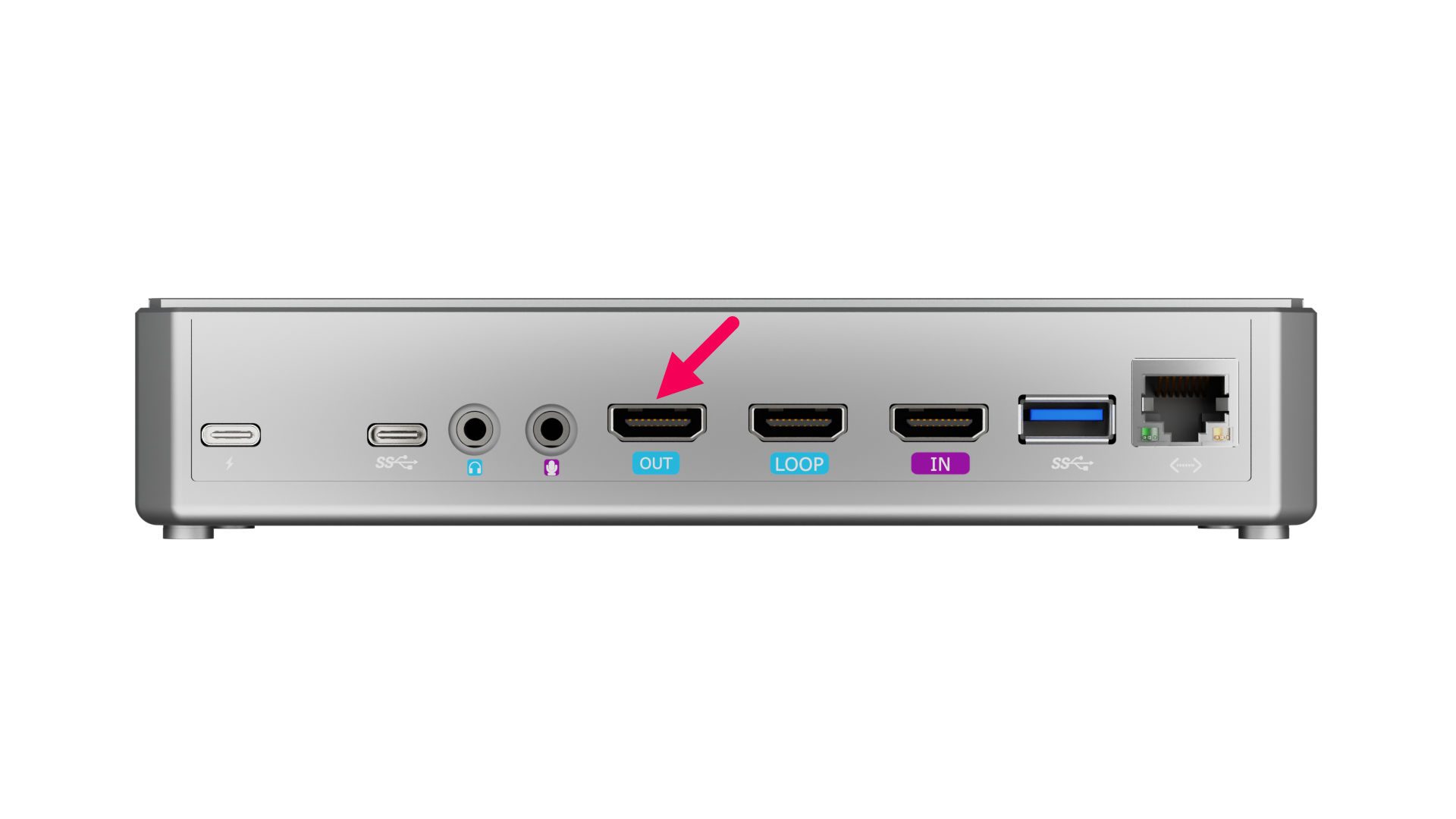
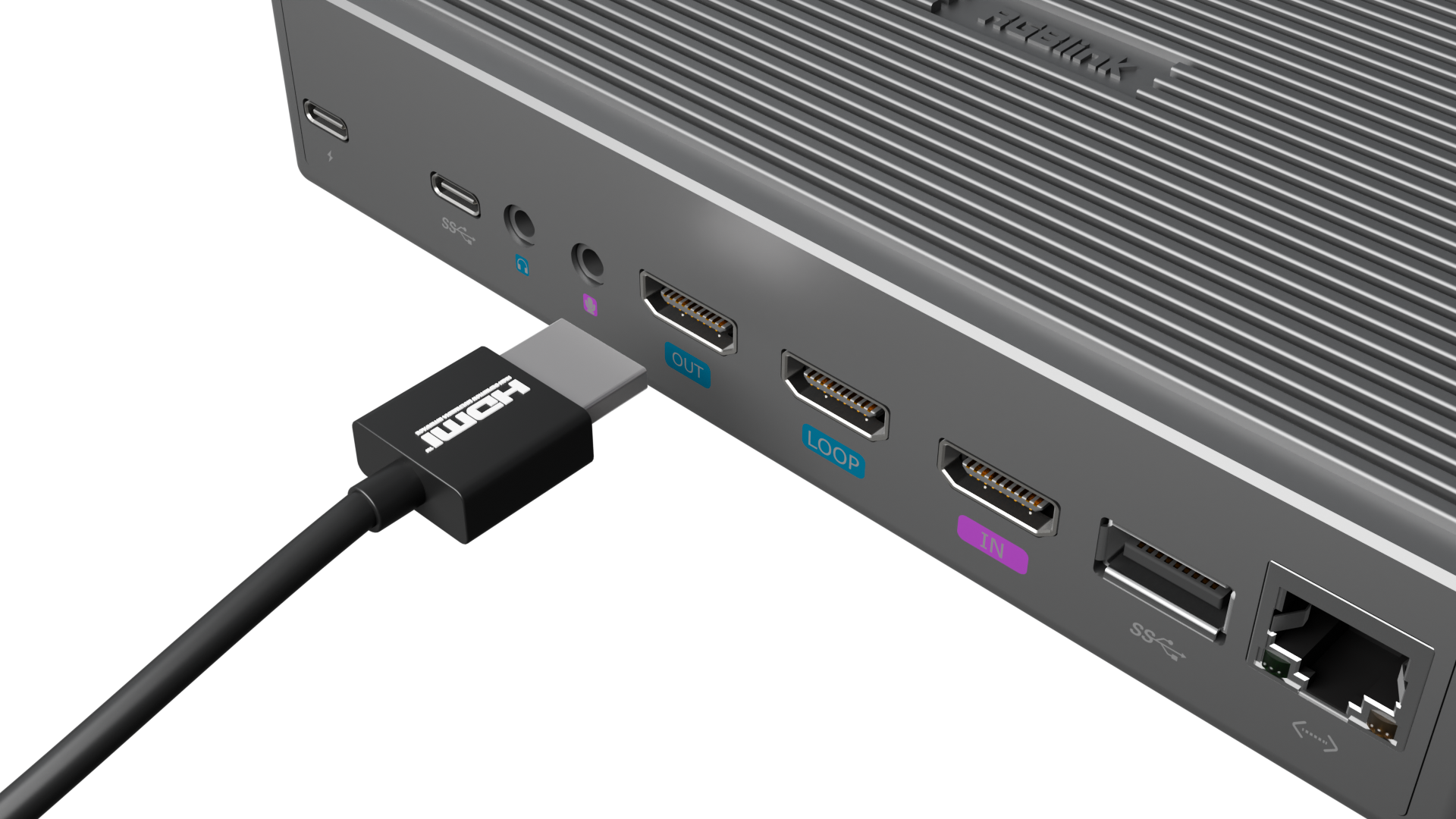
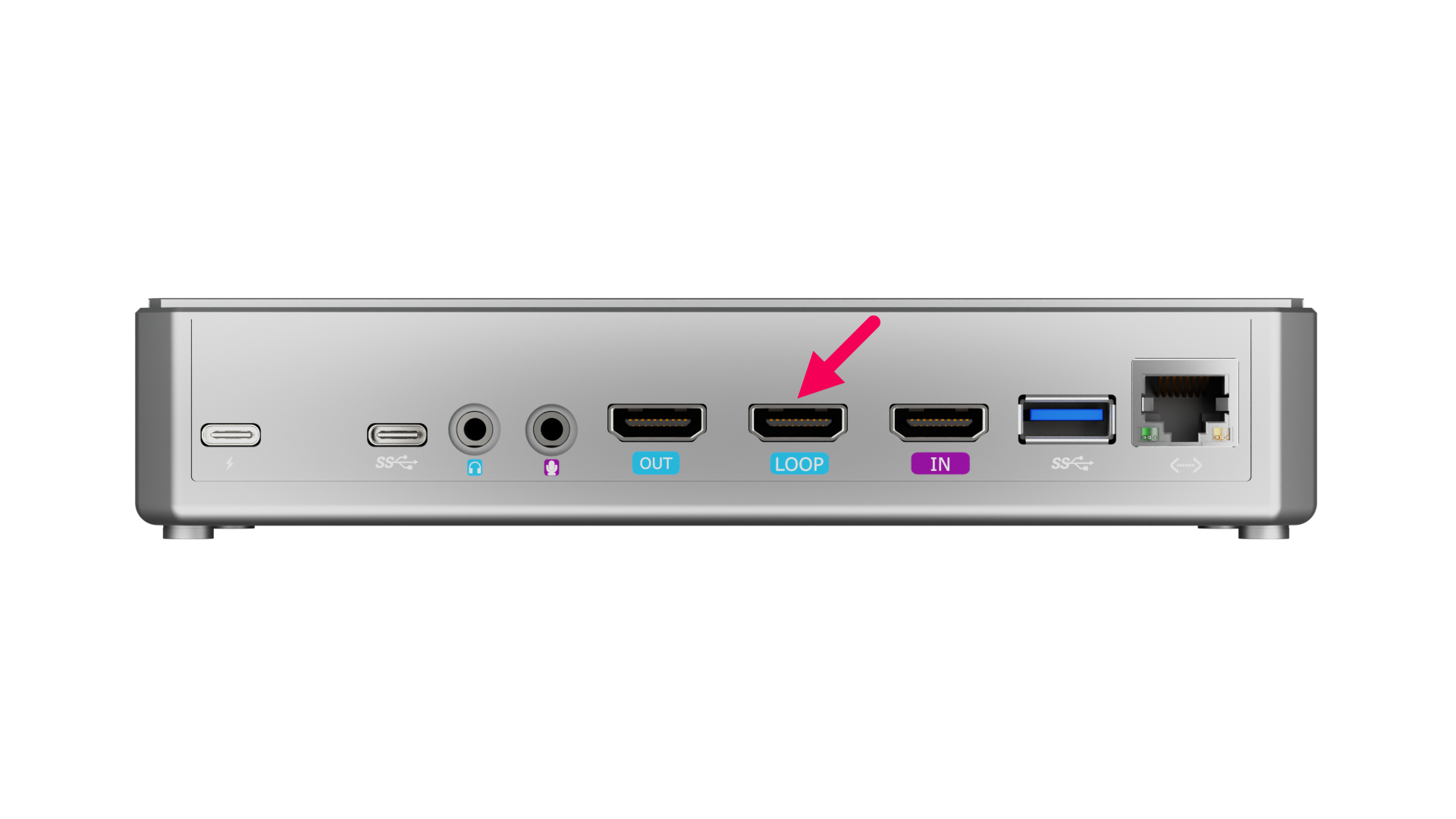
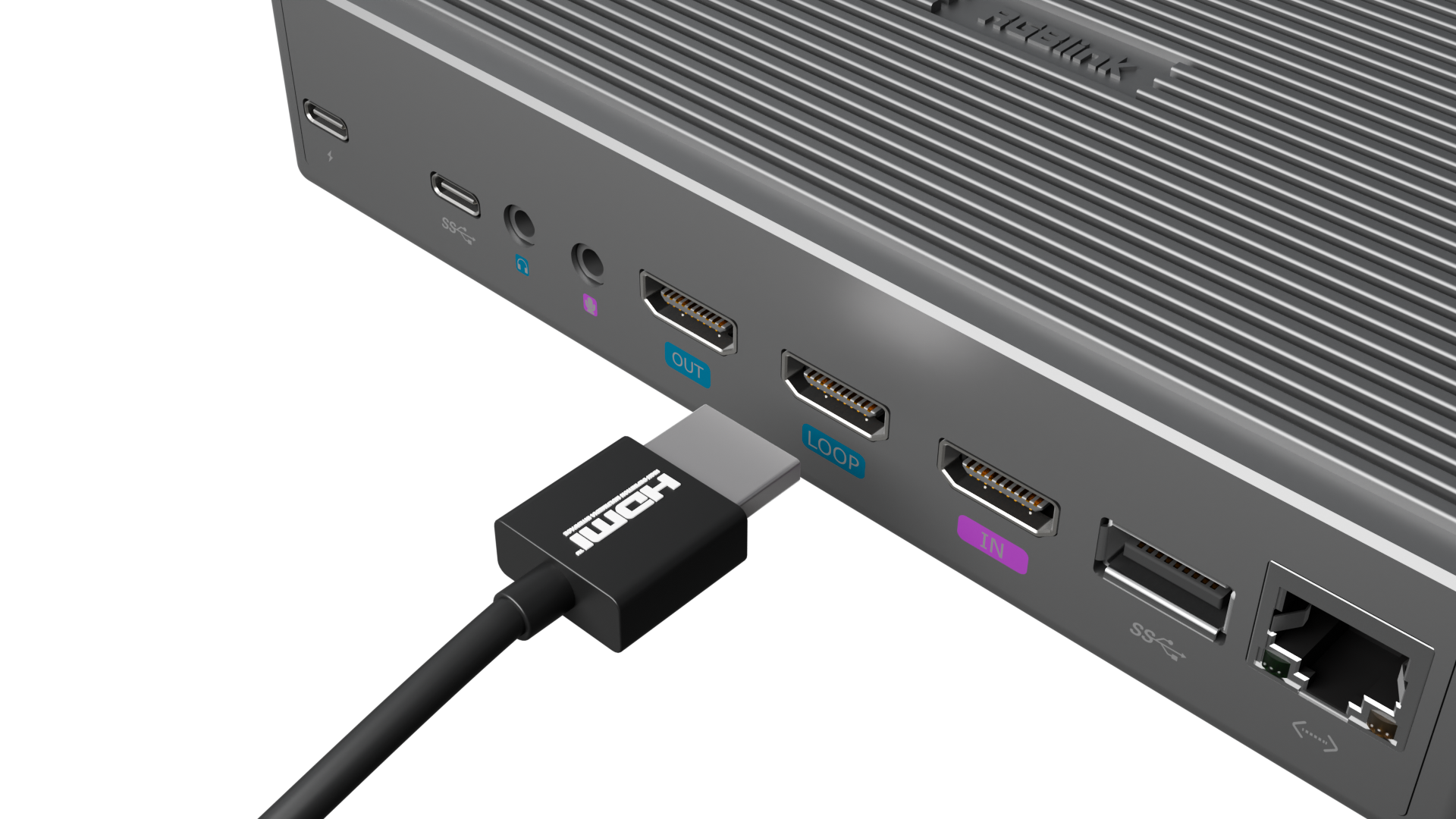
Connect HDMI Output Cable
HDMI OUT: Use an HDMI cable to connect the MSP 325N V2 to a monitor as the main output.
HDMI LOOP: Use another HDMI cable to connect the MSP 325N V2 to a monitor, looping the HDMI input signal.
 |  |
|---|---|
 |  |
Connect USB-C Cable
Use a data cable supporting the UVC protocol to connect a USB input camera.
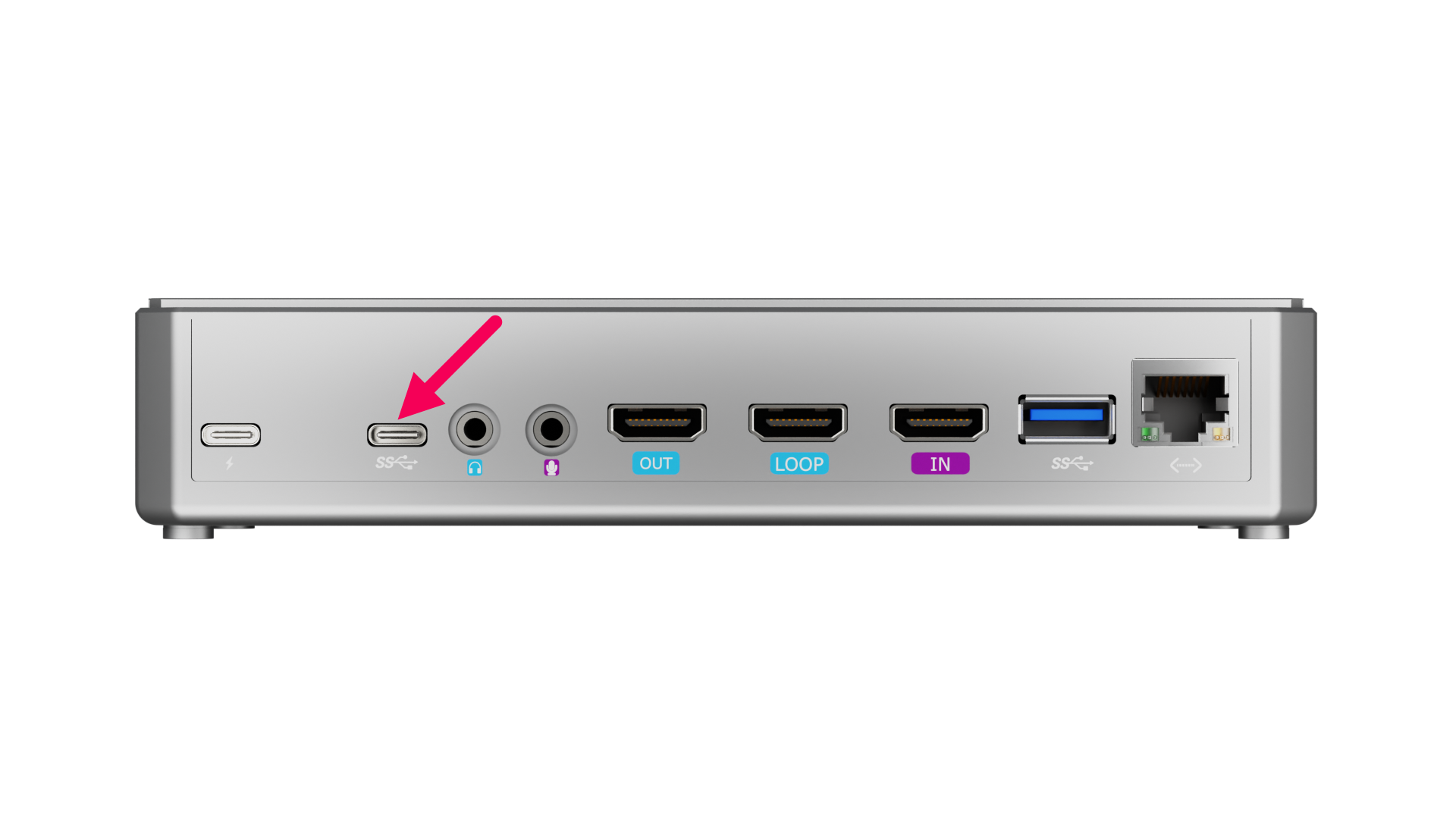 | 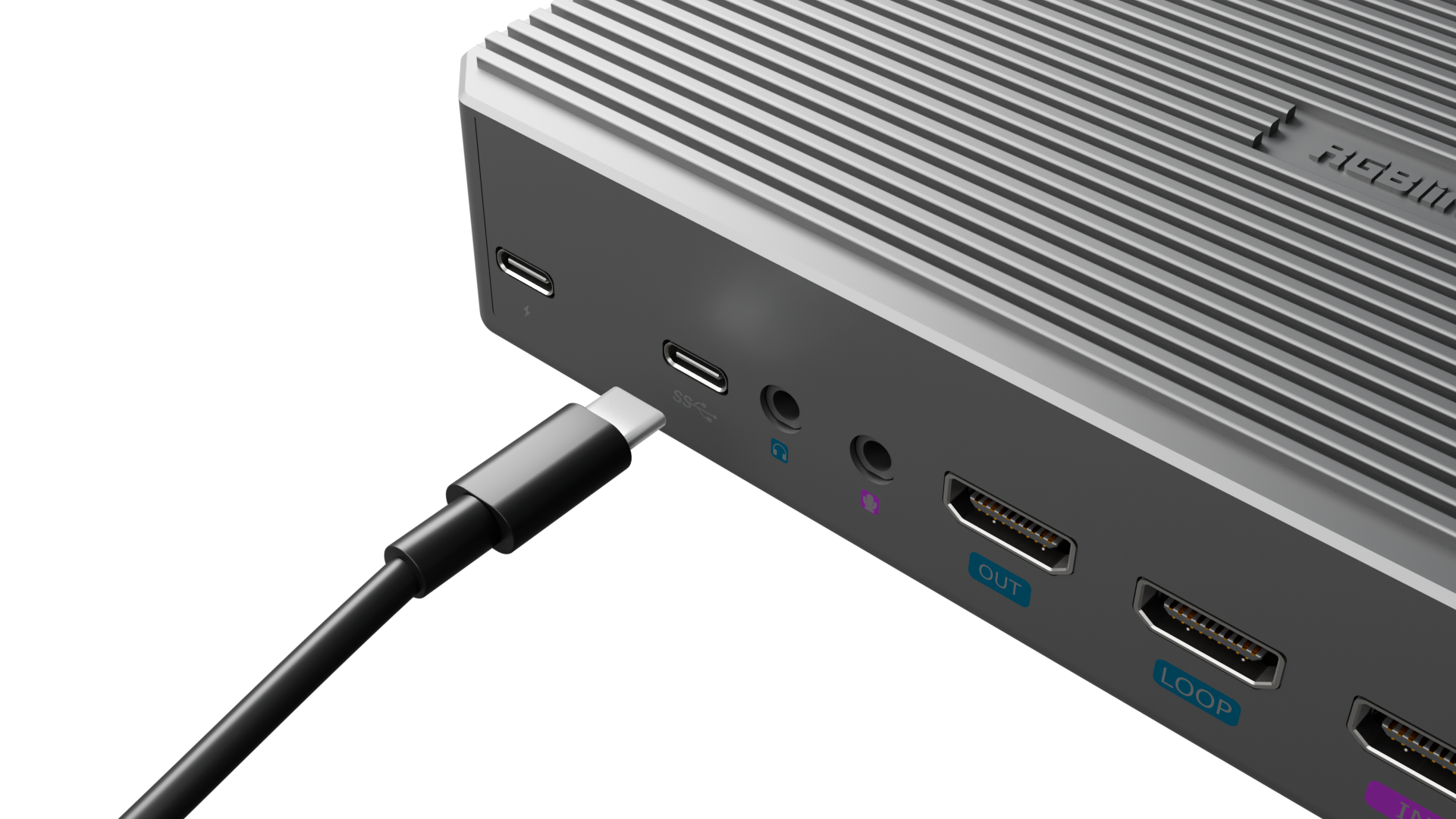 |
|---|
Connect USB-A Cable
Connect a USB camera.
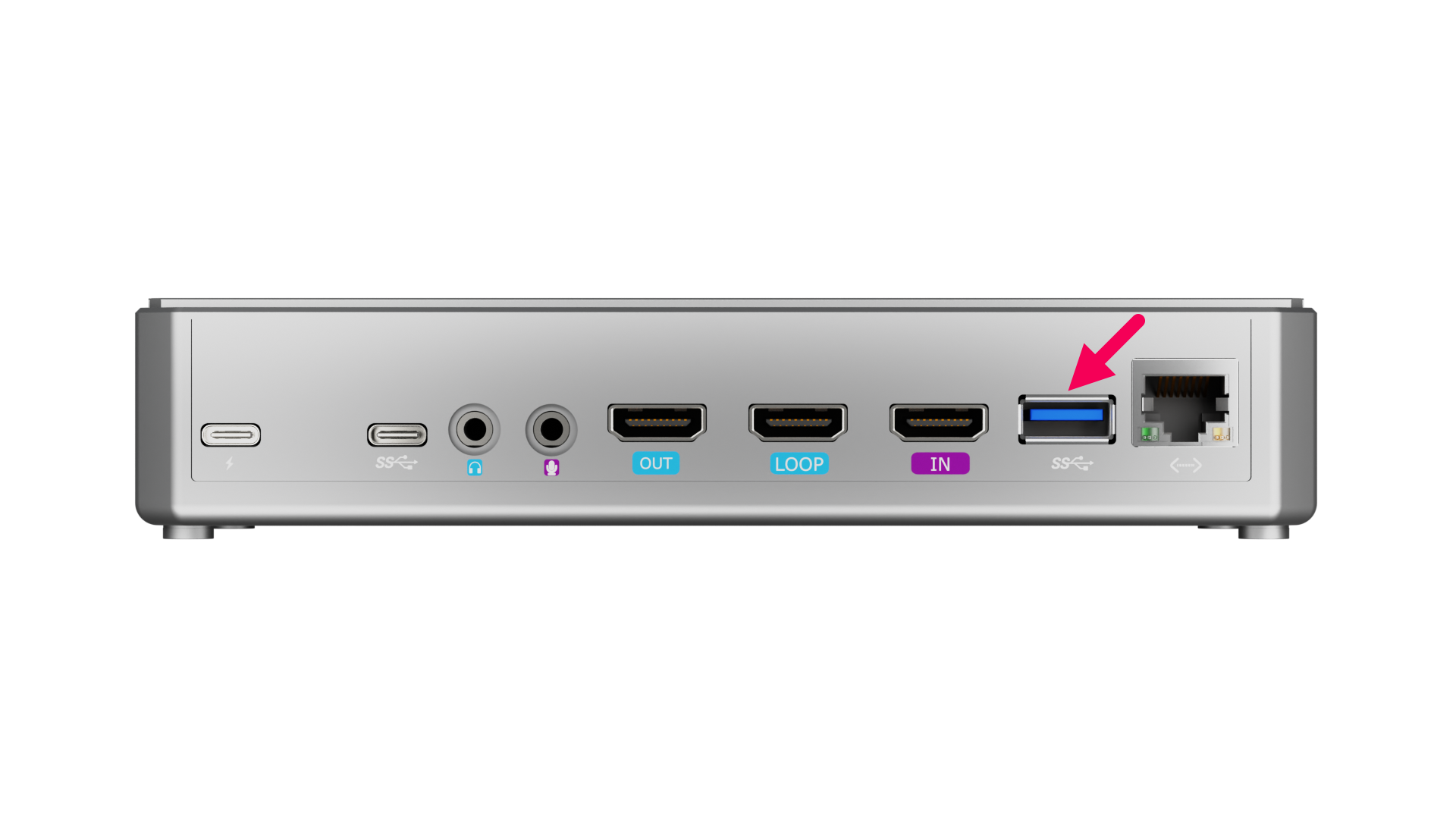 | 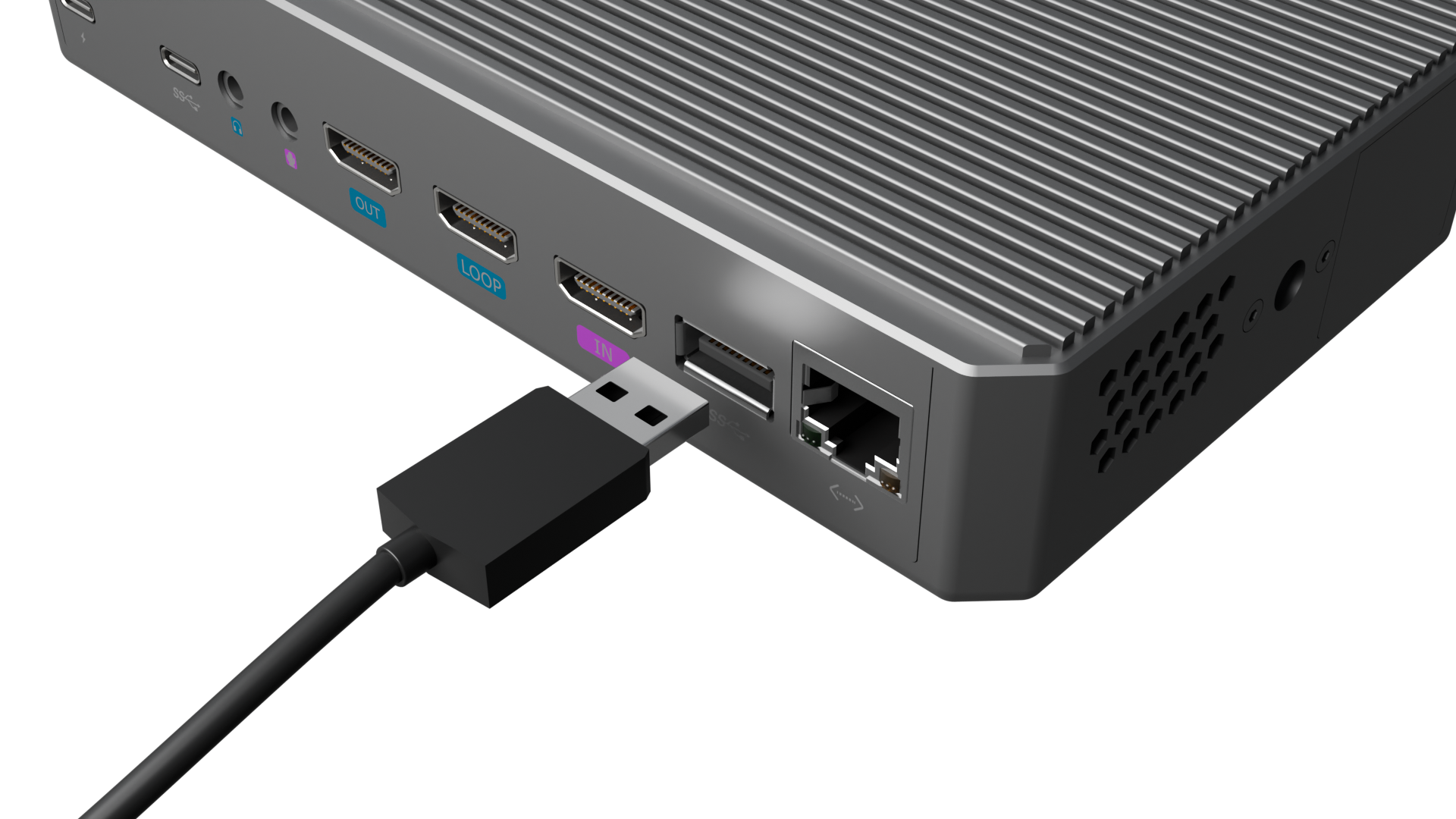 |
|---|
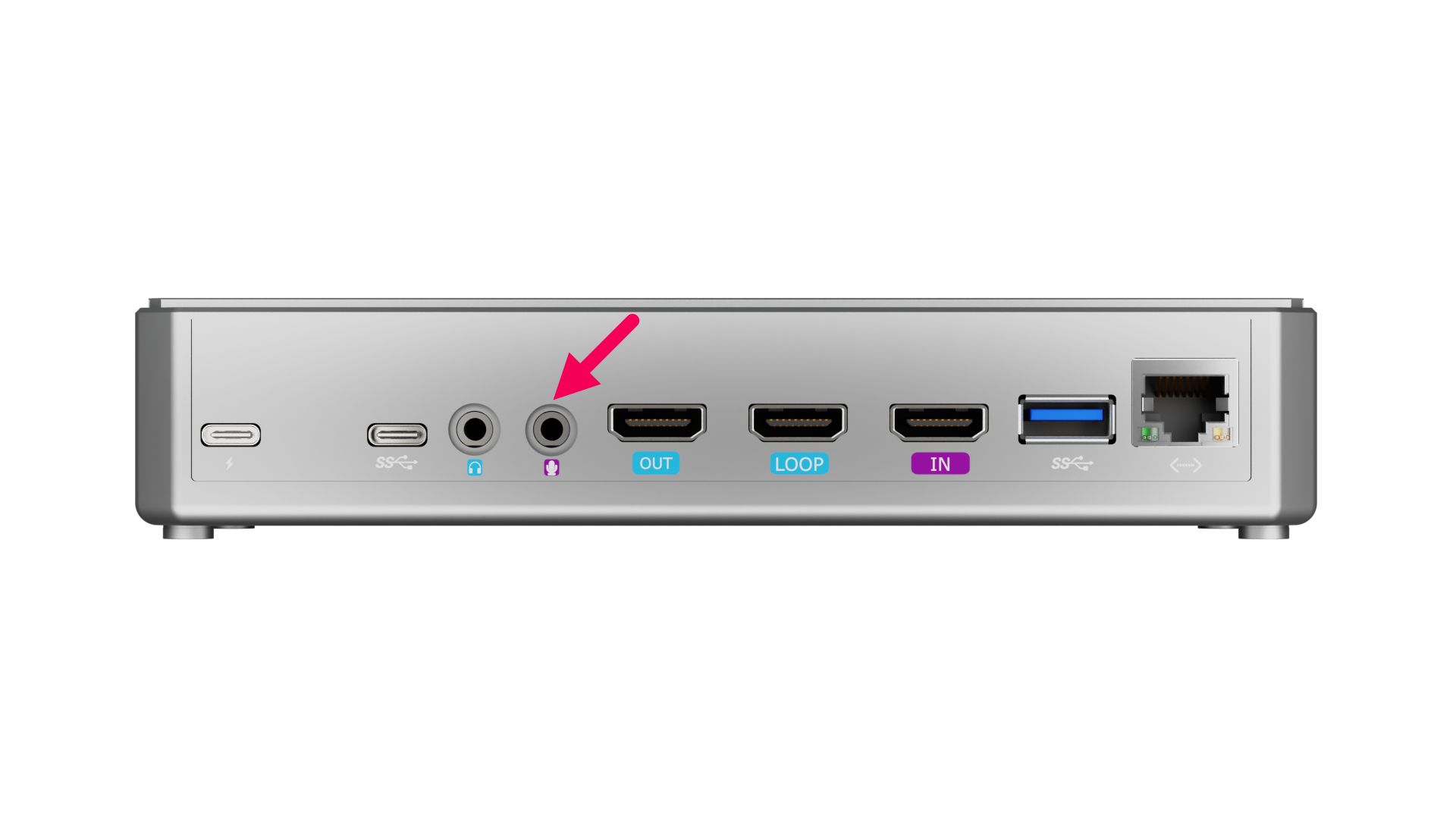
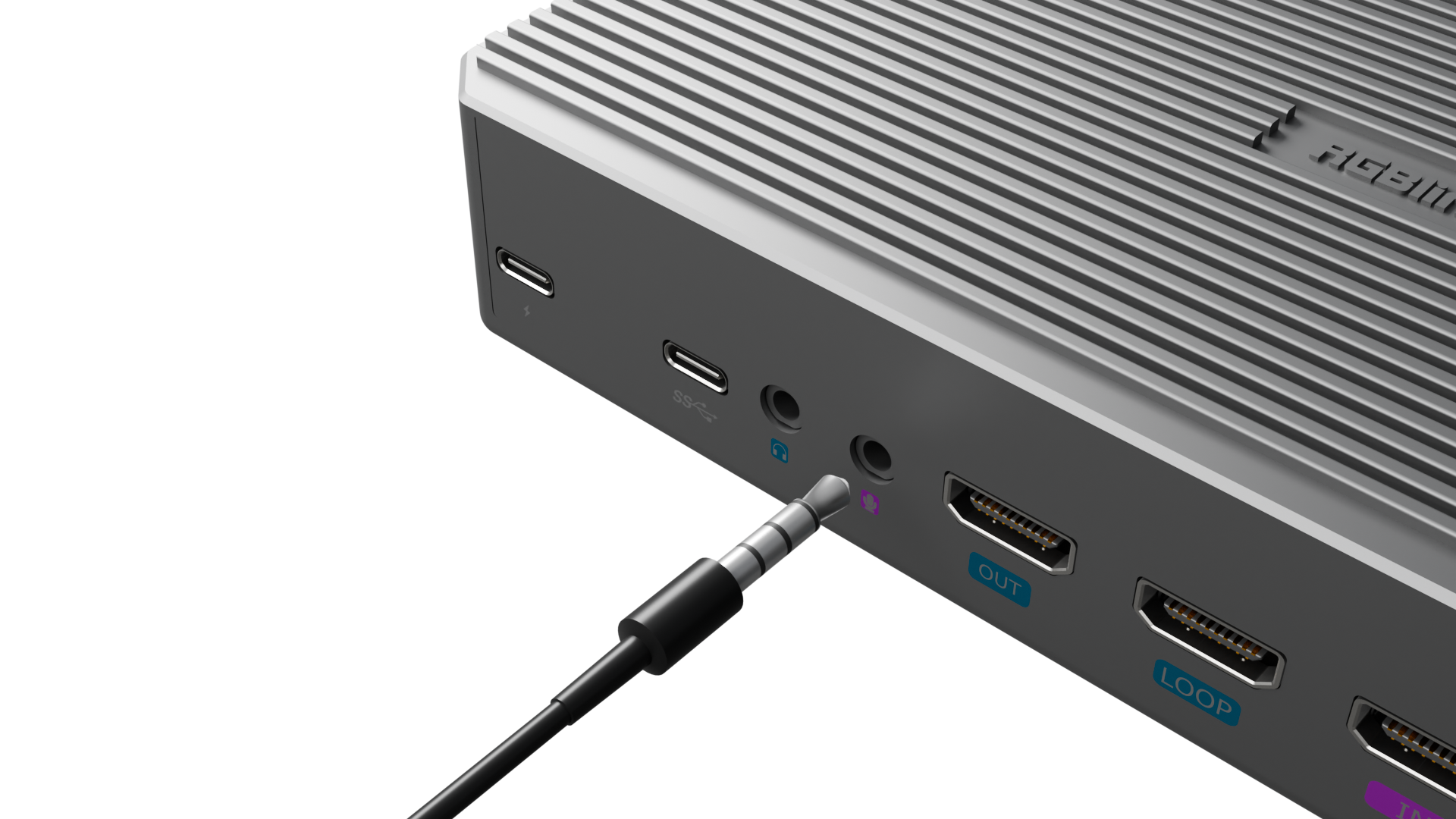
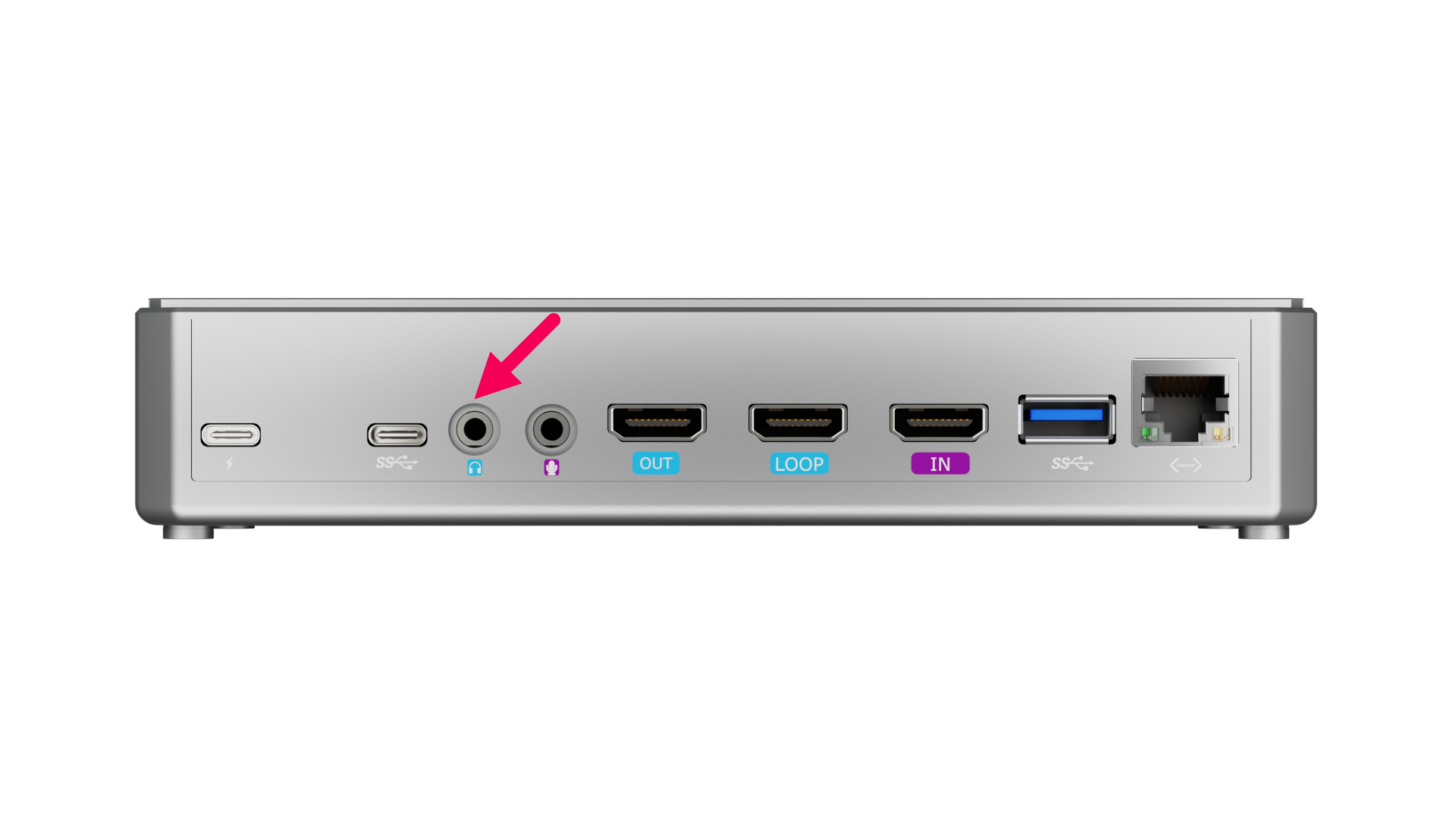
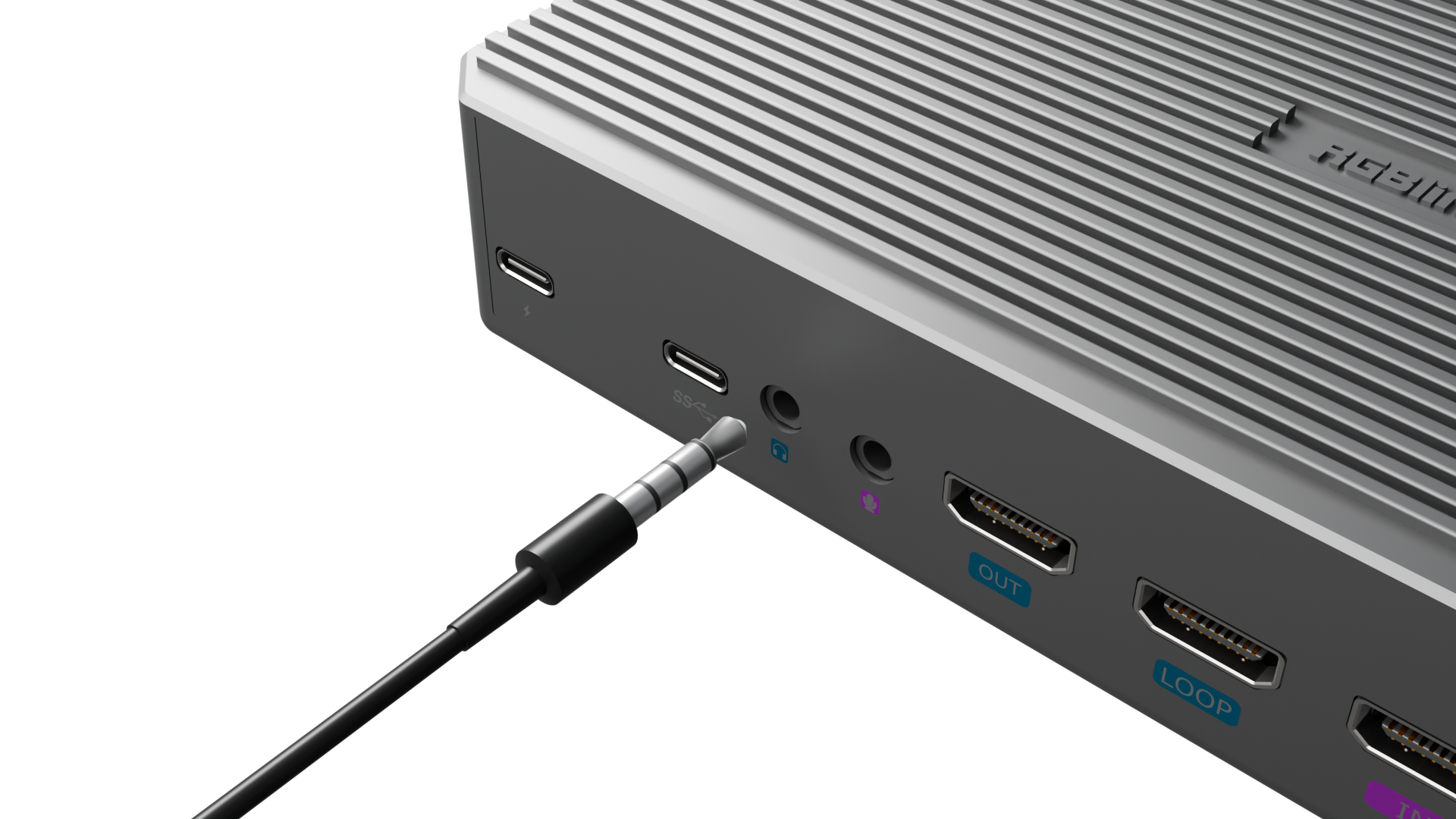
Connect Audio Cable
Connect a microphone to the Line-in interface.
Connect a speaker to the Line-out interface.
 |  |
|---|---|
 |  |
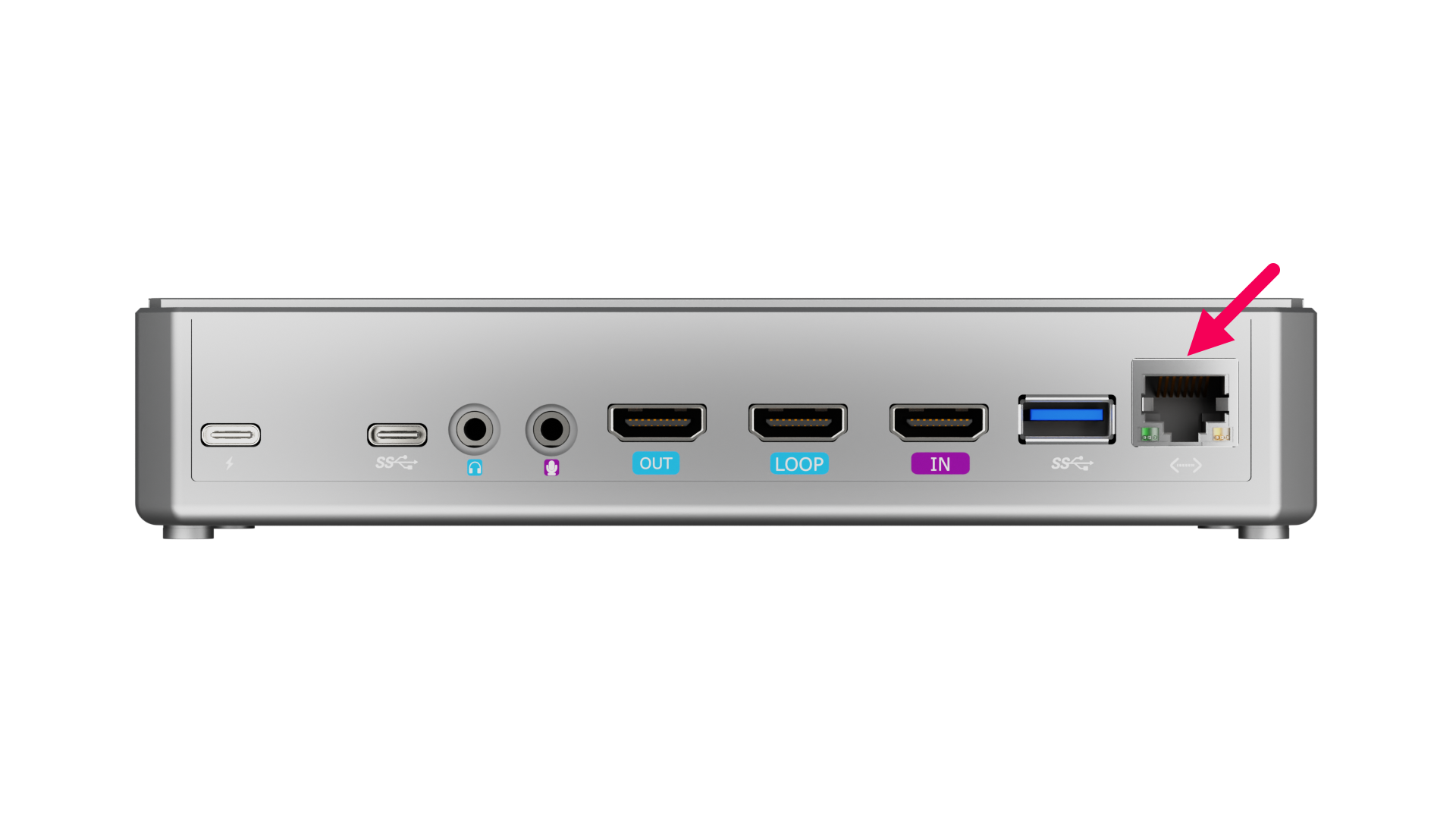
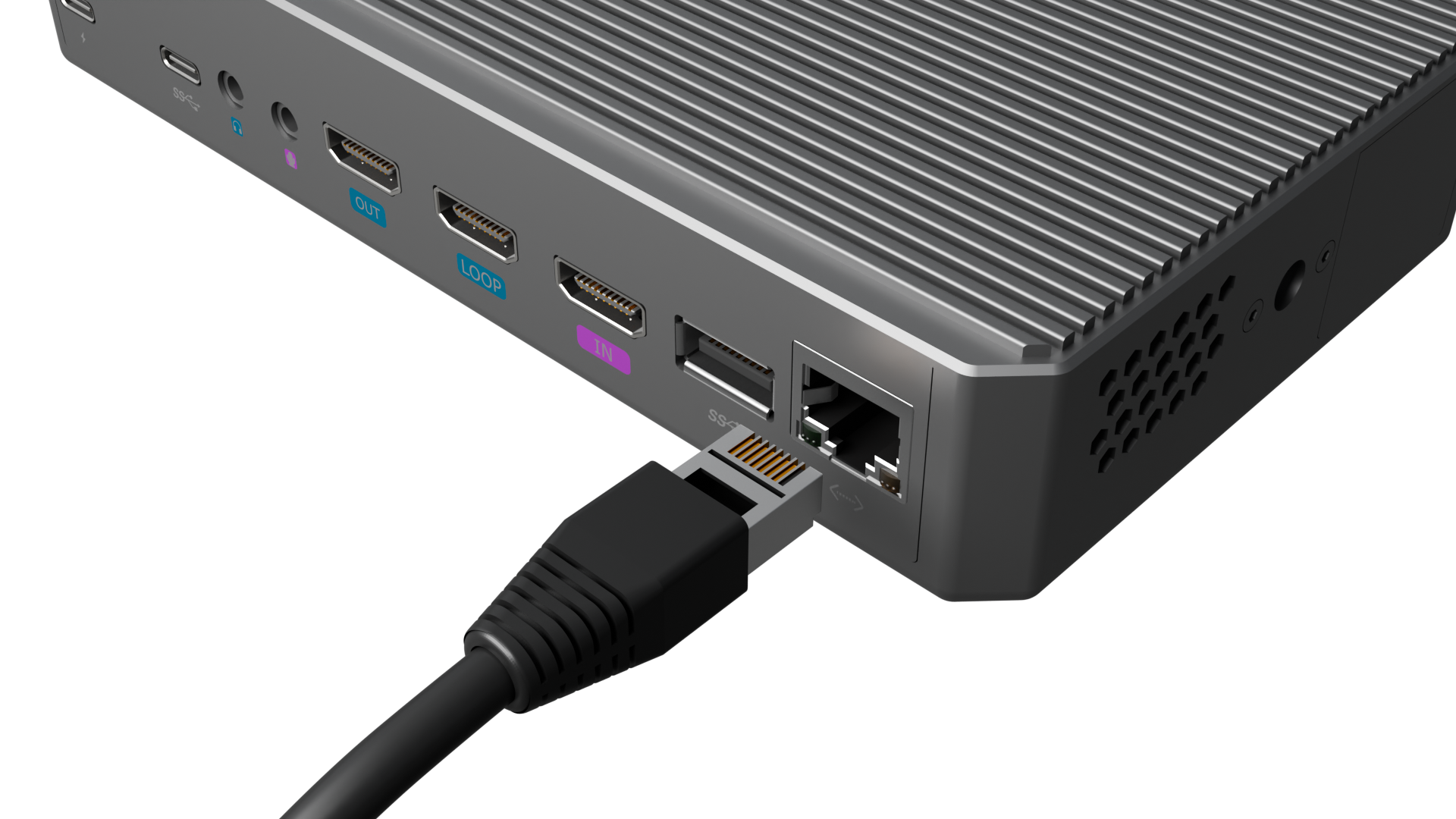
Connect Ethernet Port for Streaming
Use an Ethernet cable to connect the Gigabit Ethernet port to enable NDI encoding/decoding and network streaming.
 |  |
|---|