Online Manual
msp-325n-v2

2.7 NDI Decoding
- Connect the switch and router with an Ethernet cable, then connect the MSP 325N V2, NDI camera, and computer to the switch, placing them on the LAN.
- On the NDI Enc1. Connect the switch and router with an Ethernet cable, then connect the MSP 325N V2, NDI camera, and computer to the switch, placing them on the LAN.
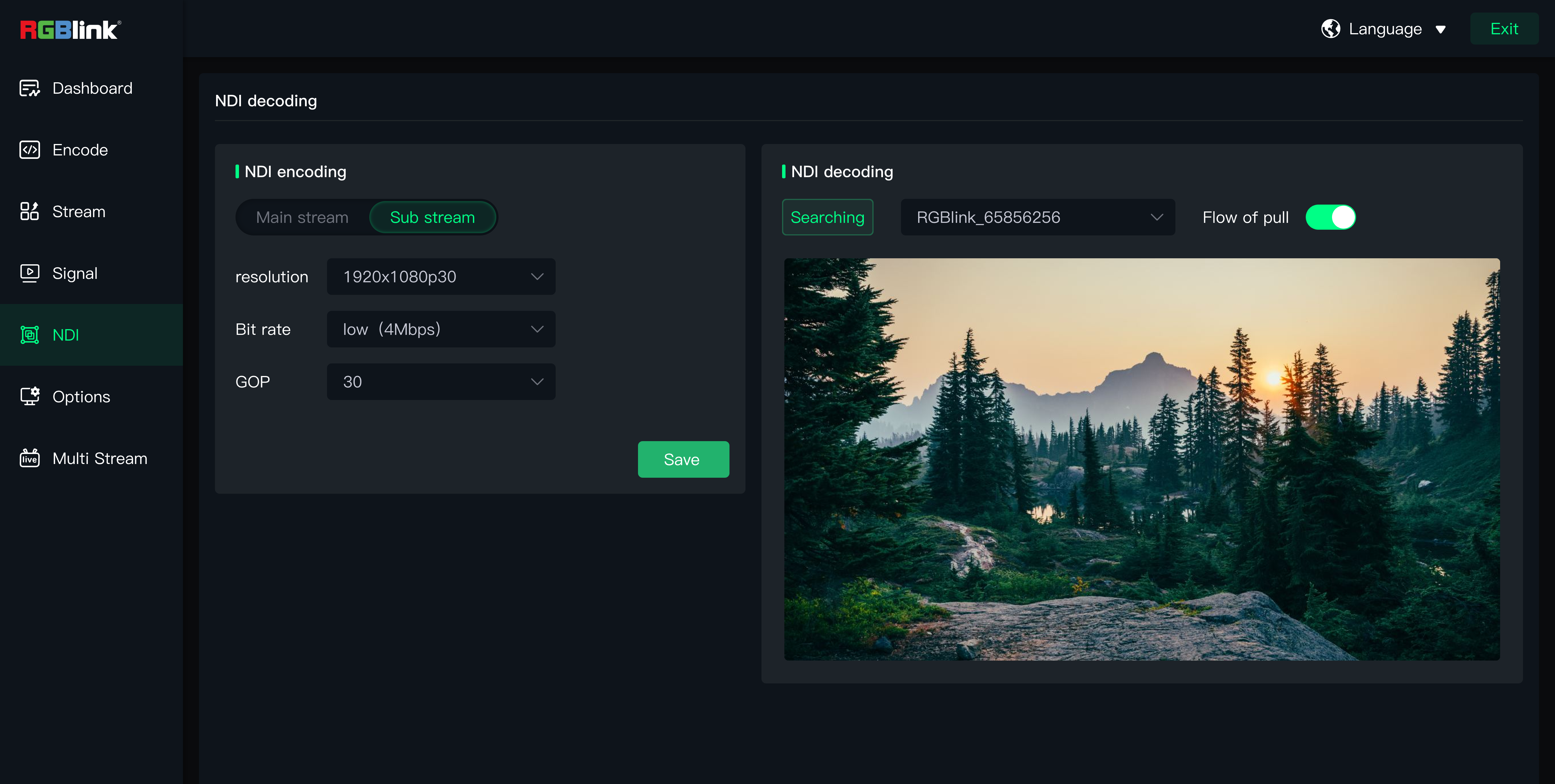
- On the NDI Encoding/Decoding page, under NDI Decoding, click Search for NDI Source. Then click Pull Stream, and the NDI source picture will appear in the preview window.
- The decoded NDI video now becomes an input source. You can switch the HDMI output signal on the Signal page.oding/Decoding page, under NDI Decoding, click Search for NDI Source. Then click Pull Stream, and the NDI source picture will appear in the preview window.
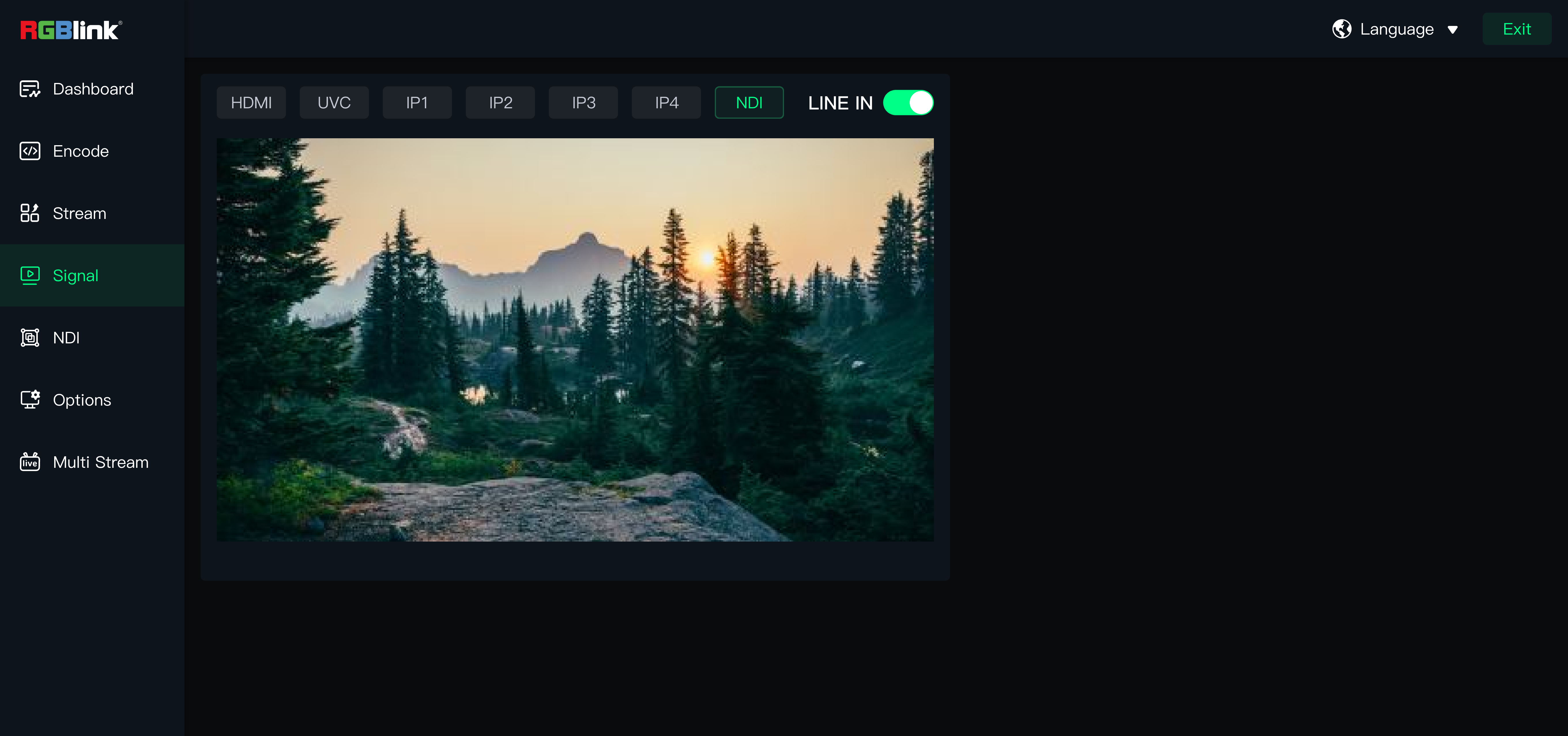
- The decoded NDI video now becomes an input source. You can switch the HDMI output signal on the "Signal" page.