Online Manual
msp-325n-v2

2.9.3 Using VLC to Monitor Live Streams
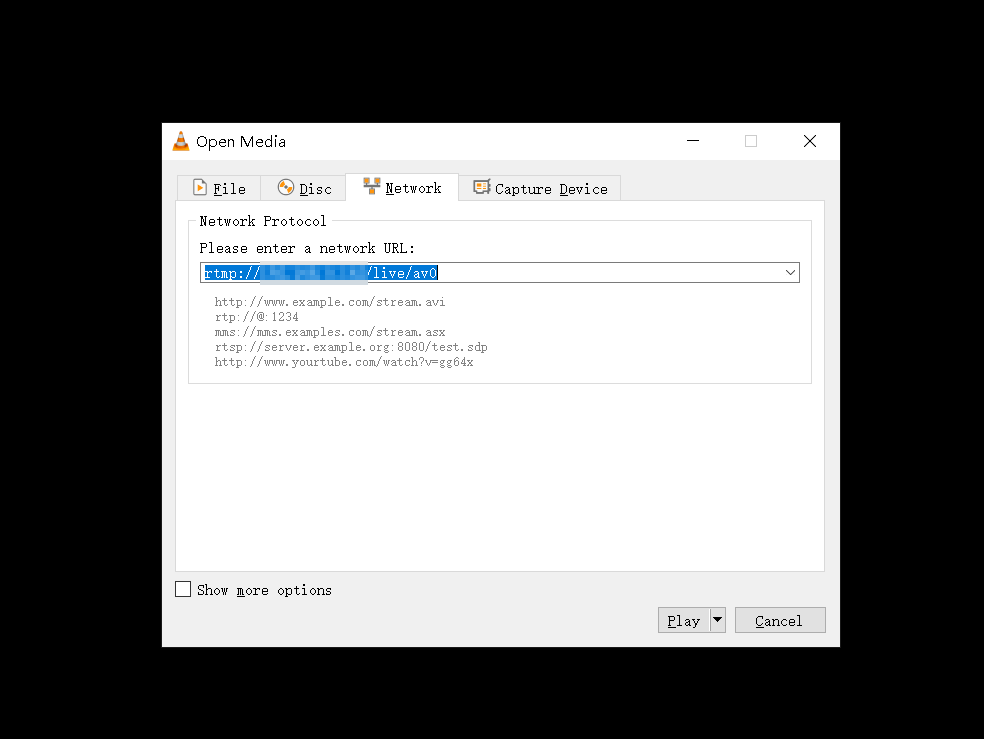
You can also choose other software like VLC Media Player or PotPlayer to view the live content. Download VLC software (https://soft.ljdwl.cn/vlc/bFqbx37.html) and open it:
- Check the MAC address (Media Access Control address) in Network Port under Options on the MSP 325N V2.
Example: 809d65020e28 (remove the colons between characters). - Open VLC Media Player, click Media > Open Network Stream , then enter the network URL and click "Play" to view. The network URL input format is:
https://play.tao1.info/809d65020e28.flv
The website format remains unchanged; enter the MAC code provided by your network in the middle.