Online Manual
msp-325n-v2

2.8 Options
Network Port
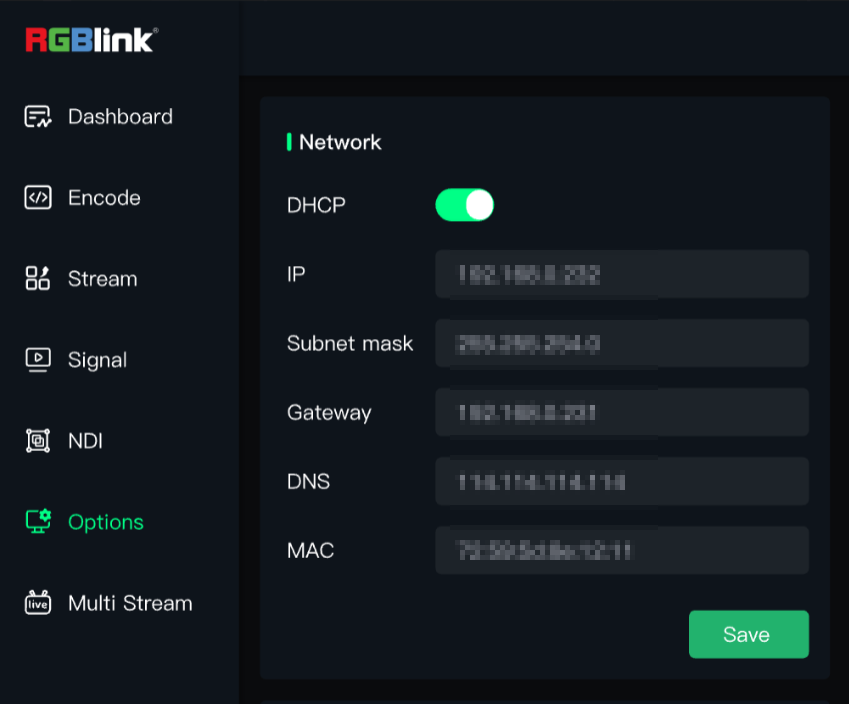
When the MSP 325N V2 leaves the factory, the DHCP function (automatically receiving assigned address) is disabled by default.
After the first login using the static IP, you need to go to Network Port in Options to enable DHCP. Disabling DHCP allows manual IP address setting.
Fan
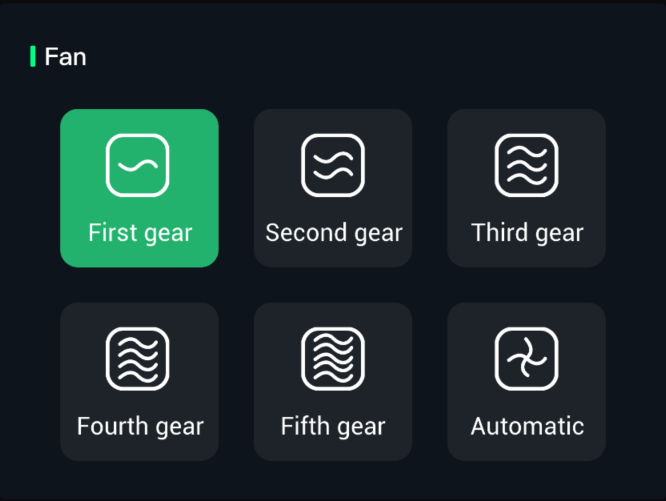
Click Fan Speed Adjustment to control the speed of the built-in fan of the MSP 325N V2, enhancing heat dissipation performance.
Change Password
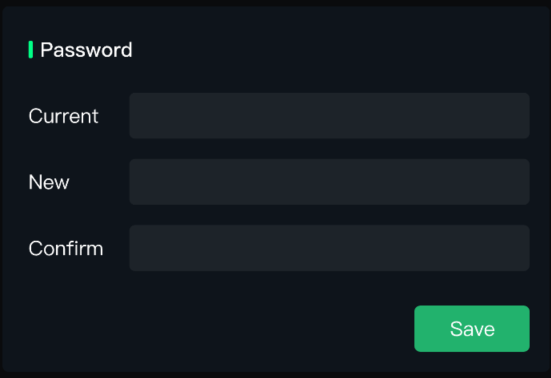
After the first login, for the security of your account, it is recommended to change the password immediately.
Time Setting
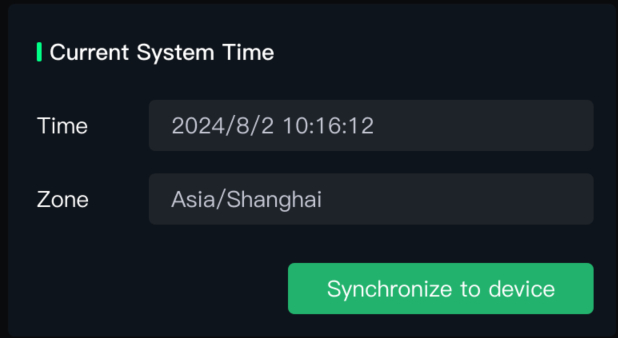
After connecting to the network, the device will automatically synchronize with the local network time, which cannot be modified. You can choose to synchronize to the device.
USB Camera
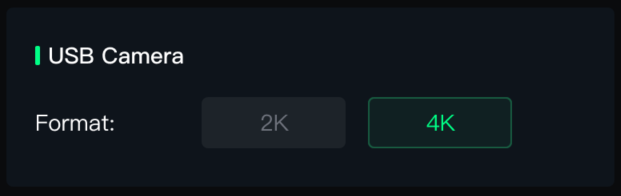
Here you can set the output resolution of the connected USB camera to 2K or 4K.
Factory Reset and Upgrade
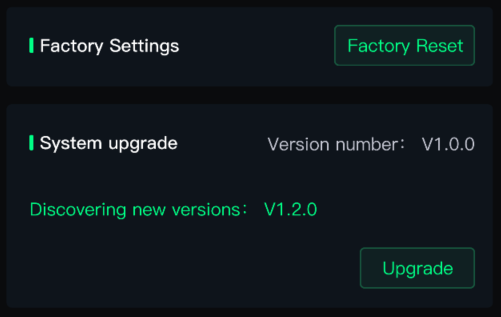
Restoring factory settings will unbind the device and reset all user configurations. This operation is irreversible. Please back up important data before performing it!
The MSP 325N V2 supports online upgrades. When connected to the network, click Upgrade to detect the latest version and upgrade online.