Online Manual
Ystreamer

1.2 Button Panel
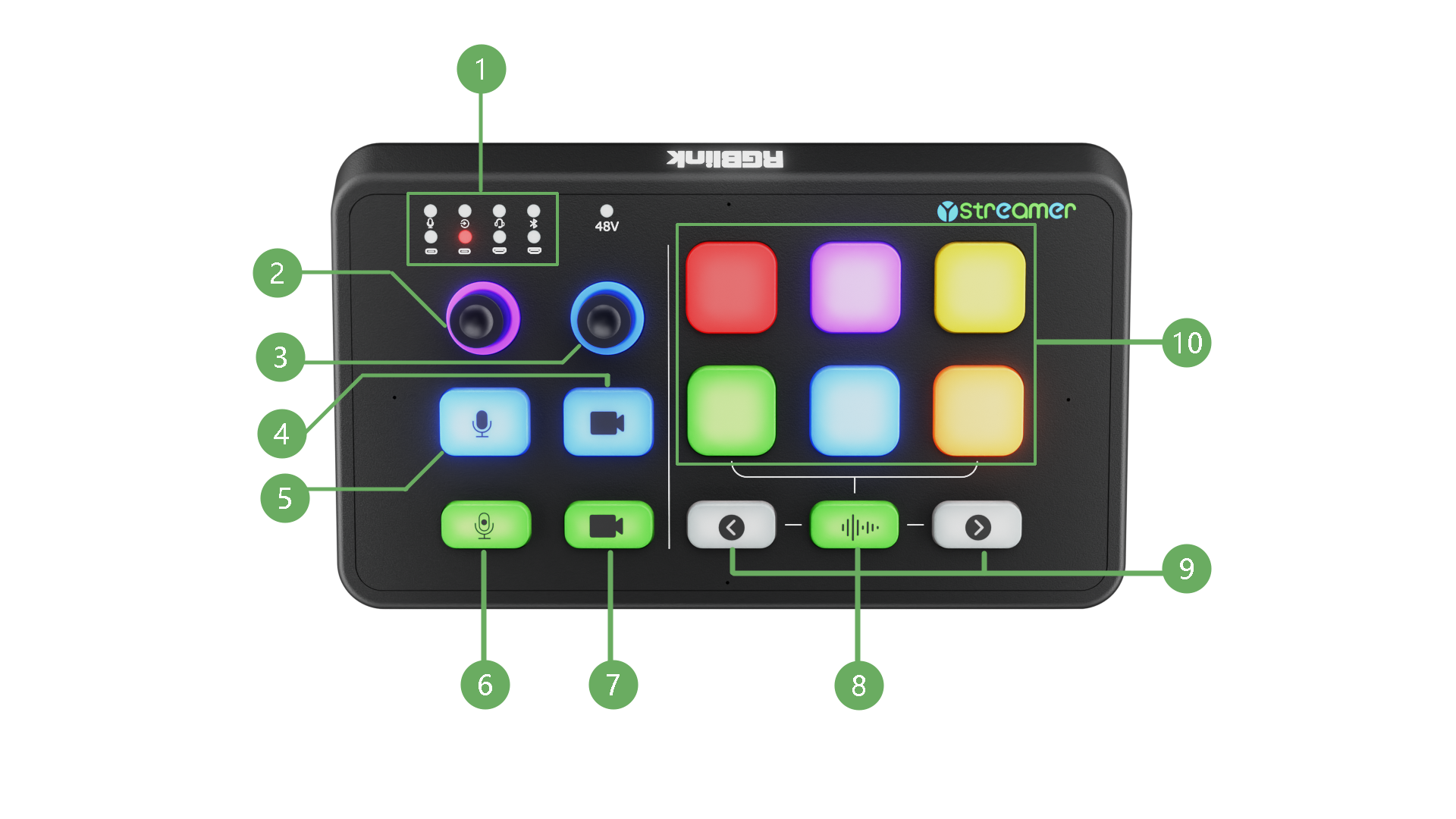
| NO. | Items | Description | |
|---|---|---|---|
| ① | 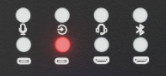 | Audio Input Source Selection Indicator | Default state: Displays real-time audio level for 8 input channels. + Green (50%): Muted + Green: Normal level + Orange: High level + Red: Overload Selected state: Displays status of the currently selected input channel only. + Selected: Indicator is on and shows corresponding status + Not selected: Indicator is off. The input sources, from top to bottom and left to right, are: XLR, TRS, TRRS, Bluetooth; UAC 1, UAC 2, HDMI 1, HDMI 2 |
| ② |  | Input Volume Adjustment | Press to select an audio input source, then rotate to adjust its volume. Knob LED Status: + Purple: Current volume level + Red: Remaining volume range + Solid Red: Muted |
| ③ |  | Output Volume Adjustment | Rotates to adjust the monitor output volume. Press to mute or unmute. Knob LED Status: + Blue: Current volume level + Red: Remaining volume range + Solid Red: Muted |
| ④ |  | HDMI 1 UVC Output Black Screen Control | Control HDMI 1 video output to the computer. Status: + Blue (Default): Video output + Red: Black screen output |
| ⑤ |  | Mute | Mutes or unmutes all the audio input. Status: + Blue: Unmuted + Red: Muted |
| ⑥ |  | Record | Starts or stops audio recording. Status: + Red: Recording + Blue: Stopped If no USB storage device is connected, the indicator flashes rapidly three times and remains blue. |
| ⑦ |  | HDMI 2 UVC Output Black Screen Control | Control HDMI 2 video output to the computer. Status: + Blue (Default): Video output + Red: Black screen output |
| ⑧ |  | Built-in Microphone | Turns the built-in microphone on or off. |
| ⑨ |  | Page Up / Page Down | Moves to the previous or next page. |
| ⑩ |  | 6 Customizable Buttons | Six customizable shortcut buttons with built-in sound effects by default. Customizable buttons (3 pages, up to 18 buttons) can be configured via the TAO APP. |
| ⑪ | 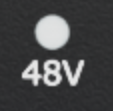 | 48V Phantom Power Indicator | Indicates the 48 V phantom power status. Status: + Red: On + Off: Off |