Online Manual
Ystreamer

1.3 Ports and Controls
Rear Panel
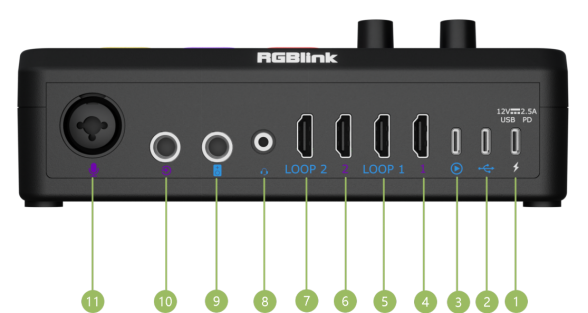
| NO. | Items | Description |
|---|---|---|
| ① | USB-C Power Port | Supports PD protocol, 12V 2.5A. |
| ② | UAC Input & Output | Audio input and output. |
| ③ | UVC Output & UAC Input/Output | Video capture output, audio input, and auxiliary audio output. |
| ④ | HDMI 1 Input | HDMI video input. |
| ⑤ | LOOP 1 | HDMI 1 loop-through output. |
| ⑥ | HDMI 2 Input | HDMI video input. |
| ⑦ | LOOP 2 | HDMI 2 loop-through output. |
| ⑧ | 3.5 mm TRRS | Analog audio input and output. |
| ⑨ | 6.35 mm TRS Output | Analog audio output. |
| ⑩ | 6.35 mm TRS Input | Analog audio input. |
| ⑪ | XLR / 6.35 mm TS Input | Microphone or instrument input with 48 V phantom power support. |
Front Panel
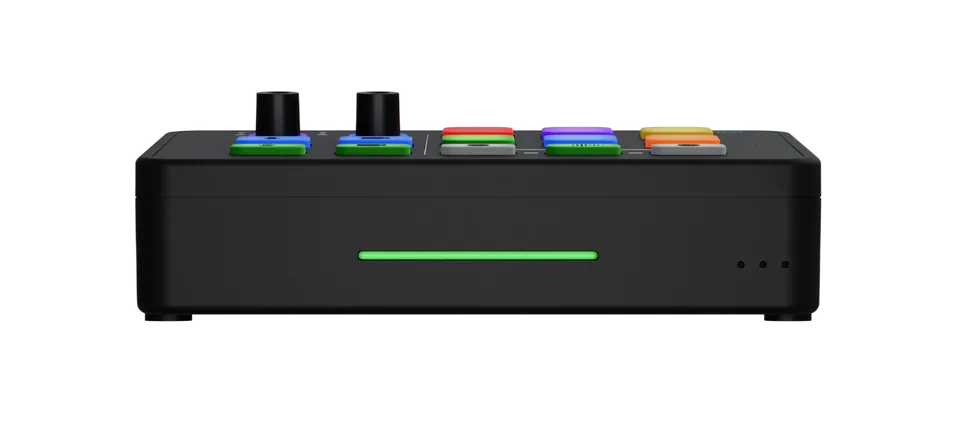
The LED light bar indicates the connection status of the HDMI input sources.
| Status | LED Color |
|---|---|
| HDMI 1 | Green: Input connected Red: No input |
| HDMI 2 | Green: Input connected Red: No input |
📢 Notes

The LED light bar indicates HDMI input connection status only. It does not indicate whether video is being output correctly.

To verify the video output, check the UVC output or the HDMI loop output.
Right Panel
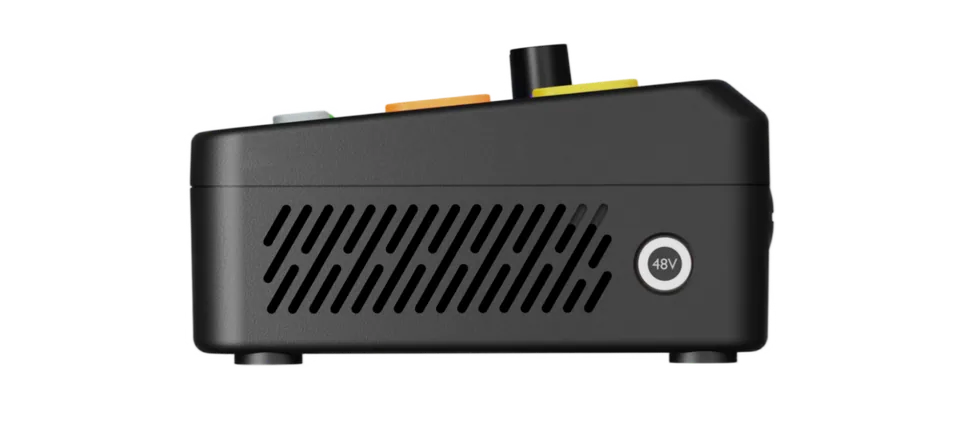
A physical 48 V phantom power button is located on the right panel.
Press and hold for 3 seconds to turn phantom power on or off.
When enabled, the 48 V indicator on the control panel lights up, providing power to condenser microphones and other devices that support phantom power.
🚨  Warning

Do not plug or unplug microphones or audio cables while phantom power is enabled. This may damage the device.
📢 Notes

- Dynamic microphones do not require phantom power.
- Ensure connected devices support 48 V phantom power before enabling.