Online Manual
mini-iso-manual

3.5 Chroma Key
mini-ISO supports chroma keying, allowing you to remove a solid-color background and overlay the foreground onto another video signal for applications such as virtual streaming.
3.5.1 Enable Chroma Key
- Select KEY from the main menu to enter the chroma key settings page.
- Select the keying background color. Green and blue are currently supported, with green selected by default.
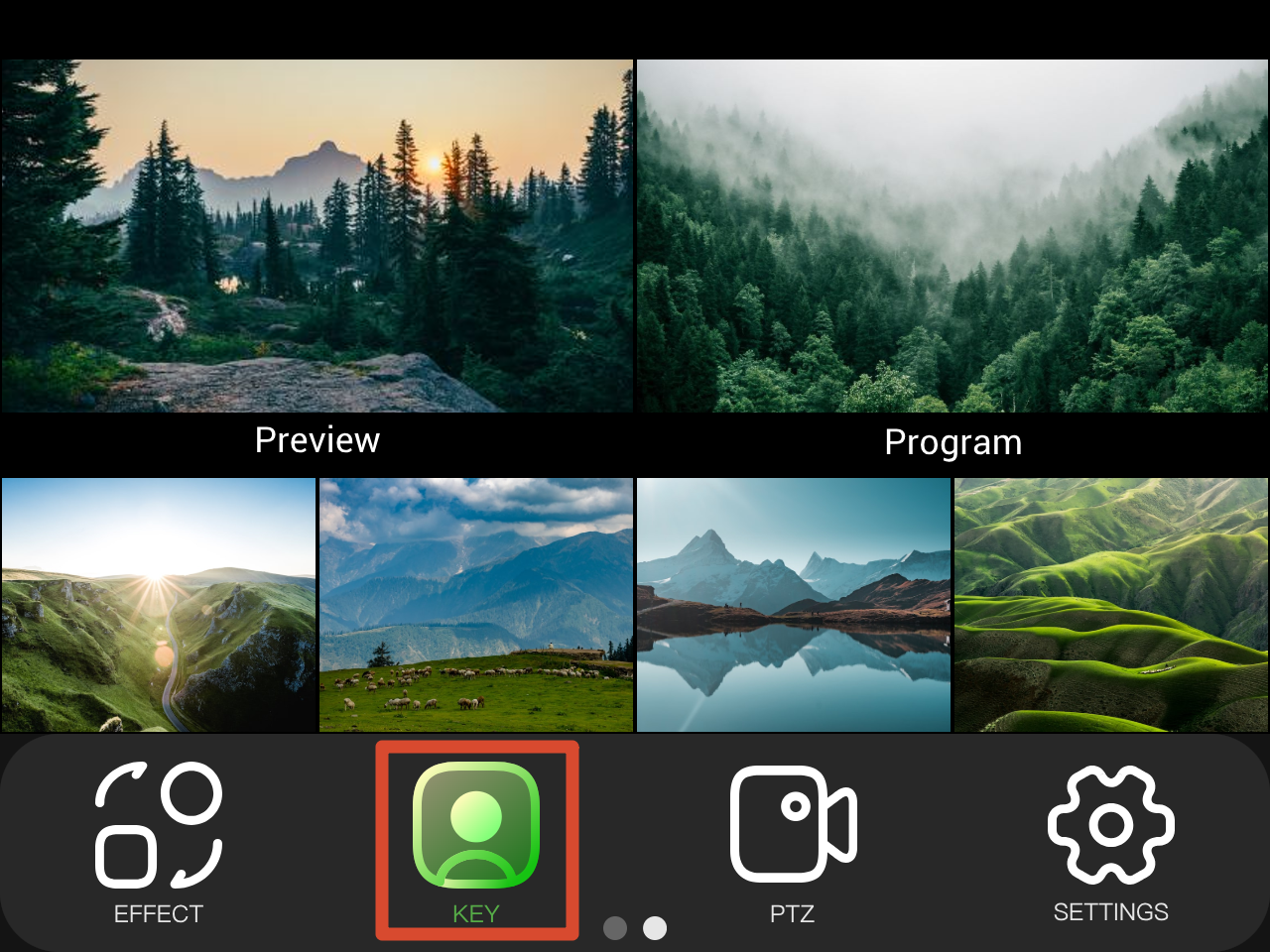 | 👉 | 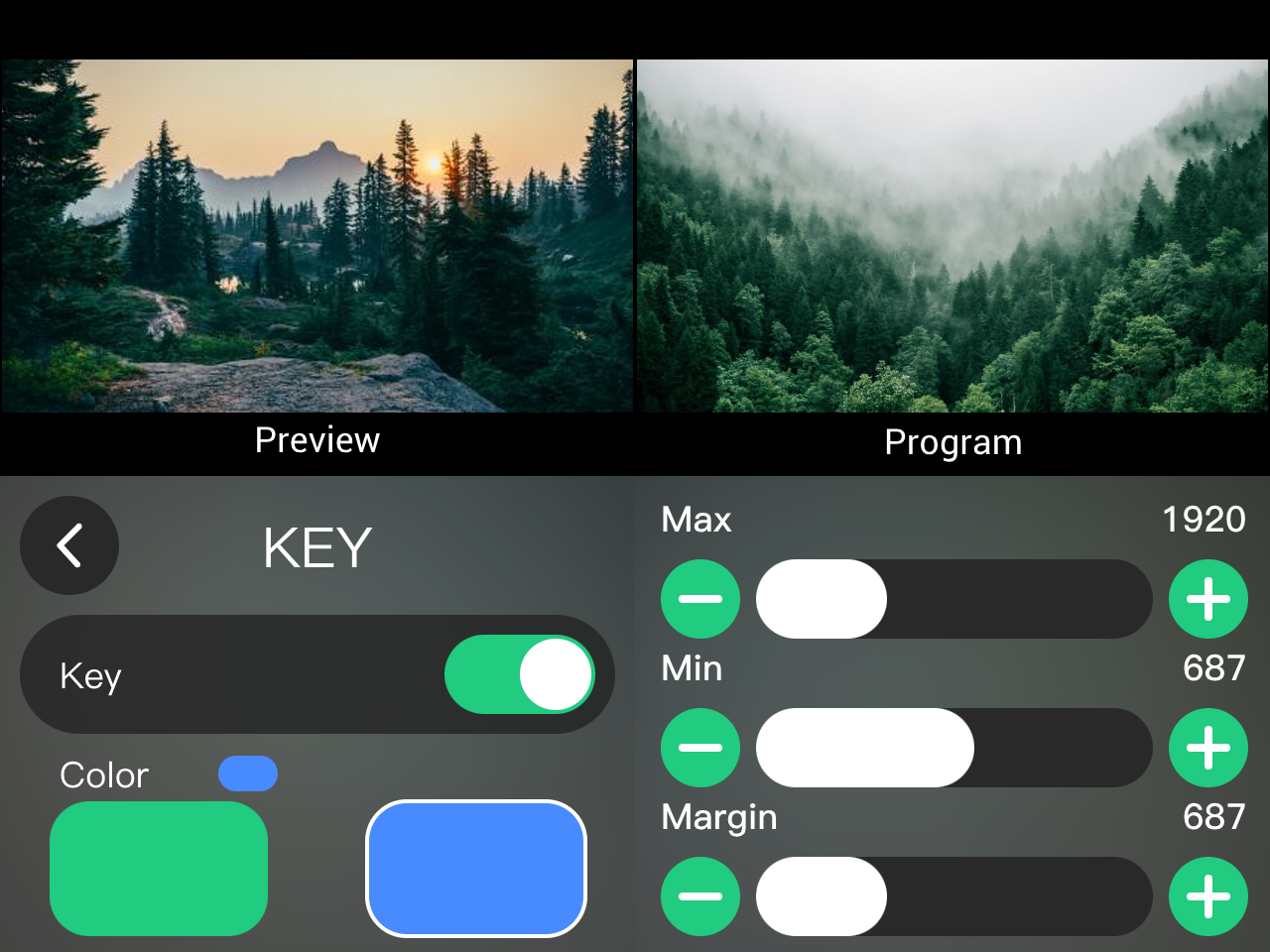 |
|---|
3.5.2 Adjust Parameters
After enabling chroma keying, go to the KEY page to adjust theparameters, including Max limit, Min limit, and Margin.
You can adjust the parameters in either of the following ways:
- Tap + or - on the interface to adjust the value.
- Drag the slider to adjust the value.
Default parameters for green screen keying:
- Max Limit: 1232
- Min Limit: 560
- Margin: 200
3.5.3 Save Parameters
Chroma key parameters are automatically saved to the device.
The next time enable the chroma key function, users can directly use the previously saved parameters, regardless of whether you enable it through:
- Computer software
- Mobile control app
- The device itself