Online Manual
mini-pro v3 User Manual

3.3 Switch Mode
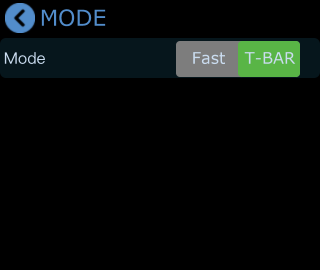
mini-pro provides two switch modes:
- Fast mode
- T-BAR mode
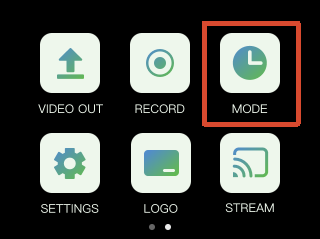
T-BAR mode is enabled by default. Tap the corresponding icon to switch modes.
- Tap the MODE icon on the touchscreen to open the transition mode and transition duration settings menu.
- Fast Mode
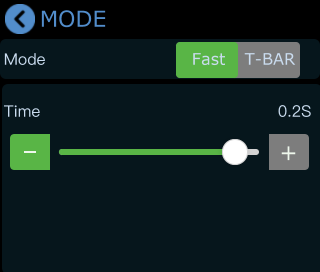
After selecting Fast mode, you can adjust the transition duration using the on-screen slider. The selected value will be displayed in real time.
Once configured, transitions will follow the selected effect and duration time settings.
- T-BAR mode
For important production scenarios where accurate and stable switching is required, you can use T-BAR mode.
In this mode, the next scene can be previewed and edited in the PVW window before going live. After confirming the output, move the T-Bar to switch between PVW and PGM.