Online Manual
mini-pro v3 User Manual

3.13 LOGO
Bind the device to TAO Cloud before proceeding. See section 3.14 Settings, TAO Cloud for details.
Import Logo Material in TAO Cloud
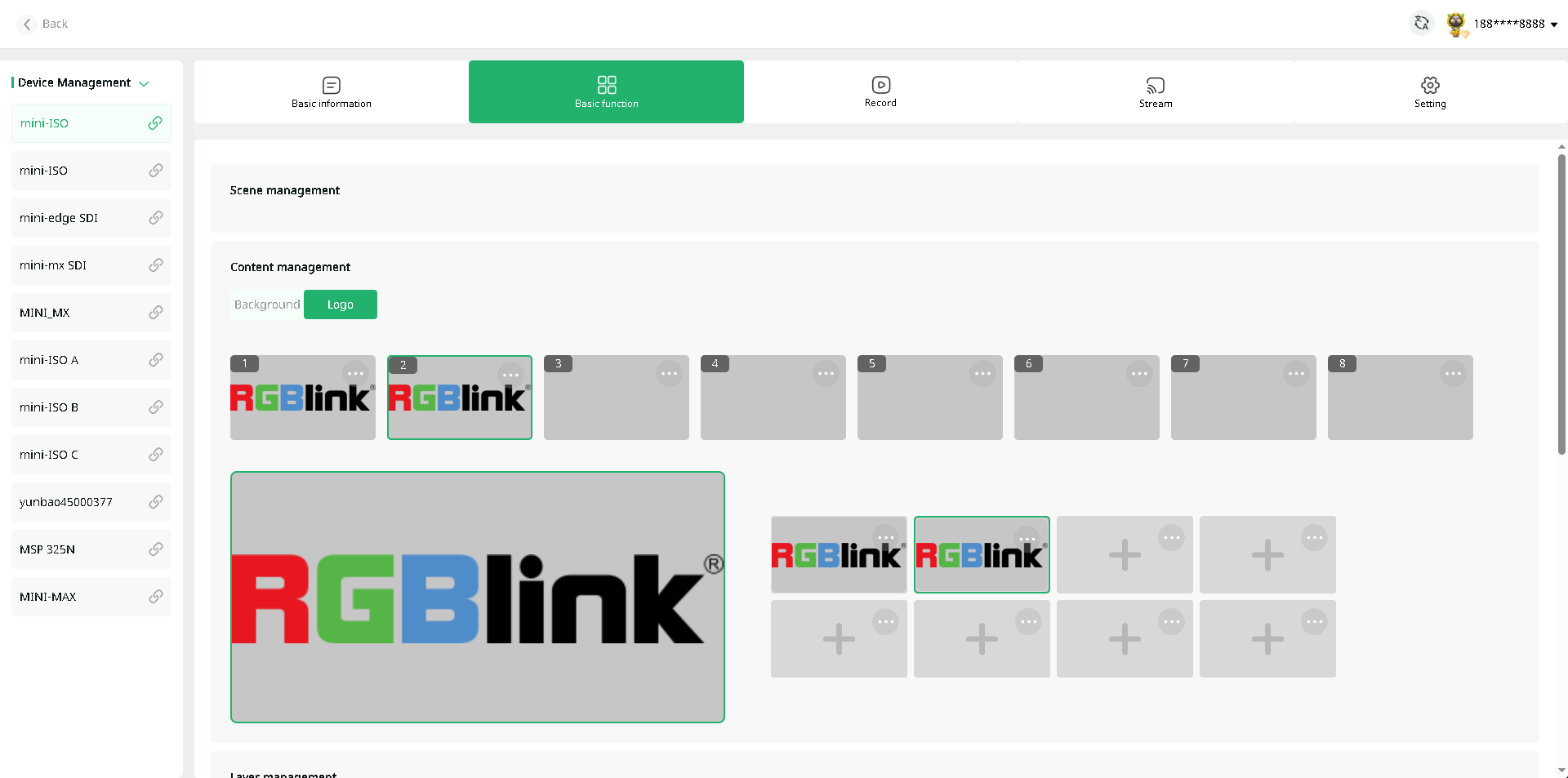
Open TAO and go to My Collection> My Devices. Then open the management page for the target mini device.
Under Basic Function > Content Management > Logo, select the target scene and upload or add logo material in the content management section.
Adjust the Logo Position
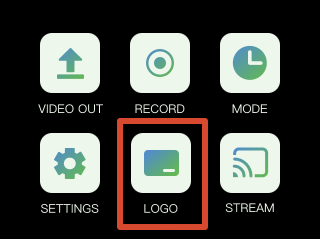
Open the Logo menu from the main menu on mini.
The logo settings page will display the material uploaded in TAO Cloud.

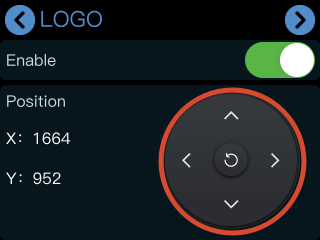
Tap Action After enabling the logo function, the logo will appear in the current preview screen.
- Use the directional icons to adjust the position.
- Tap the reset icon to restore.
Refresh Logo
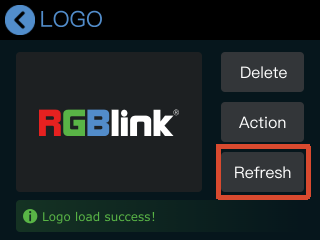
Logo refreshment must be performed in TAO Cloud.
Go to the mini device management page and select a new logo asset under Basic Settings
Then return to the logo settings page on mini and tap Refresh to update the current logo.