Online Manual
mini User Manual

1.2.6 Audio
mini features a built-in audio control system for convenient adjustment of all input audio sources.
Supported features include multi-channel audio mixing and AFV (Audio Follow Video) mode. This makes mini suitable for live streaming, recording, and multi-source audio production.
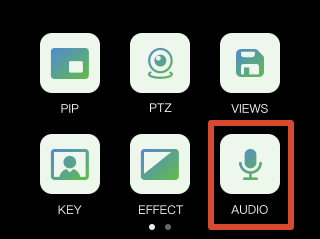
Press the [M] button to return to the main menu, then tap [Audio] to enter the audio settings page.
Adjust Volume
In the [AUDIO] settings interface:
- Drag the on-screen slider to adjust the main output volume
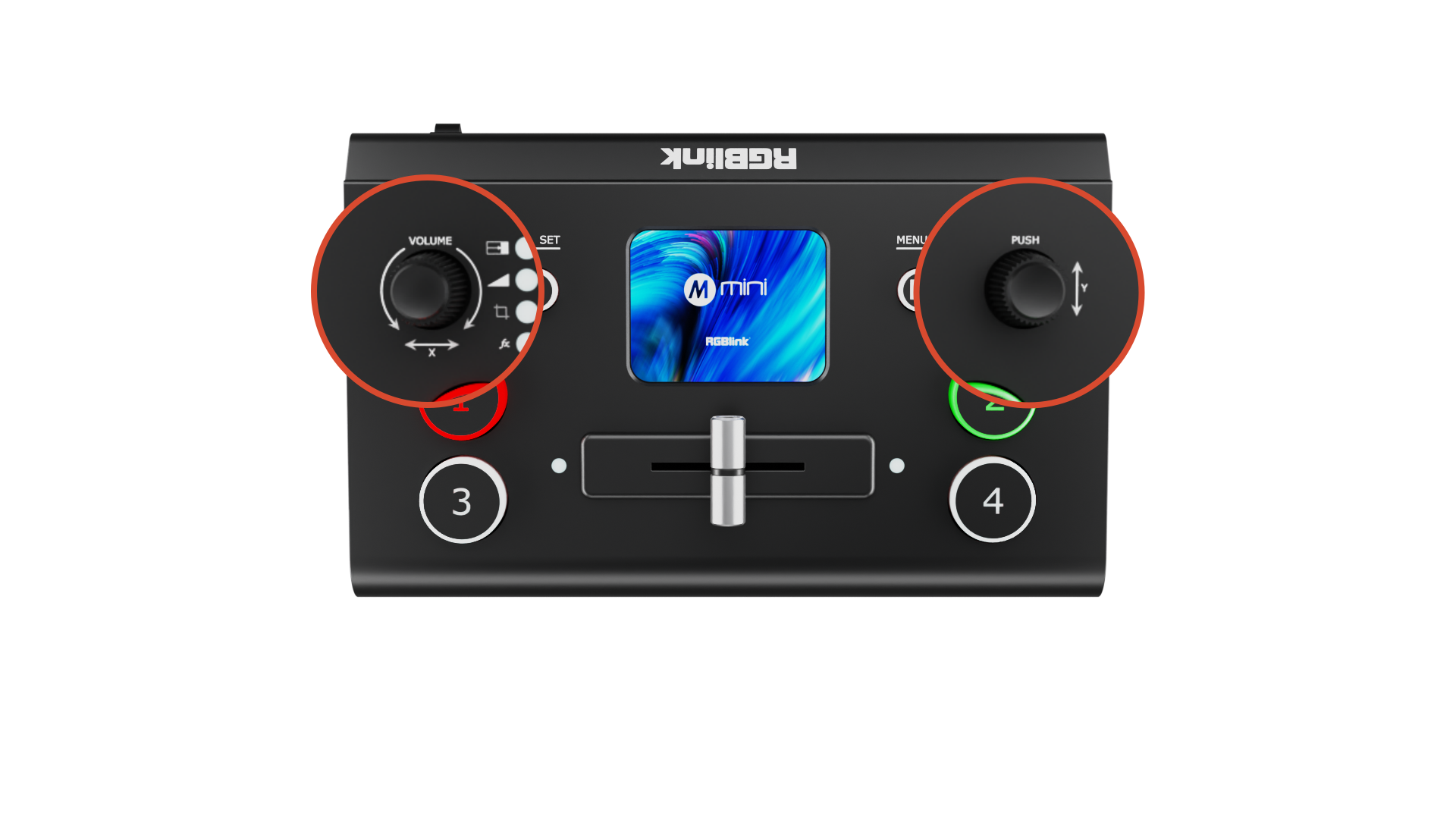
- Or use the front-panel knobs for adjustment
- Y knob: MIC, LINE, and HDMI 1–4 embedded audio
- X knob: the main output
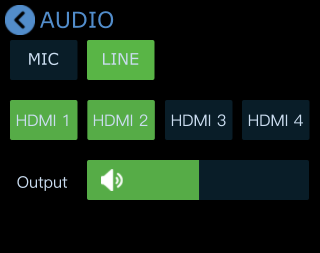
Tap MIC, LINE or HDMI 1–4 to open detailed settings for each input source.
MIC and LINE
mini provides:
- MIC: 1 microphone input
- LINE: 1 Line-in input
This means mini can be connected to microphones or line-level audio devices.
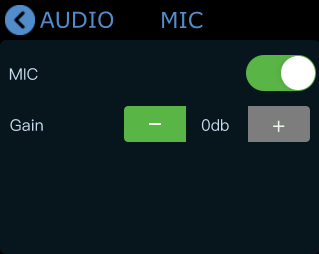
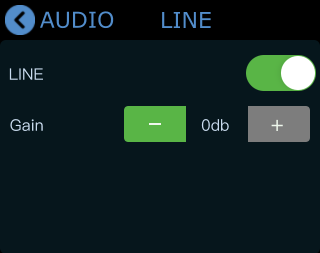
Tap [MIC] or [LINE] to open detailed settings.
-
Enable/disable input
- Gray: Disabled
- Green: Enabled
-
Adjust input volume
- Tap [-] or [+] to adjust volume.
- Adjustment range: 0–100
- Gain/Step size: 10 db
MIX
mini supports multi-channel audio mixing. Up to 6 audio sources can be mixed simultaneously:
- 4 HDMI embedded audio channels
- 1 MIC input
- 1 LINE input
MIC and LINE can also be enabled simultaneously.
In the [Audio] menu:
- HDMI 1–4 represent the four HDMI audio inputs
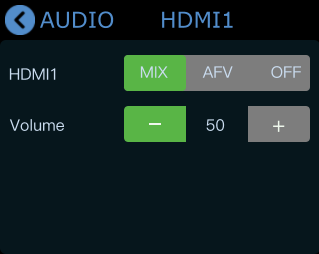
- Tap HDMI 1–4 for detailed settings
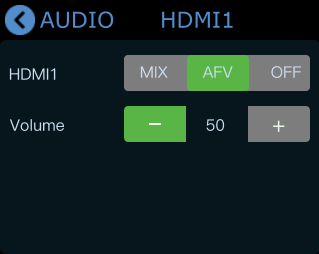
Tap [Mix] to enable MIX mode and mix HDMI audio into the main output.
You can independently adjust the volume level of HDMI 1–4 audio channels.
AFV (Audio Follow Video)
mini also supports AFV (Audio Follow Video) mode.
Tap [AFV] to enable the mode. Audio transitions automatically follow video switching for smoother synchronization.
How AFV works:
- When an HDMI audio channel is set to AFV mode, its audio will only be output when that HDMI channel is switched to the PGM output.
- All four HDMI channels on mini support independent AFV configuration. For example: If HDMI 1 is set to AFV mode, its embedded audio will automatically become active when HDMI 1 is switched to the PGM output.