Online Manual
mini User Manual

1.2.8 LOGO
Import Logo Material in TAO Cloud
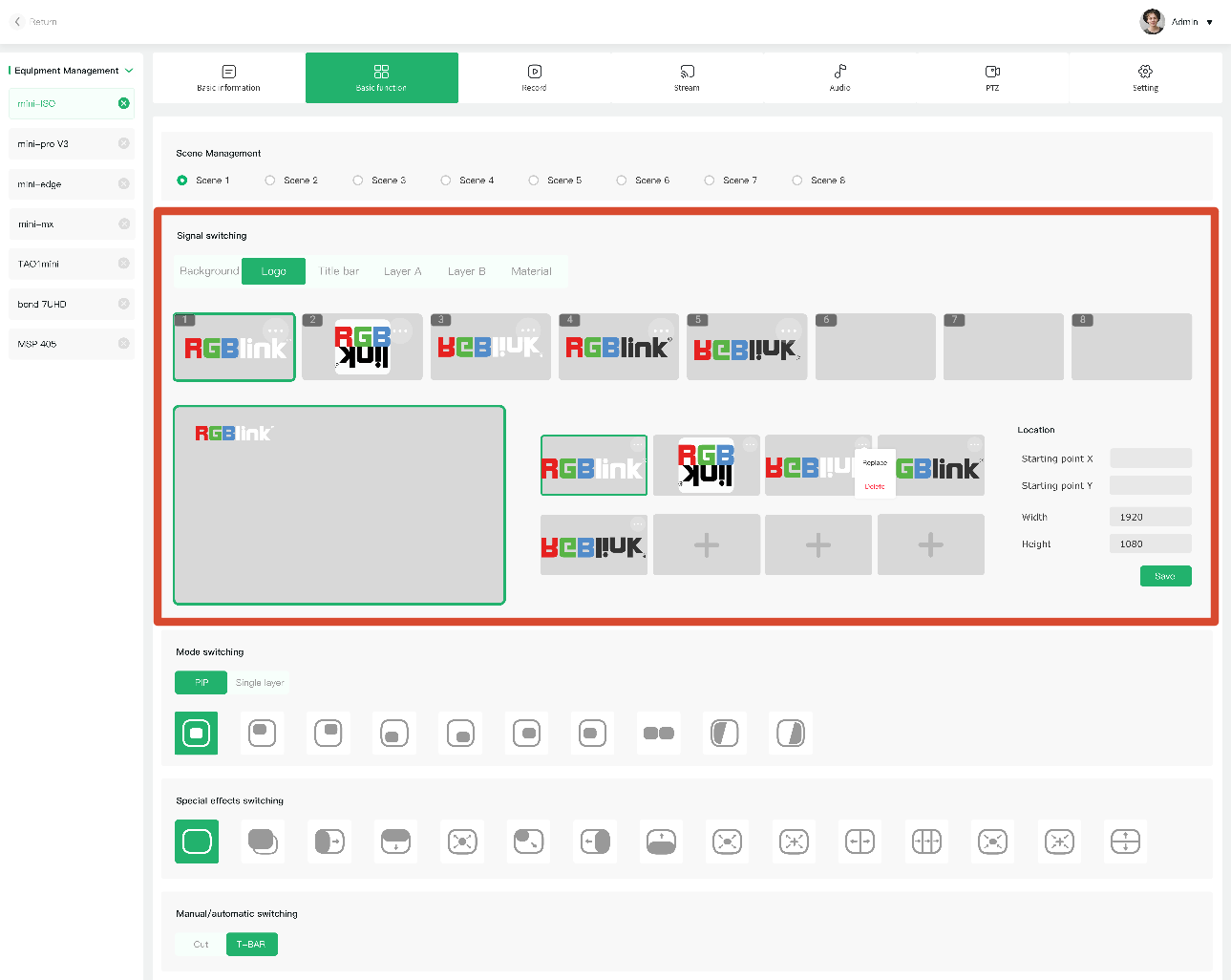
Open TAO Cloud and go to [My Collection] > [My Devices], then open the management page for the target mini device.
Under [Basic Settings], select the target scene and upload or add logo material in the content management section.
Adjust the Logo Position
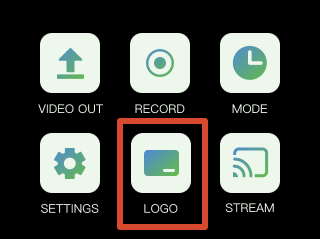
Open the [Logo] menu from the main menu on mini.
The logo settings page will display the material uploaded in TAO Cloud.

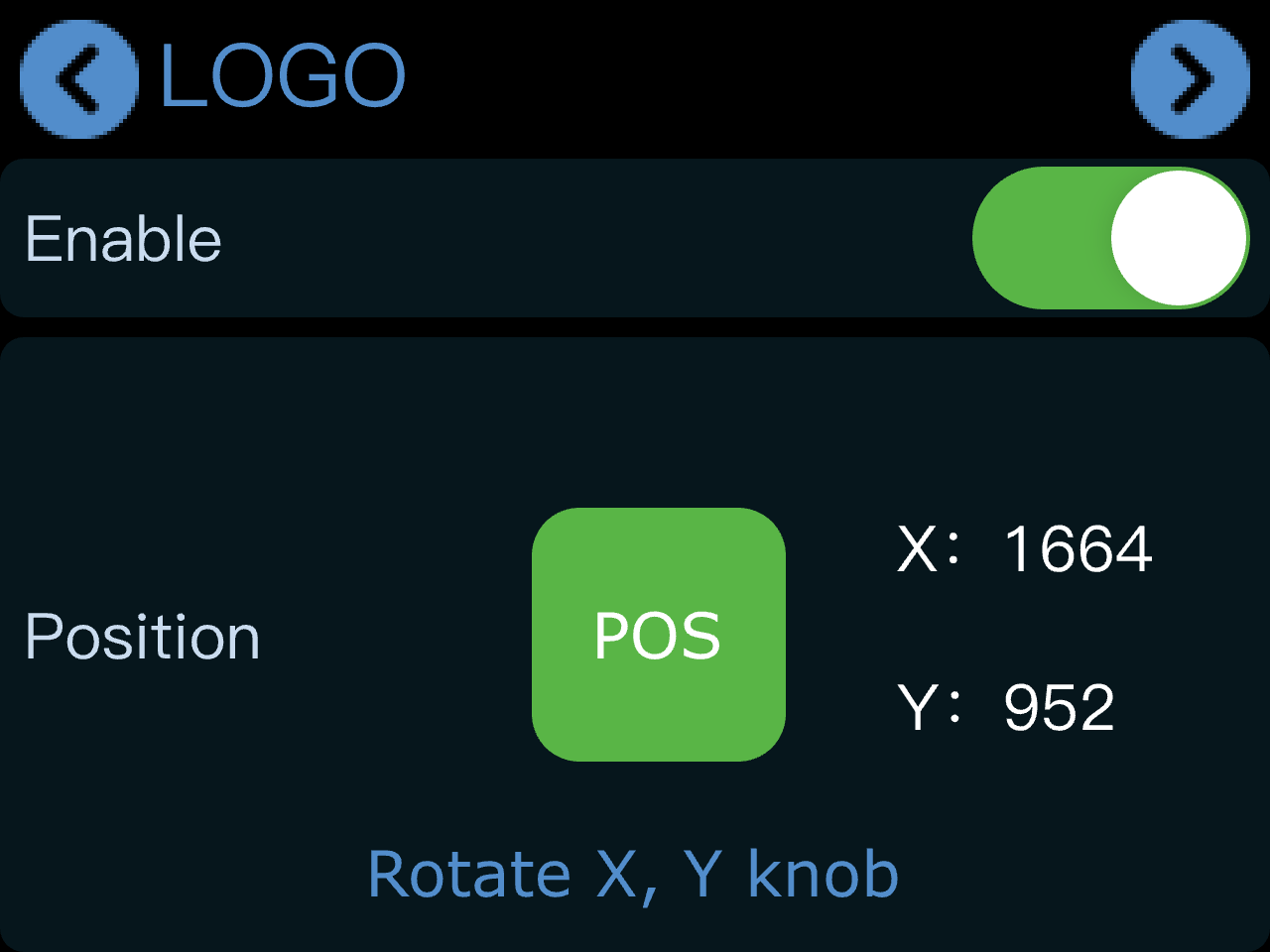
Tap [Action]. After enabling the logo function, the logo will appear in the current preview screen.
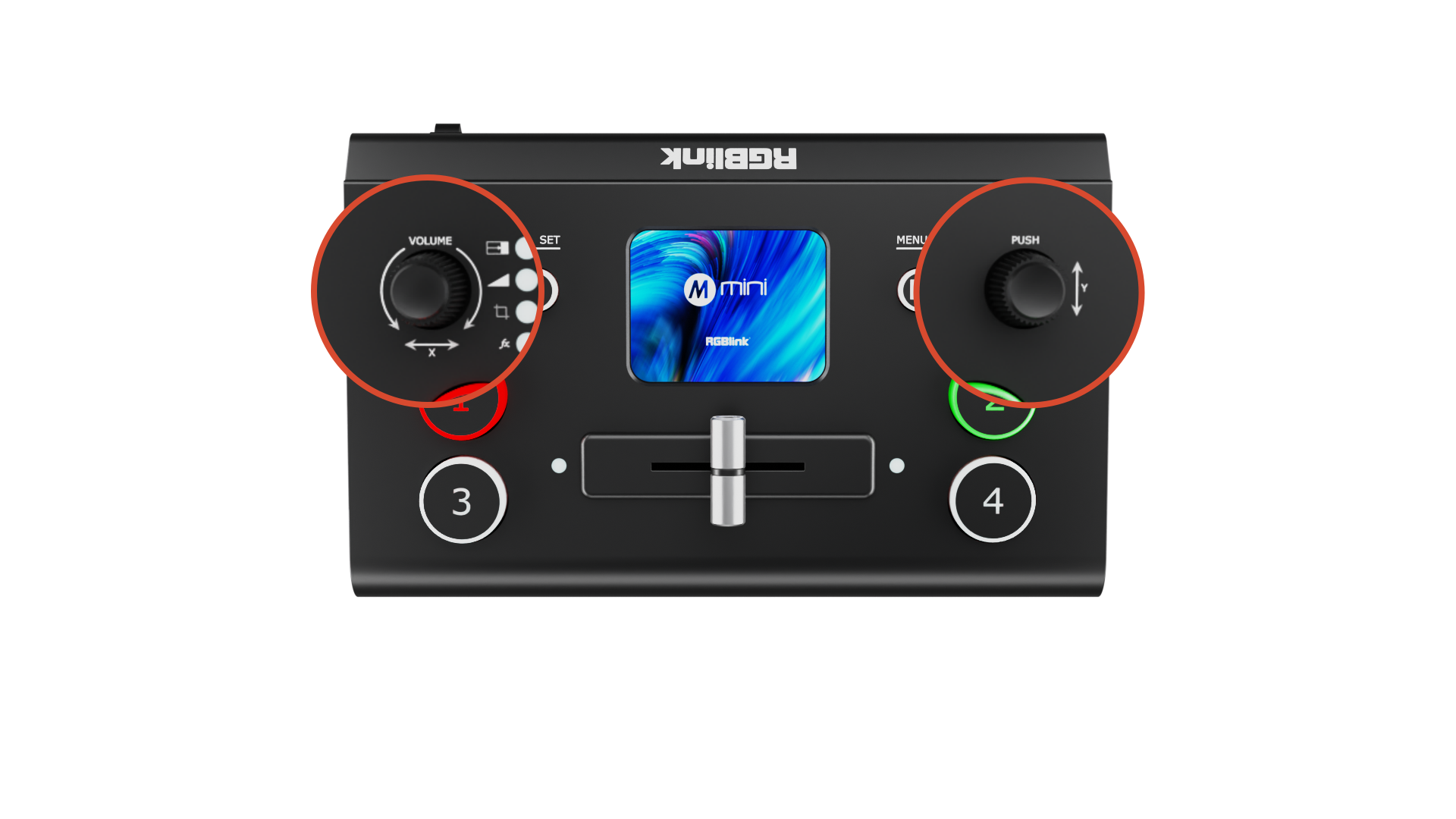
Use the knobs to adjust the position:
- X knob: adjusts horizontal position
- Y knob: adjusts vertical position
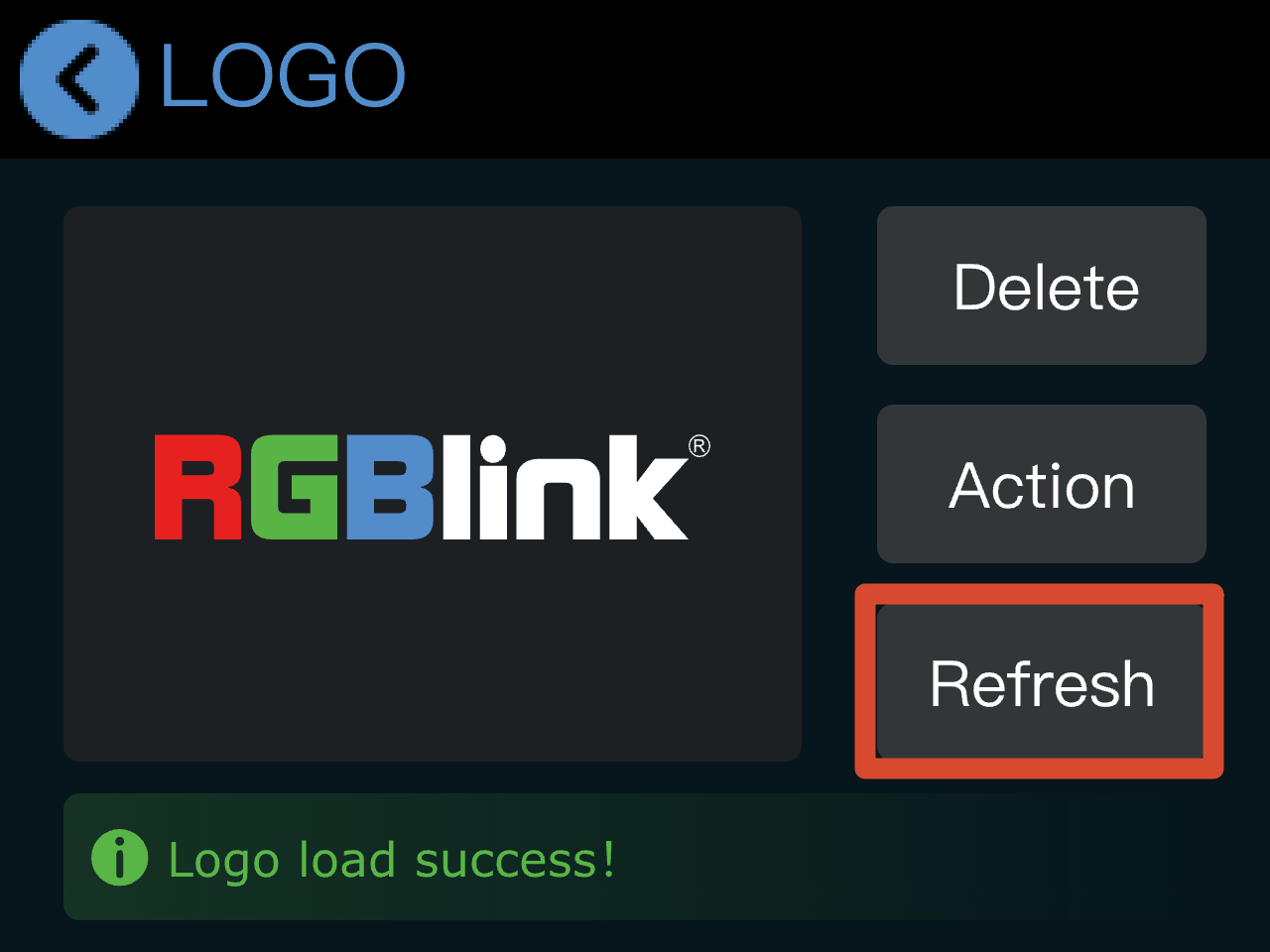
Refresh Logo
Logo refreshment must be performed in TAO Cloud.
Go to the mini device management page and select a new logo asset under [Basic Settings].
Then return to the logo settings page on mini and tap [Refresh] to update the current logo.