Online Manual
TAO-1pro-2

1.2.1 Optional: Install the Battery
TAO 1pro 2 can be powered via the USB Type-C port or by installing up to two backup batteries. See the battery compatibility table below for supported battery models.
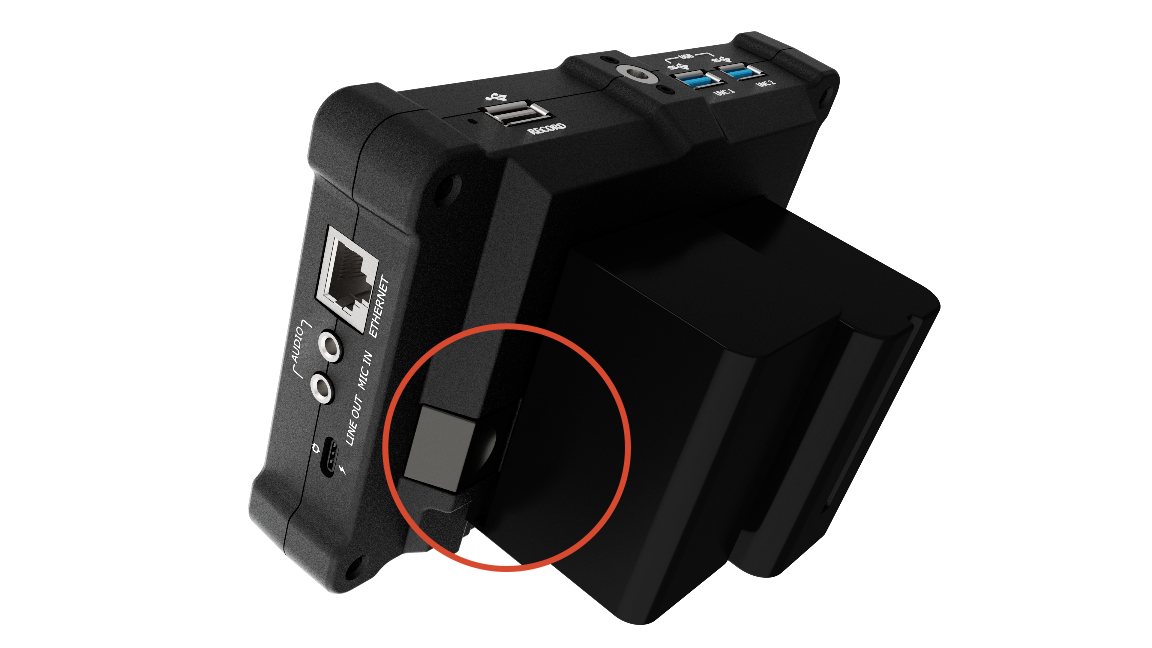
Installing a Battery
- Press the battery lock button.
- Slide the battery into the slots.
- Push the battery into the slots until it locks into place.
📢  Notes

Make sure the battery is fully locked in place before using the device.
Removing a Battery
- Press the battery lock button.
- Remove the battery from the battery slots.
Compatible Batteries
 📢  Notes

The battery compatibility table is for reference only and may not include all compatible models. Actual compatibility is subject to the batteries supported by the device.
TAO 1pro 2 is compatible with the following battery models:
| NO. | Image | Model | Capacity | Weight | Battery Life |
|---|---|---|---|---|---|
| 1 | 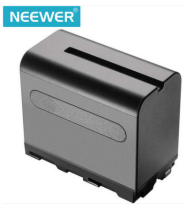 | NEEWER 970 | 6600mAh | 600g | 3–4 hours |
| 2 | 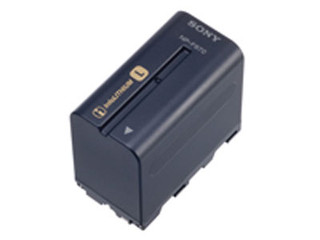 | Sony NP-F970 | 6600mAh | 300g | 3–4 hours |
| 3 | 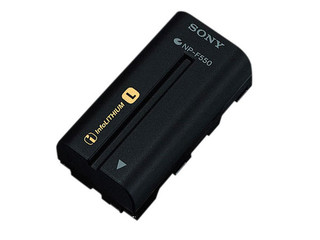 | Sony NP-F550 | 1500mAh | 95g | Approx. 1 hour |
| 4 | 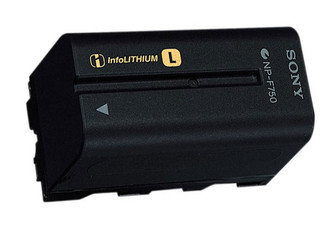 | Sony NP-F750 | 3000mAh | 200g | 1.5 hours |
| 5 | 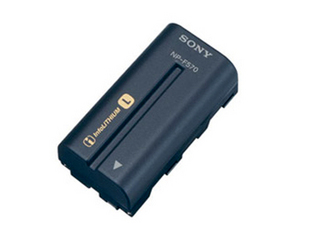 | Sony NP-F570 | 2200mAh | Approx. 100g | Approx. 1 hour |
| 6 | 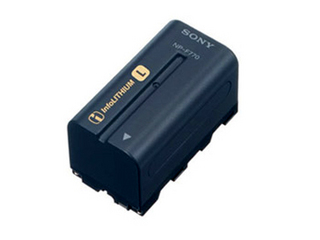 | Sony NP-F770 | 4400mAh | Approx. 200g | 2–3 hours |
| 7 | 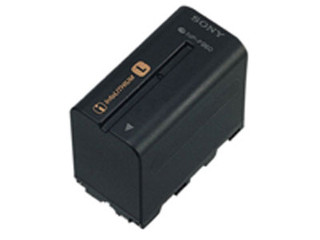 | Sony NP-F960 | 5400mAh | 300g | 2–3 hours |
| 8 | 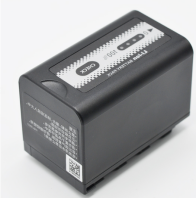 | Panasonic AG-VBR59MC | 5900mAh | 300g | Approx. 3 hours |
| 9 | 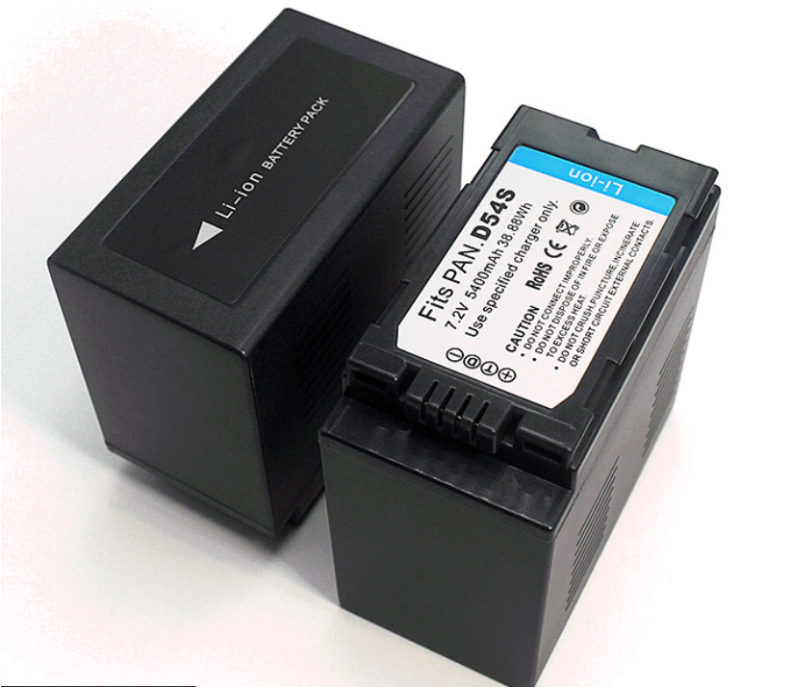 | Panasonic D54S | 5400mAh | 300g | 2–3 hours |
| 10 | 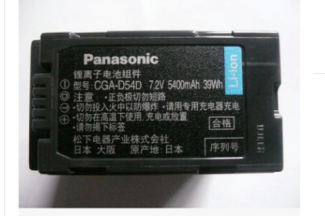 | Panasonic CGA-D54D | 5400mAh | 300g | 2–3 hours |
| 11 | 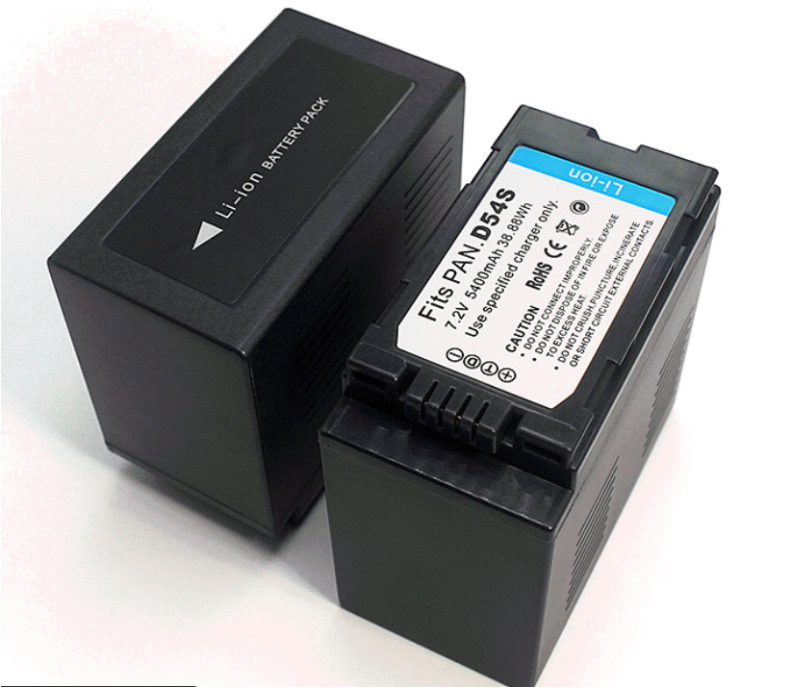 | Panasonic CGA-D54H | 5400mAh | 300g | 2–3 hours |
| 12 | 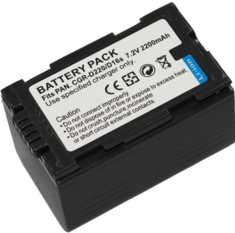 | Panasonic CGR-D28S | 4200mAh | 300g | Approx. 2 hours |
| 13 |  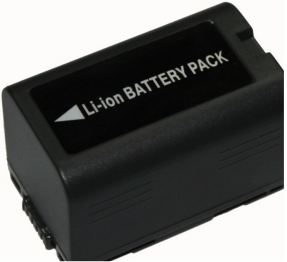 | Panasonic CGR-D16S | 2200mAh | 300g | Approx. 1 hour |
| 14 |  | Panasonic VBD29 | 2900mAh | 100g | 1–2 hours |
| 15 |  | Panasonic VBD98 | 10400mAh | 100g | Approx. 5 hours |