Online Manual
TAO-1pro-2

3.2.5 Options
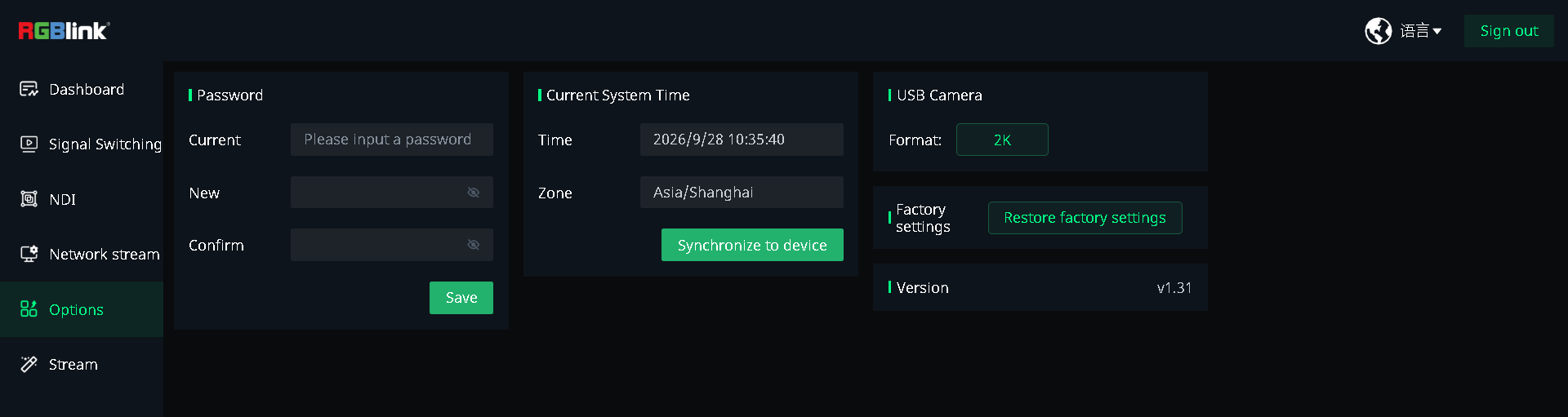
Options is used to set the device password and system time, configure the USB camera resolution, view the software version, and restore the device to factory settings.
Password Settings
Set the Web App login password.
- Enter the old password, new password, and confirmation password.
- Tap Save to apply the new password.
Current System Time
View the current system time and time zone, and synchronize the settings with the device.
USB Camera
The USB camera output resolution is 2K.
Factory Reset
Tap Restore factory settings to restore the device to factory settings.
🚨  Warning

A factory reset deletes all user configurations on the device. This operation cannot be undone.
Version
View the current software version of the device.