Online Manual
TAO-1pro-2

3.2 Web App
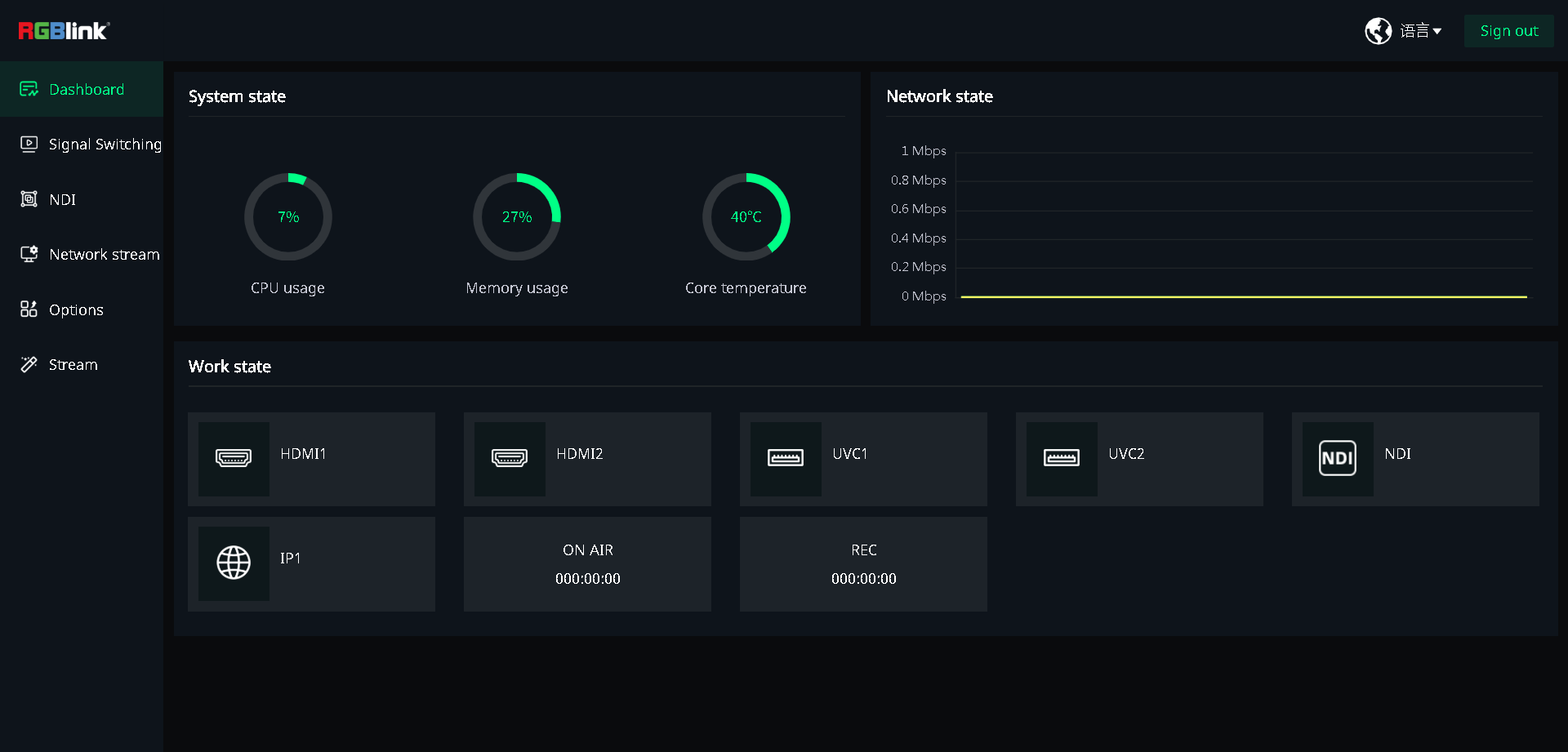
TAO 1pro 2 can be controlled through the Web App without installing additional software.
On TAO 1pro 2:
- Complete the network connection as described in 2.4 Connecting to a Network.
- Select Setting > Network in the Navigation Area.
- Enable DHCP and view the assigned IP address under IP Address.
On a computer connected to the same local network as TAO 1pro 2:
- Open a web browser and enter the device IP address in the address bar.
- Press Enter to access the device.
- The Web App opens in the browser, allowing remote control of the device.
Default login credentials:
- Username:
admin - Password:
admin