Online Manual
TAO-1pro-2

3.1.2 Output
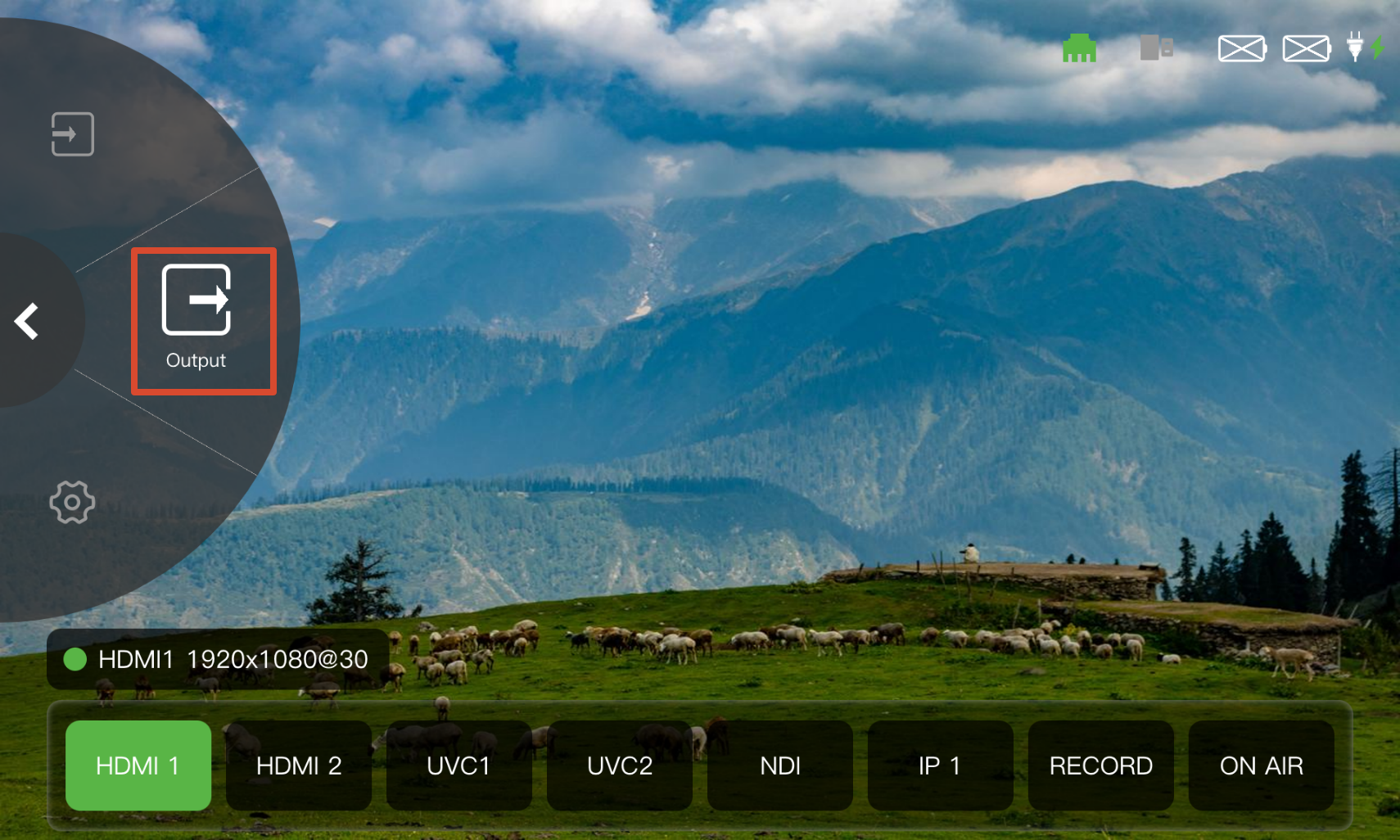
Select Output in the Navigation Area to configure display parameters and NDI encoding in the Operation Area.
 | 👉 |  |
|---|
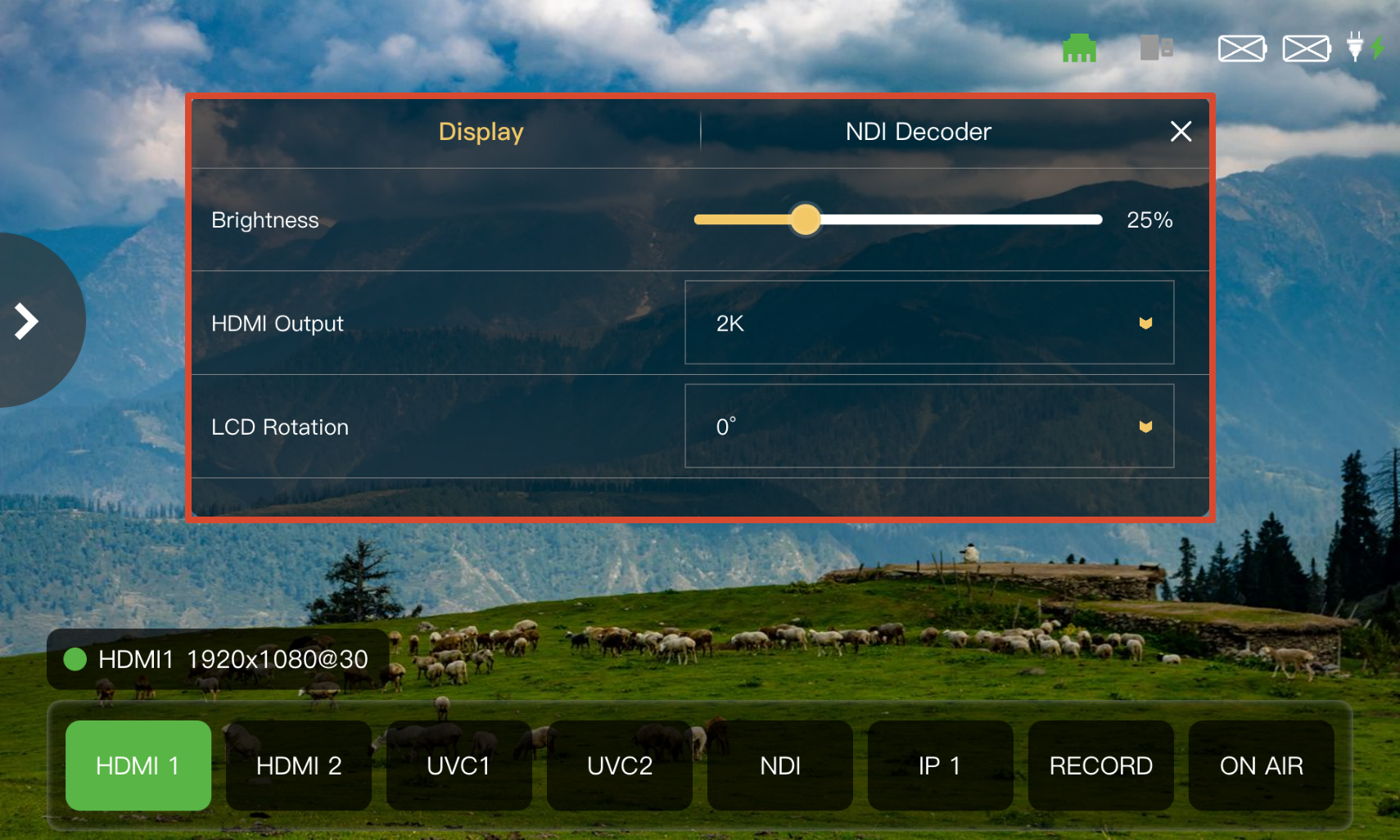
Display
- Drag the slider to adjust the output brightness.
- Select the HDMI output resolution from the HDMI Output drop-down list.
- Select the screen orientation from the LCD Rotation drop-down list. Available options are 0° and 180° to accommodate different device orientations.
NDI Encoding
TAO 1pro 2 supports NDI encoding for converting the video output of TAO 1pro 2 into an NDI signal and sending it over the network to other NDI devices or software.
After the device is connected to the network, tap Activate to enable NDI encoding.
For details on NDI encoding, see 3.2.3 NDI.