Online Manual
TAO-1pro-2

3.1.6 Settings
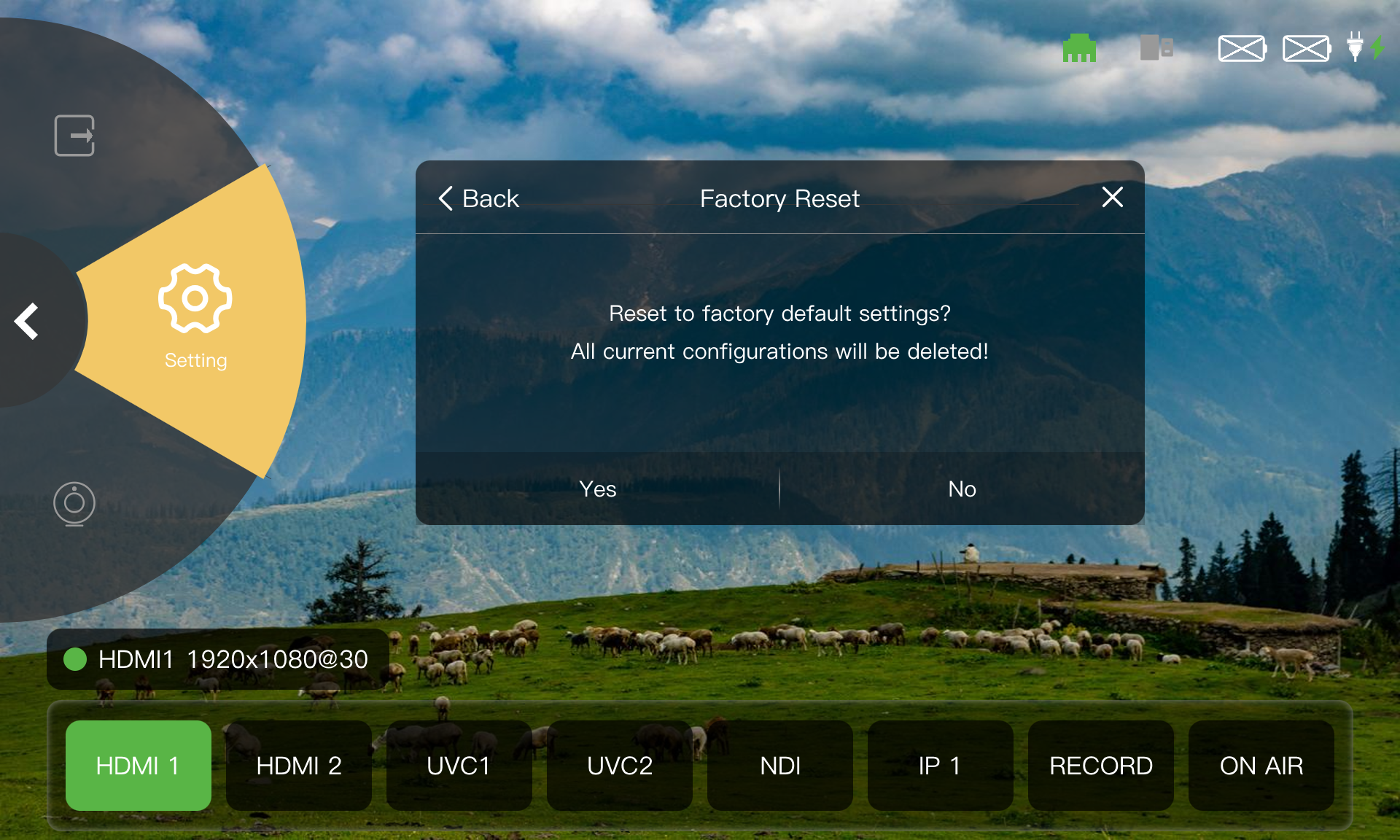
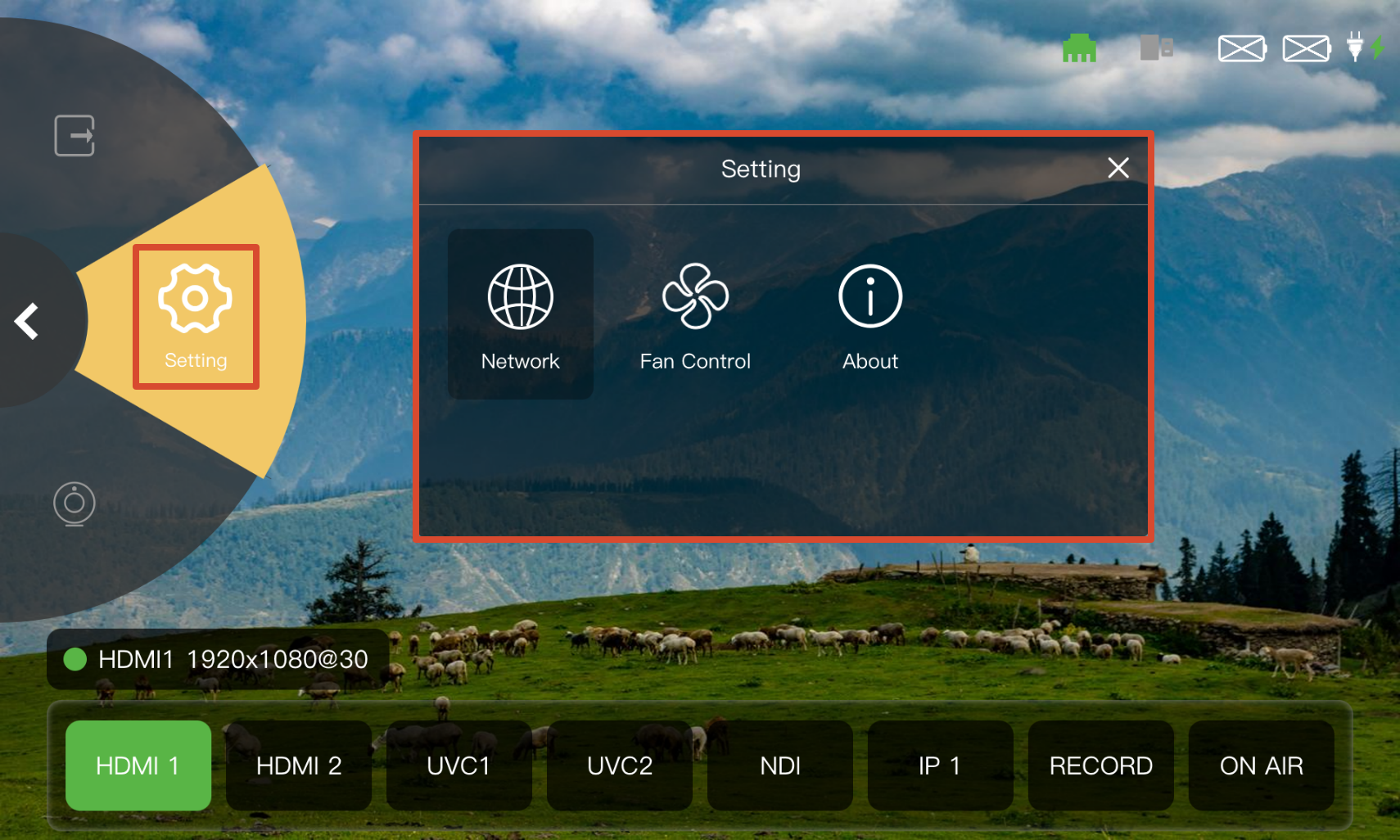
Select Setting in the Navigation Area to configure network, fan, and device settings in the Operation Area.
Network
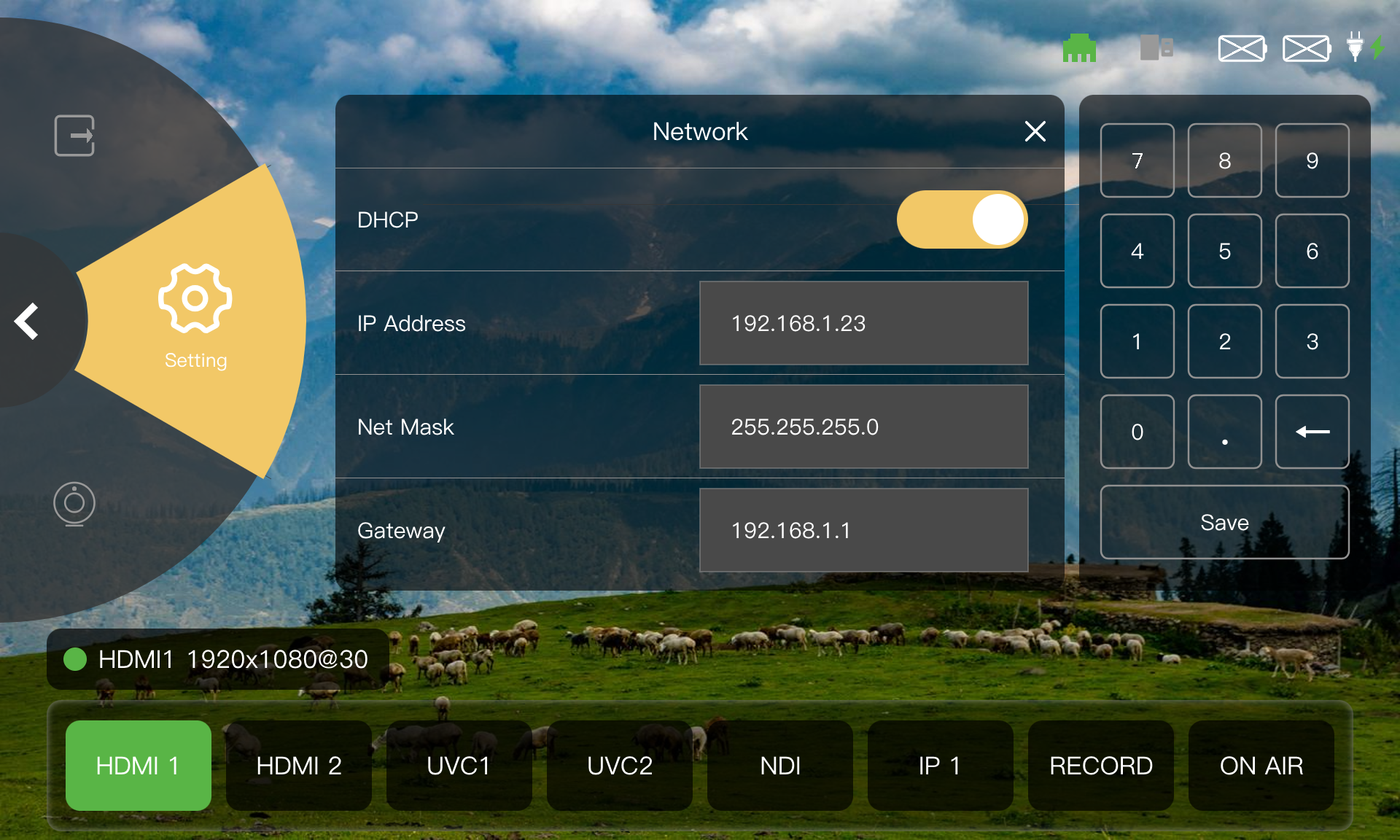
TAO 1pro 2 supports automatic network configuration via DHCP and manual configuration.
Using DHCP to obtain network parameters automatically:
- Enable DHCP.
- View the automatically assigned IP address, subnet mask, and gateway.
Configuring network parameters manually:
- Disable DHCP.
- Enter the IP address, subnet mask, and gateway using the numeric keypad on the right.
Fan Control
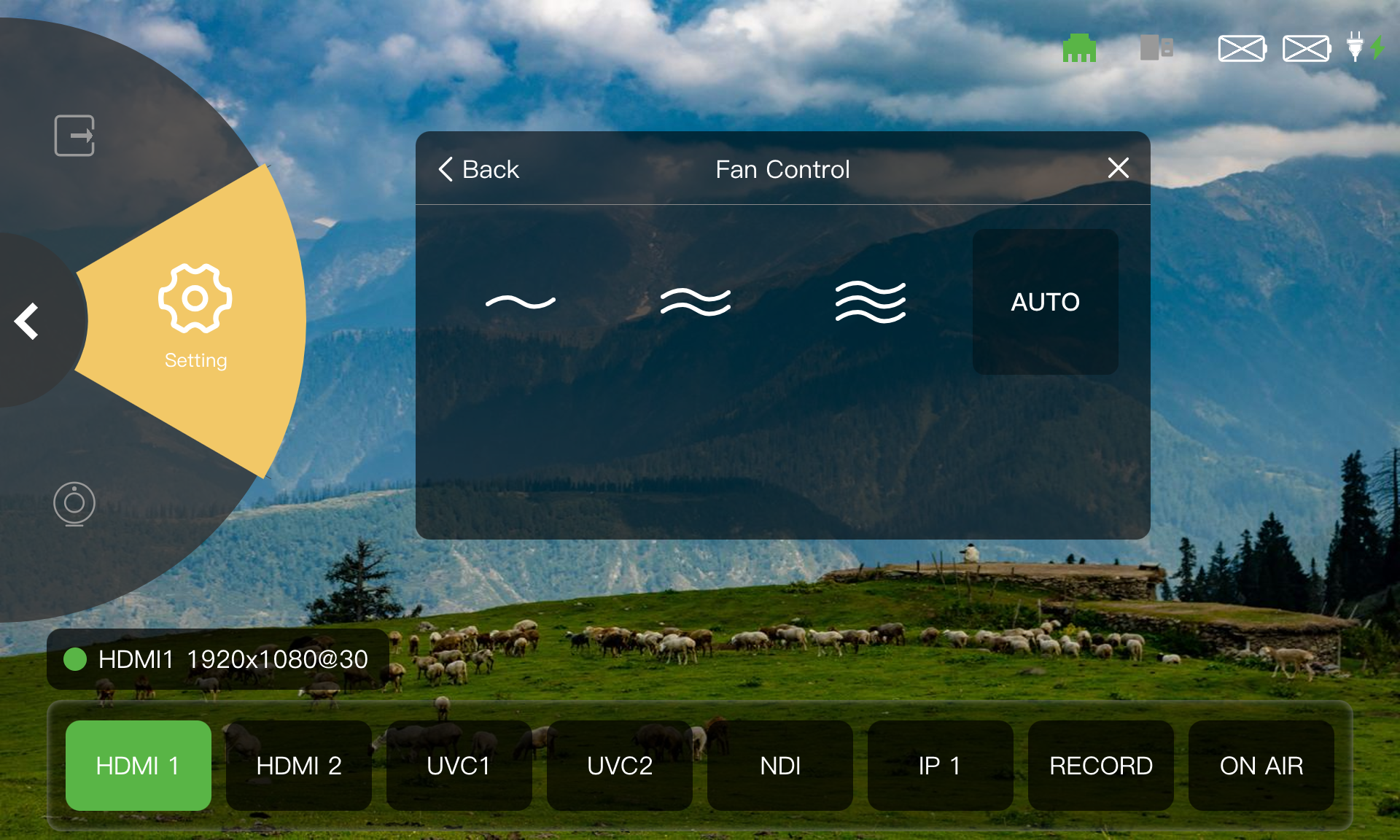
TAO 1pro 2 supports manual fan speed adjustment and automatic fan speed control.
- Select a fan speed level from 1 to 3.
- Tap AUTO to enable automatic mode.
About
The About page provides device information, language settings, software upgrade, and factory reset options.
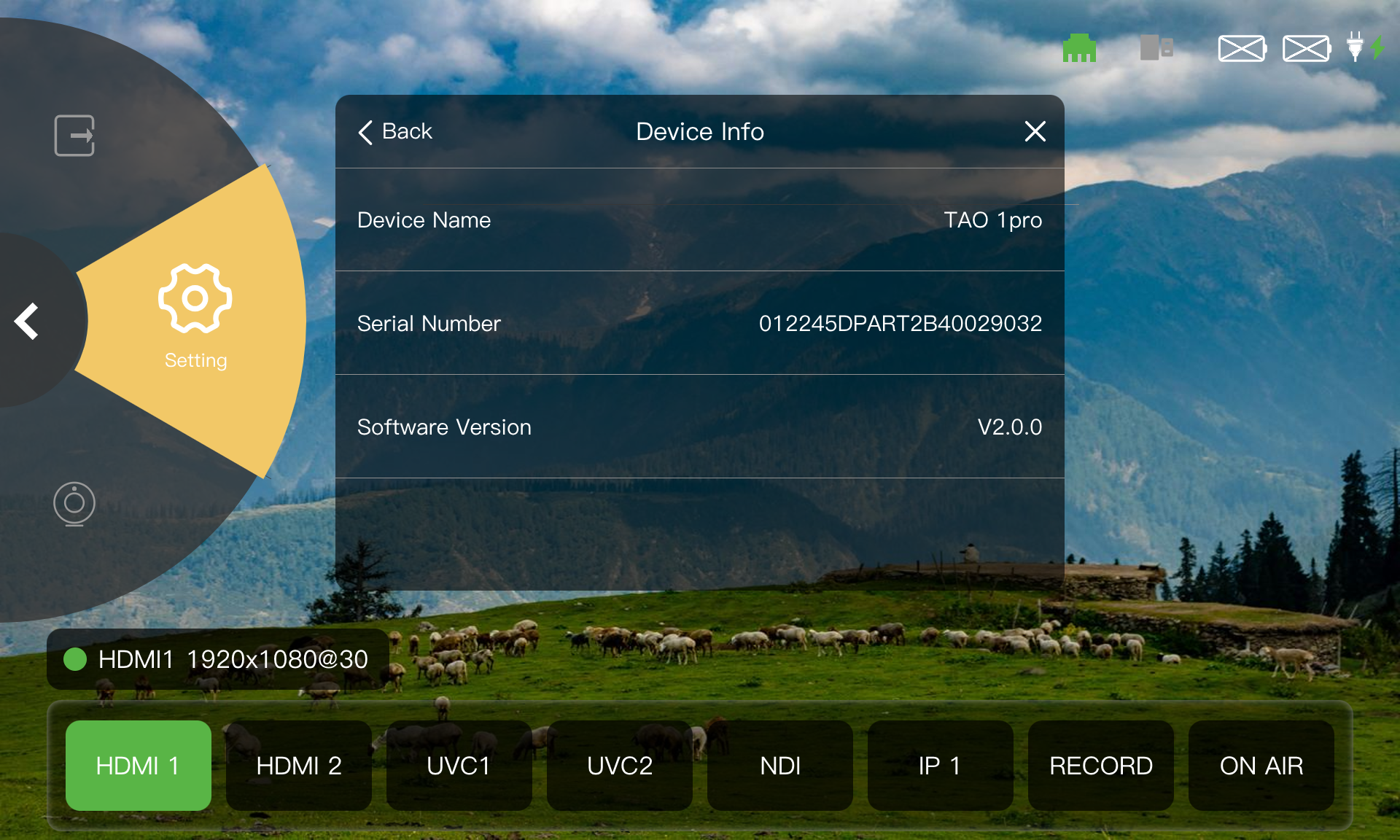
Device Information
View the device name, serial number, and software version.
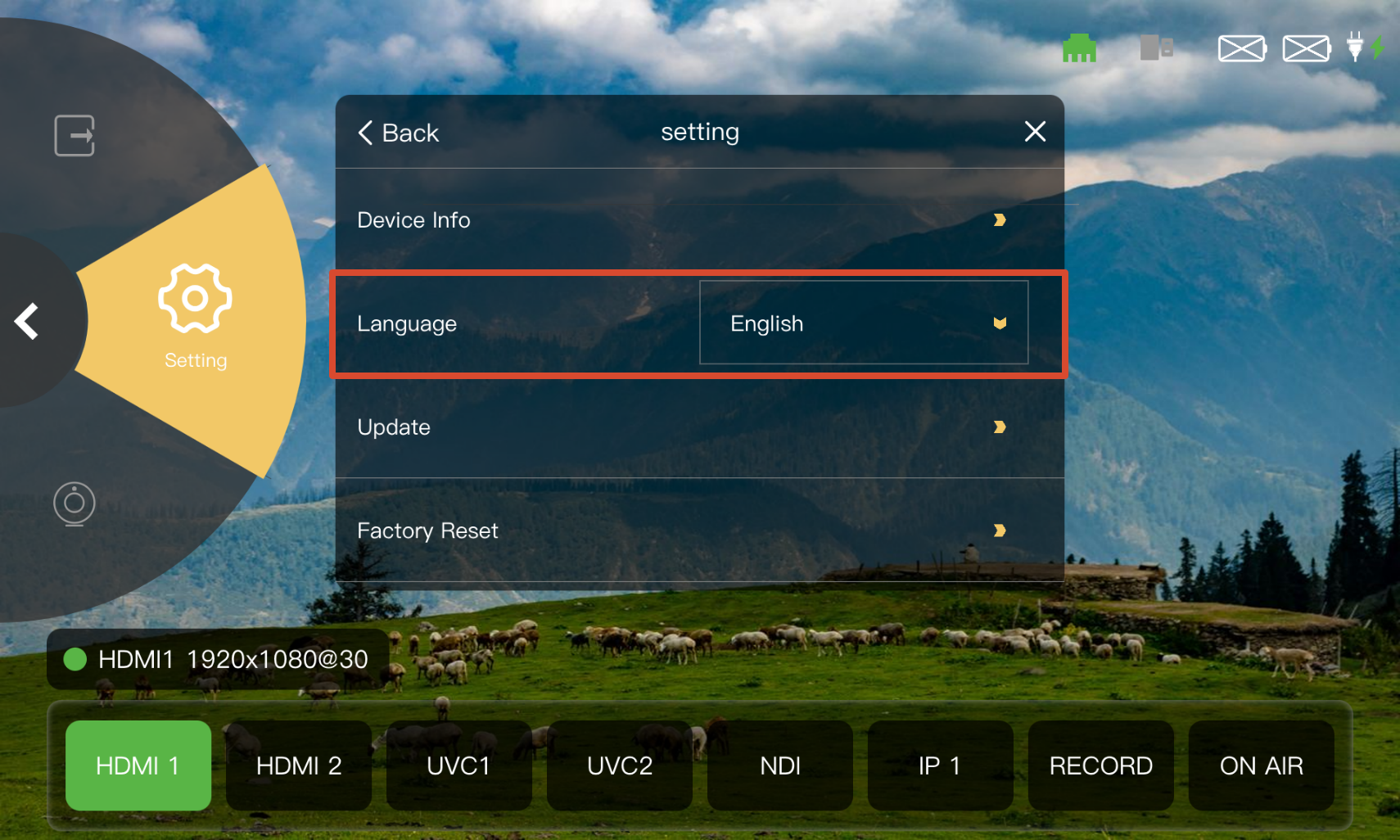
Language
Select the language for the device interface. TAO 1pro 2 supports Chinese, English, and German.
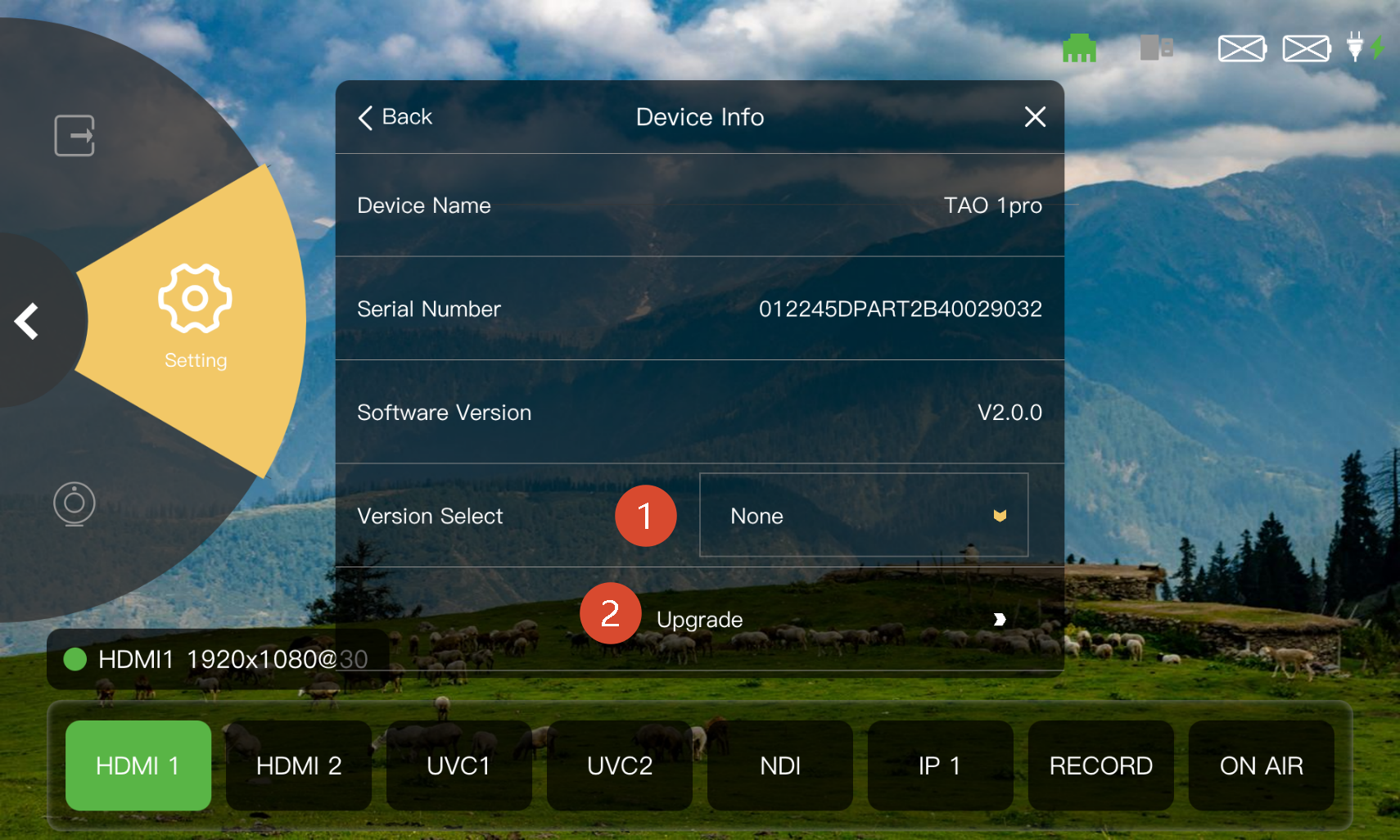
Upgrade
- Select the upgrade version from the version drop-down list.
- Tap Update to enter the upgrade page.
- Follow 4. Upgrade to complete the software upgrade.
Factory Reset
A factory reset deletes all device configurations. This operation cannot be undone.
- Tap Factory Reset.
- Select Yes in the confirmation dialog to perform the factory reset.