Online Manual
TAO-1pro-2

3.1.1 Input
Select Input in the Navigation Area to configure input sources and NDI decoding in the Operation Area.
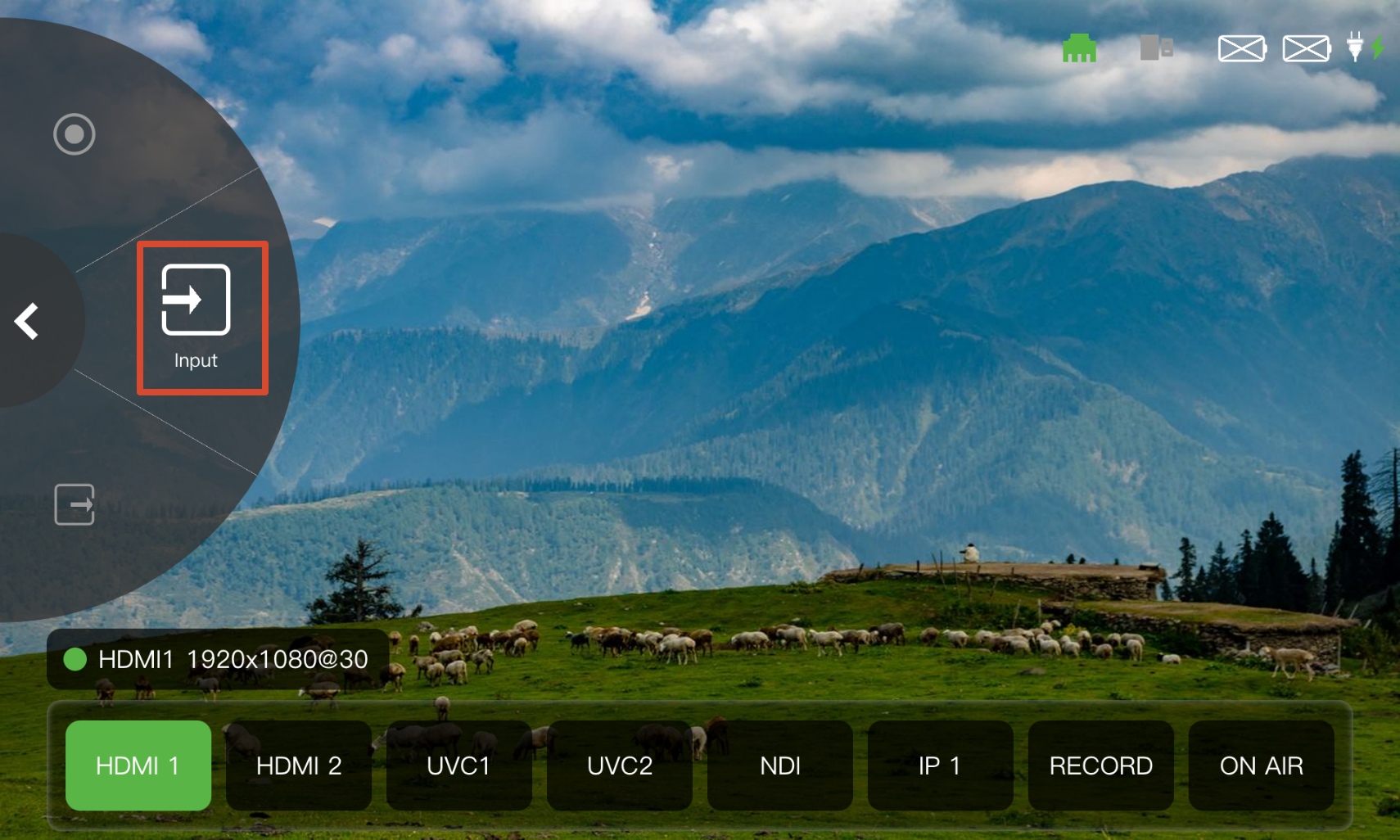 | 👉 | 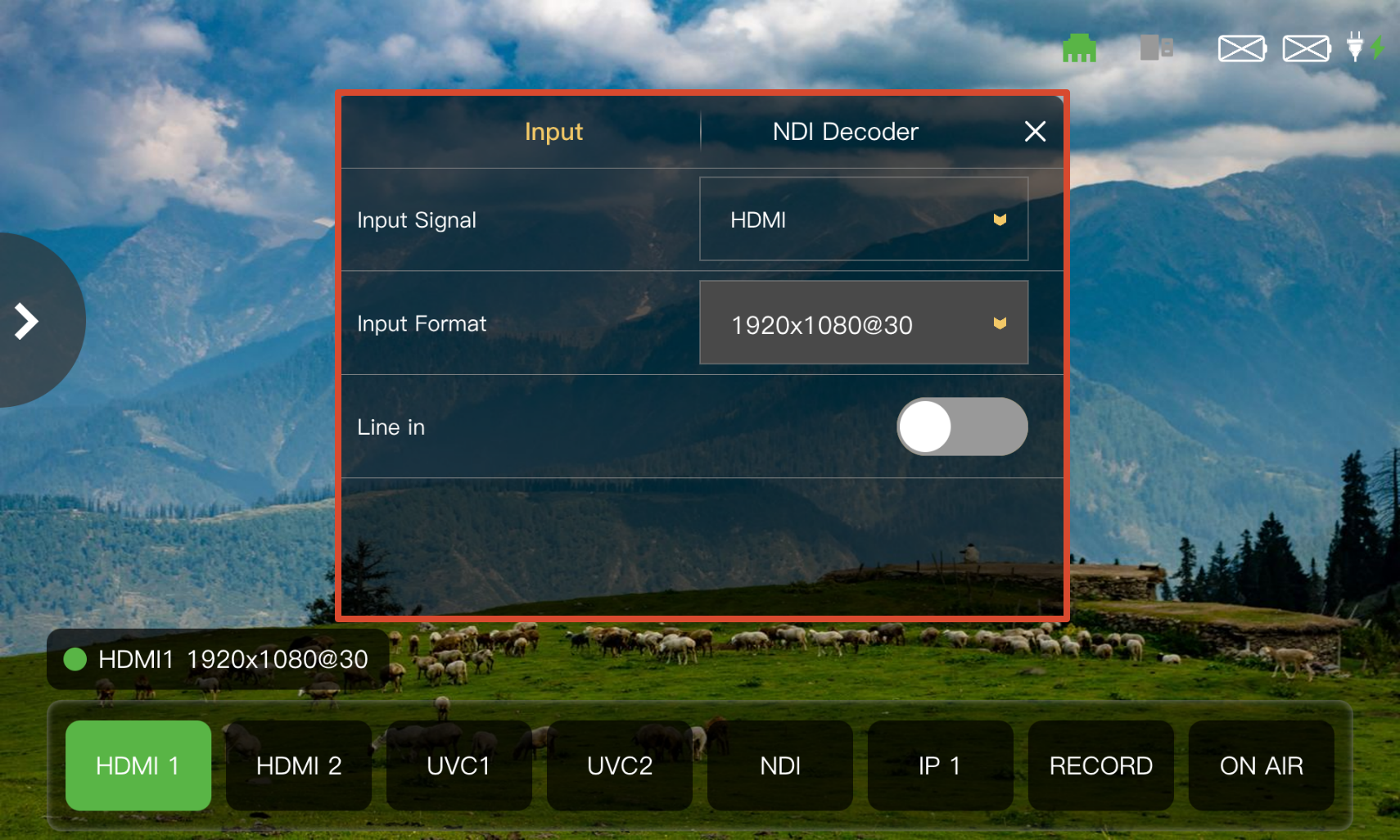 |
|---|
Input
TAO 1pro 2 supports selecting an input source from the Input Signal drop-down list or the Input Source Selection Area.
- Select an input source from the Input Signal drop-down list, or tap the corresponding input source button in the Input Source Selection Area.
- Select the resolution of the connected input source from the Input Format drop-down list.
- Enable or disable Line in input.
📢  Notes

The selected input source button is displayed in green in the Input Source Selection Area.
NDI Decoding
TAO 1pro 2 supports NDI decoding for receiving NDI video signals over the network and using them as input sources through the NDI input.
After the device is connected to the network, the page displays the device names of the detected NDI sources. Tap Activate to enable an NDI source.
For details on NDI decoding, see 3.2.3 NDI.