Online Manual
mini-edge SDI User Manual

3.11 Recording
mini-edge SDI supports recording the program output directly through a USB storage device.
Connect a USB flash drive or portable SSD to save live production content for backup, archiving, and post-production workflows.
Supported Storage Specifications:
- USB flash drives up to 64 GB
- SSDs up to 2 TB
- exFAT file system
Starting a Recording
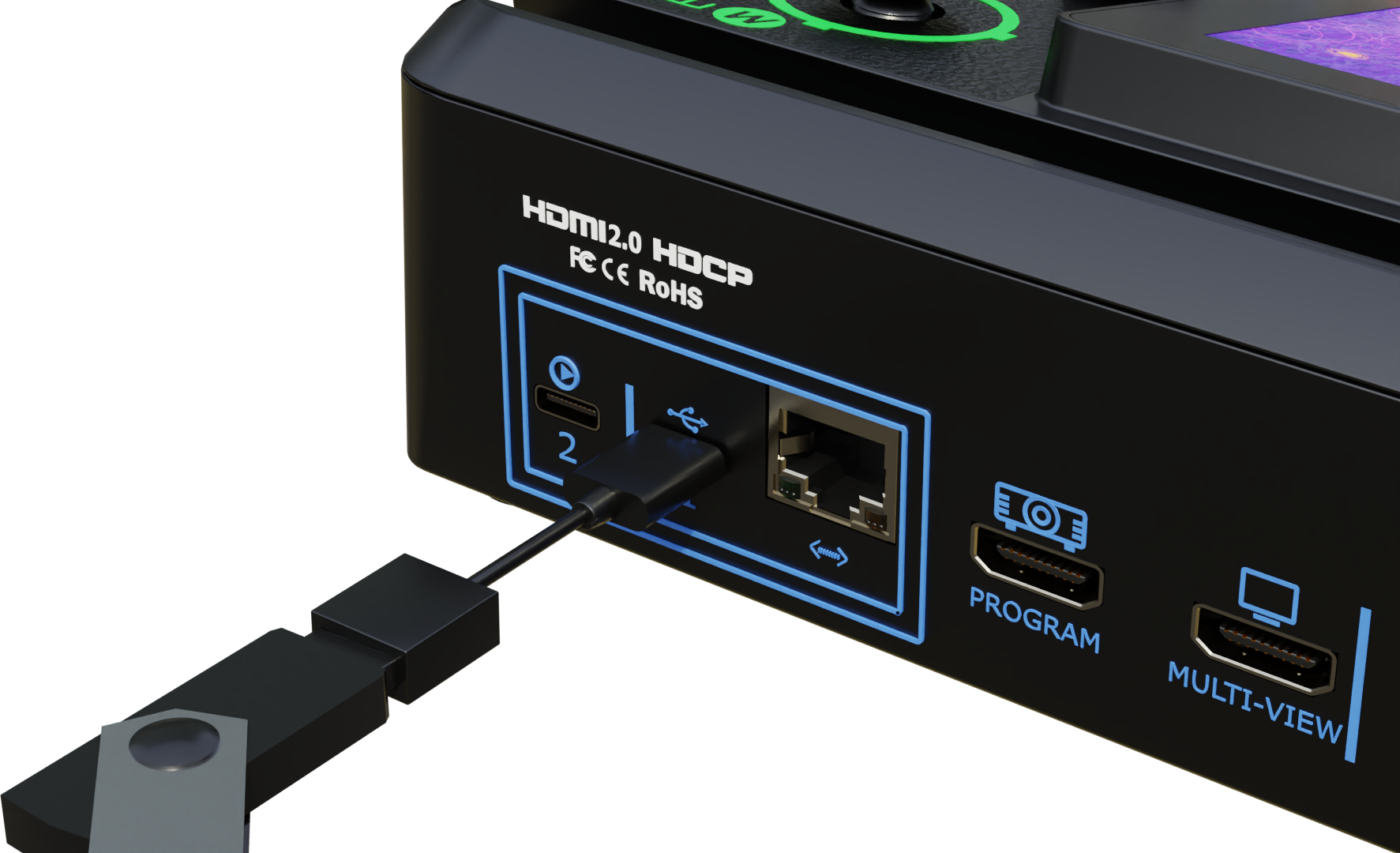
- Connect a USB flash drive or SSD to the device USB port.
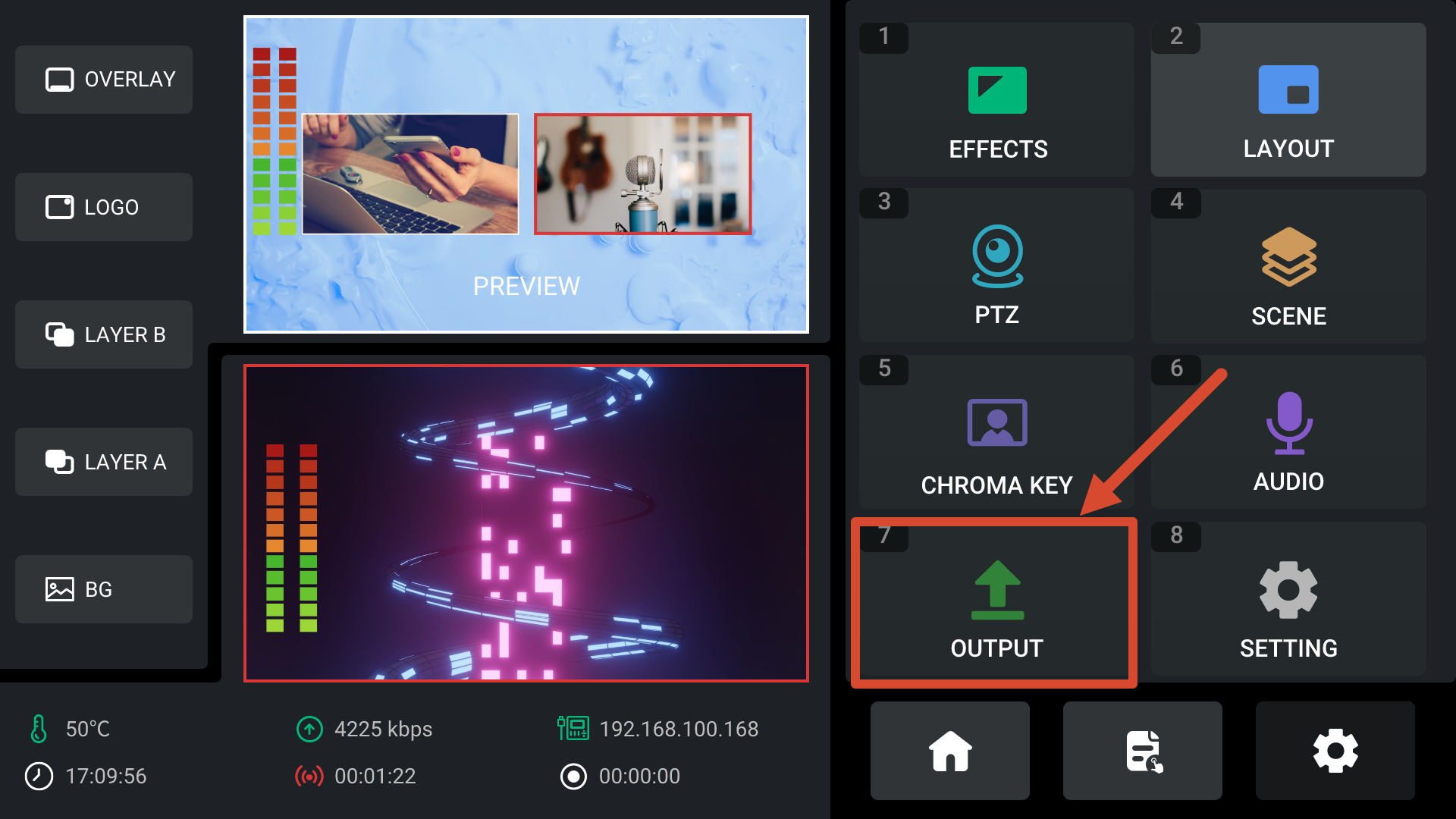
- Press MENU to enter the menu screen.
- Navigate to OUTPUT > Record to open the Recording settings page.
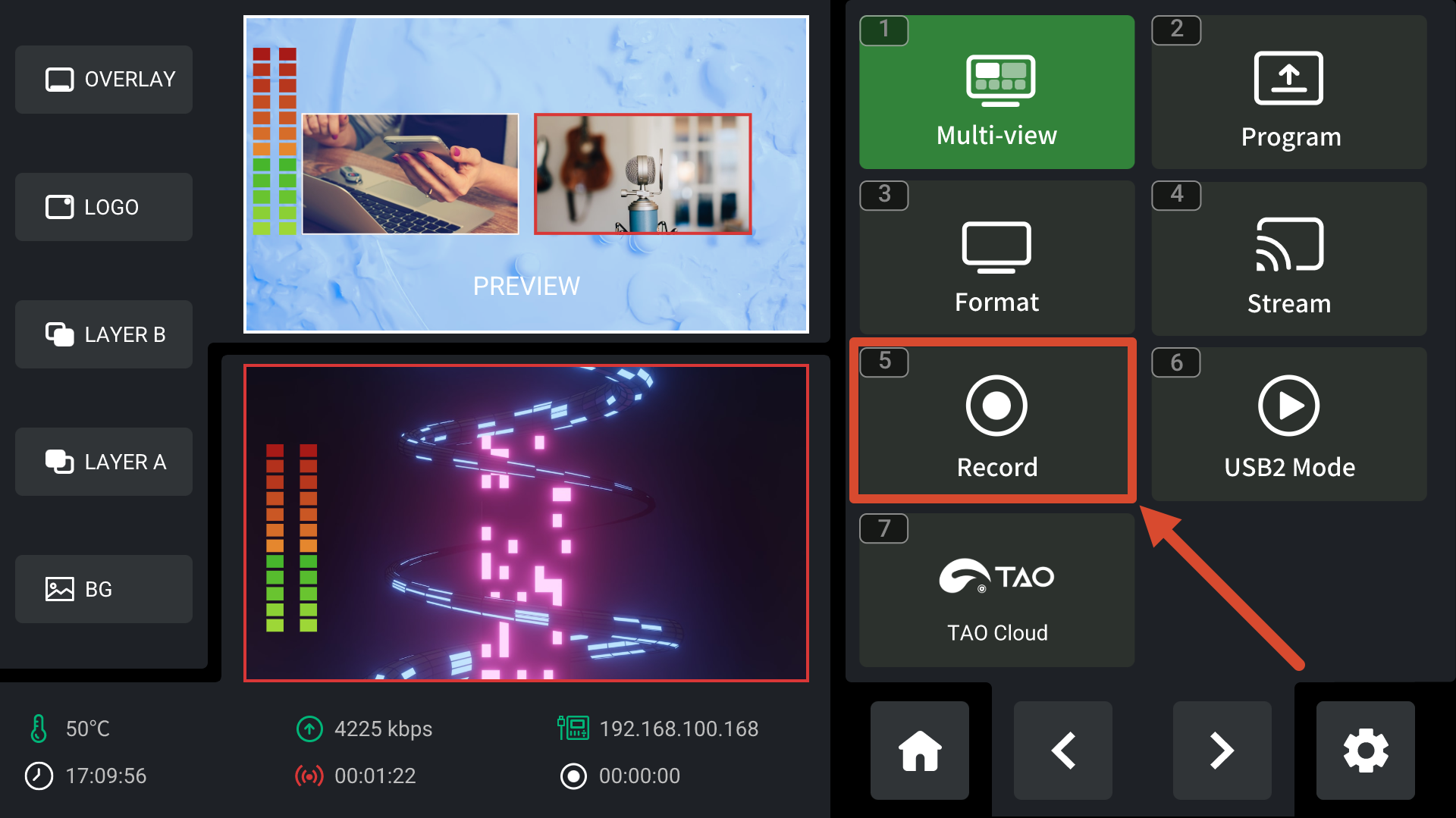
- The device automatically detects the storage device and displays:
- Storage device connection status
- Available storage capacity
- Disk status information
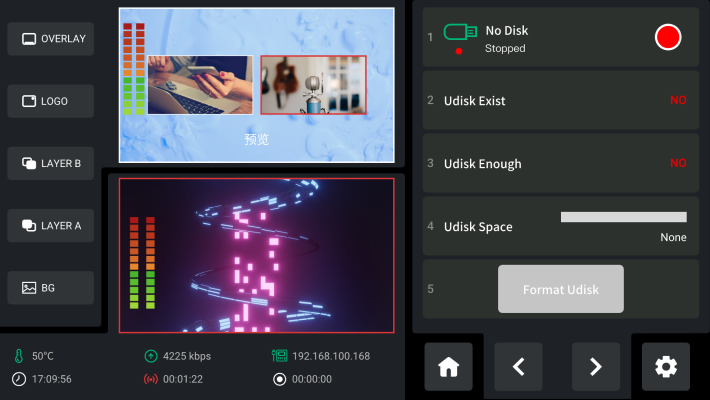
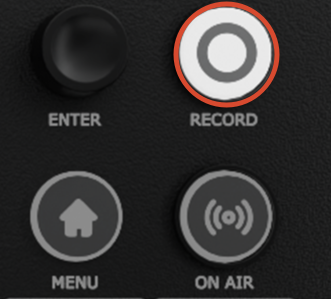
- After confirming that the storage device is operating normally, press the RECORD button on the front panel to start recording.
When recording begins:
- The RECORD button changes from white to red.
 | → |  |
|---|
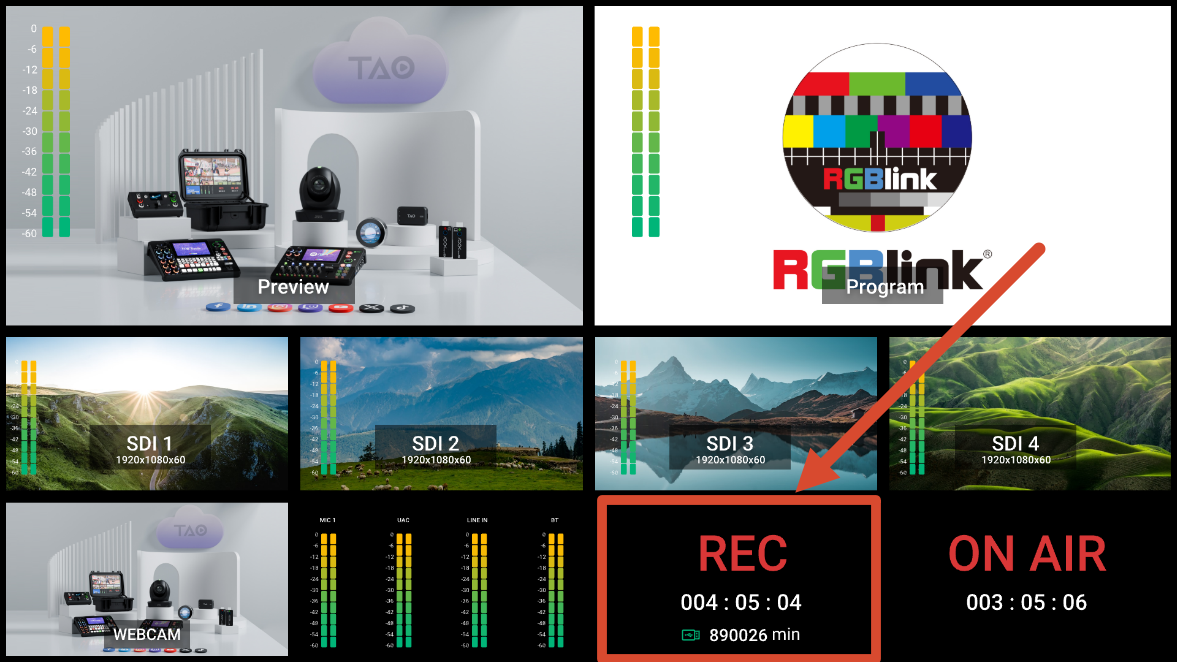
- The Recording page displays recording duration and status information.
- Recording status is also shown on the Main Interface and Multi-view screen.
Stopping a Recording
Press the RECORD button again to stop recording.
After recording stops, the RECORD button changes from red back to white.
Saving Recording Files
After stopping a recording, wait until the file-saving process is complete before disconnecting the storage device.
Removing the storage device during recording may result in file corruption or recording failure.
Storage Device Format Requirements
Recording media must use the exFAT file system.
If the storage device uses an incompatible format, format it on a Windows computer using:
- File System: exFAT
- Allocation Unit Size: 128 KB
After formatting, you can verify the storage device from the Recording page on the device.
Automatic File Segmentation
Recording files are automatically split into 4 GB segments.
When storage space becomes insufficient, the system automatically overwrites the oldest recording files.
Monitor the remaining storage capacity during extended recording sessions to prevent important content from being overwritten.