Online Manual
mini-extreme ISO User Manual

2.2.1 Version Check & Update
Connect the device to the network before use to ensure access to the latest system updates.
Network Connection
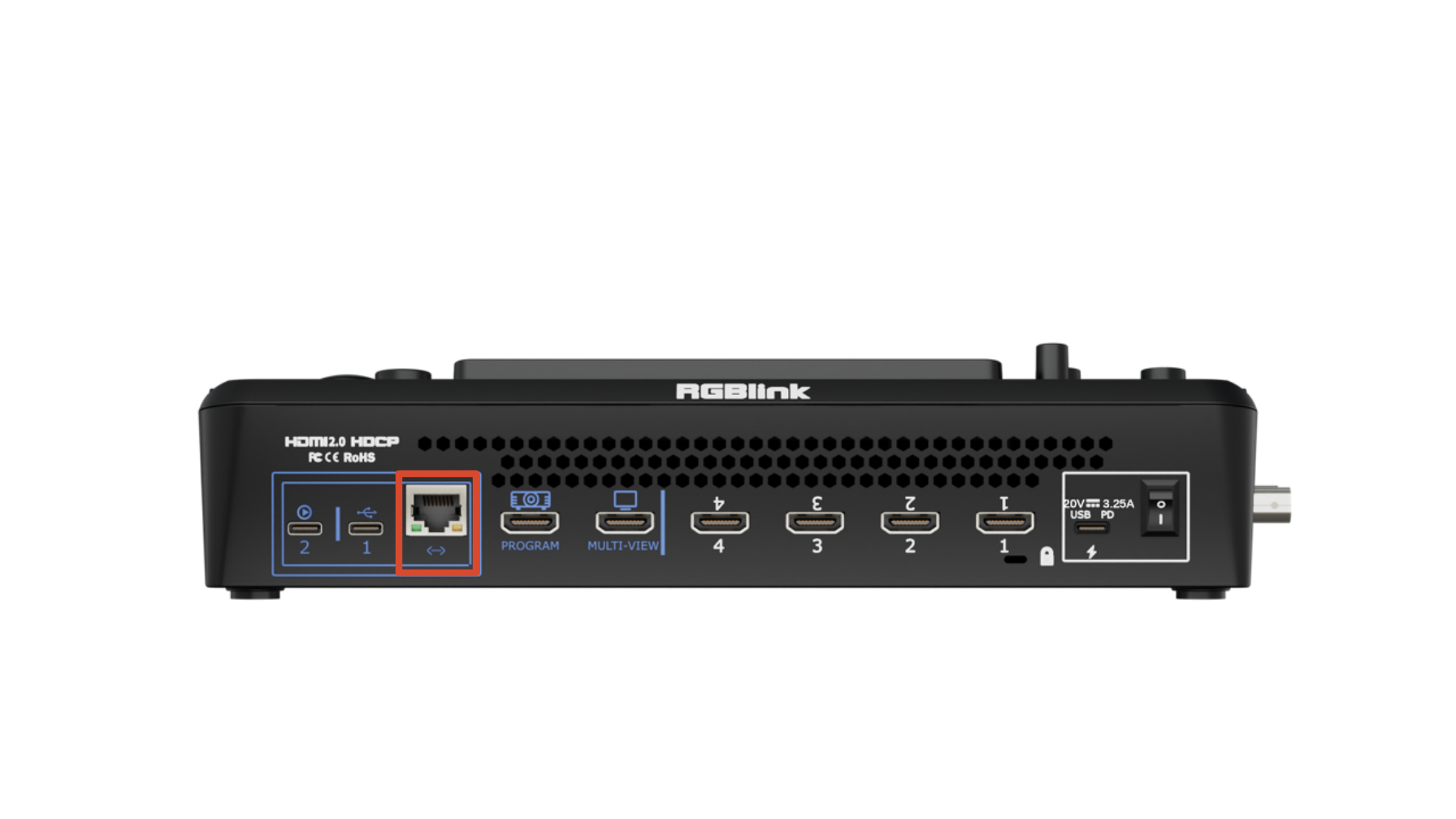
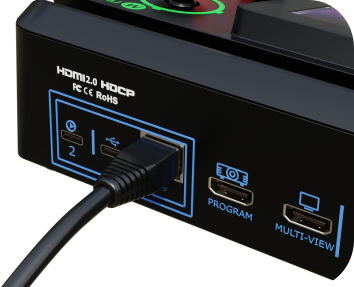
Connect the mini-extreme ISO Ethernet port to a router using a CAT6 Ethernet cable.
 | 👉 |  |
|---|
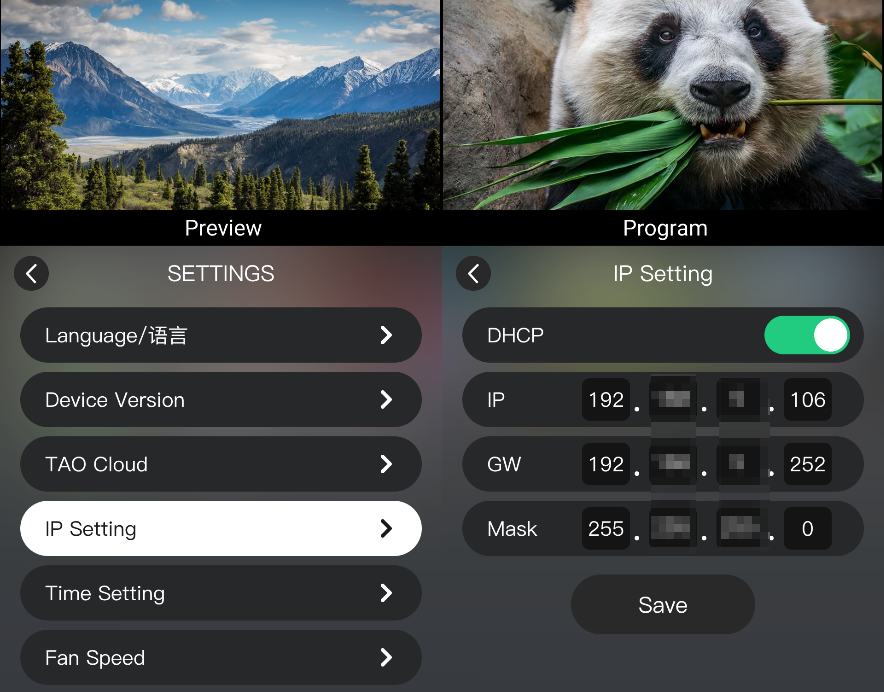
If DHCP is enabled on the router:
- Press MENU.
- Go to SETTINGS > IP Setting.
- Enable DHCP. The device automatically obtains an IP address.
System Update
- Press MENU.
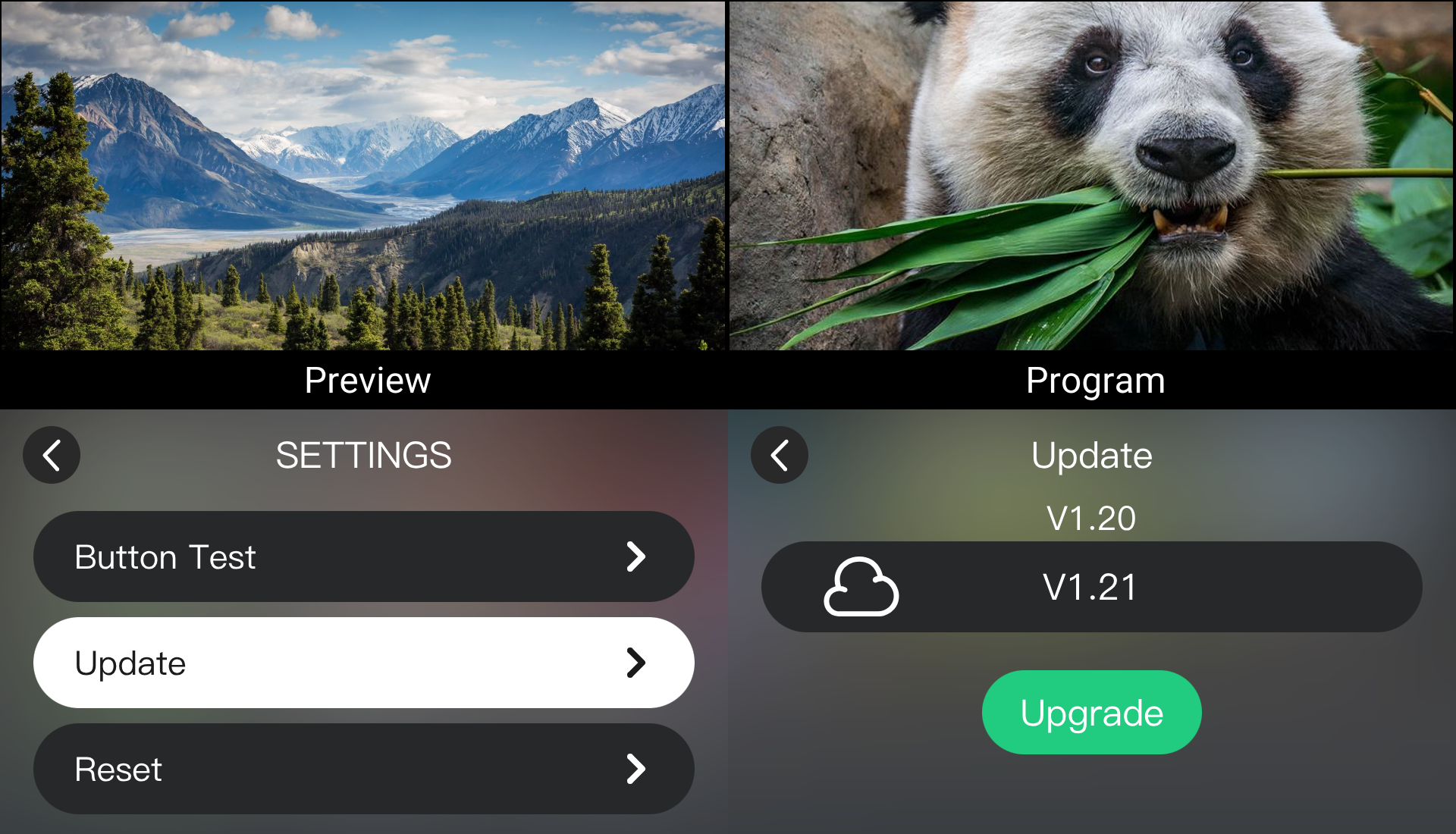
- Go to SETTINGS > Update.
- Check the firmware version.
- If an update is available, follow the on-screen instructions to update the device.