Online Manual
mini-extreme ISO User Manual

2.2.5 Import Materials
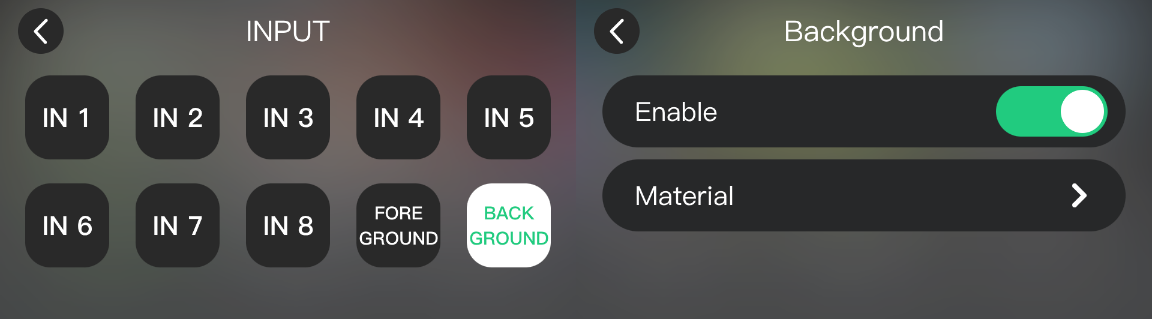
Press MENU and go to INPUT to set the foreground and background assets.
- On a USB drive, create the following folders and add the corresponding assets:
mini-extreme/backgroundmini-extreme/foreground
- Connect the USB drive to USB-C 1.
- When the USB drive is detected, the RECORD indicator lights up.
- Go to INPUT > BACKGROUND or FOREGROUND to open the asset menu. Select and enable an asset from the USB drive.