Online Manual
mini-extreme ISO User Manual

3.8 Switching Modes
Swtiching modes controls how the Preview image transitions to Program.
mini-extreme supports CUT, AUTO, FTB, and T-bar modes to suit different production requirements.
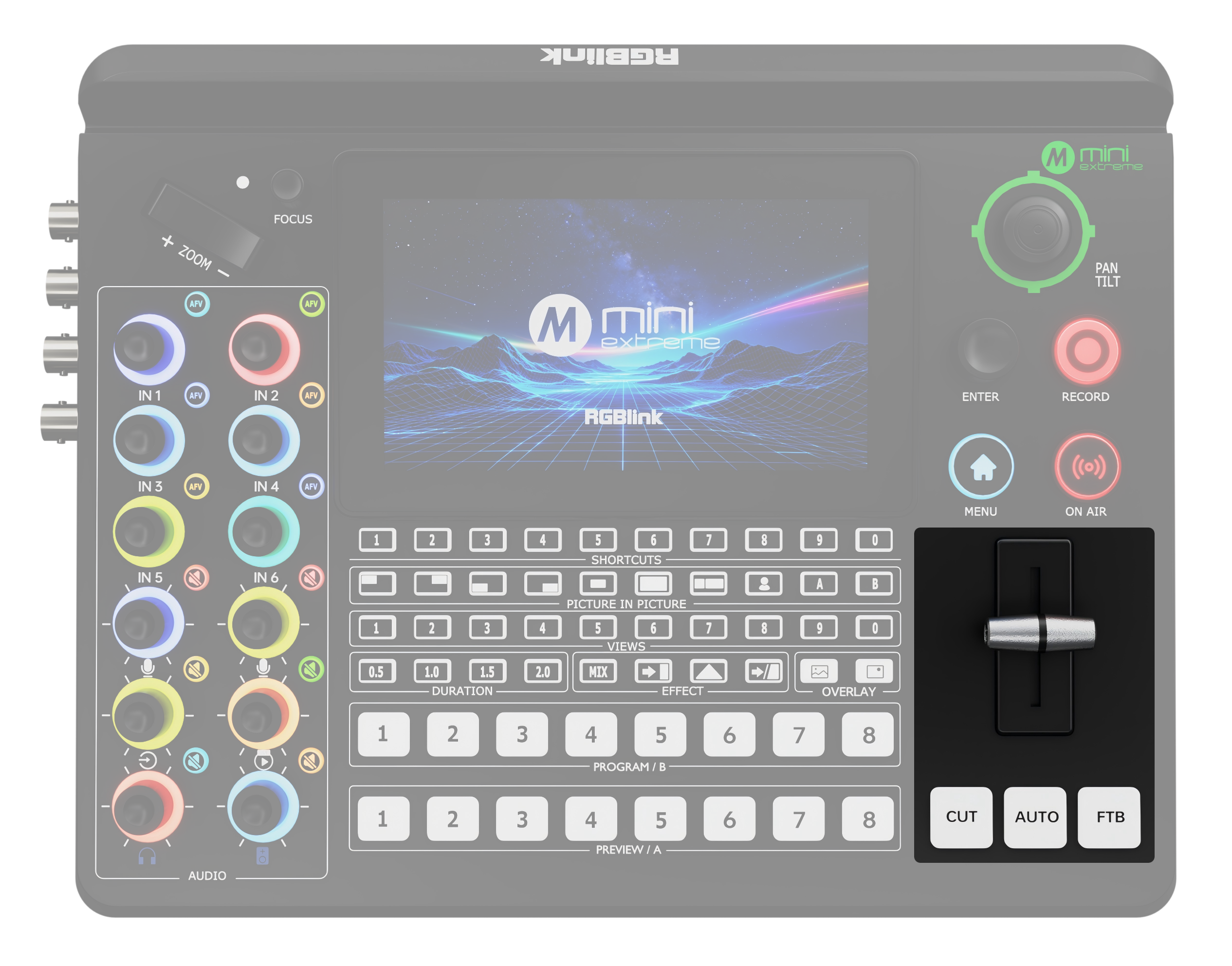
| Modes | Description |
|---|---|
| CUT | Instantly switches Preview to Program without a transition effect. |
| AUTO | Transitions from Preview to Program automatically using the selected effect and duration. By default, mini-extreme uses a 1.0-second Mix transition. |
| FTB | The image gradually fades to black. |
| T-bar | Use the front panel T-bar to control the progression and speed manually. |
📢  Notes

Configure the transition effect and duration used by AUTO mode in MENU > EFFECT.
See chapter 3.7 Transition Effects for details.