Online Manual
mini-extreme ISO User Manual

2.2.12 Audio Settings
mini-extreme ISO supports 15 audio inputs, including embedded and external audio, with up to 11-channel audio mixing.
The front panel provides quick audio controls.
For detailed settings, go to MENU > AUDIO.
Embedded Audio
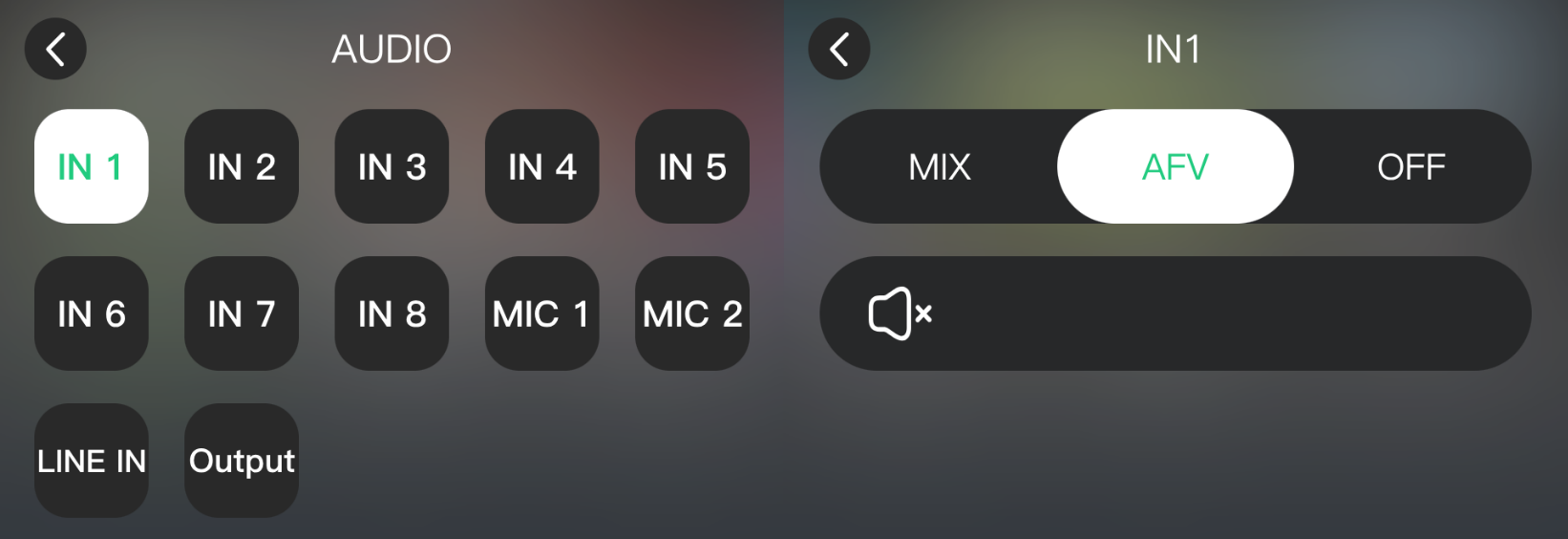
Set the audio mode for each input:
- Mix: Adds the audio to the Program output.
- AFV: Follows the video switch. Same as the front-panel AFV button.
- Off: Disables the audio.
Microphone and Line Inputs
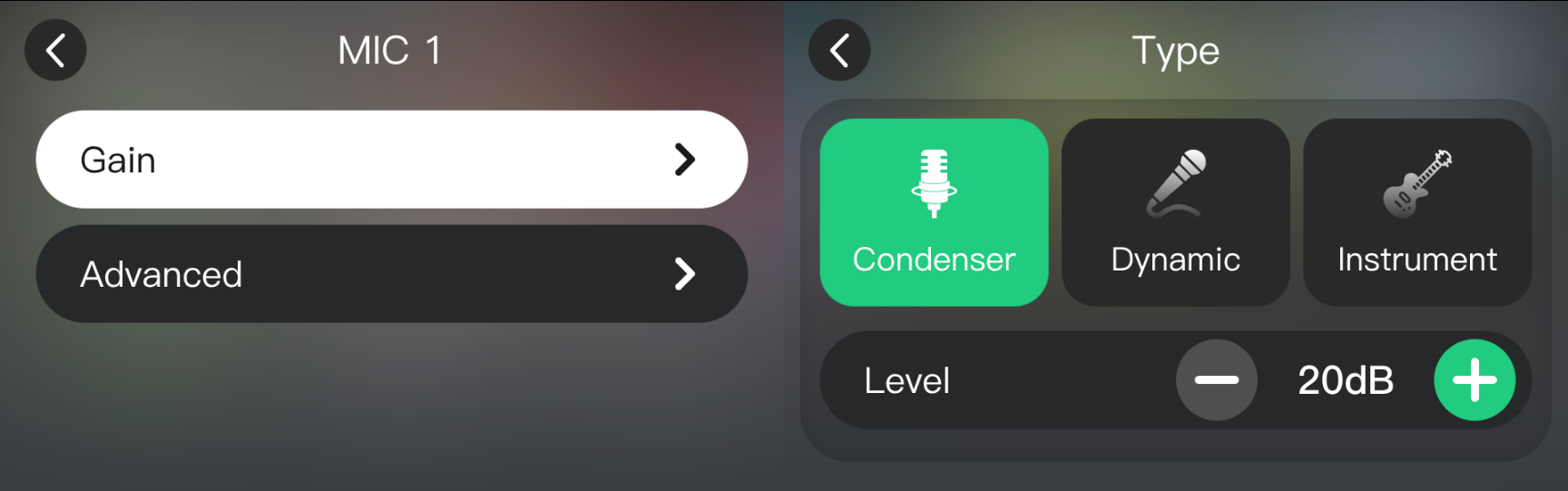
mini-extreme ISO supports MIC 1, MIC 2, and LINE IN.
- Select an audio source.
- Enable Mix to add it to the Program output.
- Tap the settings icon ⚙ in the upper-right corner. Adjust the gain and advanced settings such as EQ, echo, reverb, and so on.
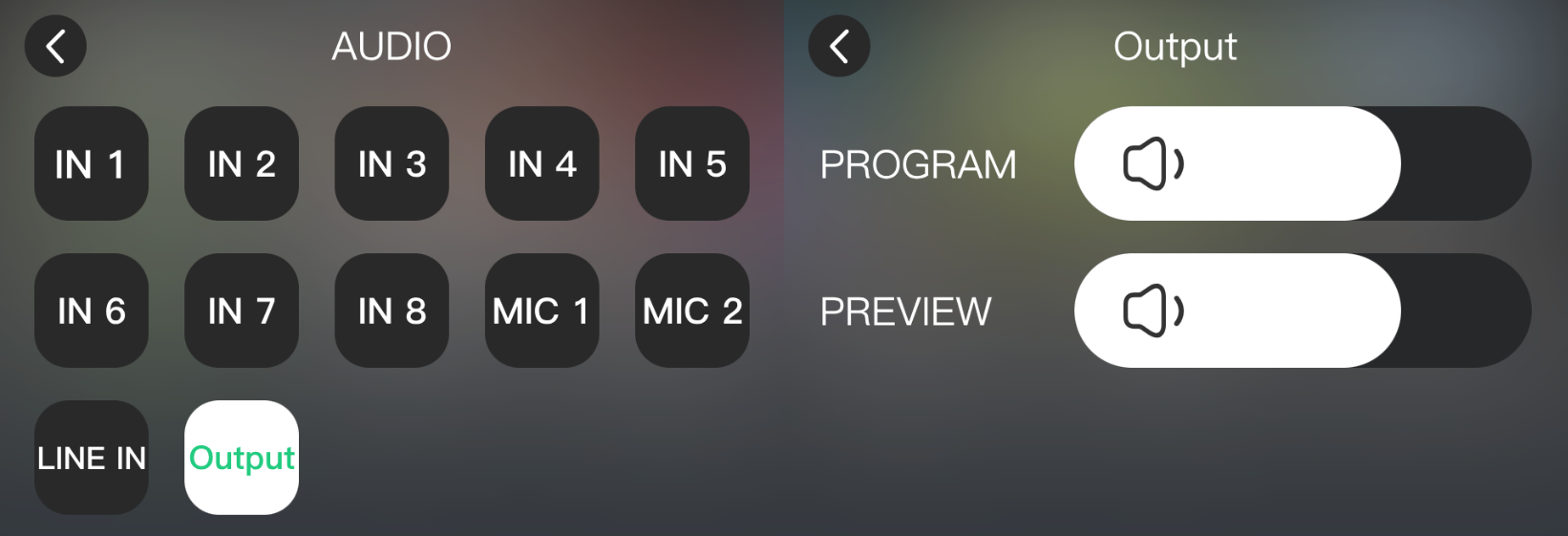
Output Volume
Adjust the Preview and Program output volume under Audio.