Online Manual
mini-extreme ISO User Manual

2.2.4 Input Settings
Select Input Sources
Press MENU and go to INPUT to assign sources to IN1–IN8.
| Input | Source |
|---|---|
| IN1–IN4 | HDMI 1–4; EDID management supported |
| IN5 | SDI 1 or SDI 2 |
| IN6 | SDI 3 or SDI 4 |
| IN7–IN8 | UVC camera or NDI stream |
Input Windows
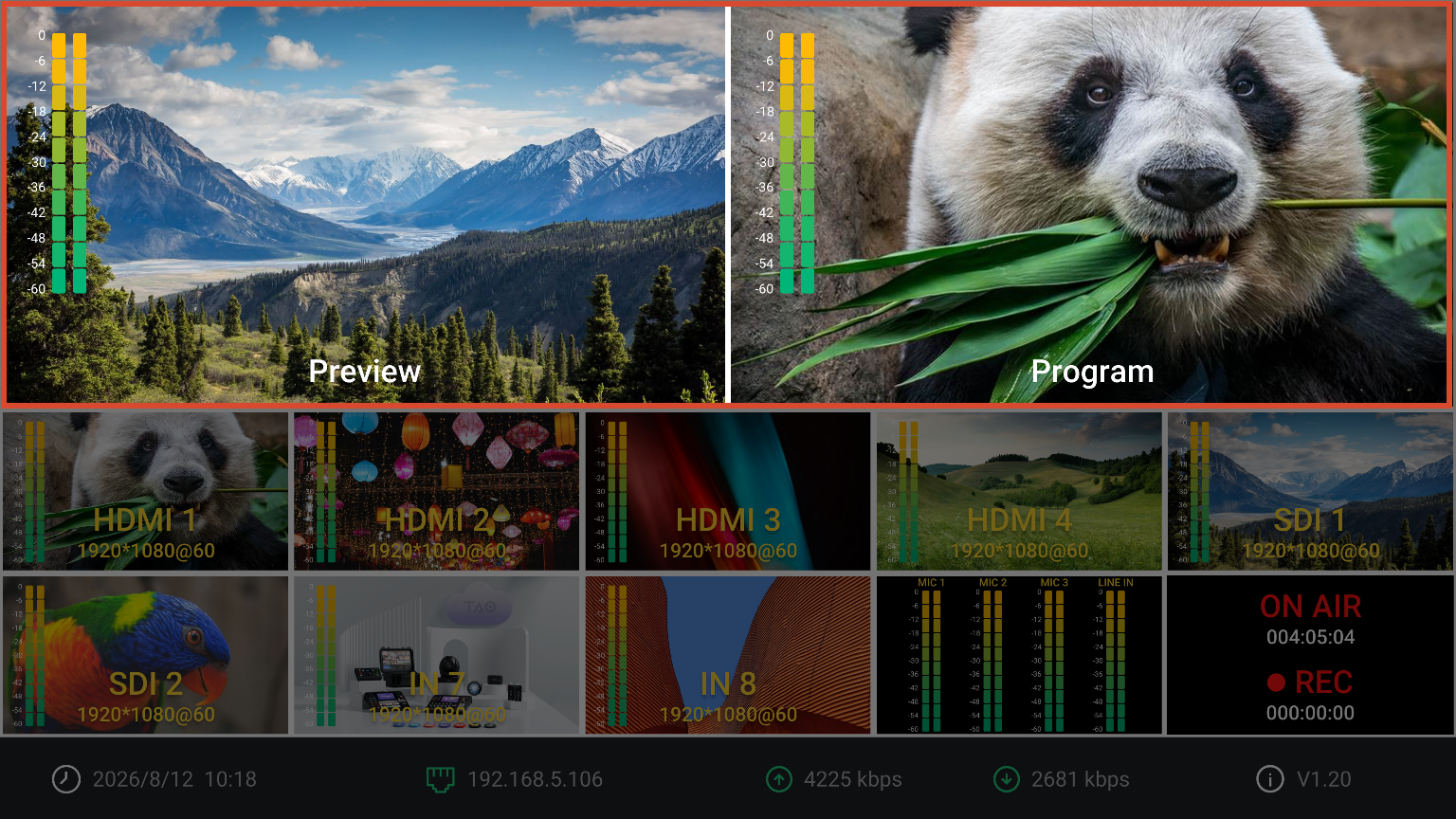
IN1–IN8 correspond to the preview windows on the main screen.
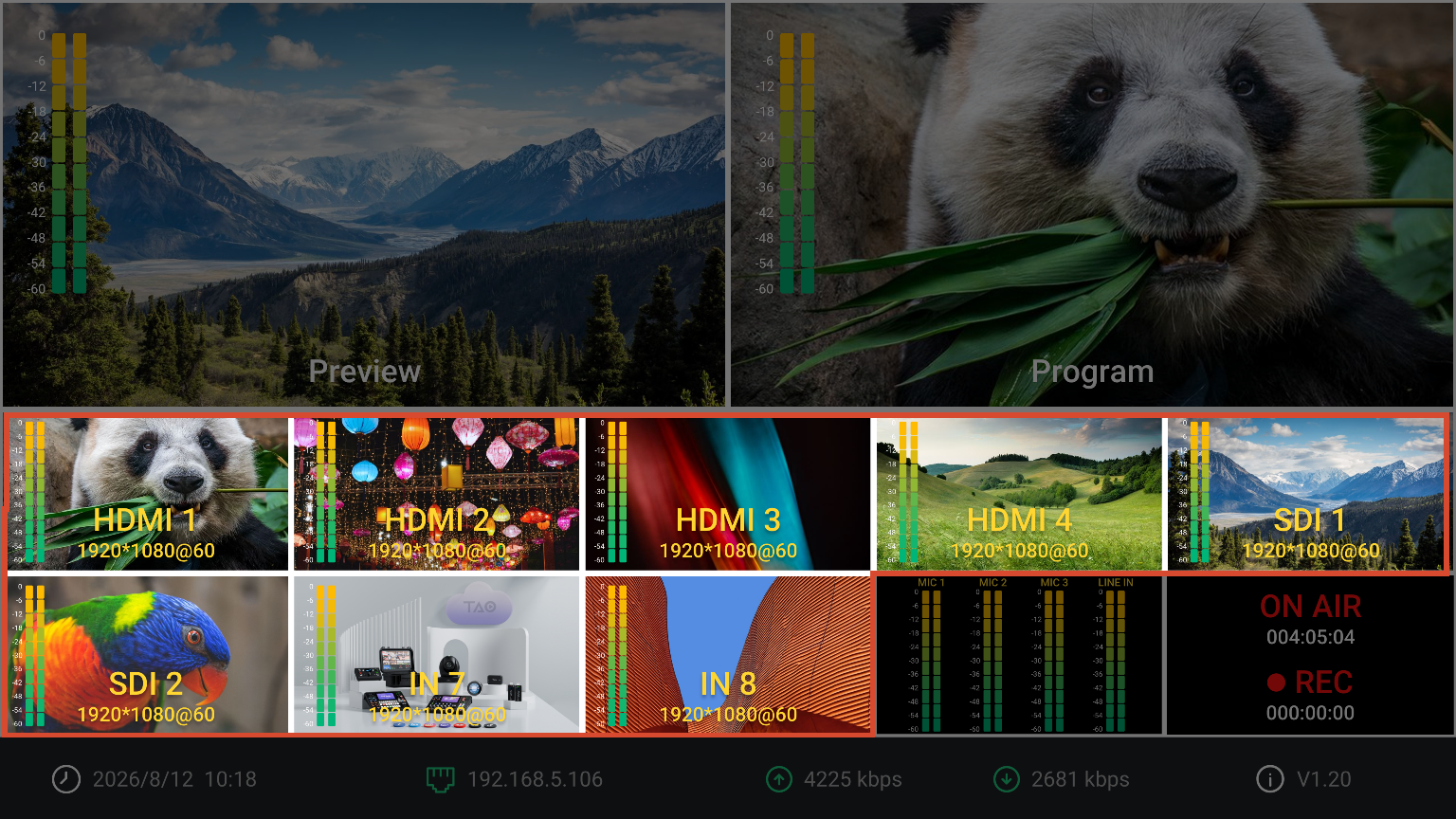
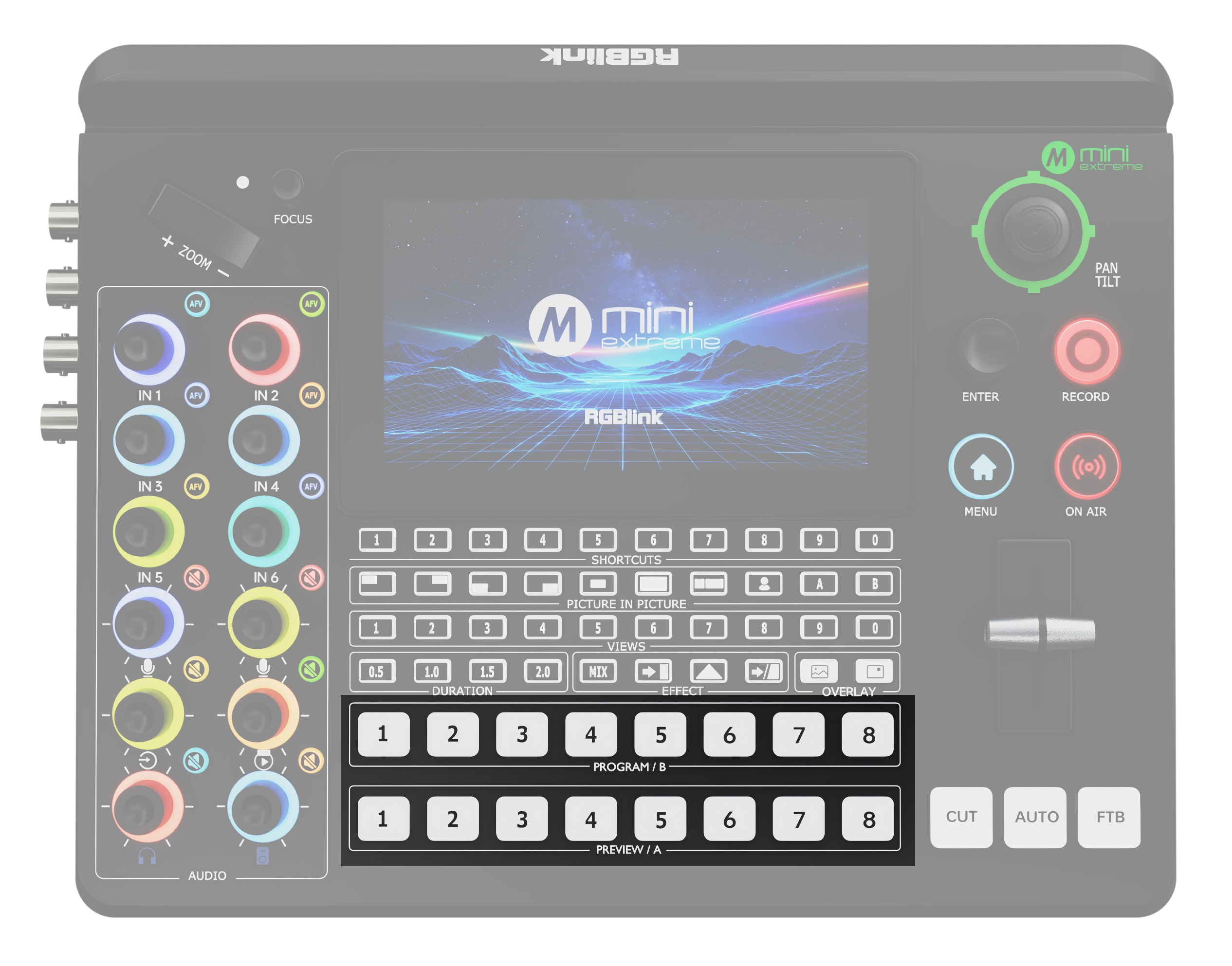
Use the number buttons 1–8 in the PROGRAM/B and PREVIEW/A rows on the front panel to route the corresponding source to Program or Preview.
 | 👉 |  |
|---|