Online Manual
mini-extreme ISO User Manual

3.15 TAO Cloud
mini-extreme can be linked to the TAO Cloud platform for remote live streaming management and multi-platform content distribution.
After logging in to TAO Cloud, users can start live streams directly from the cloud and distribute content to more than 30 major streaming platforms simultaneously, improving both workflow efficiency and audience reach.
3.15.1 Linking to TAO Cloud
- Navigate to MENU > SETTINGS > TAO Cloud
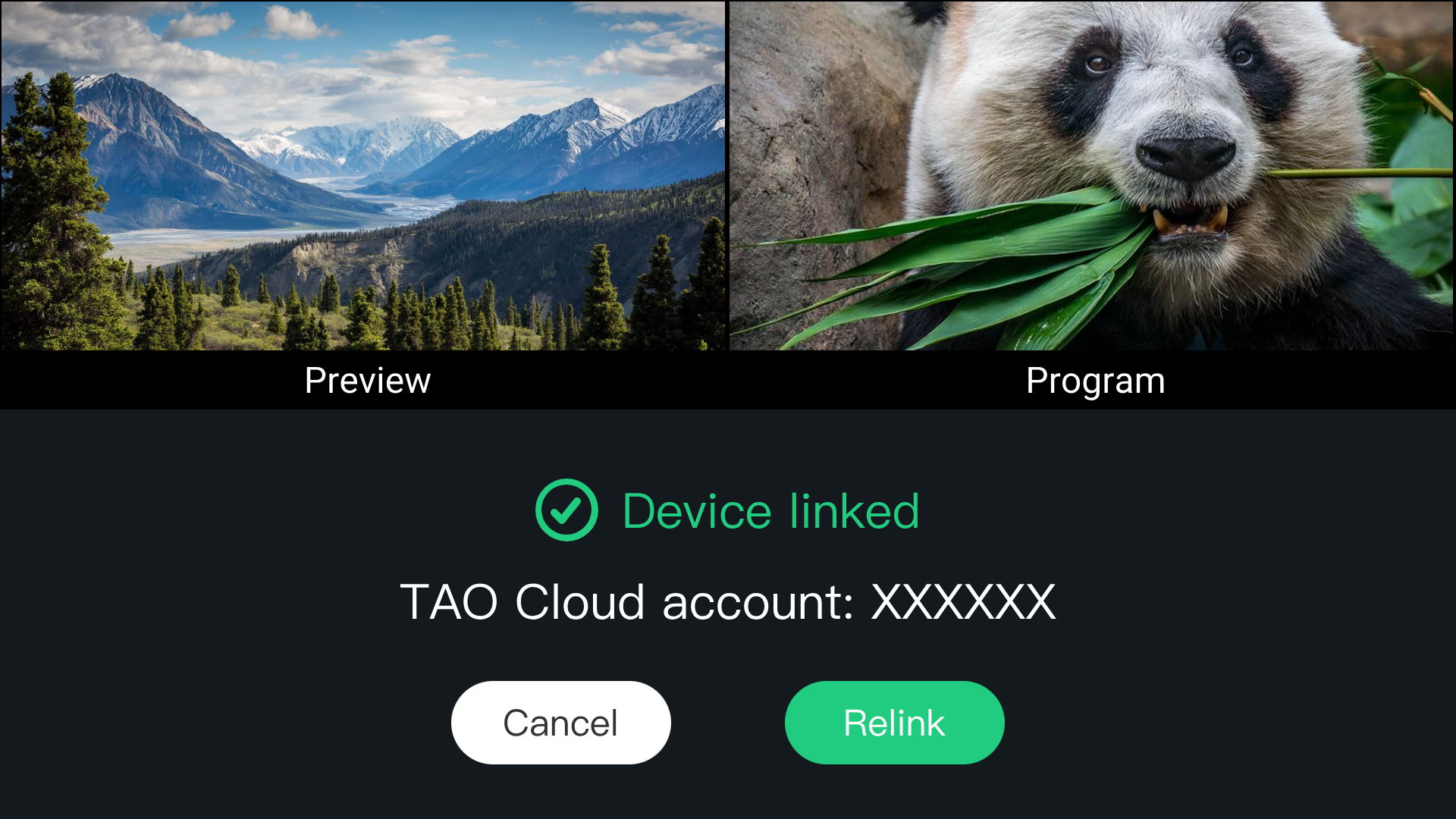
- If the device has not yet been linked to TAO Cloud, a verification code will be displayed. Before obtaining the code, ensure that the device is connected to the network.
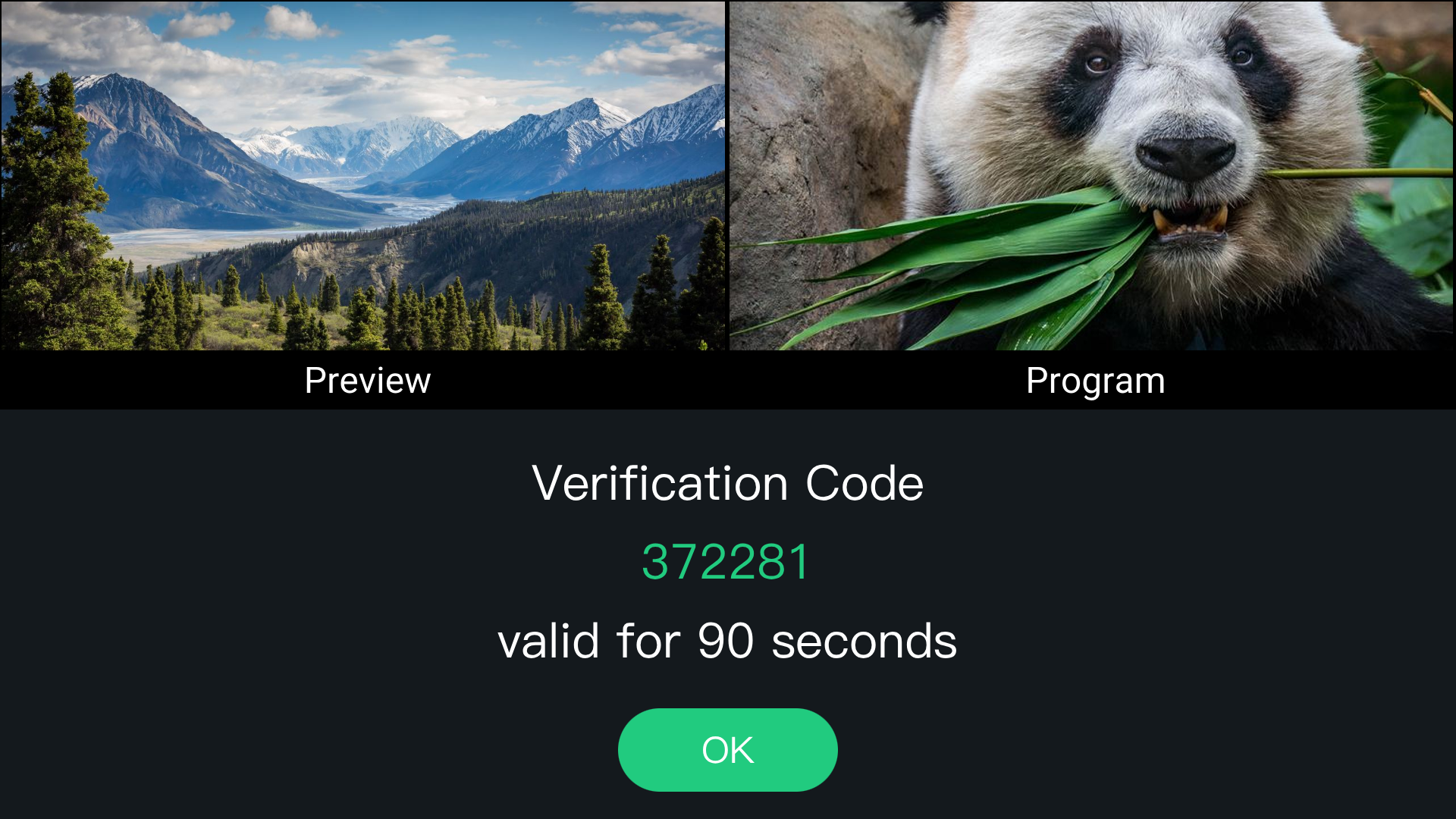
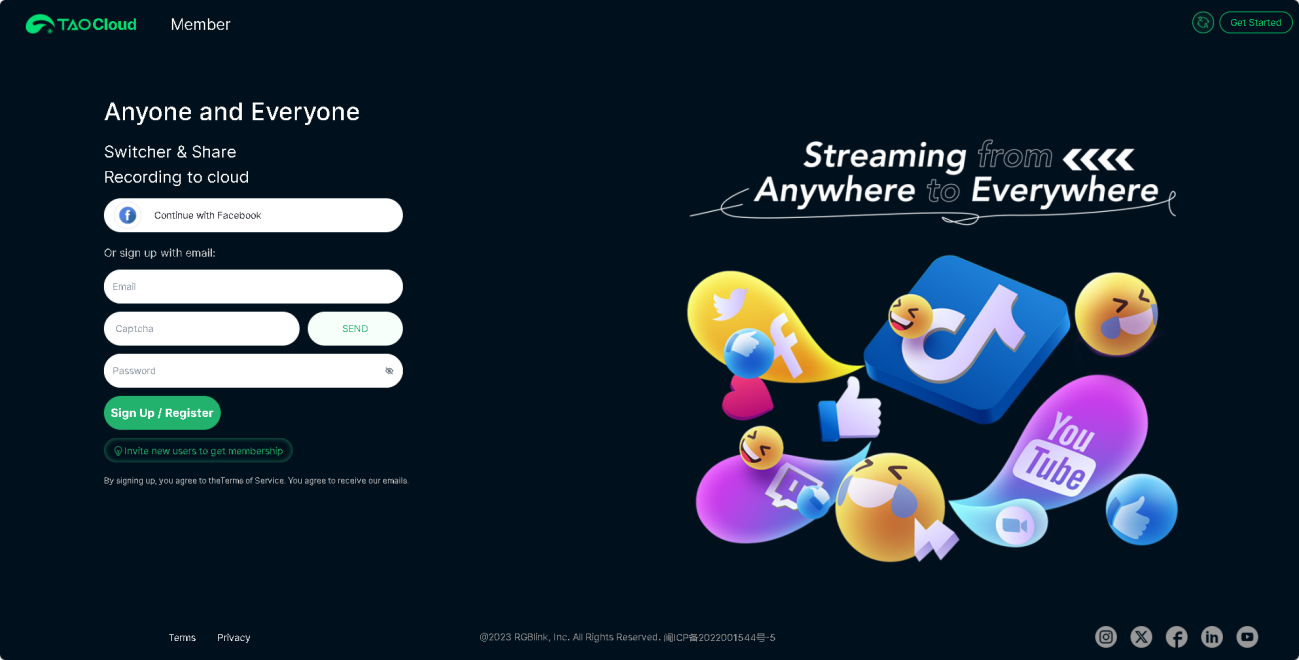
- Open TAO. Enter your mobile phone number, and click Send Verification Code. Enter the received code and click Log In.
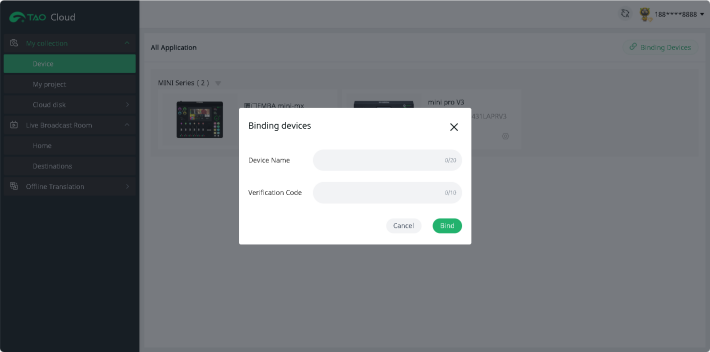
- After logging in, navigate to: My Collection > Device > All Application > Binding Devices
Enter:
- Device Name
- Verification Code
Then tap Bind to complete device binding.
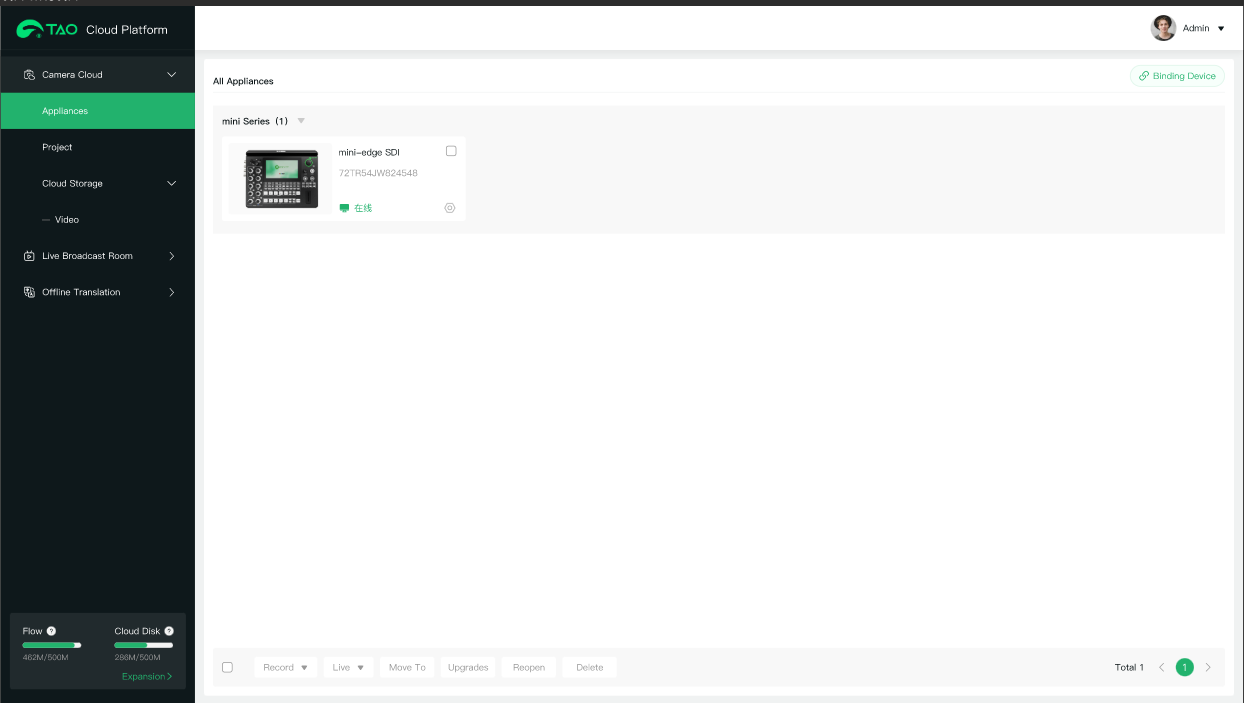
- After binding, the device status can be viewed in All Application page.
3.15.2 Unbind the Device
From the TAO Cloud page on the device:
- Select Relink.
- Confirm.
The current device association will be removed.
📢  Notes

If the device remains connected to the network, performing a factory reset will automatically remove its association with the TAO Cloud platform.
3.15.3Importing Streaming Information via TAO Cloud
- Log in to TAO Cloud and complete device binding.
Make sure the network connection remains stable while receiving the verification code.
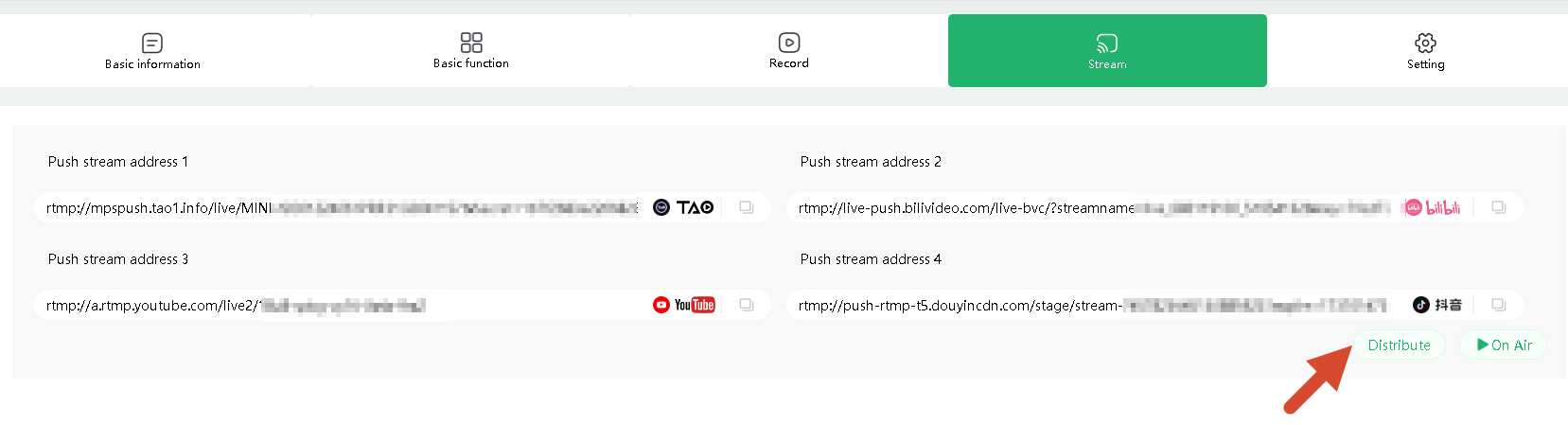
- Paste the streaming address and stream key into TAO Cloud, then click Distribute.
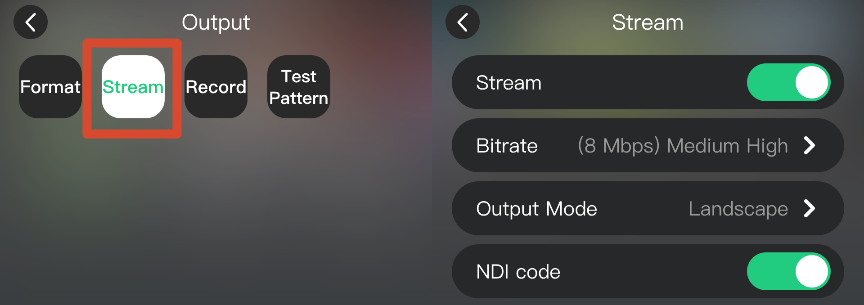
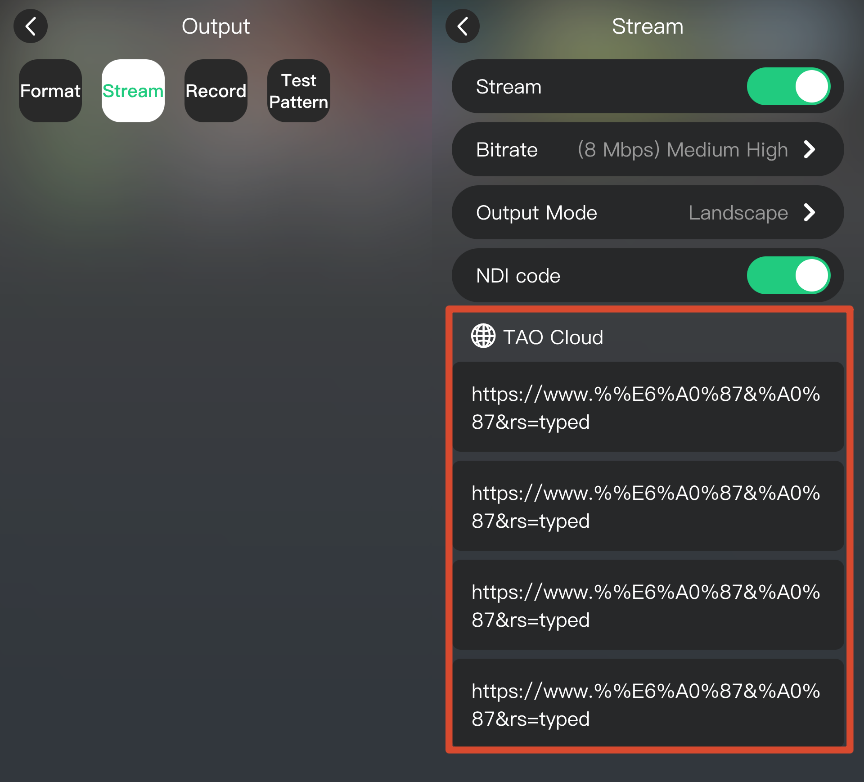
- Navigate to OUTPUT > Stream.
- The device displays all detected streaming destinations.
- Enable the platforms you want to use.
 | 👉 |  |
|---|
3.15.4 TAO Cloud Multi-Platform Streaming
See Live Broadcast Room for details.