Online Manual
mini-extreme ISO User Manual

2.2.3 TAO Cloud
Get the Binding Code
See chapter Version Check & Update and complete the network connection first.
Press MENU and go to SETTINGS > TAO Cloud.
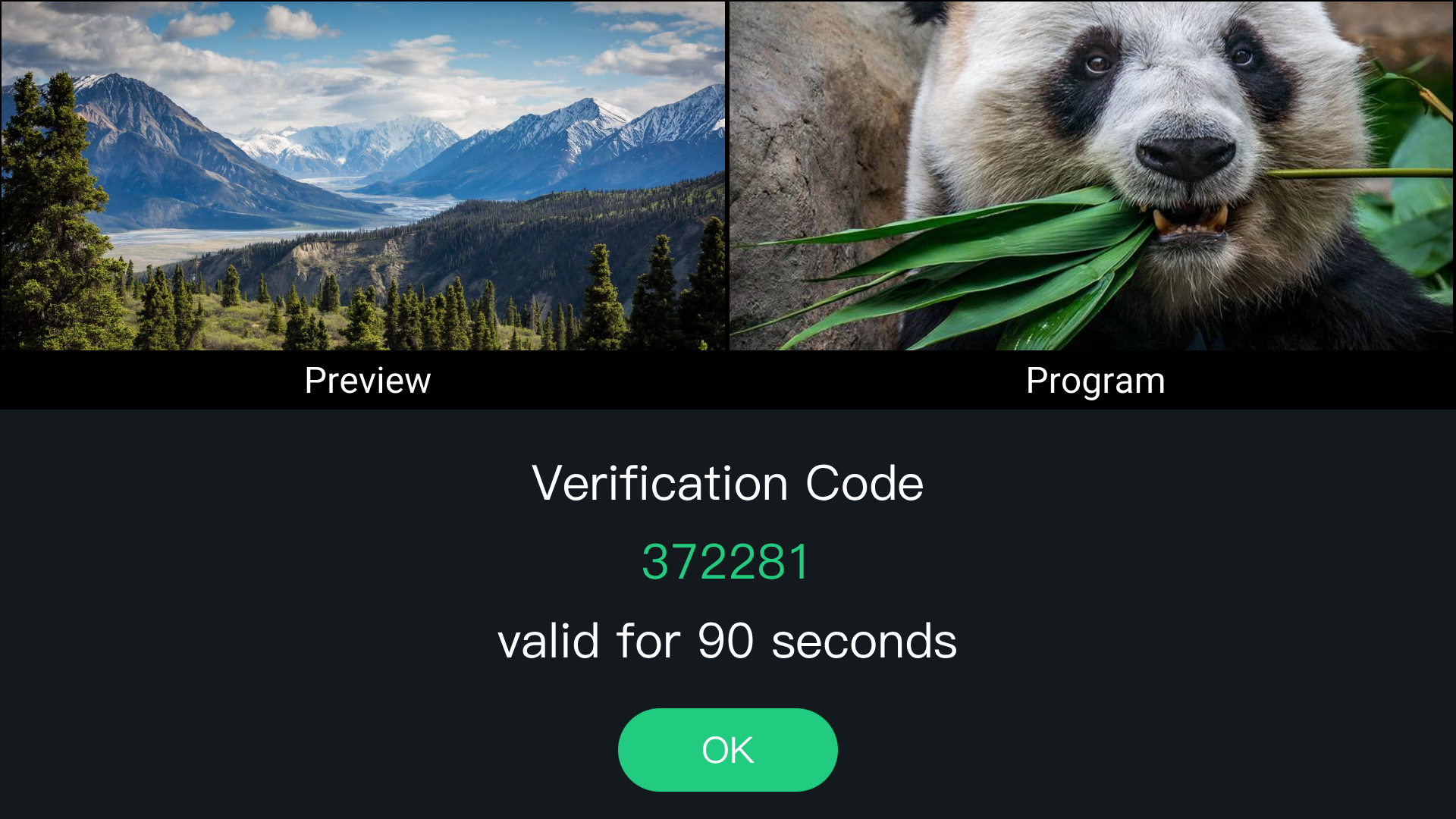
If mini-extreme ISO is not bound to TAO Cloud, use the displayed code to bind the device.
Sign In or Register for TAO Cloud
Enter the TAO Cloud URL in a browser to open the sign-in page.
Enter your e-mail and verification code, then click Sign Up / Register.
TAO Cloud: https://www.tao1live.com
Bind the Device
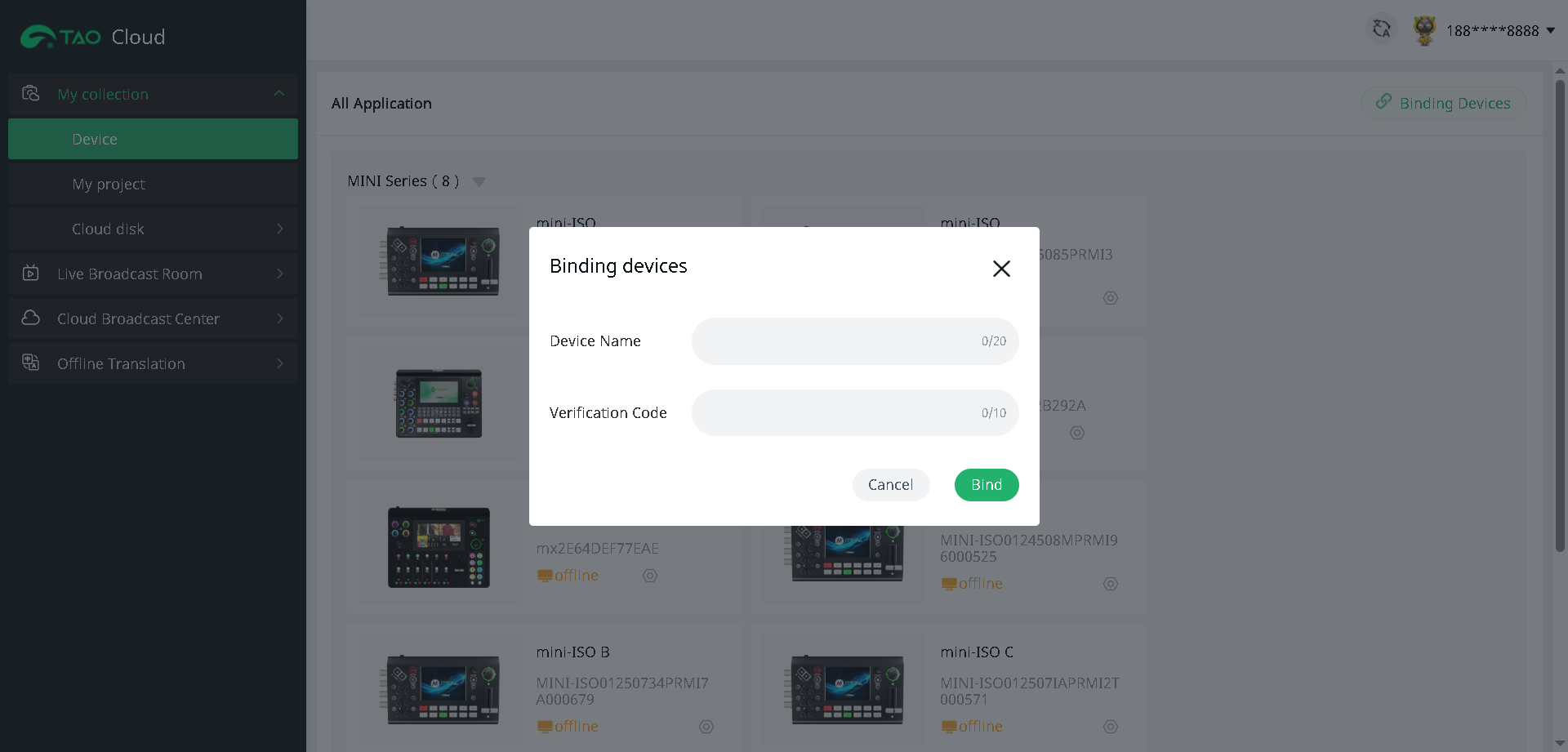
In TAO Cloud, go to My Collection > Device > Binding Devices.
Enter a device name and the verification code in the pop-up window, then click Bind.
View the status of bound devices under All Application.
Unbind the Device
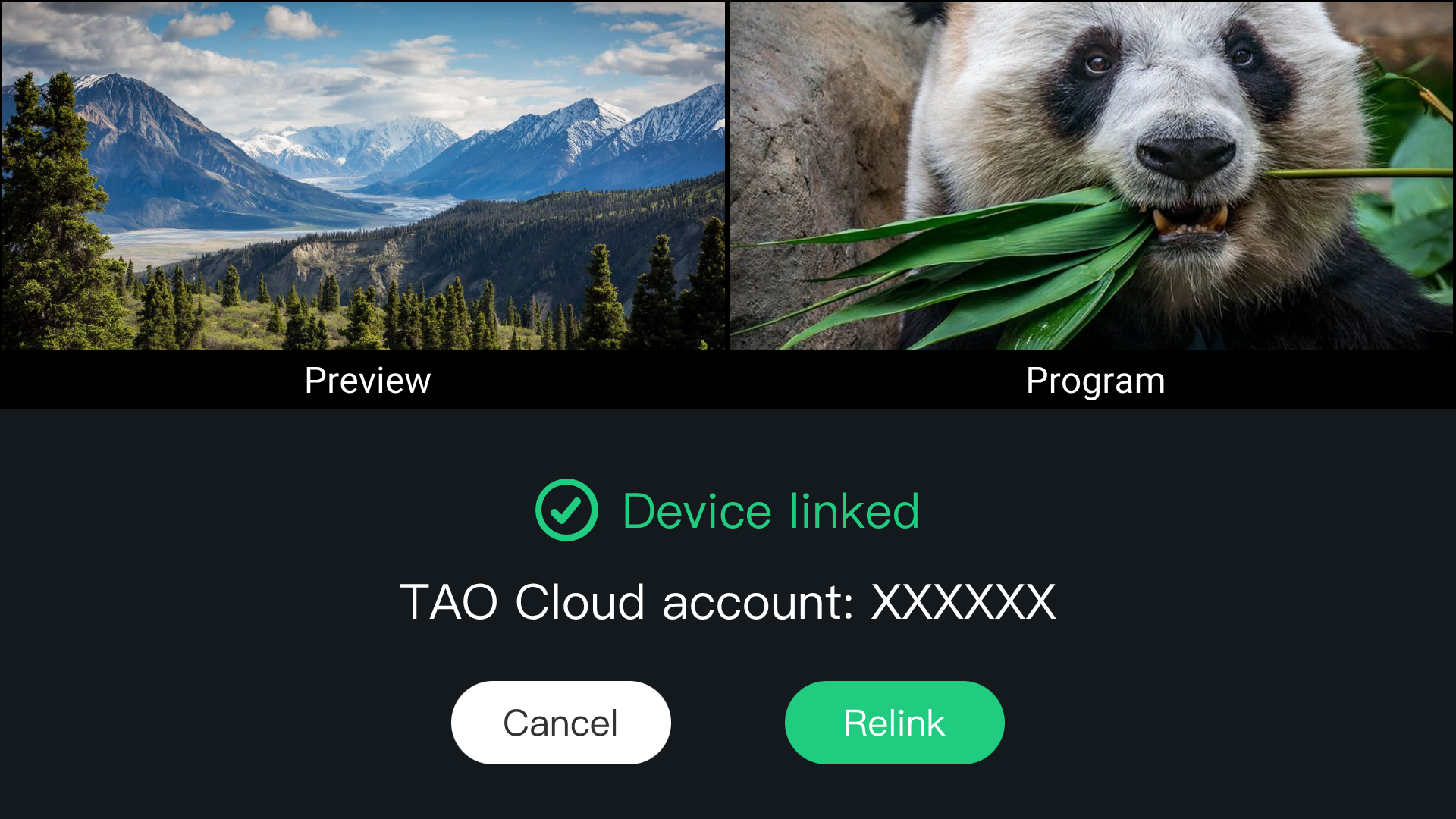
Tap TAO Cloud again and select Rebind to unbind the device.